
Last updated 07-30-2026
Category:
Reviews:
Join thousands of AI enthusiasts in the World of AI!
SQLtroughAI
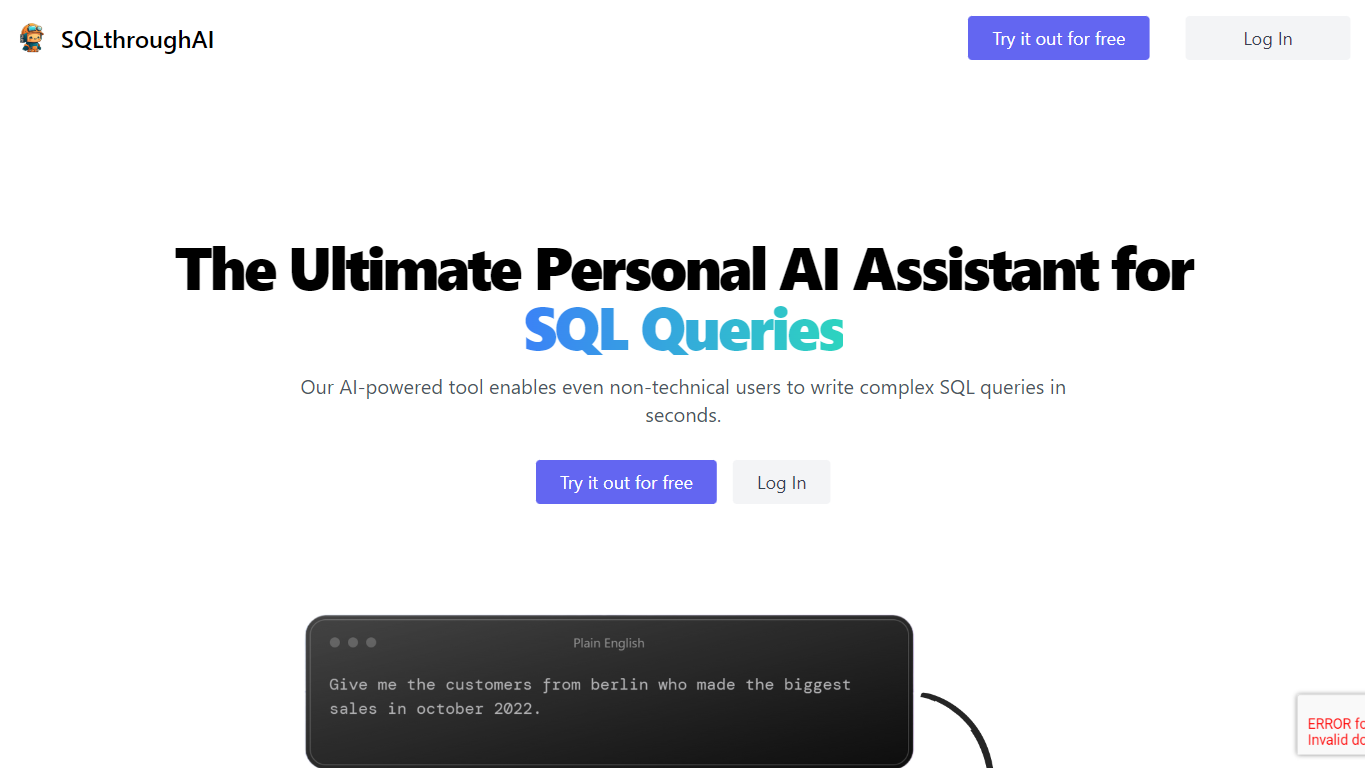
Type a plain-English data question and SQLtroughAI writes the SQL for dialects like MySQL, MongoDB, and Oracle PL/SQL. You start by defining your tables, either by uploading a CSV or Excel file or entering column names and data types manually. The product targets anyone who knows what data they need but does not want to memorize SQL syntax. It lives in the browser with signup, query history, and Stripe billing.
Most text-to-SQL tools assume you already have a live database connection. SQLtroughAI flips that order and asks you to model the dataset first, either from a spreadsheet or manual column entry. The site also says uploaded CSV and Excel contents are not stored, which matters if you are prototyping with sample files rather than production data. That schema-first path is narrower than enterprise query assistants, but it keeps setup lightweight for one-off analysis.
Business analysts, data analysts, and students who know what data they need but not the exact SQL phrasing are the obvious fit. SQLtroughAI stores past runs in Old Queries, so you can revisit generations without rewriting prompts. Billing runs through Stripe once you move past the trial period.
Outputs SQL for MySQL, MongoDB, Oracle PL/SQL, and other dialects listed on the homepage
Define tables by uploading CSV or Excel files, or by entering column names and types manually
SQLthroughAI states it does not store the contents of uploaded CSV or Excel files
14-day free trial with no credit card required to create an account
Logged-in app includes New Query, Old Queries, Databases, Connections, and Stripe billing links
Built on OpenAI models that the team says were adapted specifically for SQL generation
Schema setup works from CSV, Excel, or manual column entry without a live database connection.
Supports multiple SQL dialects including MySQL, MongoDB, and Oracle PL/SQL.
14-day trial requires no credit card to start.
Query history lets you revisit past generations in the Old Queries view.
Public pricing tiers are not listed; the pricing URL redirects to login.
Homepage stats cite 40+ users and 180+ generated queries, signaling a small user base.
Browser-only access with no dedicated mobile apps.
What does SQLtroughAI do?
SQLtroughAI converts plain-English prompts into SQL queries. You define your tables by uploading a CSV or Excel file or entering columns manually, then describe the data you want. SQLtroughAI generates SQL for dialects such as MySQL, MongoDB, and Oracle PL/SQL.
Is there a free trial for SQLtroughAI?
Yes. SQLtroughAI offers a 14-day free trial with no credit card required. You can start from the join page with an email address and a password of at least six characters.
Which SQL dialects does SQLtroughAI support?
SQLtroughAI supports MySQL, MongoDB, Oracle PL/SQL, and other SQL languages listed on its homepage. If your dialect is missing, SQLtroughAI invites you to contact the team to request it.
How do you set up a database in SQLtroughAI?
In SQLtroughAI, click Add Database in the database menu. You can upload a .csv or Excel file or enter column names and data types manually. SQLtroughAI states that uploaded file contents are not stored.
How do you cancel a SQLtroughAI subscription?
SQLtroughAI lists subscription cancellation in its FAQ section. Contact the team at [email protected] or use the Billing link in the logged-in app, which routes to Stripe customer login.
Does SQLtroughAI store uploaded spreadsheet data?
SQLtroughAI states that it does not store the contents of uploaded CSV or Excel files. You still define column names and types for query generation, but the raw spreadsheet rows are not kept.
What credentials do you need to sign up for SQLtroughAI?
SQLtroughAI signup asks for an email address and a password with at least six characters. After creating an account, you can add databases and generate queries from the New Query view.