SQL Builder vs SQLtroughAI
When comparing SQL Builder vs SQLtroughAI, which AI SQL tool shines brighter? We look at pricing, alternatives, upvotes, features, reviews, and more.
In a comparison between SQL Builder and SQLtroughAI, which one comes out on top?
When we put SQL Builder and SQLtroughAI side by side, both being AI-powered sql tools, Interestingly, both tools have managed to secure the same number of upvotes. Be a part of the decision-making process. Your vote could determine the winner.
Disagree with the result? Upvote your favorite tool and help it win!
SQL Builder
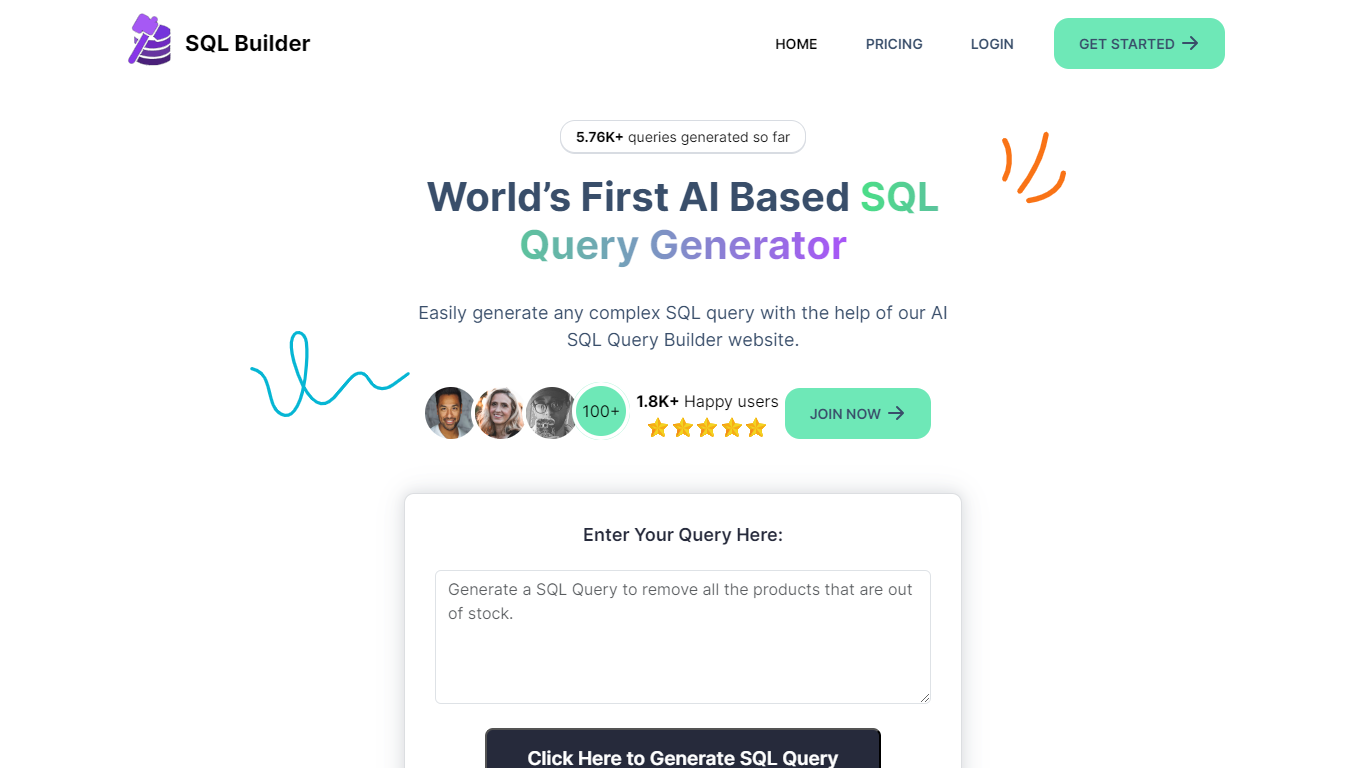

What is SQL Builder?
SQL Builder is an AI-powered platform that helps users generate complex SQL queries without needing to write code. It supports both technical and non-technical users by providing a no-code SQL builder that simplifies data exploration, report generation, and insight extraction. The tool also includes a SQL Syntax Explainer that breaks down queries step-by-step, making it easier to understand complex SQL statements. Additionally, SQL Builder offers an AI-driven SQL Optimizer that analyzes queries and suggests improvements to speed up execution and enhance efficiency. Users can also clean up their SQL code with the SQL Formatter, which organizes and beautifies queries for better readability. To reduce errors, the SQL Syntax Validator scans queries for syntax mistakes and provides detailed feedback to help users fix issues quickly. Beyond SQL, the platform supports NoSQL databases with a no-code query builder that simplifies interactions with databases like MongoDB. SQL Builder supports multiple natural languages for user prompts, broadening accessibility. It also offers an API for integration with existing systems. The platform is designed to boost productivity and accuracy in database operations, catering to a wide range of database types and user skill levels.
SQLtroughAI
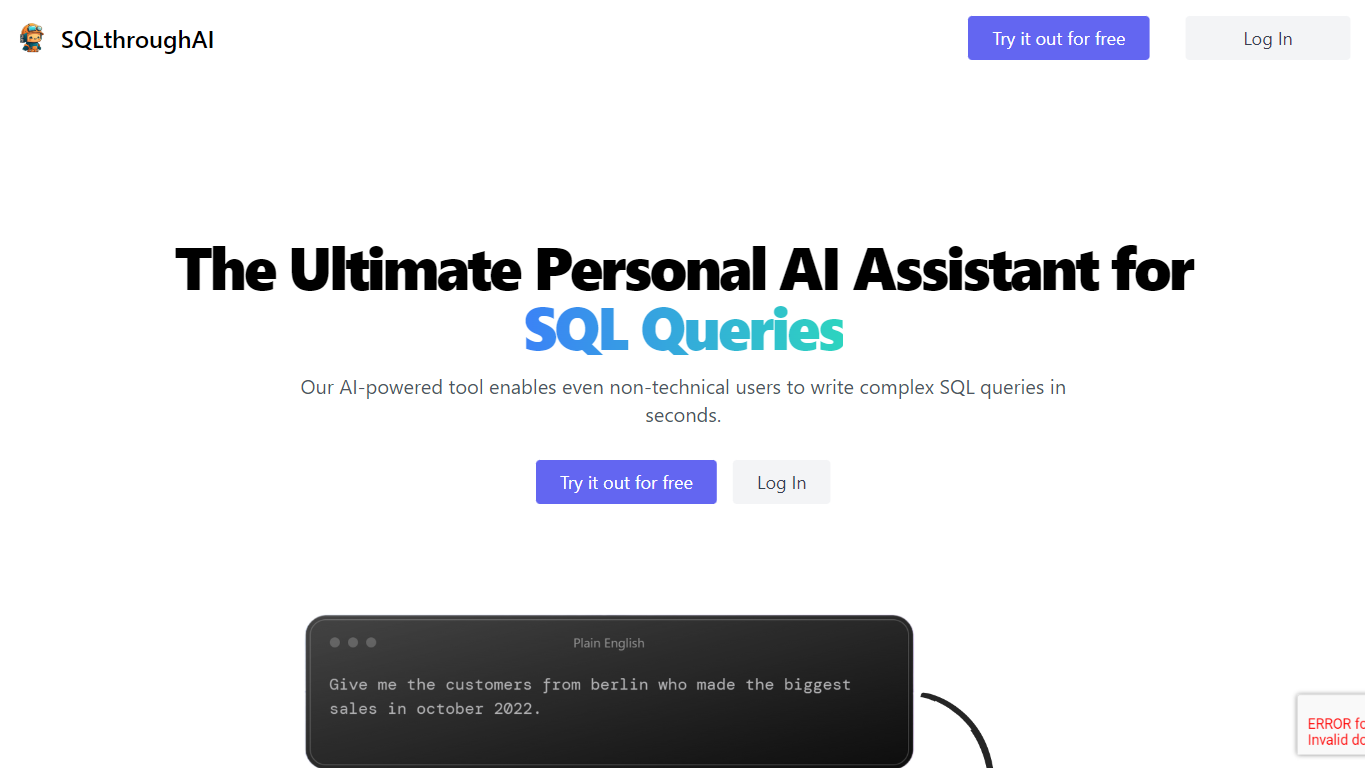
What is SQLtroughAI?
Type a plain-English data question and SQLtroughAI writes the SQL for dialects like MySQL, MongoDB, and Oracle PL/SQL. You start by defining your tables, either by uploading a CSV or Excel file or entering column names and data types manually. The product targets anyone who knows what data they need but does not want to memorize SQL syntax. It lives in the browser with signup, query history, and Stripe billing.
Most text-to-SQL tools assume you already have a live database connection. SQLtroughAI flips that order and asks you to model the dataset first, either from a spreadsheet or manual column entry. The site also says uploaded CSV and Excel contents are not stored, which matters if you are prototyping with sample files rather than production data. That schema-first path is narrower than enterprise query assistants, but it keeps setup lightweight for one-off analysis.
Business analysts, data analysts, and students who know what data they need but not the exact SQL phrasing are the obvious fit. SQLtroughAI stores past runs in Old Queries, so you can revisit generations without rewriting prompts. Billing runs through Stripe once you move past the trial period.
SQL Builder Upvotes
SQLtroughAI Upvotes
SQL Builder Top Features
🛠️ No-Code SQL Builder lets anyone create complex queries easily
🔍 SQL Syntax Explainer breaks down queries for clear understanding
⚡ SQL Optimizer speeds up queries by suggesting performance improvements
🎨 SQL Formatter cleans and organizes code for better readability
✅ SQL Syntax Validator finds errors and guides quick fixes
SQLtroughAI Top Features
Outputs SQL for MySQL, MongoDB, Oracle PL/SQL, and other dialects listed on the homepage
Define tables by uploading CSV or Excel files, or by entering column names and types manually
SQLthroughAI states it does not store the contents of uploaded CSV or Excel files
14-day free trial with no credit card required to create an account
Logged-in app includes New Query, Old Queries, Databases, Connections, and Stripe billing links
Built on OpenAI models that the team says were adapted specifically for SQL generation
SQL Builder Category
- SQL
SQLtroughAI Category
- SQL
SQL Builder Pricing Type
- Freemium
SQLtroughAI Pricing Type
- Freemium