Top 16 SQL Query Builder AI tools in 2026
The SQL Query Builders tools are designed to help users create complex SQL queries without needing deep technical knowledge. It allows you to easily select tables, define relationships, and specify conditions using a simple, intuitive interface. Whether you're a beginner looking to learn SQL or an experienced user who wants to speed up query creation, the SQL Query Builder simplifies the process by guiding you through each step. You can generate SELECT, INSERT, UPDATE, and DELETE statements quickly, making it an essential tool for anyone working with databases.
With the SQL Query Builder, you don't have to worry about remembering syntax or dealing with complicated queries. The tool automatically generates the SQL code based on your selections, ensuring that your queries are error-free. It’s perfect for building both simple queries and more advanced, multi-table joins, providing a user-friendly approach to working with databases. Whether you're managing data for a small project or a large enterprise, the SQL Query Builder saves time and helps you focus on the data, not the code.
AI SQL By LogicLoop
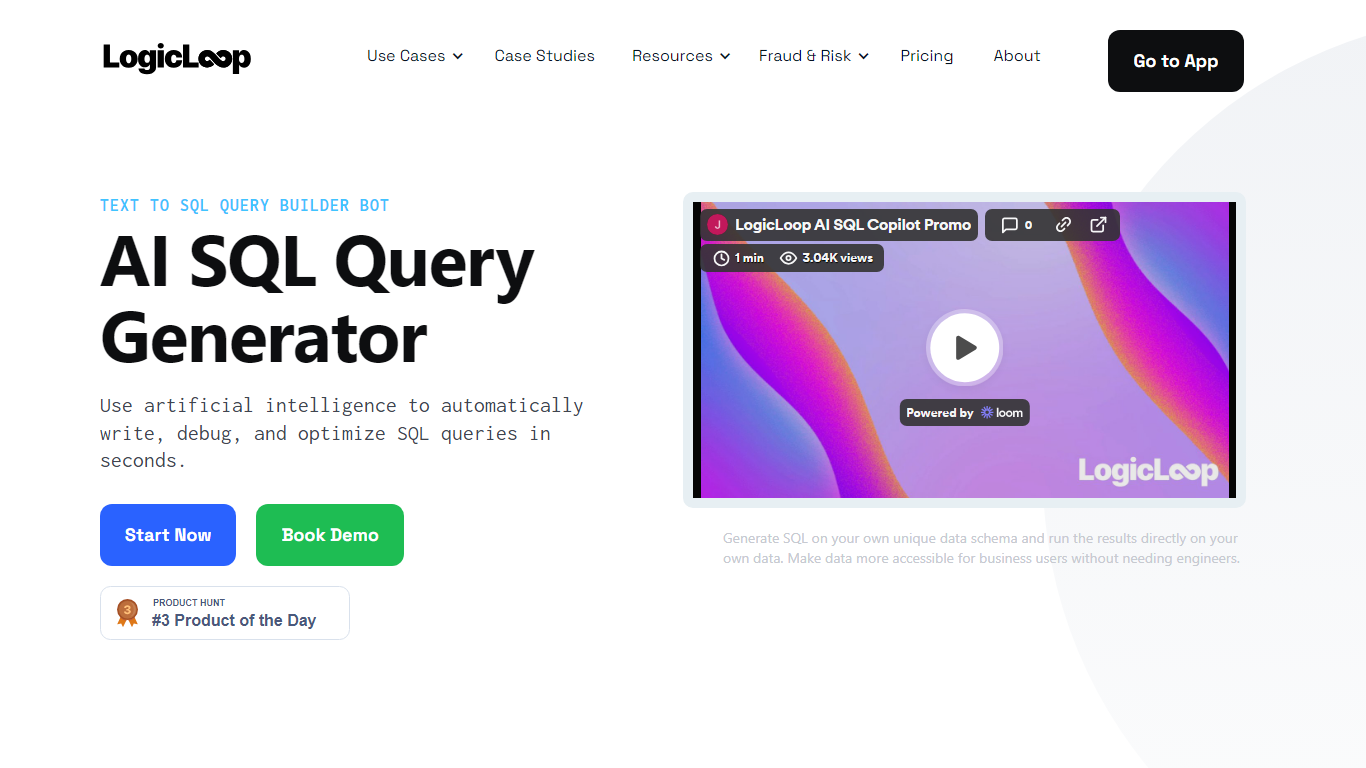
Why use AI SQL By LogicLoop? and how does it work?
AI SQL By LogicLoop turns plain English into SQL you can run against your own database schema inside the LogicLoop platform. Describe the data you need, and the copilot writes the query, then you execute results on connected sources like Postgres, BigQuery, or Redshift. The same assistant also debugs broken queries and suggests performance edits.
Standalone text-to-SQL chatbots stop at generating syntax. LogicLoop embeds the copilot in a collaborative SQL editor where you save queries, build dashboards, schedule alerts, and wire automations to Slack or email. Growth and Enterprise plans add a SQL generation API, so the assistant is one layer in an operations workflow rather than a one-off query writer.
Business analysts, operations teams, and data scientists use AI SQL By LogicLoop to query live data without waiting on engineers. LogicLoop reports more than 100,000 queries generated and positions setup at about five minutes with no credit card required on the free tier.
Converts plain English descriptions into SQL against your connected schema and runs results on your data
Debug mode fixes broken SQL when you paste a failing query and ask the copilot to repair it
Optimizer suggests edits to improve query performance and reduce warehouse cost
Free plan includes AI SQL Copilot with your first 1,000 actions and runs at $0 per month
Starter plan at $49 per month includes 10 active queries and 500 actions with daily refresh
Growth and Enterprise tiers expose SQL generation through an API for programmatic use
Text To SQL By Toolske
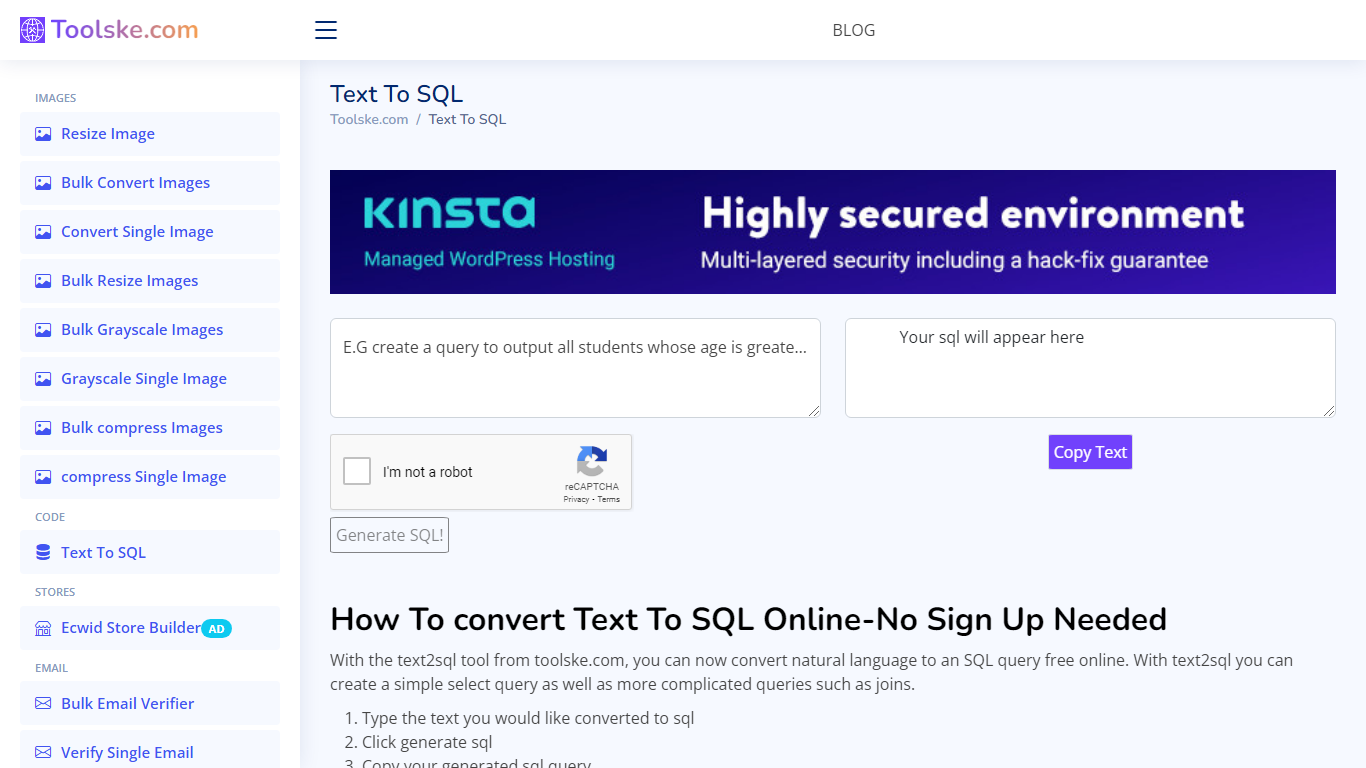
Why use Text To SQL By Toolske?
Transform natural language into SQL queries effortlessly with Toolske.com's Text To SQL free online tool. This user-friendly service allows you to convert text to structured SQL commands without needing to sign up. Ideal for students, developers, and anyone interested in database management, Toolske.com simplifies SQL creation.
With the Text To SQL feature, simply type your plain English query, and the system generates the respective SQL code. From basic select queries to more advanced statements involving joins, Toolske.com caters to a range of SQL requirements. Once your SQL is generated, a convenient copy function enables you to quickly use the code in your projects.
Ease of Use: Convert natural language to an SQL query with a simple text input and click.
No Signup Needed: Immediate access to the tool without the hassle of account creation.
Versatile SQL Queries: Generate simple select queries or complex join statements.
Instant Code Copying: Easily copy the generated SQL for immediate use.
Accessibility: A readily available online tool that is completely free of charge.
SQL Builder
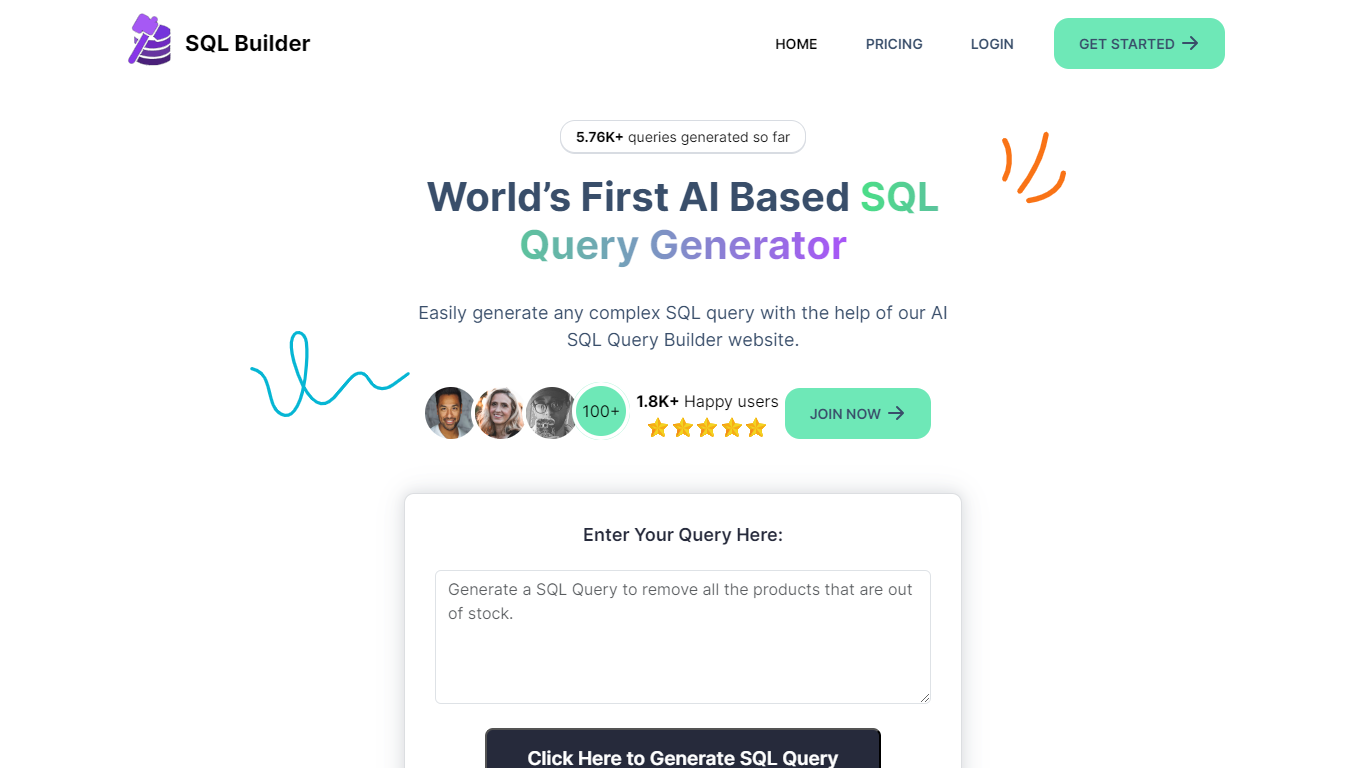
Why choose SQL Builder?
SQL Builder is an AI-powered platform that helps users generate complex SQL queries without needing to write code. It supports both technical and non-technical users by providing a no-code SQL builder that simplifies data exploration, report generation, and insight extraction. The tool also includes a SQL Syntax Explainer that breaks down queries step-by-step, making it easier to understand complex SQL statements. Additionally, SQL Builder offers an AI-driven SQL Optimizer that analyzes queries and suggests improvements to speed up execution and enhance efficiency. Users can also clean up their SQL code with the SQL Formatter, which organizes and beautifies queries for better readability. To reduce errors, the SQL Syntax Validator scans queries for syntax mistakes and provides detailed feedback to help users fix issues quickly. Beyond SQL, the platform supports NoSQL databases with a no-code query builder that simplifies interactions with databases like MongoDB. SQL Builder supports multiple natural languages for user prompts, broadening accessibility. It also offers an API for integration with existing systems. The platform is designed to boost productivity and accuracy in database operations, catering to a wide range of database types and user skill levels.
🛠️ No-Code SQL Builder lets anyone create complex queries easily
🔍 SQL Syntax Explainer breaks down queries for clear understanding
⚡ SQL Optimizer speeds up queries by suggesting performance improvements
🎨 SQL Formatter cleans and organizes code for better readability
✅ SQL Syntax Validator finds errors and guides quick fixes
TEXT2SQL.AI
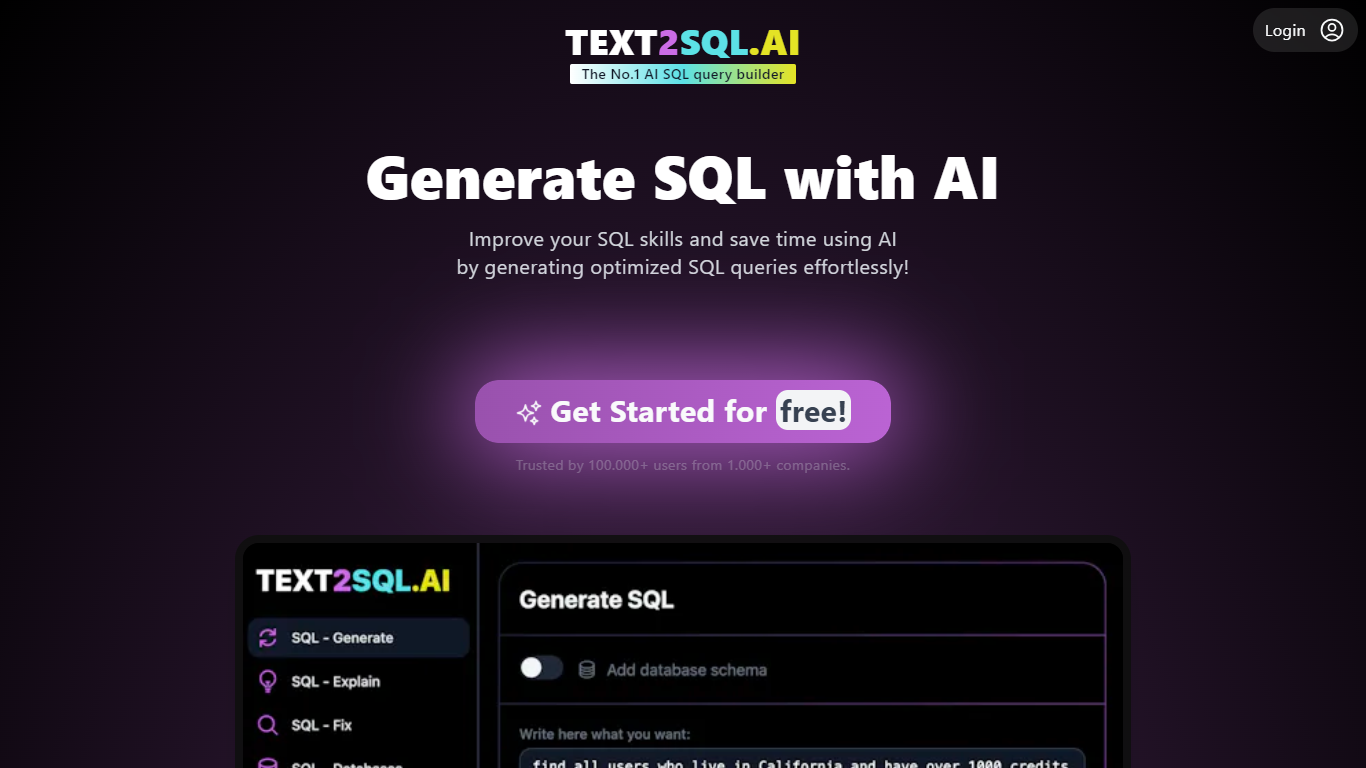
What does TEXT2SQL.AI do?
TEXT2SQL.AI converts plain English questions into SQL queries for MySQL, PostgreSQL, SQL Server, Oracle, and other SQL or NoSQL databases. You describe what you need, and the tool returns dialect-aware SQL in seconds. Upload your database schema so the model knows your tables, columns, and relationships before it writes a query.
Generic chat tools can draft SQL, but they guess at your schema unless you paste it every time. TEXT2SQL.AI bakes schema context into the workflow and adds an Insights view that shows the query, results, chart, and explanation in one screen. A desktop app for Windows, macOS, and Linux runs locally so credentials stay on your machine while only schema names go to the cloud.
Data analysts, backend engineers, and product managers who know the question but not the syntax use it to skip waiting on a dedicated SQL writer. SimplyFleet's founder reports most requests generate the right SQL on the first try. Pro plans include unlimited chat messages, API access with 100 requests per month, and the desktop client.
Generate SQL from natural language for 12+ SQL and NoSQL database types
Upload your database schema so queries match your tables and relationships
Insights view combines SQL, results, charts, and explanations in one screen
Public API includes 100 requests per month on Pro plans for custom integrations
Desktop app for Windows, macOS, and Linux keeps credentials encrypted locally
Follow-up questions refine queries until the output matches what you need
Also generates Excel formulas and Regex patterns from plain language prompts
Avanty
How does Avanty work?
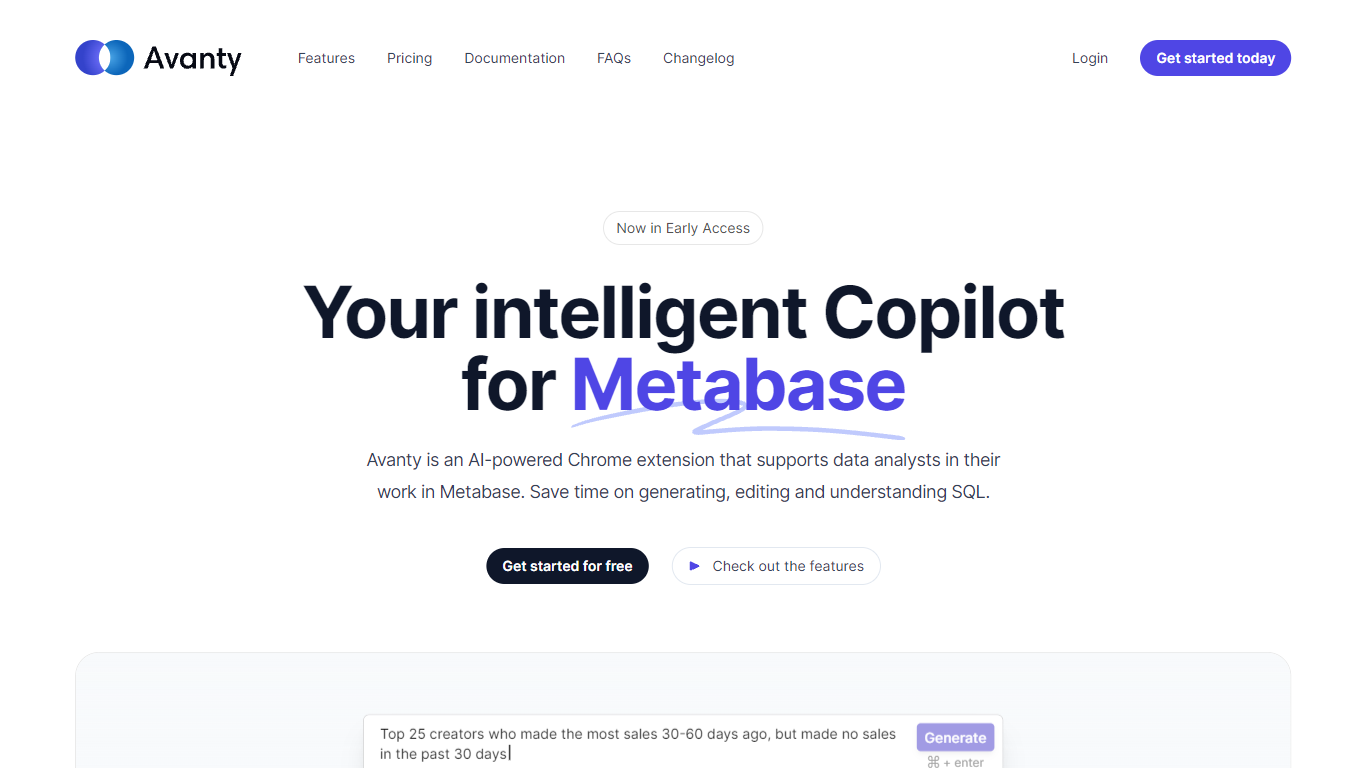
Avanty sits inside Metabase as a Chrome extension and writes SQL from plain English prompts. It reads your connected schema, drafts queries in the editor, and explains existing SQL step by step so analysts spend less time fighting syntax.
Generic SQL copilots work in a blank editor. Avanty is scoped to Metabase: it knows your tables, respects custom schema names like datawarehouse.users, and opens from a command panel with Cmd Shift period on macOS or Ctrl Shift period on Windows. An inline diff viewer shows proposed edits before you accept them.
Data analysts and analytics engineers who live in Metabase get the most from Avanty. Business questions that used to mean a Slack ping and a half-written query can start as a natural language prompt, land in Metabase as a draft question, and move through review faster. A preview Slack integration even surfaces matching Metabase questions from channel messages.
Generates SQL from natural language using your live Metabase schema
Inline diff viewer shows AI-suggested query edits before you accept them
Command panel opens with Cmd Shift period on macOS or Ctrl Shift period on Windows
History tab at dashboard.avanty.app stores past prompts and explanations
Supports custom schema names such as datawarehouse.users in generated queries
Preview Slack integration finds or drafts Metabase questions from channel messages
Blaze SQL AI
What is Blaze SQL AI? and how does it work?
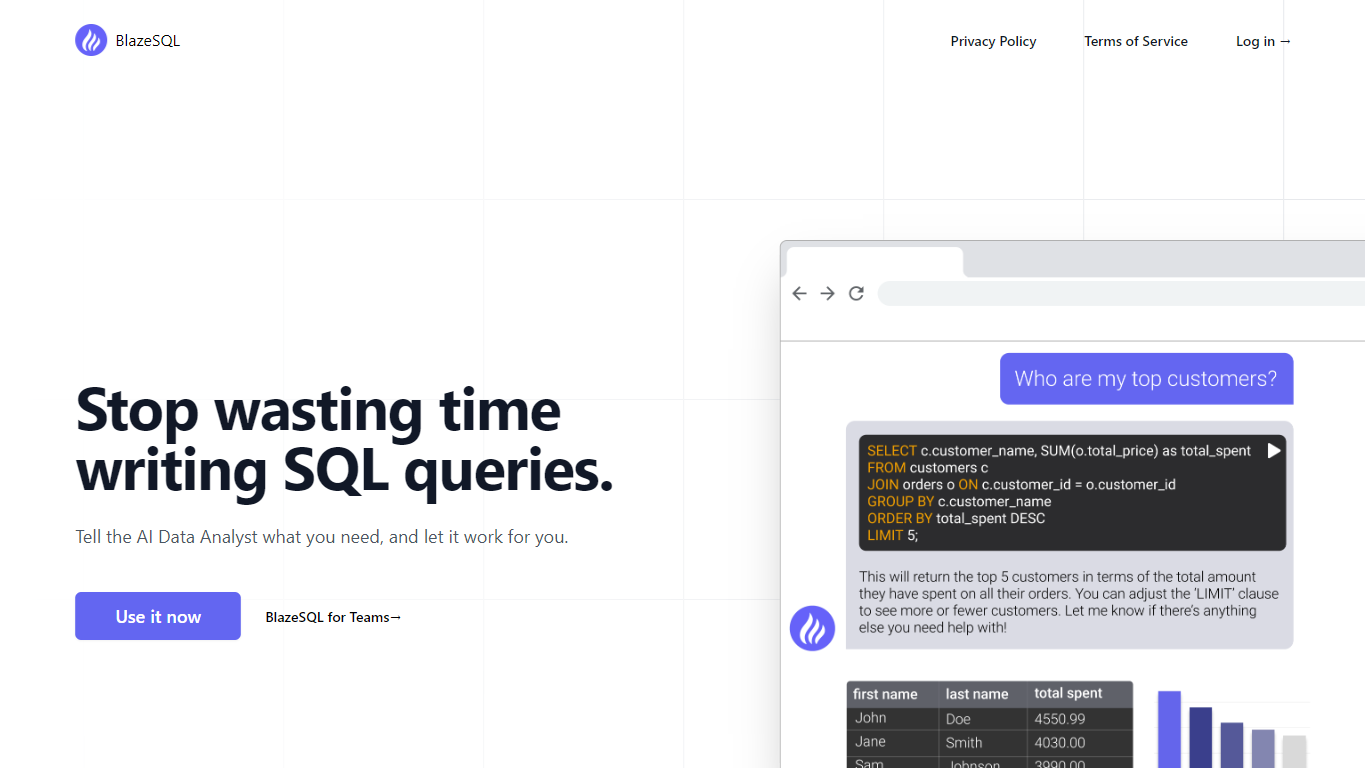
Blaze SQL AI is a self-learning AI data analyst that turns plain-English questions into SQL queries against your own database. It auto-extracts your schema, learns from feedback, and tracks its accuracy so both engineers and non-technical staff can query live data without writing SQL by hand. The product also ships personal dashboards, a desktop app with offline mode, and connectors for ChatGPT, Claude, Slack, and Microsoft Teams.
Unlike generic chatbots that guess at table names, BlazeSQL is built around persistent database context and governed access. It measures query accuracy over time, supports row-level filters for multi-tenant setups, and offers a white-label embedded analytics chatbot SaaS vendors can drop into their own products. That focus on governed, repeatable SQL generation is what separates it from one-off text-to-SQL demos.
Analytics managers, BI leads, and SaaS product teams use it to cut ad hoc data requests and let business users self-serve. Pro starts at $150 per month with dashboards and a private desktop connection; Advanced at $250 adds Python analytics and embeddable dashboards; Team plans from $400 per month include shared workspaces for three users.
Auto-extracts database schema and starts querying with no manual setup
Technical and non-technical modes for engineers and business users
Connectors for ChatGPT, Claude, Slack, and Microsoft Teams
Drag-and-drop personal dashboards built from AI chat answers
Desktop app with offline mode keeps query results on your machine
Advanced plan runs Python analytics and sends AI-generated reporting emails
White-label embedded chatbot with row-level access controls for SaaS products
SQL-Ease
Why use SQL-Ease?
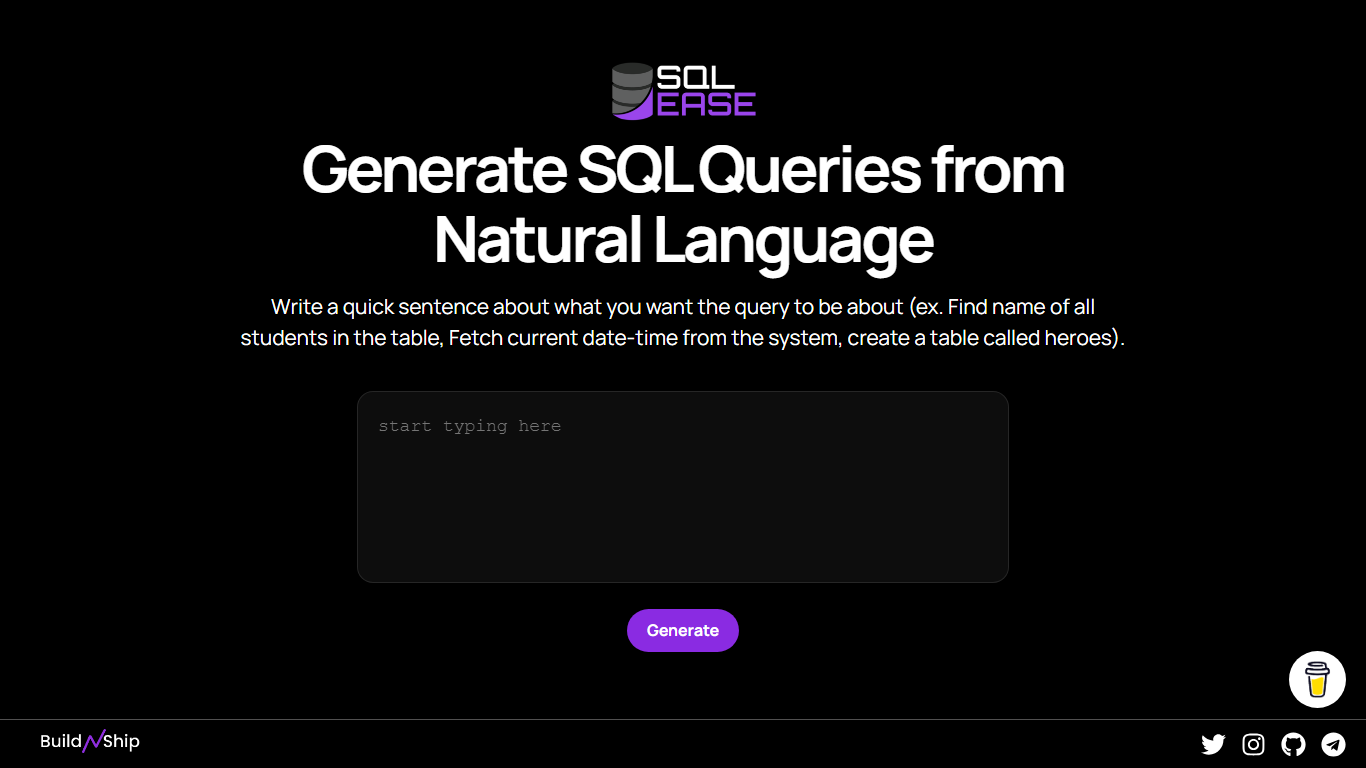
SQL-Ease is a lightweight SQL helper that turns a plain-English sentence into a query from a single browser page. You type what you want, such as finding student names, fetching the current date-time, or creating a table called heroes, and hit Generate to get SQL back.
The interface is intentionally minimal compared with full database clients or schema explorers. There is no account gate, no visible pricing page, and no workflow beyond one text box and a generate button, which makes it closer to a quick scratchpad than a managed data platform.
SQL-Ease is built by BuildNShip and linked from the homepage with a support tip jar. It suits learners, analysts, or developers who want a fast NL-to-SQL draft without opening a heavier SQL editor.
Single text field accepts a plain-English sentence and returns a generated SQL query
Homepage examples cover SELECT lookups, system date-time fetches, and CREATE TABLE statements
Runs entirely in the browser with no signup form on the landing page
Published by BuildNShip with links to the parent site and a tip-jar support page
Detected stack includes Tailwind CSS, Google Fonts, and Font Awesome on sqlease.buildnship.in
SQL Chat
What does SQL Chat do?
SQL Chat is a chat-based SQL client and editor designed to simplify database interaction for developers, data analysts, and database administrators. It offers a conversational interface that lets users write, edit, and run SQL queries in a chat format, making database management more intuitive and less tedious. The tool supports popular SQL databases like Postgres, MySQL, and SQL Server, ensuring broad compatibility. It remembers previous conversation context, allowing users to build on earlier queries and provide follow-up corrections, which enhances workflow continuity. Connection settings are stored locally in the browser, improving security and user control. SQL Chat aims to reduce the complexity of writing SQL by providing examples, schema explanations, and step-by-step guidance within the chat. While it streamlines many tasks, users should be aware that it may occasionally generate incorrect or biased information, so verification remains important. Overall, SQL Chat offers a fresh approach to SQL editing by combining the familiarity of chat interfaces with powerful database management features.
💬 Conversational SQL queries with memory of past interactions
🔄 Easy follow-up corrections to refine query results
🔒 Local browser storage for secure connection settings
📚 Provides example schemas and SQL usage guidance
⚙️ Supports multiple databases: Postgres, MySQL, SQL Server
AI Query
What does AI Query do?
AI Query writes SQL from plain English prompts and explains existing queries back in everyday language. You define your database schema in the dashboard, describe what data you need, and the tool returns queries tuned to PostgreSQL, MySQL, BigQuery, Snowflake, Oracle, and other supported engines. Analysts and developers who know the business question but not the syntax use it to skip manual query drafting.
Unlike generic chatbots that guess table names, AI Query starts from schemas you upload and keeps a history of generated queries you can save and share. The SQL-to-English translator runs the other direction when you inherit a complex statement and need a readable breakdown. Yearly billing also advertises faster response speeds and priority feature access compared to monthly Pro.
Data teams, product managers, and junior developers are the core audience. The Pro plan unlocks unlimited generation, explanations, schema definitions, saved queries, and history through app.aiquery.co, with docs and an API for teams that want to embed the workflow.
Converts plain English prompts into SQL for PostgreSQL, MySQL, BigQuery, Snowflake, Oracle, and more
Pro plan costs $10 per month or $100 per year with two months free on annual billing
SQL-to-English translator explains complex statements in readable language
Dashboard lets you define database tables and schemas before generating queries
Saves query history and supports sharing generated SQL with teammates
Yearly Pro tier advertises faster AI response speeds and priority feature access
SQL query builder
How does SQL query builder work?
AI2SQL is a text-to-SQL assistant that turns plain English into queries you can run against real databases. You connect PostgreSQL, MySQL, SQL Server, Snowflake, BigQuery, or one of six other engines, describe the result you want, and get dialect-aware SQL that uses your actual table and column names. The same browser workspace explains inherited queries, rewrites slow ones, fixes syntax errors, and formats code before you ship it.
General chat assistants can draft SQL if you paste a schema, but they cannot see whether the answer is right. AI2SQL reads your live connection, targets the dialect you picked, runs read-only statements through sqlGuard, and returns rows on the page. Teams wiring Cursor or Claude into production also get a governed MCP gateway where writes are blocked in the request path and every query is logged under a revocable key.
Data analysts use it when they know the business question but not the join path. Backend developers paste failing or slow queries and get fixes grounded in the real schema. Data engineers juggling multiple dialects keep one interface for generation, optimization, and execution. The desktop Connector covers databases on localhost or private networks without exposing credentials to the cloud.
Start plan includes 100 SQL queries per month; Pro removes the monthly cap
Connectors for PostgreSQL, MySQL, SQL Server, Oracle, Snowflake, BigQuery, Redshift, MongoDB, SQLite, and Firebird
Governed MCP gateway exposes run_query, describe_schema, and list_connections for Cursor and Claude
sqlGuard blocks INSERT, UPDATE, DELETE, and DDL before statements reach your database
Team plan includes 5 users with a shared query library and role-based access control
Desktop Connector for Windows, macOS, and Linux keeps local credentials on your machine
Sqlephant
Why use Sqlephant?
Sqlephant is a desktop SQL development companion from Kawansoft that turns short schema definitions into typed database code. You describe tables with a compact notation, and it predicts column types, builds DTOs, fixes broken SQL statements, and generates language-specific wrappers plus CRUD functions for C#, Java, PHP, and Python.
Where most SQL assistants stop at query completion, Sqlephant focuses on the codegen layer around your schema. Its patent-pending SQL injection fixer runs in Batch Mode so you can submit every application file in one click, and the tool works only on metadata so corporate row data never leaves your machine.
Backend and full-stack developers who maintain multi-language codebases get the most from Sqlephant. Windows, macOS, and Linux builds install without admin or root privileges, and the full-featured version is free with no credit card required.
Compact schema language uses t for CREATE TABLE, * for primary keys, and nn for NOT NULL while inferring column types automatically
Generates SQL wrappers with DTO mapping for C#, Java, PHP, and Python from queries dropped into the editor
Patent-pending SQL injection fixer includes Batch Mode to scan all application files with one click
CRUD generation produces Create, Read, Update, and Delete functions plus matching DTOs from a selected SQL table
Runs on Windows, macOS, and Linux without admin or root privileges
Processes only database metadata; requests are discarded after completion and corporate data is not sent
SQLtroughAI
What is SQLtroughAI?
Type a plain-English data question and SQLtroughAI writes the SQL for dialects like MySQL, MongoDB, and Oracle PL/SQL. You start by defining your tables, either by uploading a CSV or Excel file or entering column names and data types manually. The product targets anyone who knows what data they need but does not want to memorize SQL syntax. It lives in the browser with signup, query history, and Stripe billing.
Most text-to-SQL tools assume you already have a live database connection. SQLtroughAI flips that order and asks you to model the dataset first, either from a spreadsheet or manual column entry. The site also says uploaded CSV and Excel contents are not stored, which matters if you are prototyping with sample files rather than production data. That schema-first path is narrower than enterprise query assistants, but it keeps setup lightweight for one-off analysis.
Business analysts, data analysts, and students who know what data they need but not the exact SQL phrasing are the obvious fit. SQLtroughAI stores past runs in Old Queries, so you can revisit generations without rewriting prompts. Billing runs through Stripe once you move past the trial period.
Outputs SQL for MySQL, MongoDB, Oracle PL/SQL, and other dialects listed on the homepage
Define tables by uploading CSV or Excel files, or by entering column names and types manually
SQLthroughAI states it does not store the contents of uploaded CSV or Excel files
14-day free trial with no credit card required to create an account
Logged-in app includes New Query, Old Queries, Databases, Connections, and Stripe billing links
Built on OpenAI models that the team says were adapted specifically for SQL generation
SQLAI.ai
What is SQLAI.ai?
SQLAI.ai turns plain-language questions into production-ready SQL across 28 database engines including PostgreSQL, MySQL, Snowflake, BigQuery, and Oracle. Six specialized generators handle text-to-SQL, query optimization, syntax validation, plain-language explanation, formatting, and dialect conversion. You can import a schema file or connect a read-only database so the AI writes queries with table and column context instead of guessing.
Single-purpose text-to-SQL tools stop at generation. SQLAI.ai adds an optimizer that rewrites slow queries with index-aware suggestions, a validator that catches cross-engine syntax errors before deploy, and a diff view comparing original and AI-improved SQL side by side. Database rules let teams enforce quoting conventions and row limits per datasource, and schema autosuggest surfaces table names while you type prompts.
Data analysts, product engineers, and database administrators at startups and enterprises use SQLAI.ai to skip the back-and-forth with data teams. The platform reports trust from more than 150,000 professionals. Paid plans start at $4 per month for 50 queries, scale to 3,000 queries on Pro at $20 per month, and include a 7-day free trial with no credit card required.
Six SQL generators: text-to-SQL, optimizer, validator, explainer, formatter, and dialect converter
28 supported database engines including PostgreSQL, Snowflake, BigQuery, and Oracle
Schema-aware generation via one-click database import or read-only live connections
SQL optimizer and validator each consume 2 query credits per generation
Handles databases with 900+ tables without exhausting AI context windows
VS Code-style query editor with side-by-side diff view for AI rewrites
SupaSQL
What does SupaSQL do?
SupaSQL revolutionizes the way users interact with databases by enabling the generation of SQL queries using natural language. It serves as an AI Copilot for SQL, offering a bridge between complex SQL syntax and user-friendly natural language commands. This innovative service simplifies the process of query generation, requiring no code from its users. Users can connect their database, describe the intended query in ordinary language, and SupaSQL's sophisticated AI will transform these descriptions into SQL code. In addition to integrating with over 70 different platforms including Slack, Notion, Retool, and Data Studio, SupaSQL boasts custom AI models trained on millions of real-world queries, ensuring high accuracy and relevance of results.
High Accuracy AI Models: Trained on millions of real-world queries for precise SQL generation.
Natural Language Processing: Describe queries in simple language with no coding required.
Broad Integration: Over 70 integrations including Slack Notion and Data Studio.
Advanced Accessibility: Enhancements in understanding advanced database concepts like row-level security.
Trusted Service: Endorsed by top companies ensuring reliability and confidence in the provided services.
NLSQL
What is NLSQL? and how does it work?
NLSQL turns plain English questions into SQL queries so anyone on your team can pull numbers from corporate databases without writing code. You deploy it from the Azure Marketplace into your own subscription, and queries run inside your tenant with no sensitive data sent outside your infrastructure.
The platform works through chat interfaces your organization already uses, including Microsoft Teams and Slack. After mapping your database structure and KPI intents on NLSQL's self-service platform, team members ask questions naturally and receive answers with charts and visualizations in a few seconds.
Founded in 2018, NLSQL targets enterprise data teams and business users who need self-service analytics without waiting on analysts. Healthcare teams also use it for ICU and hospital information systems where clinical staff need fast access to patient data on secure networks.
Ask questions in plain English and get SQL queries, data tables, and charts back in seconds
Deploy from Azure Marketplace into your own tenant so sensitive data never leaves your infrastructure
Connect SQL Server, PostgreSQL, Snowflake, MySQL, SAP HANA, Redshift, Supabase, and other major databases
Chat with your data inside Microsoft Teams, Slack, or a dedicated web app
Configure database schemas and KPI mappings through a self-service platform with REST API and MCP server support
SQL Genius
What is SQL Genius? and how does it work?
Type an English question into SQL Genius and it returns a Postgres SQL query built from the table schemas you define on the page. You add one or more tables with column names and types, describe the result you want in plain language, and hit Write SQL to generate the statement. A separate SQL Explainer panel lets you paste existing SQL and read a plain-language breakdown of what each clause does.
Dedicated text-to-SQL tools usually assume you already know your schema. SQL Genius keeps schema editing in the same workspace as query generation, with sample hospital tables like patients, doctors, and admissions preloaded so you can test queries immediately. The Advanced SQL Type selector targets Postgres SQL specifically, which narrows the output compared with generators that claim every database dialect.
Analysts, researchers, and junior developers who know their data model but not SQL syntax use it to draft queries faster and sanity-check statements before running them in a database client. The site labels the product as beta and routes English-to-SQL, SQL Explainer, and a blog from the top navigation.
Define multiple table schemas with column names and data types before generating SQL
English-to-SQL writer targets Postgres SQL via the Advanced SQL Type selector
SQL Explainer panel formats pasted queries and returns plain-language explanations
Preloaded sample tables include patients, doctors, and admissions schemas
Add New Table button builds multi-table joins without leaving the editor
Sign Up and Log In accounts gate access beyond the public demo workspace