DialMe vs Paxo
Explore the showdown between DialMe vs Paxo and find out which AI Meeting Assistant tool wins. We analyze upvotes, features, reviews, pricing, alternatives, and more.
When comparing DialMe and Paxo, which one rises above the other?
When we contrast DialMe with Paxo, both of which are exceptional AI-operated meeting assistant tools, and place them side by side, we can spot several crucial similarities and divergences. Paxo stands out as the clear frontrunner in terms of upvotes. Paxo has 7 upvotes, and DialMe has 6 upvotes.
Does the result make you go "hmm"? Cast your vote and turn that frown upside down!
DialMe
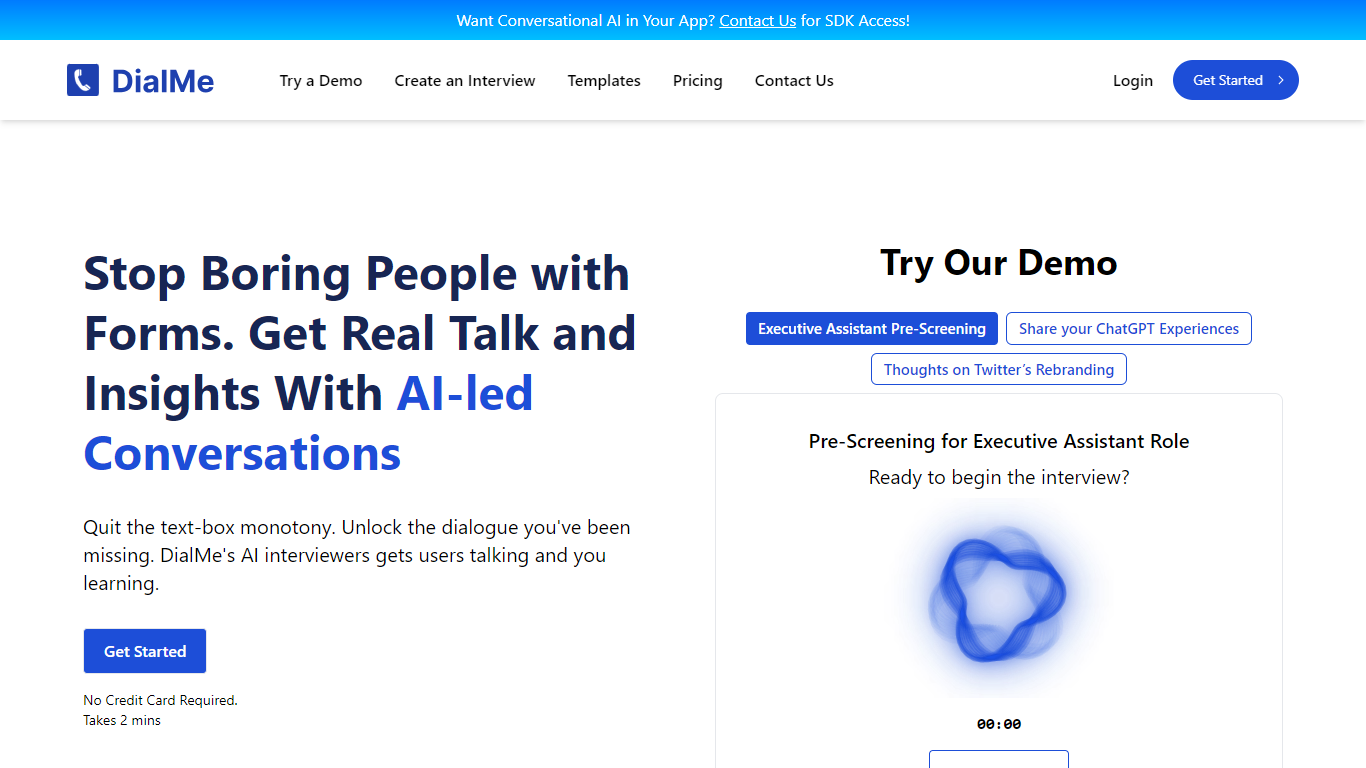

What is DialMe ?
DialMe is an innovative platform designed to revolutionize the traditional interview process by harnessing the power of AI. With a focus on efficiency, DialMe allows you to automate interviews, provide deeper insights, and save precious time. Users can take advantage of DialMe's intuitive basic dashboard, easy-to-use interview templates, and the ability to review transcripts and insights post-interview.
DialMe serves a variety of needs, from HR to market research, making it a versatile tool for gathering critical information without the tediousness of forms. Offering a free plan to get started, users can immediately create interviews and enjoy 30 lifetime minutes of service. DialMe also has advanced plans available for more extensive use cases, ensuring scalability for growing businesses and enterprise-level requirements.
Paxo
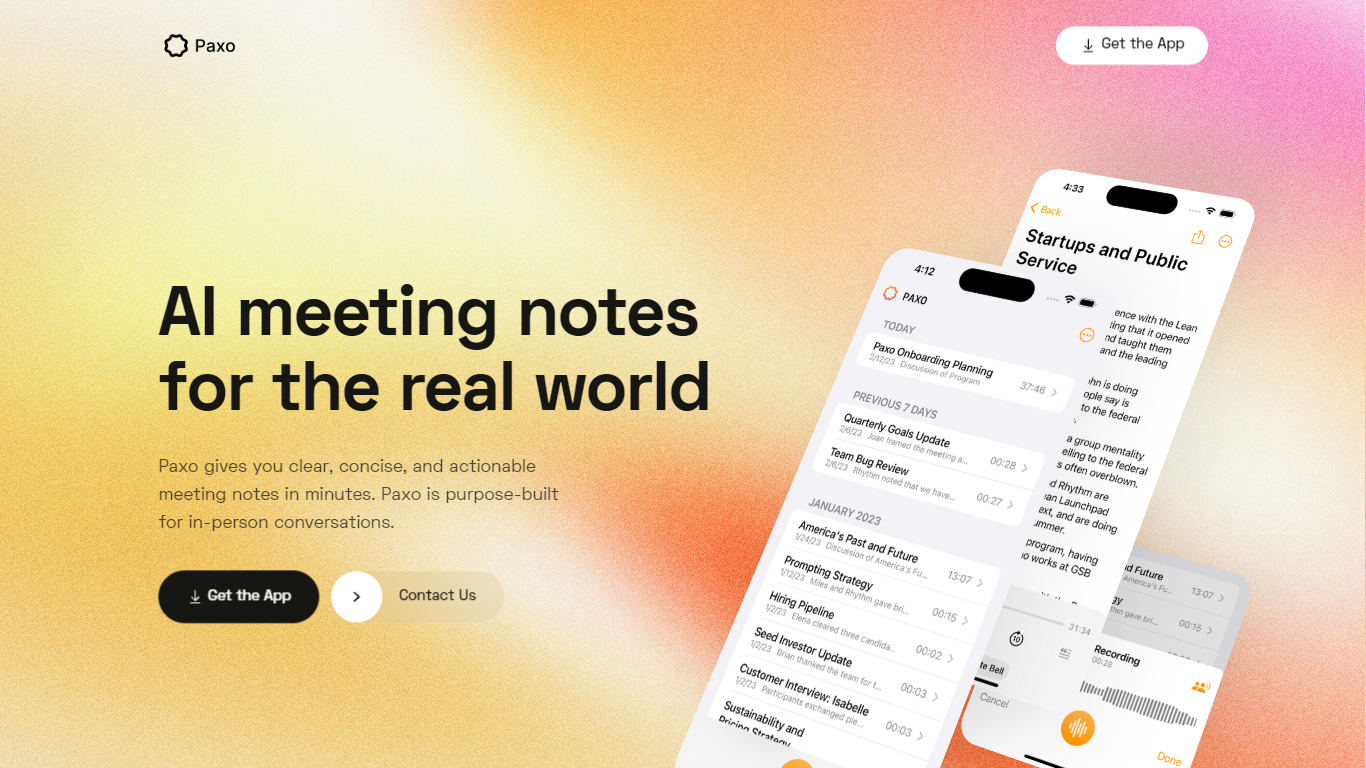
What is Paxo?
Paxo is an iPhone meeting assistant built for in-person conversations rather than calendar bots. You hit record in the app, Paxo transcribes the audio, and you get searchable notes with speaker labels after you assign voices from your Contacts. The homepage pitches it for face-to-face meetings, desk-side Zoom calls, and walking conversations where a browser extension would not follow you.
Most meeting note tools assume a video call with a shared link. Paxo records from the phone microphone, stores recordings on device, and syncs across Apple devices through iCloud. Server processing is limited to transcription and note generation, and the privacy policy says recordings are deleted from Paxo servers once processing finishes.
Managers, consultants, and field teams use Paxo to capture decisions without typing during meetings. Voice identification learns teammates over time, exports can go to Notion, Obsidian, or Google Docs, and the interface keeps past recordings organized and searchable.
DialMe Upvotes
Paxo Upvotes
DialMe Top Features
Automate Interviews: Streamline your interview process using advanced AI interviewers.
Insightful Analytics: Review transcripts and glean insights to drive informed decision-making.
Ready-to-use Templates: Access a variety of templates designed for different interview needs.
No Credit Card Required: Get started for free without the hassle of providing payment information upfront.
Easy Integration: Implement DialMe's conversational AI into your applications with available SDK access.
Paxo Top Features
iOS app records in-person, walking, or desk-side Zoom conversations from the phone microphone
Speaker identification learns contacts and recommends labels for future recordings
Recordings stored on device with optional iCloud sync across Apple devices
Server-side transcription using OpenAI with recordings deleted after processing per privacy policy
Search across notes and transcripts with import and export to Notion, Obsidian, and Google Docs
Privacy policy updated August 18, 2024 from Paxo Assist LLC with [email protected] contact
Crash reporting via Sentry without sending recordings in crash reports
DialMe Category
- Meeting Assistant
Paxo Category
- Meeting Assistant
DialMe Pricing Type
- Freemium
Paxo Pricing Type
- Freemium