Doc2Lang vs Transcript Download
In the clash of Doc2Lang vs Transcript Download, which AI Translation tool emerges victorious? We assess reviews, pricing, alternatives, features, upvotes, and more.
When we put Doc2Lang and Transcript Download head to head, which one emerges as the victor?
Let's take a closer look at Doc2Lang and Transcript Download, both of which are AI-driven translation tools, and see what sets them apart. The upvote count is neck and neck for both Doc2Lang and Transcript Download. The power is in your hands! Cast your vote and have a say in deciding the winner.
Disagree with the result? Upvote your favorite tool and help it win!
Doc2Lang
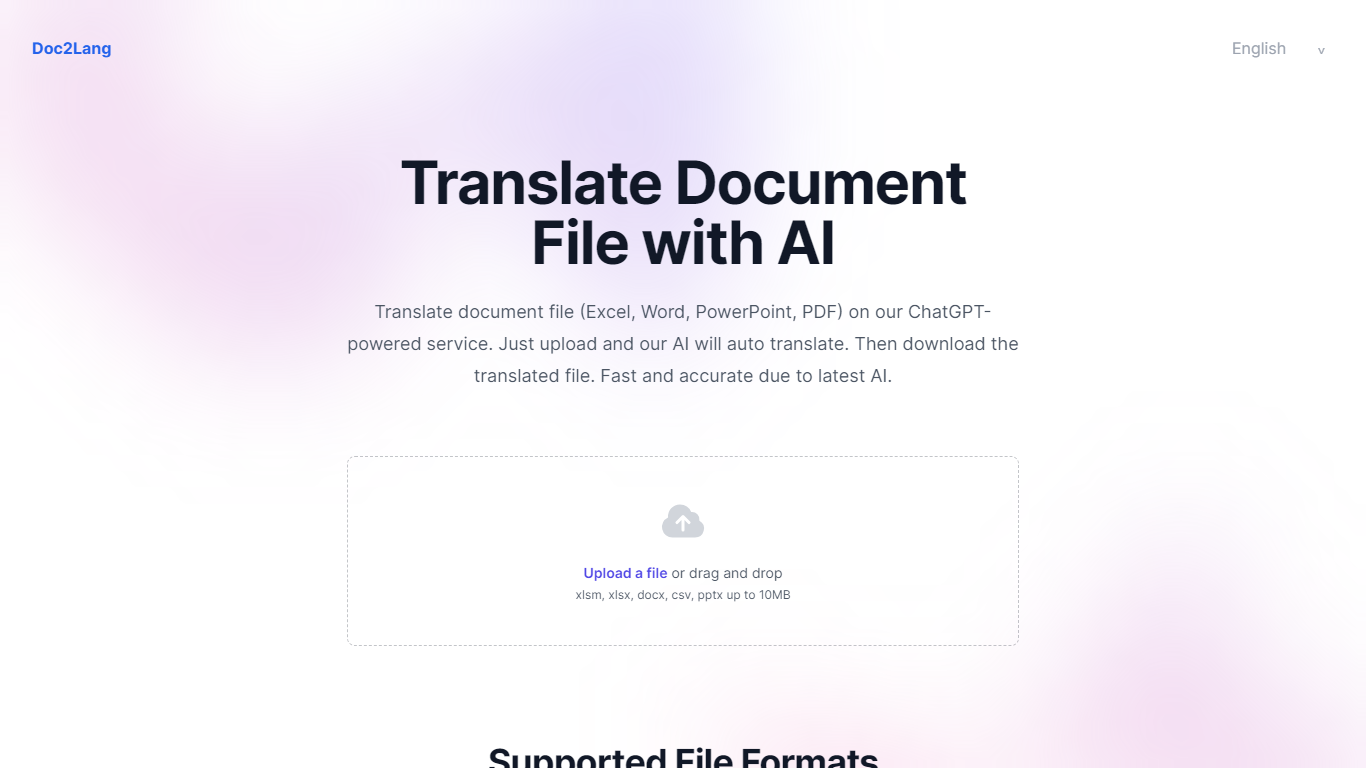

What is Doc2Lang?
Doc2Lang is a document translation service built around context-aware AI rather than word-for-word machine translation. Upload a file, preview a sample of the output for free, and pay only when you are satisfied with the quality.
The product covers far more than office documents. It handles Excel, Word, PDF, PowerPoint, CSV, EPUB, HTML, and InDesign IDML files, plus video, audio, images, and subtitle formats like SRT, WebVTT, and ASS. Built-in OCR handles scanned PDFs and image-based content without a separate preprocessing step.
Doc2Lang targets teams and individuals who need translated files that still look like the originals. Layout, fonts, tables, and slide formatting stay intact across formats. Custom glossaries, translation styles, and a retranslate workflow give you control over terminology and tone when the first pass is not quite right.
Billing is pay-per-use with no subscription required. Token-based pricing scales down as volume increases, and bulk credit packs waive the minimum charge for frequent users.
Transcript Download
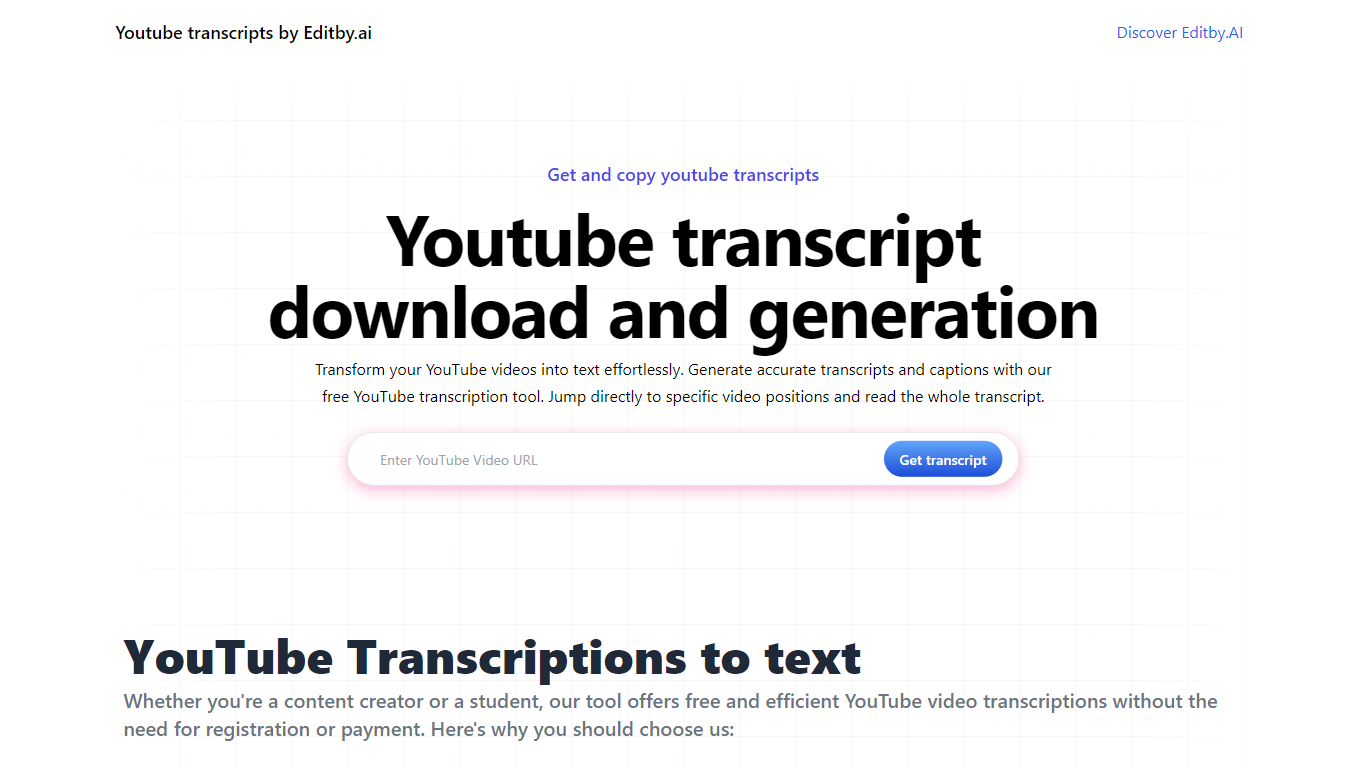
What is Transcript Download?
Unlock the full potential of your YouTube videos with Editby.AI's YouTube Transcription Tool. Our user-friendly platform caters to a range of users including students, researchers, content creators, and SEO professionals by providing an efficient way to generate accurate transcripts and captions. With our tool, there's no need for manual transcription. Simply input a YouTube URL and receive instant transcripts. Highlighted search terms, direct video position jumps, auto-scrolling features, and easy clipboard copying and downloading options streamline your workflow. Our commitment to user privacy is unmatched, requiring no sign-up or personal information. Enhance your productivity and save time with Editby.AI's transcription tool, all at no cost.
Doc2Lang Upvotes
Transcript Download Upvotes
Doc2Lang Top Features
Translates PDF, Word, Excel, PowerPoint, EPUB, HTML, IDML, video, audio, and subtitle files while keeping layout intact
Built-in OCR extracts text from scanned PDFs and images before translation, no extra setup required
Preview a partial translation for free before paying for the full document
Custom glossaries and translation styles keep brand terms and industry vocabulary consistent
Retranslate with different settings until the output matches what you need
Batch upload via ZIP to translate multiple files in one session
Transcript Download Top Features
Instant Transcripts: Paste a YouTube URL and receive transcripts instantly.
Downloadable Transcripts: Easily download transcripts with a single click.
Jump to Video Position: Navigate directly to specific video segments from the transcript.
Autoscroll Transcripts: Enjoy synchronized transcripts that auto-scroll as the video plays.
No Registration Needed: Access the transcription tool without any account or personal details.
Doc2Lang Category
- Translation
Transcript Download Category
- Translation
Doc2Lang Pricing Type
- Freemium
Transcript Download Pricing Type
- Freemium