
Last updated 07-02-2026
Category:
Reviews:
Join thousands of AI enthusiasts in the World of AI!
Doc2Lang
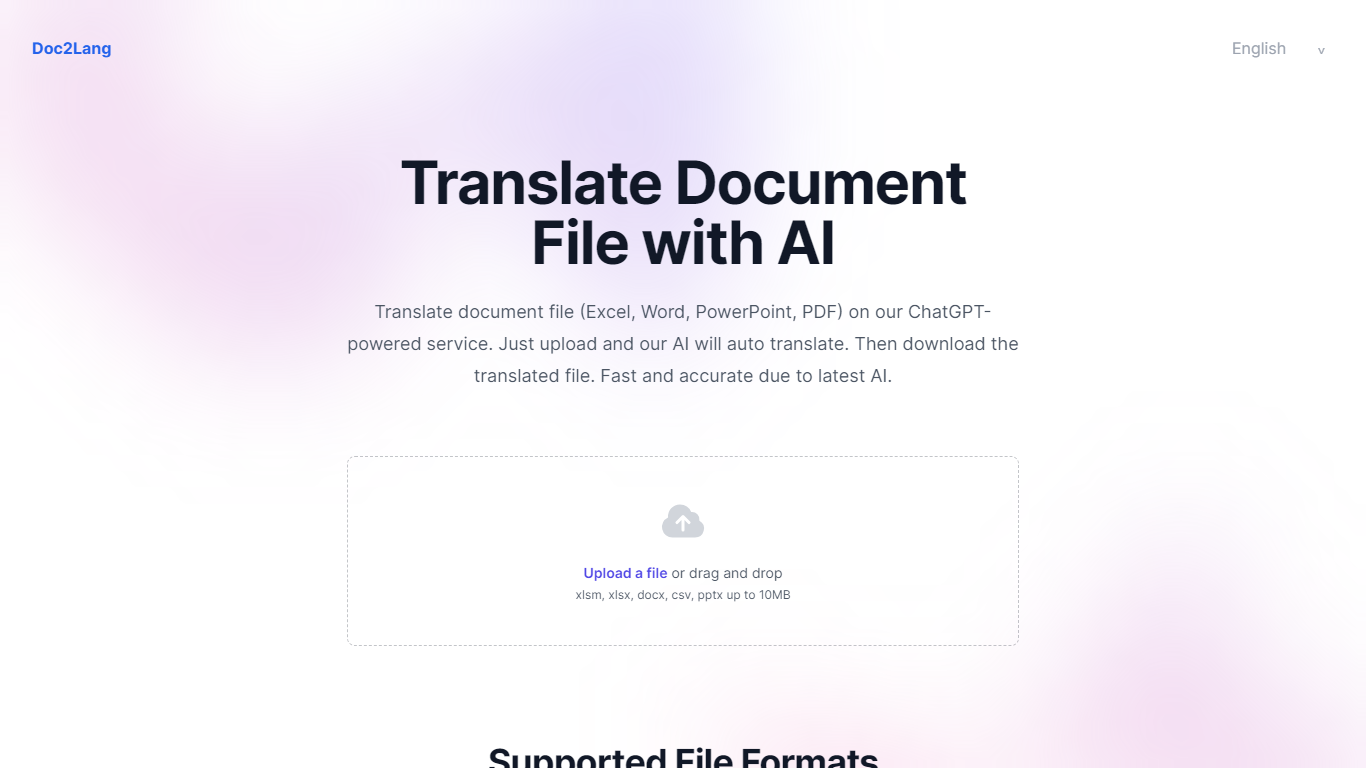
Doc2Lang is a document translation service built around context-aware AI rather than word-for-word machine translation. Upload a file, preview a sample of the output for free, and pay only when you are satisfied with the quality.
The product covers far more than office documents. It handles Excel, Word, PDF, PowerPoint, CSV, EPUB, HTML, and InDesign IDML files, plus video, audio, images, and subtitle formats like SRT, WebVTT, and ASS. Built-in OCR handles scanned PDFs and image-based content without a separate preprocessing step.
Doc2Lang targets teams and individuals who need translated files that still look like the originals. Layout, fonts, tables, and slide formatting stay intact across formats. Custom glossaries, translation styles, and a retranslate workflow give you control over terminology and tone when the first pass is not quite right.
Billing is pay-per-use with no subscription required. Token-based pricing scales down as volume increases, and bulk credit packs waive the minimum charge for frequent users.
Translates PDF, Word, Excel, PowerPoint, EPUB, HTML, IDML, video, audio, and subtitle files while keeping layout intact
Built-in OCR extracts text from scanned PDFs and images before translation, no extra setup required
Preview a partial translation for free before paying for the full document
Custom glossaries and translation styles keep brand terms and industry vocabulary consistent
Retranslate with different settings until the output matches what you need
Batch upload via ZIP to translate multiple files in one session
Free preview lets you check translation quality before spending anything.
Wide format support covers documents, media, subtitles, and scanned files in one place.
Pay-as-you-go model with no subscription lock-in suits occasional and heavy users alike.
Custom glossaries and retranslate controls help maintain consistent terminology.
Pay-as-you-go billing carries a $5 minimum charge unless you buy credits.
Word support is currently limited to DOCX format.
No dedicated mobile app; browser-only access.
Which file formats does Doc2Lang support?
Doc2Lang supports Excel (XLS, XLSX, XLSM, and related formats), Word (DOCX), PDF, PowerPoint (PPTX), CSV, EPUB, HTML, IDML, video (MP4, AVI, MOV, MKV, WebM), audio (MP3, WAV, M4A, and others), images (JPG, PNG, GIF, WebP), and subtitle files including SRT, WebVTT, and ASS.
How many languages does Doc2Lang translate?
Doc2Lang supports more than 100 languages, including English, Spanish, Chinese, Japanese, Korean, French, German, and Portuguese.
Does Doc2Lang require a subscription?
No. Doc2Lang uses pay-as-you-go billing with no monthly fees or subscription. You pay per translation based on token count, and can also buy credit packs that never expire.
How does Doc2Lang pricing work?
Pricing is based on tokens (roughly one character equals one token in English). Rates drop with volume: $0.50 per 1K tokens for 1-20K tokens, $0.25 per 1K for 20K-60K, and $0.10 per 1K for 60K and above. Pay-as-you-go has a $5 minimum charge, which credit purchases can waive.
Is my data secure on Doc2Lang?
File transfers use HTTPS encryption. You can delete uploaded files at any time, and documents not manually removed are automatically deleted after 14 days. OpenAI processes translations via API without retaining your document data.