Doc2Lang vs Readable
When comparing Doc2Lang vs Readable, which AI Translation tool shines brighter? We look at pricing, alternatives, upvotes, features, reviews, and more.
In a comparison between Doc2Lang and Readable, which one comes out on top?
When we put Doc2Lang and Readable side by side, both being AI-powered translation tools, Both tools are equally favored, as indicated by the identical upvote count. The power is in your hands! Cast your vote and have a say in deciding the winner.
Don't agree with the result? Cast your vote and be a part of the decision-making process!
Doc2Lang
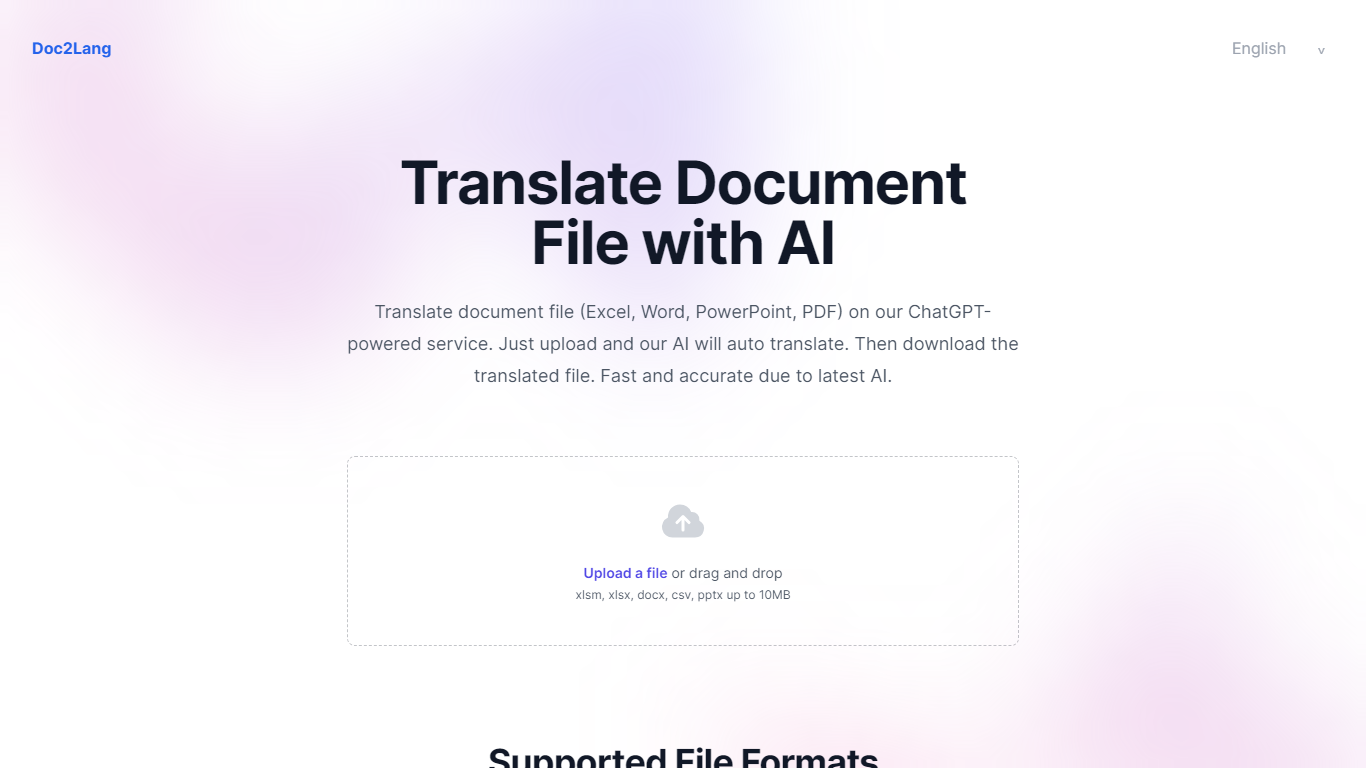

What is Doc2Lang?
Doc2Lang is a document translation service built around context-aware AI rather than word-for-word machine translation. Upload a file, preview a sample of the output for free, and pay only when you are satisfied with the quality.
The product covers far more than office documents. It handles Excel, Word, PDF, PowerPoint, CSV, EPUB, HTML, and InDesign IDML files, plus video, audio, images, and subtitle formats like SRT, WebVTT, and ASS. Built-in OCR handles scanned PDFs and image-based content without a separate preprocessing step.
Doc2Lang targets teams and individuals who need translated files that still look like the originals. Layout, fonts, tables, and slide formatting stay intact across formats. Custom glossaries, translation styles, and a retranslate workflow give you control over terminology and tone when the first pass is not quite right.
Billing is pay-per-use with no subscription required. Token-based pricing scales down as volume increases, and bulk credit packs waive the minimum charge for frequent users.
Readable
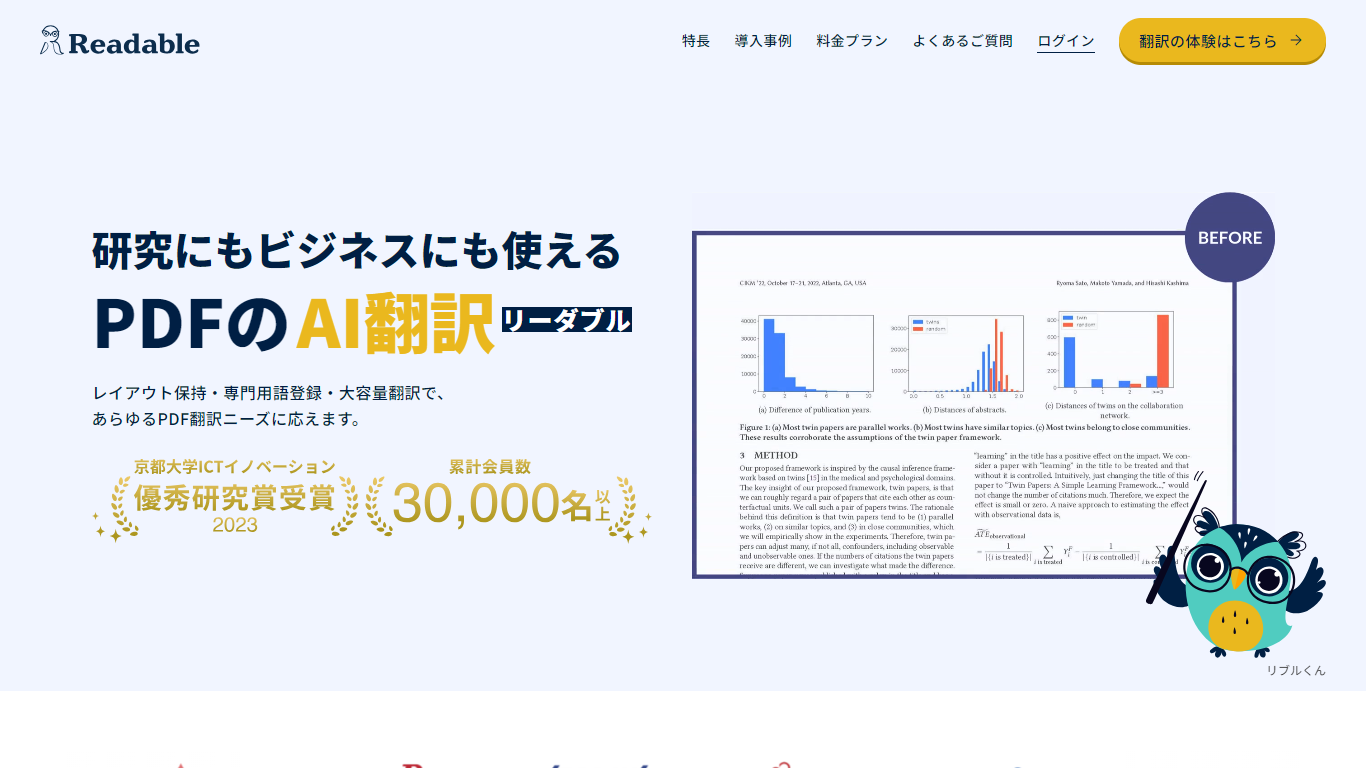
What is Readable?
Readable translates PDF files into Japanese while keeping the original layout intact, including tables, figures, and images. Built by NextLab Inc., it targets researchers reading academic papers and business teams working through manuals, reports, and contracts without rebuilding documents by hand.
The reader shows original and translated text side by side so you can scan a translation and jump back to the source line when something needs a closer look. Premium users can register custom dictionaries so product names, abbreviations, and field-specific terms translate the same way every time.
Readable runs in the browser and through a Chrome extension for quick file translation. Pro Standard focuses on English-to-Japanese PDFs, while Pro Premium adds 200+ source languages, larger file limits, and optional ChatGPT-based translation engines.
Doc2Lang Upvotes
Readable Upvotes
Doc2Lang Top Features
Translates PDF, Word, Excel, PowerPoint, EPUB, HTML, IDML, video, audio, and subtitle files while keeping layout intact
Built-in OCR extracts text from scanned PDFs and images before translation, no extra setup required
Preview a partial translation for free before paying for the full document
Custom glossaries and translation styles keep brand terms and industry vocabulary consistent
Retranslate with different settings until the output matches what you need
Batch upload via ZIP to translate multiple files in one session
Readable Top Features
Tables, charts, and images stay in place in the translated PDF
Original and Japanese text sit side by side for faster research reading
Custom dictionaries pin product names and technical terms to your preferred wording
Premium translates up to 1,000 pages or 200 MB in a single upload
Chrome extension handles one-click translation for online files
Doc2Lang Category
- Translation
Readable Category
- Translation
Doc2Lang Pricing Type
- Freemium
Readable Pricing Type
- Freemium