Readable vs Transcript Download
Explore the showdown between Readable vs Transcript Download and find out which AI Translation tool wins. We analyze upvotes, features, reviews, pricing, alternatives, and more.
When comparing Readable and Transcript Download, which one rises above the other?
When we contrast Readable with Transcript Download, both of which are exceptional AI-operated translation tools, and place them side by side, we can spot several crucial similarities and divergences. Both tools are equally favored, as indicated by the identical upvote count. Every vote counts! Cast yours and contribute to the decision of the winner.
You don't agree with the result? Cast your vote to help us decide!
Readable

What is Readable?
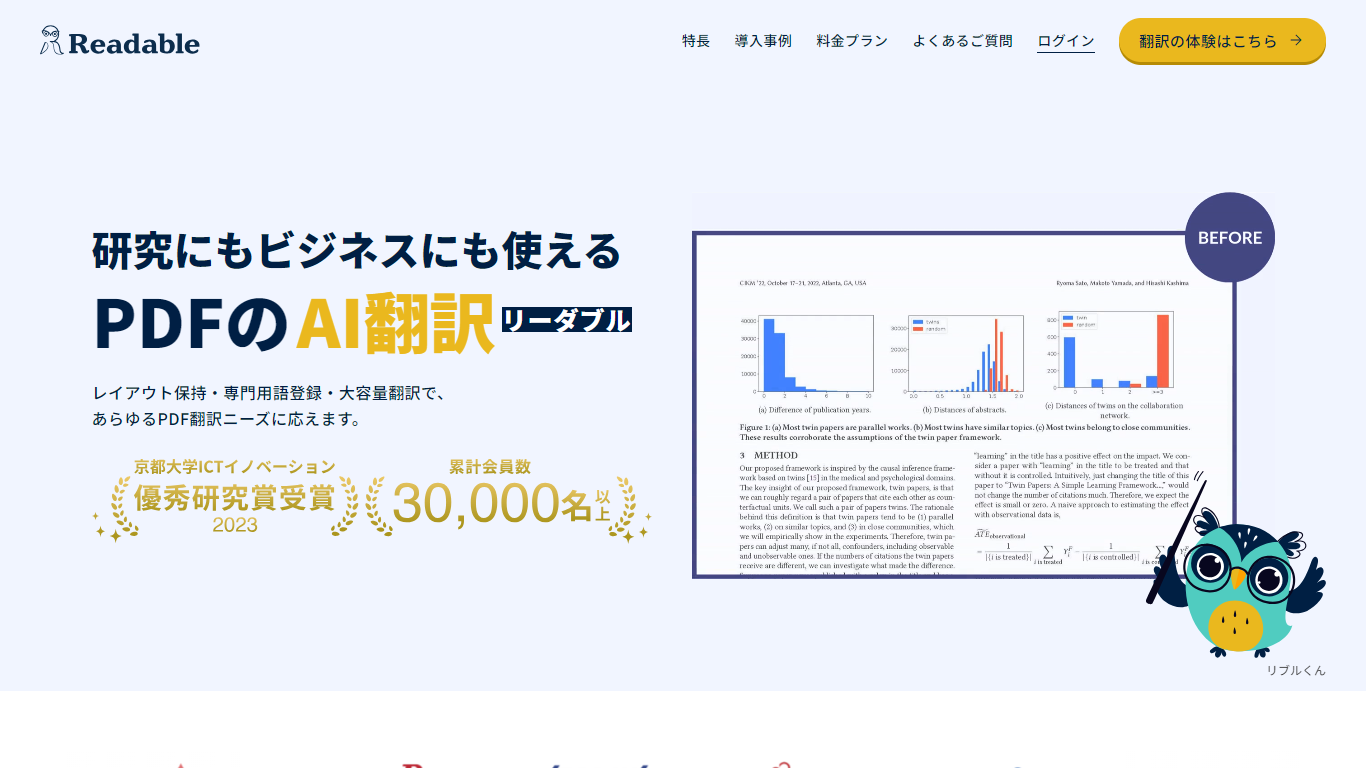
Readable translates PDF files into Japanese while keeping the original layout intact, including tables, figures, and images. Built by NextLab Inc., it targets researchers reading academic papers and business teams working through manuals, reports, and contracts without rebuilding documents by hand.
The reader shows original and translated text side by side so you can scan a translation and jump back to the source line when something needs a closer look. Premium users can register custom dictionaries so product names, abbreviations, and field-specific terms translate the same way every time.
Readable runs in the browser and through a Chrome extension for quick file translation. Pro Standard focuses on English-to-Japanese PDFs, while Pro Premium adds 200+ source languages, larger file limits, and optional ChatGPT-based translation engines.
Transcript Download
What is Transcript Download?
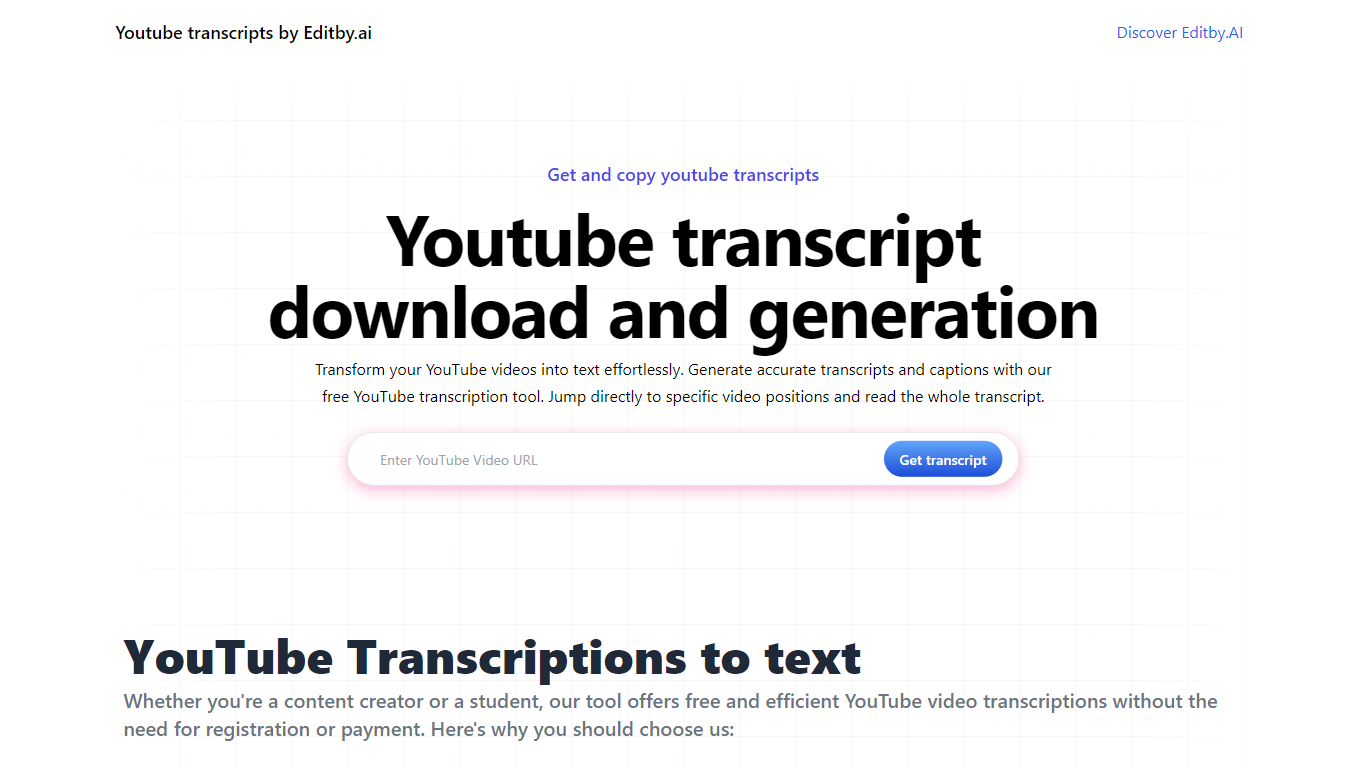
Unlock the full potential of your YouTube videos with Editby.AI's YouTube Transcription Tool. Our user-friendly platform caters to a range of users including students, researchers, content creators, and SEO professionals by providing an efficient way to generate accurate transcripts and captions. With our tool, there's no need for manual transcription. Simply input a YouTube URL and receive instant transcripts. Highlighted search terms, direct video position jumps, auto-scrolling features, and easy clipboard copying and downloading options streamline your workflow. Our commitment to user privacy is unmatched, requiring no sign-up or personal information. Enhance your productivity and save time with Editby.AI's transcription tool, all at no cost.
Readable Upvotes
Transcript Download Upvotes
Readable Top Features
Tables, charts, and images stay in place in the translated PDF
Original and Japanese text sit side by side for faster research reading
Custom dictionaries pin product names and technical terms to your preferred wording
Premium translates up to 1,000 pages or 200 MB in a single upload
Chrome extension handles one-click translation for online files
Transcript Download Top Features
Instant Transcripts: Paste a YouTube URL and receive transcripts instantly.
Downloadable Transcripts: Easily download transcripts with a single click.
Jump to Video Position: Navigate directly to specific video segments from the transcript.
Autoscroll Transcripts: Enjoy synchronized transcripts that auto-scroll as the video plays.
No Registration Needed: Access the transcription tool without any account or personal details.
Readable Category
- Translation
Transcript Download Category
- Translation
Readable Pricing Type
- Freemium
Transcript Download Pricing Type
- Freemium