Boss Hub | AI (formerly DocGPT & ChatPDF➶) vs PDF.ai
In the contest of Boss Hub | AI (formerly DocGPT & ChatPDF➶) vs PDF.ai, which AI PDF tool is the champion? We evaluate pricing, alternatives, upvotes, features, reviews, and more.
If you had to choose between Boss Hub | AI (formerly DocGPT & ChatPDF➶) and PDF.ai, which one would you go for?
When we examine Boss Hub | AI (formerly DocGPT & ChatPDF➶) and PDF.ai, both of which are AI-enabled pdf tools, what unique characteristics do we discover? Neither tool takes the lead, as they both have the same upvote count. Be a part of the decision-making process. Your vote could determine the winner.
You don't agree with the result? Cast your vote to help us decide!
Boss Hub | AI (formerly DocGPT & ChatPDF➶)
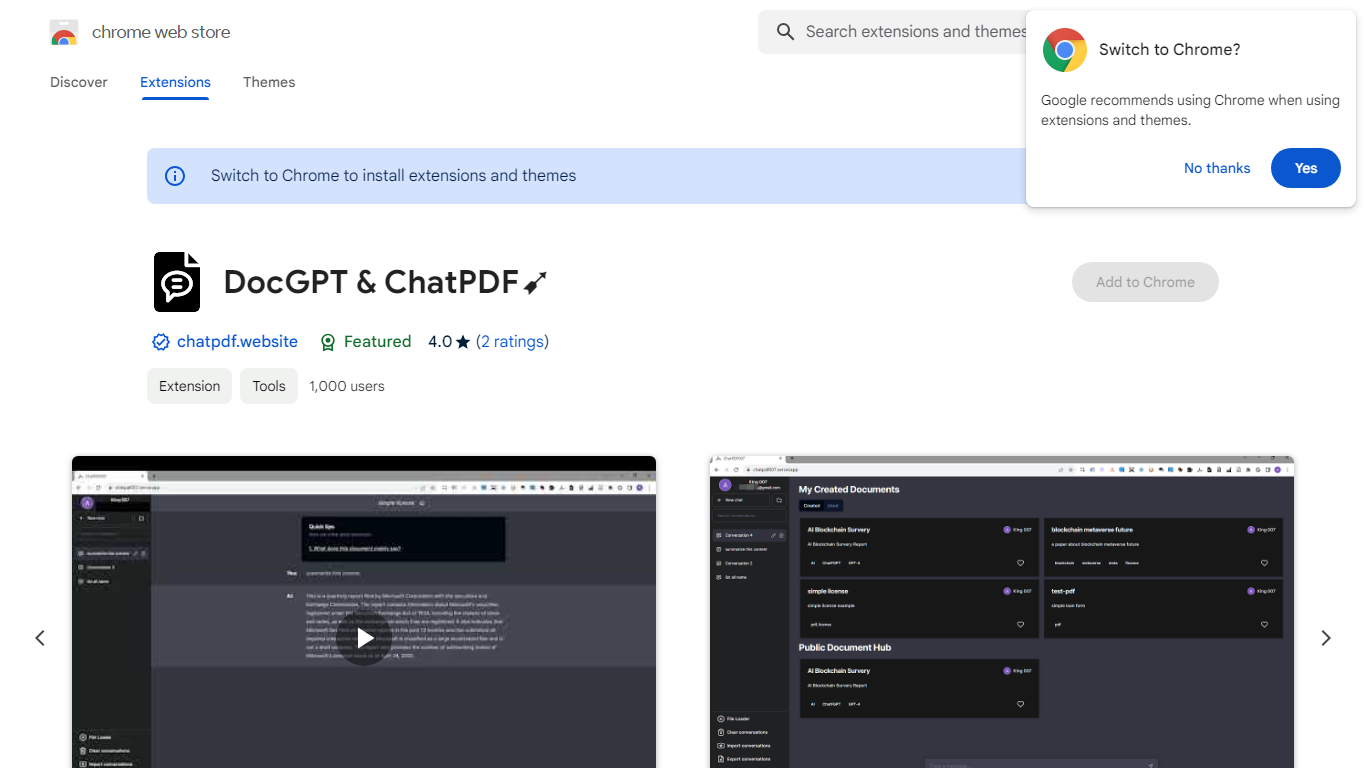

What is Boss Hub | AI (formerly DocGPT & ChatPDF➶)?
Boss Hub | AI is a Chrome extension sidebar for chatting with uploaded documents using ChatGPT and GPT-4. You upload a PDF, Markdown, Epub, or FB2 file, then ask questions, request summaries, and see highlighted source passages inside the side panel. It targets anyone who wants document Q&A without leaving the browser.
Compared with standalone ChatPDF sites, Boss Hub runs as a Chrome side panel and stores data locally on your machine. The listing highlights a built-in token usage tracker, periodic deletion of uploaded files, and support for Markdown alongside PDF. That local-first angle matters if you are comparing browser extensions rather than cloud-only upload tools.
Researchers, students, and office workers who already live in Chrome can use it to skim contracts, reports, or ebooks faster. The developer site is iambuffett.net, and the extension last updated to version 1.3.5 in July 2024.
PDF.ai
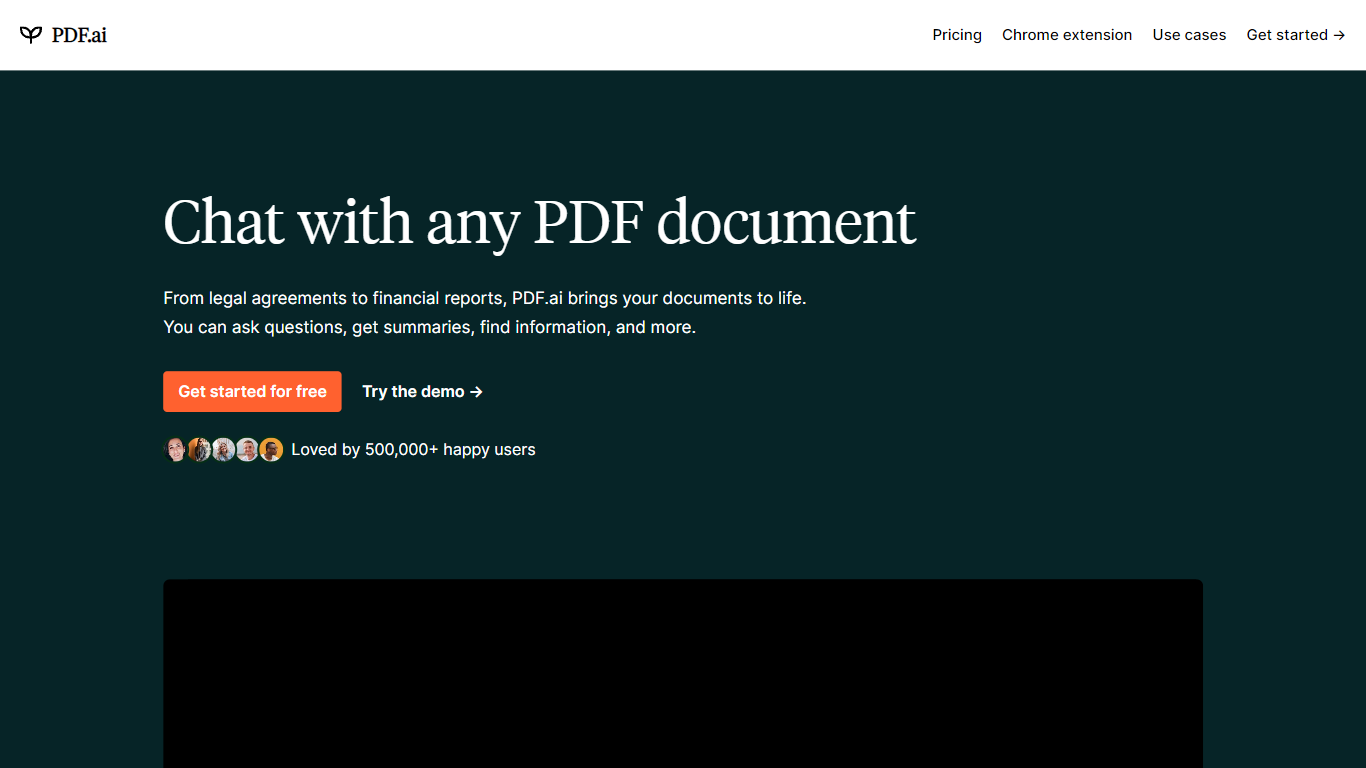
What is PDF.ai?
PDF.ai is a PDF chat and document processing platform with both a web app for asking questions about uploaded files and a developer API for parsing, extracting, and splitting documents. Upload a PDF, chat with its contents, or send files to REST endpoints that return structured JSON with headings, tables, and figures.
Generic PDF readers show pages; PDF.ai targets two different jobs. The chat side handles Q&A over contracts and research papers, while the API side turns scanned or complex layouts into machine-readable data for automation pipelines. Parse responses land in under 5 seconds for most documents, and files are deleted after processing.
PDF.ai fits students reviewing coursework, analysts pulling fields from invoices, and developers building document workflows without training their own OCR models. The free Hobby plan allows 1 upload and 100 questions per month, while API users get 200 free credits monthly with no card required.
Boss Hub | AI (formerly DocGPT & ChatPDF➶) Upvotes
PDF.ai Upvotes
Boss Hub | AI (formerly DocGPT & ChatPDF➶) Top Features
Upload PDF, Markdown, Epub, and FB2 files, with best support called out for PDF and Markdown
Ask questions, summarize documents, and highlight source passages in the sidebar
Built-in token usage tracker for monitoring ChatGPT and GPT-4 consumption
Stores data locally on your device and deletes uploaded documents regularly
Uses ChatGPT, GPT-4, LangChain, llama_index, and vector storage under the hood
Chrome side panel workflow so document chat stays beside your browsing session
PDF.ai Top Features
Parse API returns structured JSON with headings, paragraphs, tables, and figures from any PDF
Extract API pulls custom fields like names, dates, and amounts using prompt-based extraction
Hobby chat plan is free with 1 PDF upload and 100 questions per month
API free tier includes 200 credits per month with no credit card required
Split API separates PDFs into custom sections identified automatically
Pro API plan at $99 per month includes 10,000 credits at $0.010 per credit
Boss Hub | AI (formerly DocGPT & ChatPDF➶) Category
- PDF
PDF.ai Category
- PDF
Boss Hub | AI (formerly DocGPT & ChatPDF➶) Pricing Type
- Freemium
PDF.ai Pricing Type
- Freemium