Doclime vs AppointEze
In the contest of Doclime vs AppointEze, which AI tool is the champion? We evaluate pricing, alternatives, upvotes, features, reviews, and more.
If you had to choose between Doclime and AppointEze, which one would you go for?
When we examine Doclime and AppointEze, both of which are AI-enabled tools, what unique characteristics do we discover? The upvote count is neck and neck for both Doclime and AppointEze. Since other aitools.fyi users could decide the winner, the ball is in your court now to cast your vote and help us determine the winner.
You don't agree with the result? Cast your vote to help us decide!
Doclime

What is Doclime?
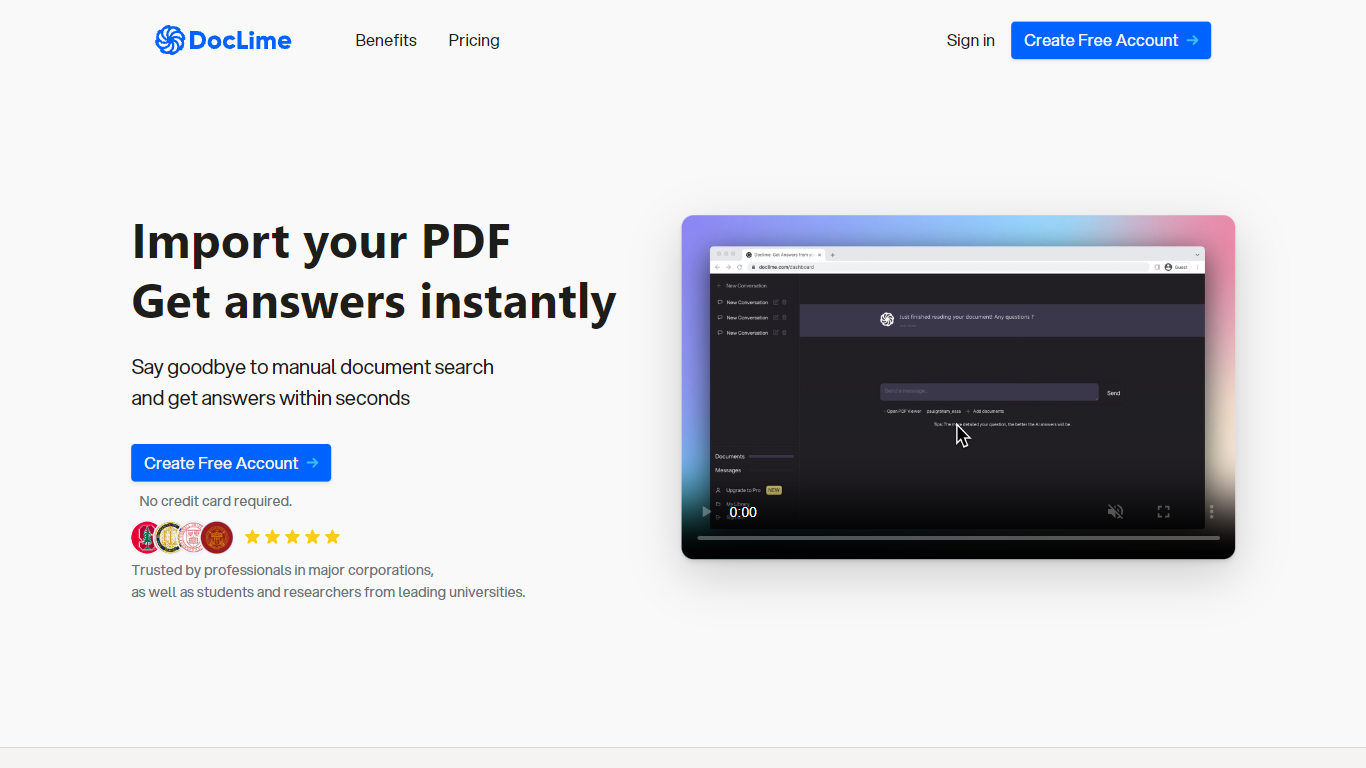
Doclime lets you upload PDFs and ask questions that come back with cited answers pulled from the file. You get a built-in PDF viewer with search and page navigation, a notes editor with version history, and a split-screen layout that keeps chat, documents, and notes open at once. It also reads scanned PDFs through OCR and accepts screenshot questions through its Vision feature.
Most PDF chat tools stop at a single file and a text box. Doclime stacks a hierarchical file tree, multi-document context for one conversation, and frontier models from OpenAI and Anthropic in the same workspace. That combination targets people cross-referencing textbooks, contracts, or research papers rather than doing one-off summaries.
The homepage lists use cases like lesson planning from textbooks, chapter summaries, and pulling obligations from contract sections, with example answers showing bracketed source references. Stanford, Berkeley, Cornell, and USC logos appear on the landing page, and the interface ships in nine languages including English, Spanish, French, German, Japanese, Korean, Arabic, and Chinese.
AppointEze
What is AppointEze?
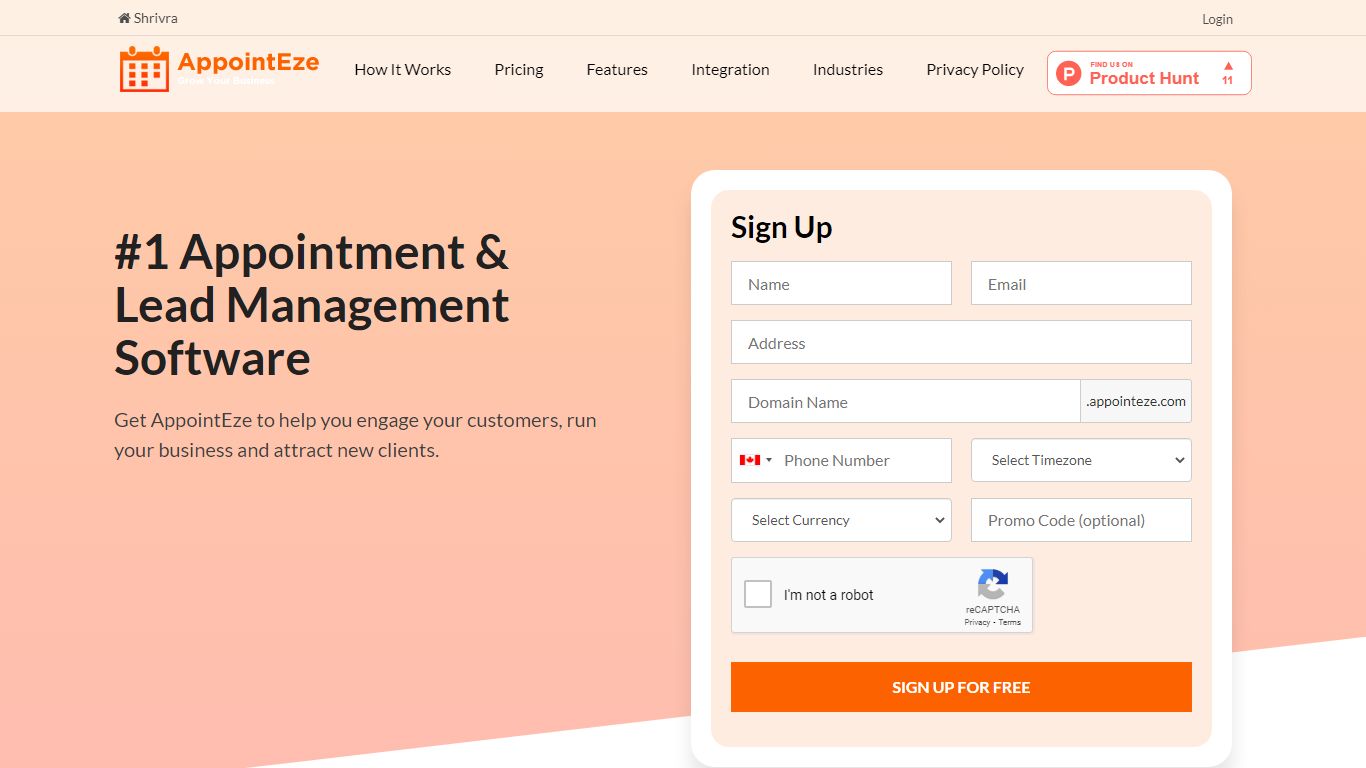
AppointEze lets service businesses share a booking link where clients pick open time slots without phone calls or email threads. The dashboard shows real-time availability, sends automated reminders, collects payments through Stripe or PayPal, and syncs with Google Calendar or Office 365. More than 10,000 businesses across 120 countries use it for client scheduling.
Calendly-style tools focus on one-to-one meetings for knowledge workers. AppointEze targets appointment-heavy service industries instead: barber shops, salons, spas, clinics, gyms, and similar businesses that juggle staff schedules, group classes, and walk-in capacity. It also includes lead management and client profiles, which generic schedulers typically skip.
Small business owners, solo practitioners, and front-desk teams are the main users. AppointEze fits anyone tired of email back-and-forth to confirm appointment times, especially service providers who need customers to book without creating an account first.
Doclime Upvotes
AppointEze Upvotes
Doclime Top Features
Ask questions about uploaded PDFs and receive answers with bracketed citation references to source passages
Built-in PDF viewer includes search, zoom, and page navigation alongside the chat panel
Split-screen layout opens PDF, notes, and chat views simultaneously in one workspace
Vision support lets you screenshot any document section and ask questions about that image
OCR converts scanned PDF files into searchable text before answering questions
Context-aware search adds multiple PDFs and notes as context files to a single AI conversation
AppointEze Top Features
Custom booking page at yourname.appointeze.com that clients can use without registering
Two-way Google Calendar and Office 365 sync to prevent double bookings
Accept payments at booking time through Stripe and PayPal integrations
Host one-to-one meetings, group classes, webinars, and capped daily appointment limits
Automated email notifications and reminders with customizable templates
Lead management with client profiles and communication history in one place
Embeddable booking widget for your existing website plus Facebook integration
Doclime Category
- PDF
AppointEze Category
- Productivity
Doclime Pricing Type
- Freemium
AppointEze Pricing Type
- Freemium