LightPDF vs AppointEze
In the clash of LightPDF vs AppointEze, which AI tool emerges victorious? We assess reviews, pricing, alternatives, features, upvotes, and more.
When we put LightPDF and AppointEze head to head, which one emerges as the victor?
Let's take a closer look at LightPDF and AppointEze, both of which are AI-driven tools, and see what sets them apart. Interestingly, both tools have managed to secure the same number of upvotes. The power is in your hands! Cast your vote and have a say in deciding the winner.
Think we got it wrong? Cast your vote and show us who's boss!
LightPDF

What is LightPDF?
LightPDF lets you upload PDFs, Word files, Excel spreadsheets, PowerPoint decks, and scanned documents, then ask questions and get cited answers back. The ChatPDF feature runs on GPT-4, supports multi-document chats, OCR for scanned files, and follow-up questions. You can upload a file up to 100 pages on the free web tier before upgrading.
Unlike standalone ChatPDF clones, LightPDF bundles document chat into a wider PDF toolkit with conversion, editing, e-signatures, and a dozen other AI tools like mind map creation, PDF translation, and presentation generation. One premium subscription covers Windows, Mac, Android, iOS, and the web app, with AI credits allocated monthly or as a one-time pool on the perpetual plan.
Researchers, students, and office workers use LightPDF to summarize contracts, extract tables from financial reports, and pull outlines from long readings. Business teams can also use it for document Q&A on proposals and compliance files. The company behind LightPDF has operated since 2015 and holds ISO/IEC 27001, ISO/IEC 27701, and GDPR certifications.
AppointEze
What is AppointEze?
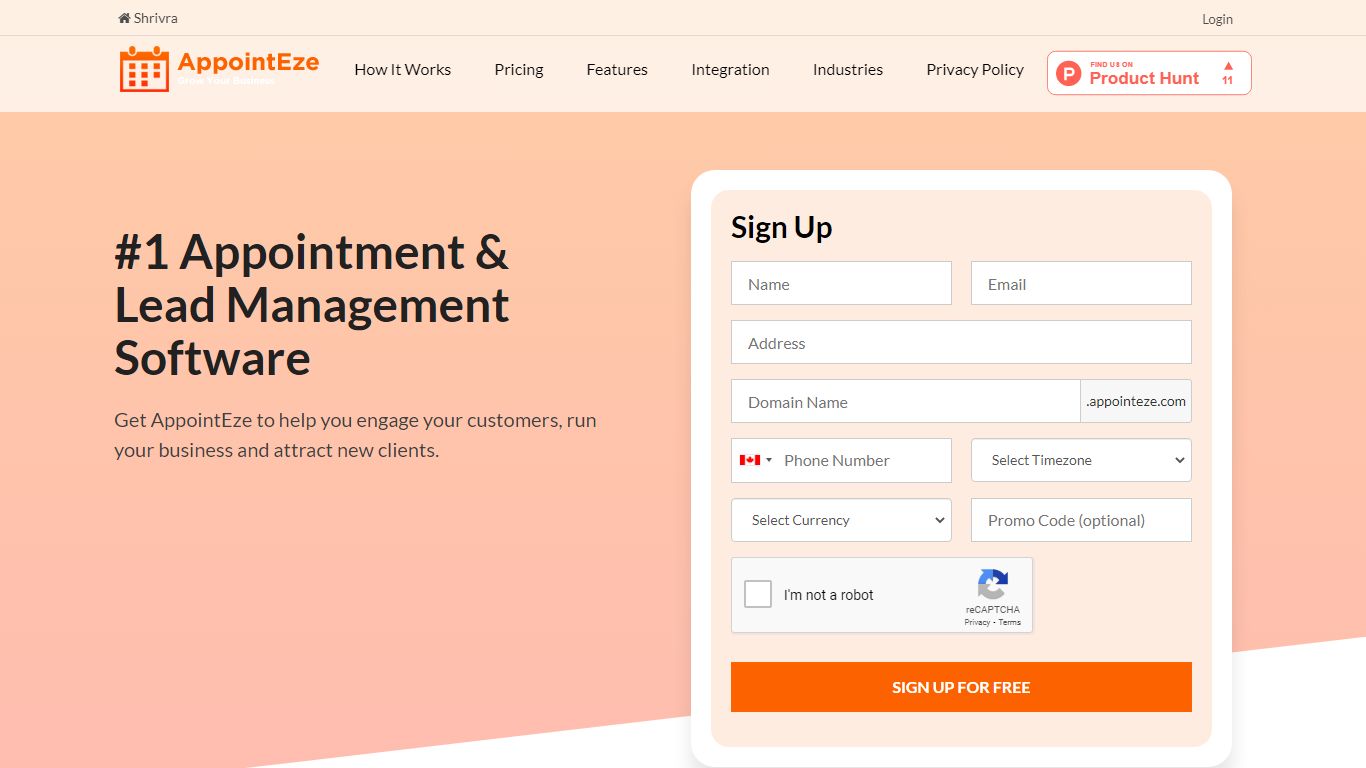
AppointEze lets service businesses share a booking link where clients pick open time slots without phone calls or email threads. The dashboard shows real-time availability, sends automated reminders, collects payments through Stripe or PayPal, and syncs with Google Calendar or Office 365. More than 10,000 businesses across 120 countries use it for client scheduling.
Calendly-style tools focus on one-to-one meetings for knowledge workers. AppointEze targets appointment-heavy service industries instead: barber shops, salons, spas, clinics, gyms, and similar businesses that juggle staff schedules, group classes, and walk-in capacity. It also includes lead management and client profiles, which generic schedulers typically skip.
Small business owners, solo practitioners, and front-desk teams are the main users. AppointEze fits anyone tired of email back-and-forth to confirm appointment times, especially service providers who need customers to book without creating an account first.
LightPDF Upvotes
AppointEze Upvotes
LightPDF Top Features
Chat with PDF, Word, Excel, PPT, EPUB, TXT, and scanned files using GPT-4
Upload documents up to 100 pages free on the web app before upgrading
Multi-document chat lets you query several files in one session
Answers include clickable citations pointing to the source passage
Premium includes 1,000 AI credits per month on monthly and annual plans
One subscription covers Windows, Mac, Android, iOS, and web platforms
AppointEze Top Features
Custom booking page at yourname.appointeze.com that clients can use without registering
Two-way Google Calendar and Office 365 sync to prevent double bookings
Accept payments at booking time through Stripe and PayPal integrations
Host one-to-one meetings, group classes, webinars, and capped daily appointment limits
Automated email notifications and reminders with customizable templates
Lead management with client profiles and communication history in one place
Embeddable booking widget for your existing website plus Facebook integration
LightPDF Category
- PDF
AppointEze Category
- Productivity
LightPDF Pricing Type
- Freemium
AppointEze Pricing Type
- Freemium