Doclime vs PDF AI
Compare Doclime vs PDF AI and see which AI PDF tool is better when we compare features, reviews, pricing, alternatives, upvotes, etc.
Which one is better? Doclime or PDF AI?
When we compare Doclime with PDF AI, which are both AI-powered pdf tools, With more upvotes, PDF AI is the preferred choice. The number of upvotes for PDF AI stands at 8, and for Doclime it's 6.
Disagree with the result? Upvote your favorite tool and help it win!
Doclime
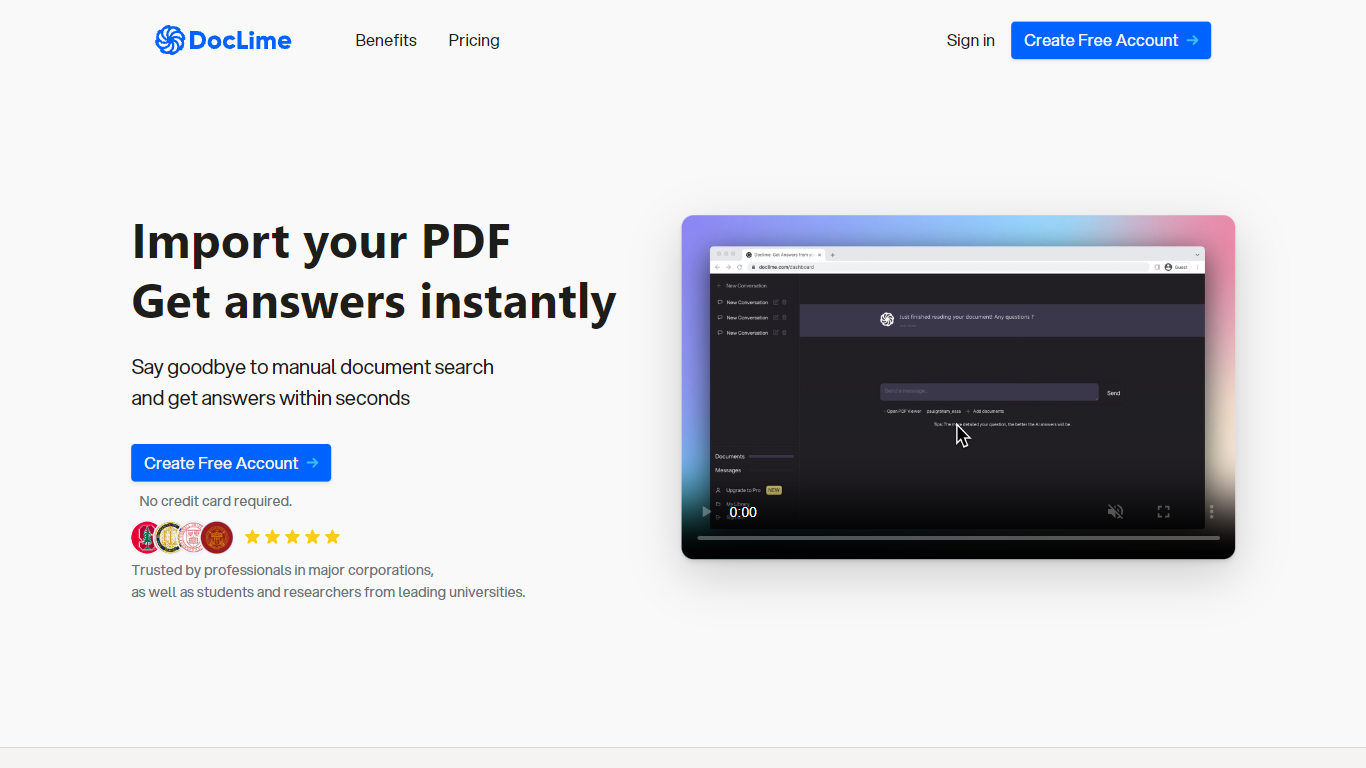

What is Doclime?
Doclime lets you upload PDFs and ask questions that come back with cited answers pulled from the file. You get a built-in PDF viewer with search and page navigation, a notes editor with version history, and a split-screen layout that keeps chat, documents, and notes open at once. It also reads scanned PDFs through OCR and accepts screenshot questions through its Vision feature.
Most PDF chat tools stop at a single file and a text box. Doclime stacks a hierarchical file tree, multi-document context for one conversation, and frontier models from OpenAI and Anthropic in the same workspace. That combination targets people cross-referencing textbooks, contracts, or research papers rather than doing one-off summaries.
The homepage lists use cases like lesson planning from textbooks, chapter summaries, and pulling obligations from contract sections, with example answers showing bracketed source references. Stanford, Berkeley, Cornell, and USC logos appear on the landing page, and the interface ships in nine languages including English, Spanish, French, German, Japanese, Korean, Arabic, and Chinese.
PDF AI
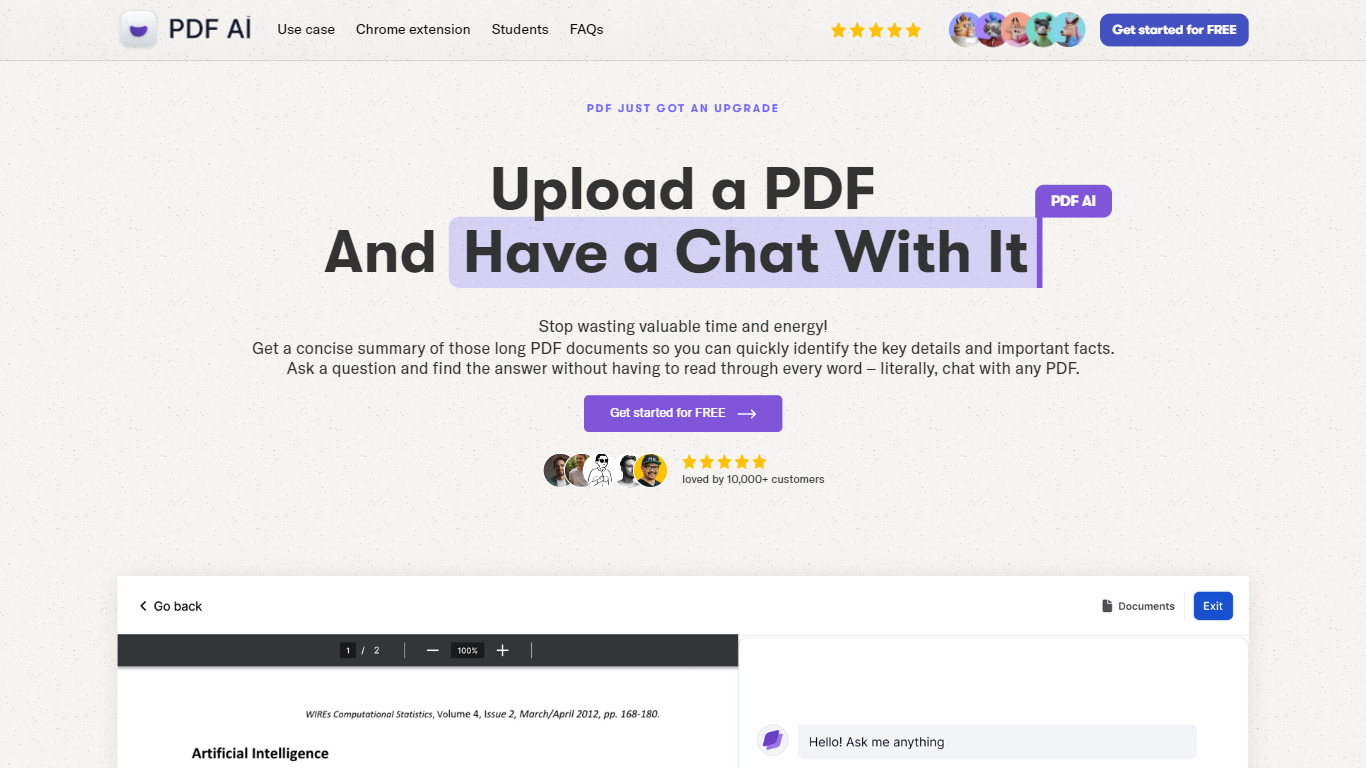
What is PDF AI?
PDF AI lets you upload a PDF and ask questions in plain language, with cited answers pulled from the document text. The web app handles chat across books, legal contracts, financial reports, and research papers, while a Chrome extension adds the same chat panel to local files, Google Drive, and Dropbox PDFs. Developer APIs at api.pdf.ai parse documents into JSON, extract custom fields, and split files by section.
Most PDF chat tools stop at Q&A. PDF AI also ships a Parse API (POST /api/v2/parse), Extract API for invoice and form fields, and Split API for section-aware document breaks. Ultimate and Enterprise plans add specialized AI Agents for verticals like lease review, tax documents, and medical records, plus Capture and Ask screenshot questioning. SOC 2 Type II storage and a private-document mode that skips cloud retention address teams handling sensitive files.
Researchers, legal teams, and financial analysts use the chat interface for one-off document review. Developers embed the REST APIs into automation pipelines, with commercial API credit packs starting at $50 per month for 1,000 credits. The free Hobby plan allows 1 PDF upload and 100 questions per month to test the workflow before upgrading.
Doclime Upvotes
PDF AI Upvotes
Doclime Top Features
Ask questions about uploaded PDFs and receive answers with bracketed citation references to source passages
Built-in PDF viewer includes search, zoom, and page navigation alongside the chat panel
Split-screen layout opens PDF, notes, and chat views simultaneously in one workspace
Vision support lets you screenshot any document section and ask questions about that image
OCR converts scanned PDF files into searchable text before answering questions
Context-aware search adds multiple PDFs and notes as context files to a single AI conversation
PDF AI Top Features
Hobby plan includes 1 PDF upload and 100 questions per month at no cost
Parse API extracts text, tables, headings, and figures into structured JSON via POST /api/v2/parse
OCR limits scale from 2 pages per file on Hobby to 100 pages on Enterprise
Chrome extension chats with local PDFs plus Google Drive and Dropbox files
Ultimate plan at $20 per user per month adds unlimited uploads, AI Agents, and Capture and Ask
Commercial API credit packs start at $50 per month for 1,000 credits with custom quotes above 10,000
Doclime Category
- PDF
PDF AI Category
- PDF
Doclime Pricing Type
- Freemium
PDF AI Pricing Type
- Freemium