
Last updated 08-12-2026
Category:
Reviews:
Join thousands of AI enthusiasts in the World of AI!
PDF AI
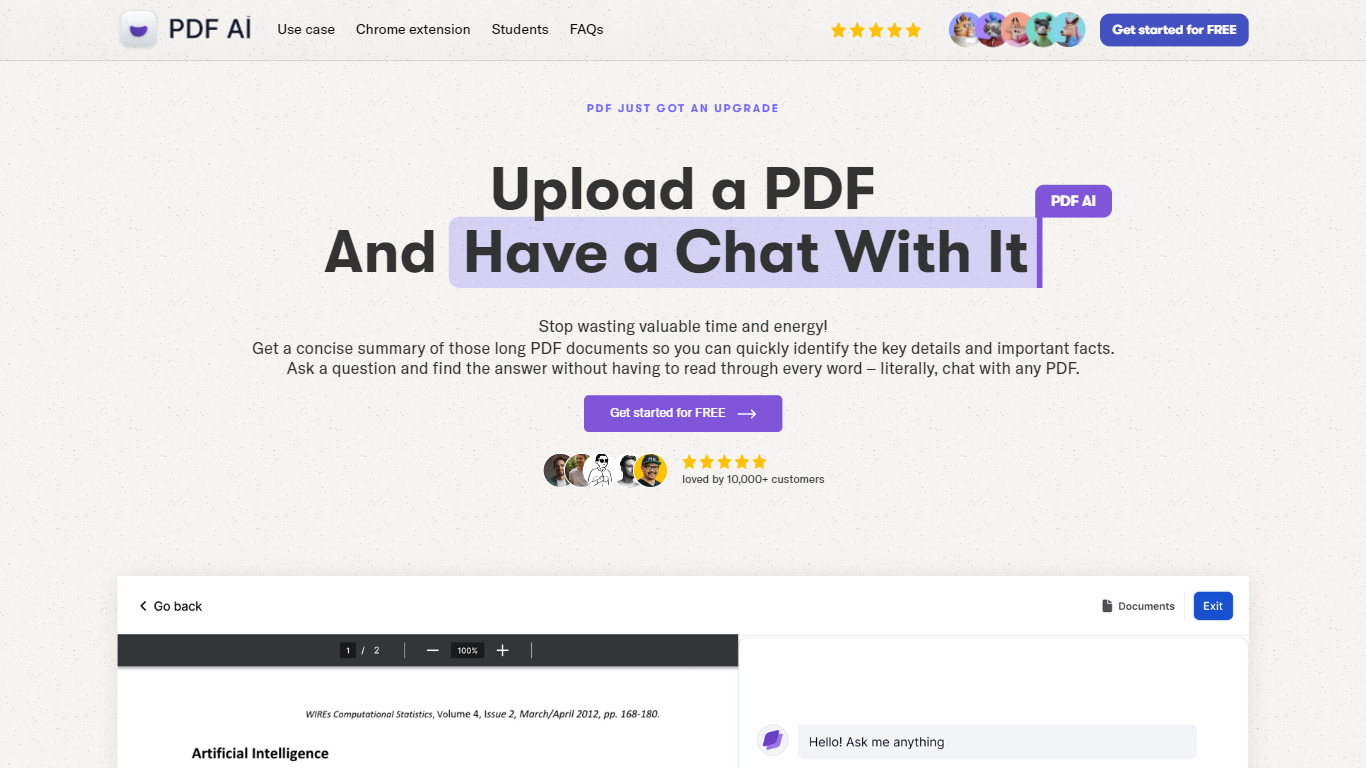
PDF AI lets you upload a PDF and ask questions in plain language, with cited answers pulled from the document text. The web app handles chat across books, legal contracts, financial reports, and research papers, while a Chrome extension adds the same chat panel to local files, Google Drive, and Dropbox PDFs. Developer APIs at api.pdf.ai parse documents into JSON, extract custom fields, and split files by section.
Most PDF chat tools stop at Q&A. PDF AI also ships a Parse API (POST /api/v2/parse), Extract API for invoice and form fields, and Split API for section-aware document breaks. Ultimate and Enterprise plans add specialized AI Agents for verticals like lease review, tax documents, and medical records, plus Capture and Ask screenshot questioning. SOC 2 Type II storage and a private-document mode that skips cloud retention address teams handling sensitive files.
Researchers, legal teams, and financial analysts use the chat interface for one-off document review. Developers embed the REST APIs into automation pipelines, with commercial API credit packs starting at $50 per month for 1,000 credits. The free Hobby plan allows 1 PDF upload and 100 questions per month to test the workflow before upgrading.
Hobby plan includes 1 PDF upload and 100 questions per month at no cost
Parse API extracts text, tables, headings, and figures into structured JSON via POST /api/v2/parse
OCR limits scale from 2 pages per file on Hobby to 100 pages on Enterprise
Chrome extension chats with local PDFs plus Google Drive and Dropbox files
Ultimate plan at $20 per user per month adds unlimited uploads, AI Agents, and Capture and Ask
Commercial API credit packs start at $50 per month for 1,000 credits with custom quotes above 10,000
Combines consumer PDF chat, Chrome extension, and developer Parse/Extract/Split APIs in one product.
Free Hobby tier with cited answers requires no credit card to start.
Specialized AI Agents cover legal, finance, healthcare, and real estate document workflows.
Private document mode and SOC 2 Type II storage for sensitive file handling.
Only PDF file uploads are supported; other formats are listed as future work.
Subscriptions are non-refundable per the FAQ billing policy.
Commercial API usage requires a separate credit-based add-on beyond chat plans.
Is PDF AI free to use?
PDF AI offers a Hobby plan that is free forever with 1 PDF upload and 100 questions per month on files up to 10MB. Paid Pro, Ultimate, and Enterprise plans add more uploads, higher OCR page limits, and advanced AI models.
What file types does PDF AI support?
PDF AI accepts PDF (.pdf) files for upload and chat. The Parse, Extract, and Split APIs also process PDF documents into structured JSON, custom field data, or split sections.
How much does PDF AI Pro cost?
PDF AI Pro costs $10 per month when billed annually, which saves 25% compared to monthly billing. Pro includes 100 PDF uploads, 1,000 monthly questions, 10 OCR pages per file, and a 50MB max file size.
Does PDF AI have a developer API?
PDF AI provides REST APIs for parsing, field extraction, and document splitting at api.pdf.ai. Commercial API add-on plans start at $50 per month for 1,000 credits, with uploads costing 2 credits and GPT-4 messages costing 4 credits each.
Can PDF AI read non-English documents?
PDF AI reads PDFs in any language and answers questions in the language you type. You can upload a document in one language and ask questions in another, with cited source passages included in responses.
How does PDF AI store uploaded files?
PDF AI encrypts documents in transit and at rest through a SOC 2 Type II certified storage provider. A private document option processes files without storing them in cloud storage for users who need stricter data control.