PDF AI vs PDFPeer
In the clash of PDF AI vs PDFPeer, which AI PDF tool emerges victorious? We assess reviews, pricing, alternatives, features, upvotes, and more.
If you had to choose between PDF AI and PDFPeer, which one would you go for?
Let's take a closer look at PDF AI and PDFPeer, both of which are AI-driven pdf tools, and see what sets them apart. The users have made their preference clear, PDFPeer leads in upvotes. PDFPeer has 89 upvotes, and PDF AI has 8 upvotes.
Does the result make you go "hmm"? Cast your vote and turn that frown upside down!
PDF AI
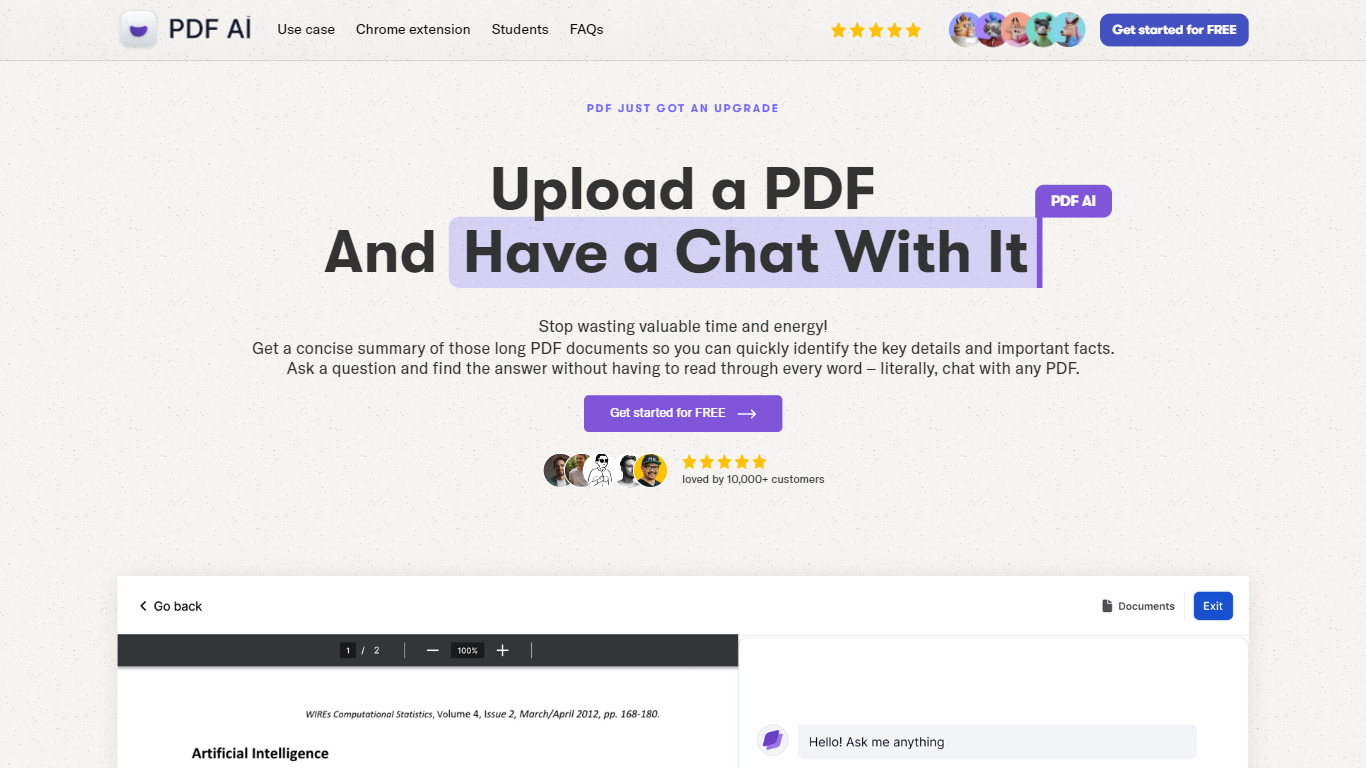

What is PDF AI?
PDF AI lets you upload a PDF and ask questions in plain language, with cited answers pulled from the document text. The web app handles chat across books, legal contracts, financial reports, and research papers, while a Chrome extension adds the same chat panel to local files, Google Drive, and Dropbox PDFs. Developer APIs at api.pdf.ai parse documents into JSON, extract custom fields, and split files by section.
Most PDF chat tools stop at Q&A. PDF AI also ships a Parse API (POST /api/v2/parse), Extract API for invoice and form fields, and Split API for section-aware document breaks. Ultimate and Enterprise plans add specialized AI Agents for verticals like lease review, tax documents, and medical records, plus Capture and Ask screenshot questioning. SOC 2 Type II storage and a private-document mode that skips cloud retention address teams handling sensitive files.
Researchers, legal teams, and financial analysts use the chat interface for one-off document review. Developers embed the REST APIs into automation pipelines, with commercial API credit packs starting at $50 per month for 1,000 credits. The free Hobby plan allows 1 PDF upload and 100 questions per month to test the workflow before upgrading.
PDFPeer
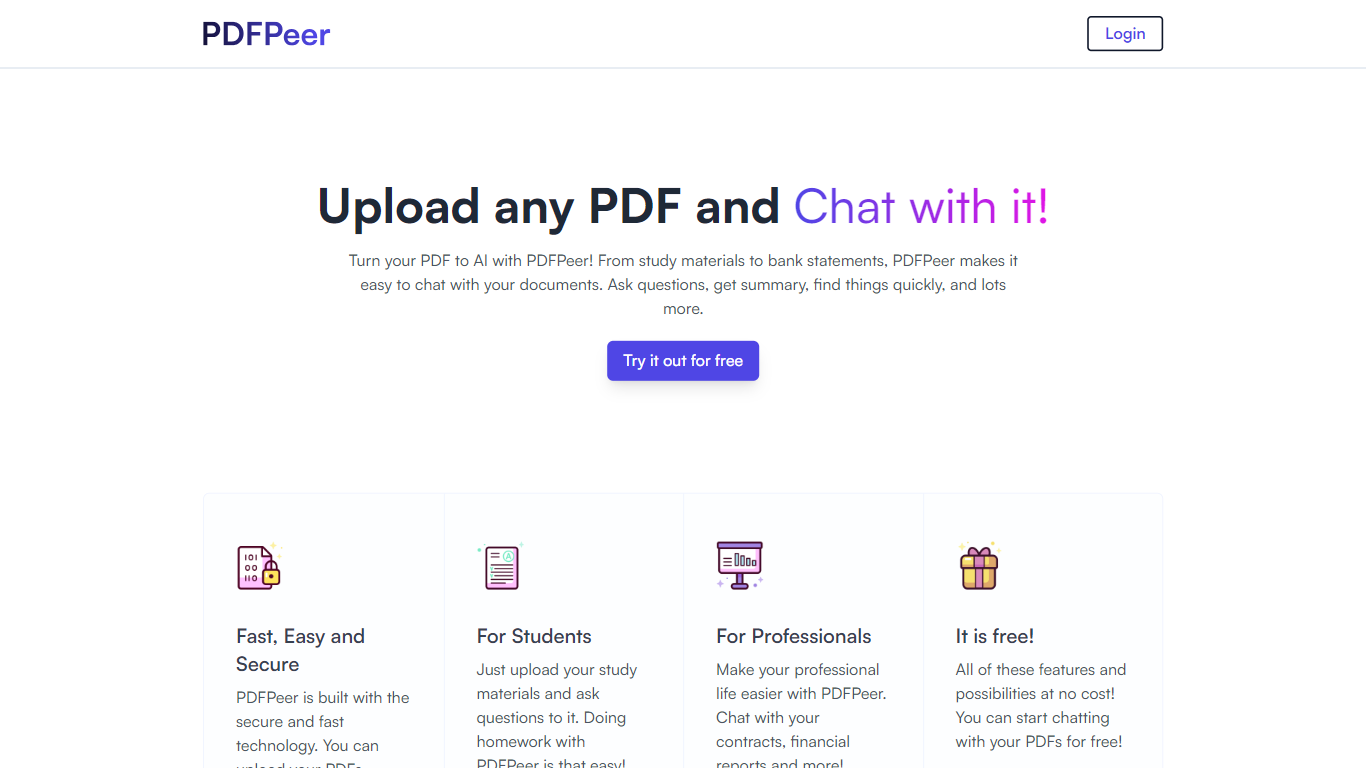
What is PDFPeer?
PDFPeer turns uploaded PDFs into documents you can question in plain language. Upload a file, then ask for summaries, specific facts, or quick lookups without scrolling page by page. The product targets students working through lecture notes and professionals handling contracts, reports, bank statements, and similar paperwork.
The homepage highlights use across study materials, invoices, resumes, contracts, tax forms, research papers, and other document types. PDFPeer also ships a separate free tools section for conversions and extraction, including PDF to text, OCR, image conversion, and split PDF workflows that do not require signing in.
Accounts support Google, GitHub, or email sign-in. Southern East Inc., based in Waterloo, Ontario, operates PDFPeer and handles billing through Stripe.
PDF AI Upvotes
PDFPeer Upvotes
PDF AI Top Features
Hobby plan includes 1 PDF upload and 100 questions per month at no cost
Parse API extracts text, tables, headings, and figures into structured JSON via POST /api/v2/parse
OCR limits scale from 2 pages per file on Hobby to 100 pages on Enterprise
Chrome extension chats with local PDFs plus Google Drive and Dropbox files
Ultimate plan at $20 per user per month adds unlimited uploads, AI Agents, and Capture and Ask
Commercial API credit packs start at $50 per month for 1,000 credits with custom quotes above 10,000
PDFPeer Top Features
Upload a PDF and ask questions in natural language instead of searching manually
Generate summaries and pull specific details from long documents quickly
Works across study notes, contracts, invoices, resumes, tax forms, and research papers
Free tier includes one PDF with limits on file size, page count, and daily questions
Unlimited plan removes PDF, page, and question caps with priority support
Standalone free PDF utilities for text extraction, OCR, image conversion, and splitting files
PDF AI Category
- PDF
PDFPeer Category
- PDF
PDF AI Pricing Type
- Freemium
PDFPeer Pricing Type
- Freemium