BoloForms vs PDF AI
In the clash of BoloForms vs PDF AI, which AI PDF tool emerges victorious? We assess reviews, pricing, alternatives, features, upvotes, and more.
If you had to choose between BoloForms and PDF AI, which one would you go for?
Let's take a closer look at BoloForms and PDF AI, both of which are AI-driven pdf tools, and see what sets them apart. The upvote count shows a clear preference for PDF AI. PDF AI has attracted 8 upvotes from aitools.fyi users, and BoloForms has attracted 6 upvotes.
Want to flip the script? Upvote your favorite tool and change the game!
BoloForms

What is BoloForms?
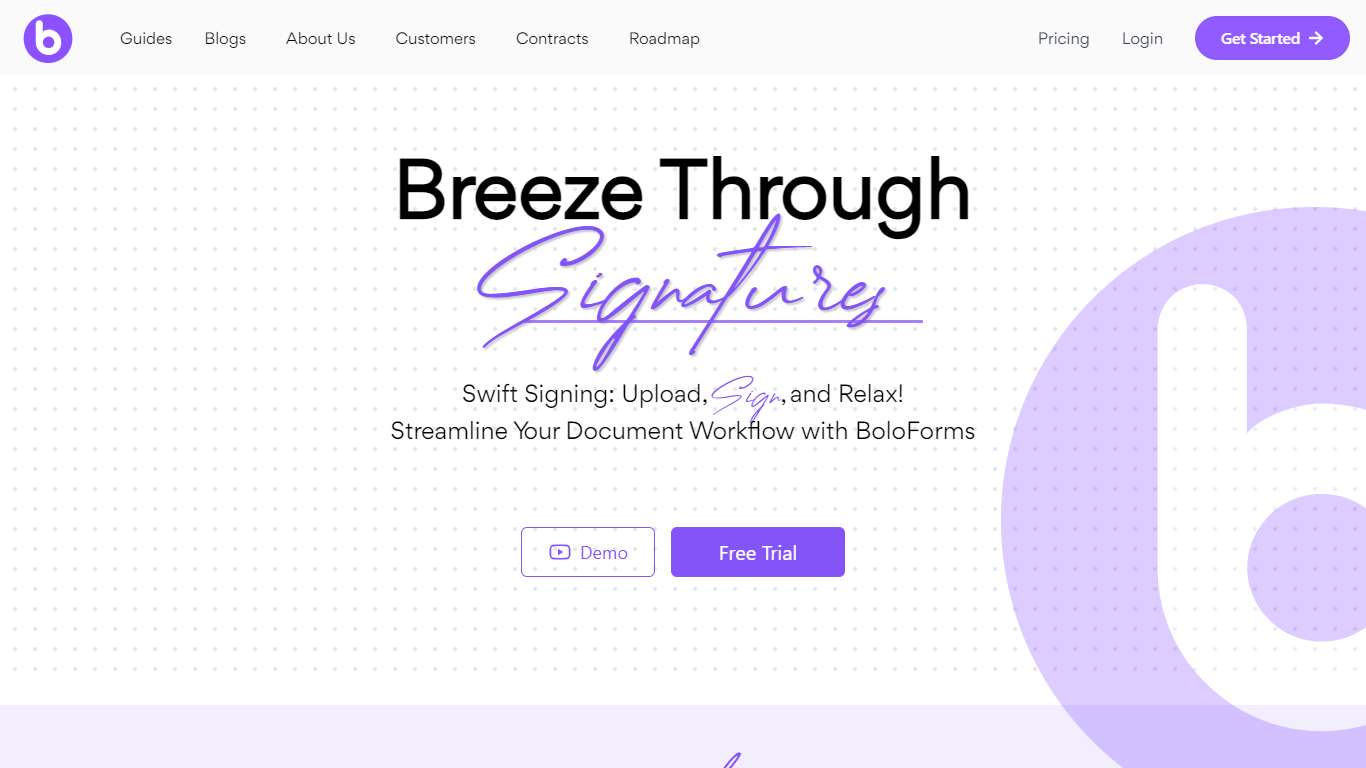
BoloForms (branded on its site as BoloSign) is an electronic signature platform built for small businesses that need to send contracts, PDFs, and signature forms without per-user or per-document fees. You upload a document or build a form, add signature fields, and send it to recipients who can sign from a link without creating an account.
The platform covers the full signing workflow: reusable PDF templates, fillable forms with compliance fields, bulk send via CSV, automated reminders, audit trails, and multi-signer signing order. It also offers a Google Forms add-on, native iOS and Android apps, Gmail and Google Workspace integrations, and a REST API for embedding signing into other apps.
BoloForms is operated by Closer Innovation Labs Corp and is a member of the NVIDIA Inception program. The service holds ISO 27001:2022, SOC 2 Type I and II, GDPR, HIPAA, ESIGN Act, eIDAS, and UETA compliance certifications. Over 50,000 businesses use it across healthcare, education, retail, logistics, and professional services.
PDF AI
What is PDF AI?
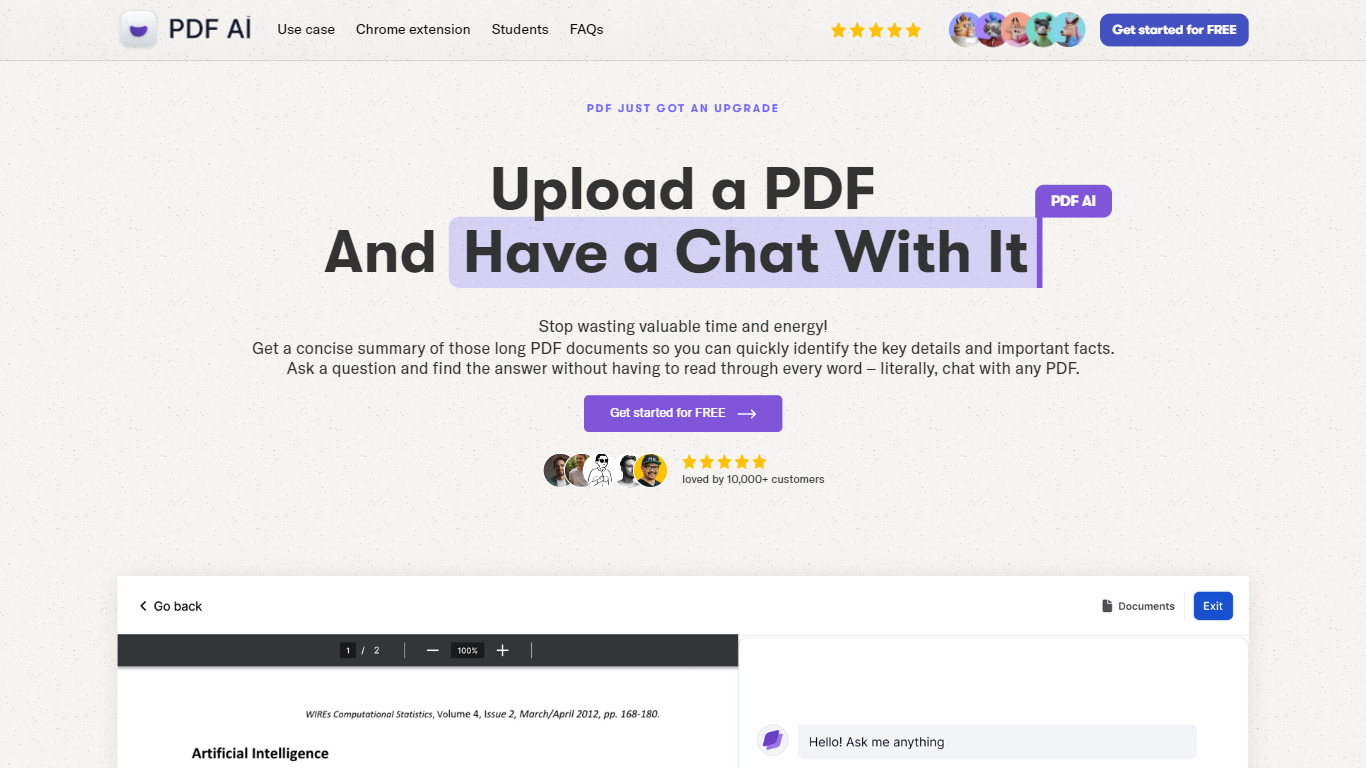
PDF AI lets you upload a PDF and ask questions in plain language, with cited answers pulled from the document text. The web app handles chat across books, legal contracts, financial reports, and research papers, while a Chrome extension adds the same chat panel to local files, Google Drive, and Dropbox PDFs. Developer APIs at api.pdf.ai parse documents into JSON, extract custom fields, and split files by section.
Most PDF chat tools stop at Q&A. PDF AI also ships a Parse API (POST /api/v2/parse), Extract API for invoice and form fields, and Split API for section-aware document breaks. Ultimate and Enterprise plans add specialized AI Agents for verticals like lease review, tax documents, and medical records, plus Capture and Ask screenshot questioning. SOC 2 Type II storage and a private-document mode that skips cloud retention address teams handling sensitive files.
Researchers, legal teams, and financial analysts use the chat interface for one-off document review. Developers embed the REST APIs into automation pipelines, with commercial API credit packs starting at $50 per month for 1,000 credits. The free Hobby plan allows 1 PDF upload and 100 questions per month to test the workflow before upgrading.
BoloForms Upvotes
PDF AI Upvotes
BoloForms Top Features
Send unlimited PDFs, templates, and signature forms on paid plans with no per-user fees on the Team tier
Collect legally binding signatures on fillable forms with dropdown, radio, checkbox, and matrix fields
Bulk send personalized signing requests to hundreds of recipients from a CSV upload
Reusable PDF templates with pre-placed signature, text, date, and initials fields
Automated reminder emails on a 1, 3, 5, or 7-day schedule for unsigned documents
Tamper-proof audit trail recording signer identity, IP address, email, and timestamps
Google Forms add-on, Google Drive, Dropbox, and OneDrive integrations plus HubSpot and Pipedrive CRM connections
REST API and embedded signing iframe for developers building signing into their own apps
Map PDF AI that auto-detects where signature and form fields belong on uploaded documents
Native iOS and Android apps plus Gmail and Google Workspace marketplace extensions
PDF AI Top Features
Hobby plan includes 1 PDF upload and 100 questions per month at no cost
Parse API extracts text, tables, headings, and figures into structured JSON via POST /api/v2/parse
OCR limits scale from 2 pages per file on Hobby to 100 pages on Enterprise
Chrome extension chats with local PDFs plus Google Drive and Dropbox files
Ultimate plan at $20 per user per month adds unlimited uploads, AI Agents, and Capture and Ask
Commercial API credit packs start at $50 per month for 1,000 credits with custom quotes above 10,000
BoloForms Category
- PDF
PDF AI Category
- PDF
BoloForms Pricing Type
- Freemium
PDF AI Pricing Type
- Freemium