Dottie vs Martin
Dive into the comparison of Dottie vs Martin and discover which AI Assistant tool stands out. We examine alternatives, upvotes, features, reviews, pricing, and beyond.
In a comparison between Dottie and Martin, which one comes out on top?
When we compare Dottie and Martin, two exceptional assistant tools powered by artificial intelligence, and place them side by side, several key similarities and differences come to light. Neither tool takes the lead, as they both have the same upvote count. Join the aitools.fyi users in deciding the winner by casting your vote.
Don't agree with the result? Cast your vote and be a part of the decision-making process!
Dottie

What is Dottie?
Dottie is a native Mac voice assistant that listens, reasons, and runs tasks on your computer instead of stopping at chat replies. Say "Hey Dottie" or hold Option+Space to dictate, and it can send email, schedule calendar events, search files, control apps, and read what is on your screen through built-in vision.
Most Mac assistants answer questions in a separate window. Dottie chains 134 system tools to finish work end to end, from drafting an email to creating a calendar invite. You pick how models run: local Ollama or MLX models on device, your own API keys for OpenAI, Anthropic, xAI, or Cerebras, or Dottie Pro for keyless Grok access at $20 per month.
The app ships as a free .zip download with no account required for local or bring-your-own-key use. It targets Apple Silicon Macs on macOS 15.4 or later, with sandboxed permissions defaulting off until you grant them. Developers get an open-source CLI engine called Dotbot plus a local Agent API on port 1317.
Martin
What is Martin?
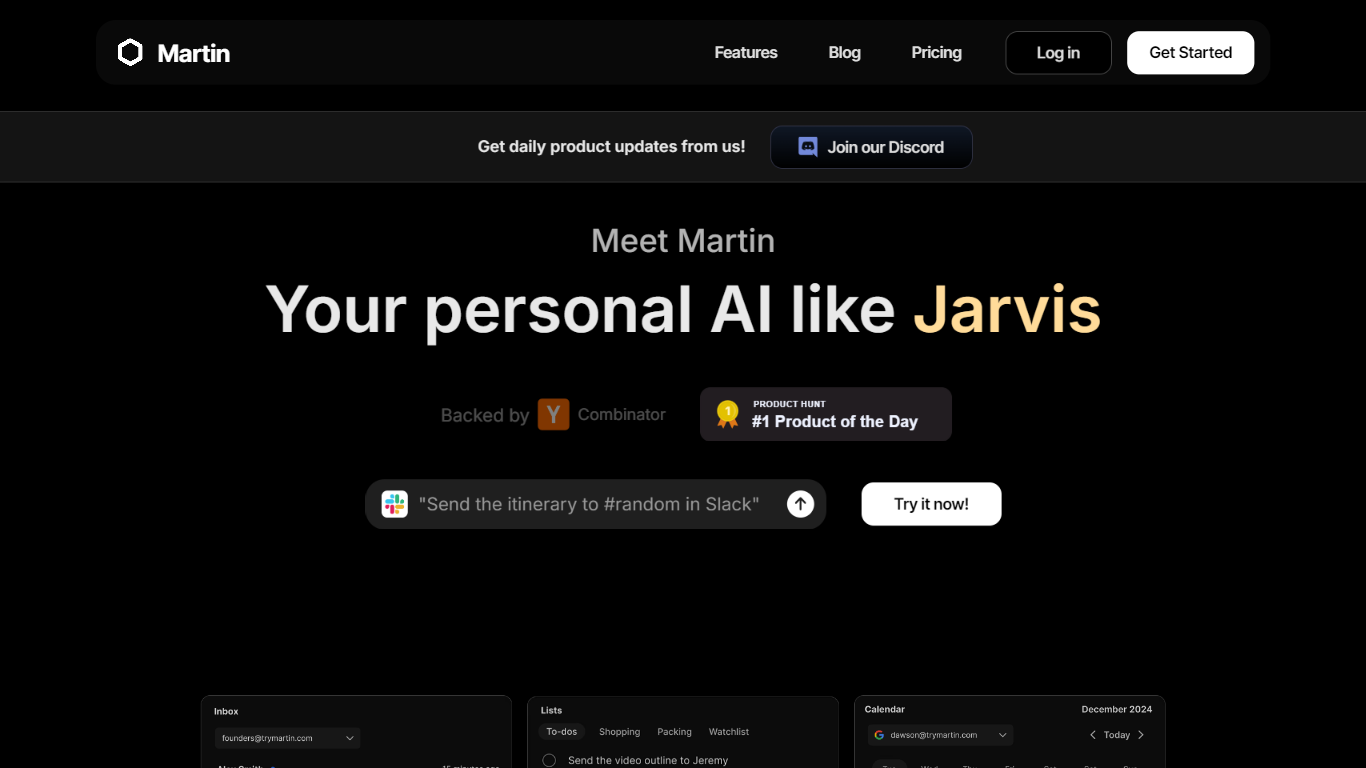
Martin is a personal assistant you reach by phone call, text, email, or Slack. It manages your calendar, inbox, reminders, and everyday tasks through conversation instead of clicking through separate productivity apps.
The product is built around the idea of a Jarvis-style helper that plugs into tools you already use. Gmail and Outlook inboxes, Google and Outlook calendars, SMS, WhatsApp, and Slack workspaces can be connected so Martin can search mail, draft replies, schedule events, and set reminders on request.
CC to Schedule is a standout workflow: copy [email protected] on an email thread and ask Martin to propose meeting times from your calendar. Pro subscribers also get morning email drafts, wake-up calls with weather and your daily schedule, and priority access to advanced models.
Martin runs as a web app and an iOS app with voice mode, push notifications, and shortcuts. DCWU, Inc. builds it as a Y Combinator company and announced a $2M seed round in January 2025.
Dottie Upvotes
Martin Upvotes
Dottie Top Features
134 built-in system tools covering email, iMessage, calendar, Safari tabs, and file management
Hold Option+Space for instant voice dictation into any app without a separate window
"Hey Dottie" wake word for hands-free requests from anywhere on the Mac
Three model paths: local Ollama or MLX, bring-your-own API keys, or Dottie Pro keyless Grok
Screen reading through OCR and visual analysis so Dottie can act on what you see
3,800 plus local models from HuggingFace via Ollama and MLX for on-device inference
Martin Top Features
Cc [email protected] and Martin proposes meeting times from your calendar
Morning email drafts ready before you wake up on the Pro plan
Wake-up calls with weather, schedule, and news read aloud
Gmail and Outlook search, draft, send, label, and archive from any channel
Reach Martin by phone, SMS, WhatsApp, email, Slack, or the iOS app
Parses images and PDF, TXT, or CSV files across every interface
Dottie Category
- Assistant
Martin Category
- Assistant
Dottie Pricing Type
- Freemium
Martin Pricing Type
- Freemium