Dreamwave AI Headshots vs Pixlr
In the battle of Dreamwave AI Headshots vs Pixlr, which AI Image Generation tool comes out on top? We compare reviews, pricing, alternatives, upvotes, features, and more.
Between Dreamwave AI Headshots and Pixlr, which one is superior?
Upon comparing Dreamwave AI Headshots with Pixlr, which are both AI-powered image generation tools, The users have made their preference clear, Pixlr leads in upvotes. The number of upvotes for Pixlr stands at 10, and for Dreamwave AI Headshots it's 9.
Does the result make you go "hmm"? Cast your vote and turn that frown upside down!
Dreamwave AI Headshots
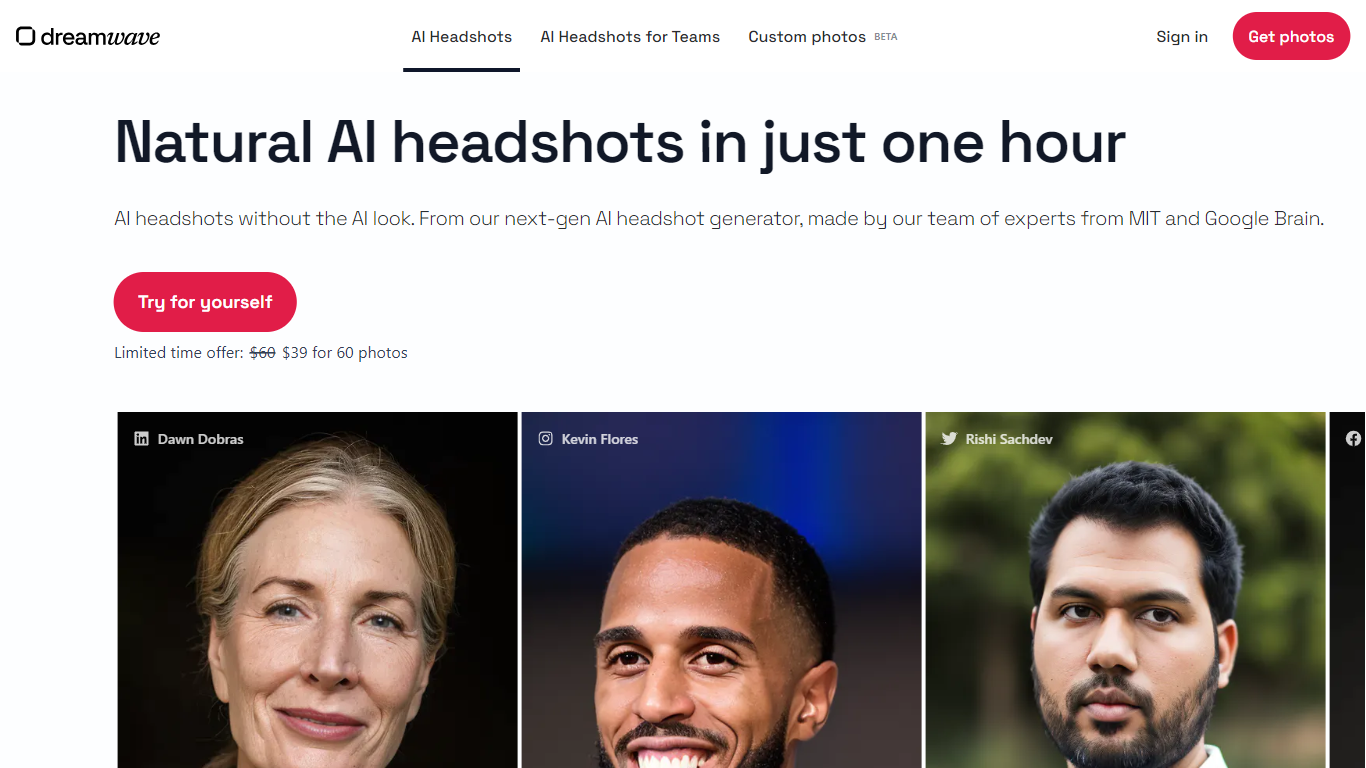

What is Dreamwave AI Headshots?
Next-generation, high quality AI headshots without the AI look.
Dreamwave is an AI headshot generator that can produce high-quality AI headshots in under one hour. To use it, users only need to upload 5-8 sample photos.
Dreamwave's AI headshot generator was developed by a team of AI experts previously at MIT and Google Brain. Dreamwave's proprietary technology leads to higher quality, higher resolution photos, as well as better likeness in their AI-generated photos (i.e., photos that look like you).
To see examples of Dreamwave's real customer results, visit https://www.dreamwave.ai/ai-headshots.
Pixlr
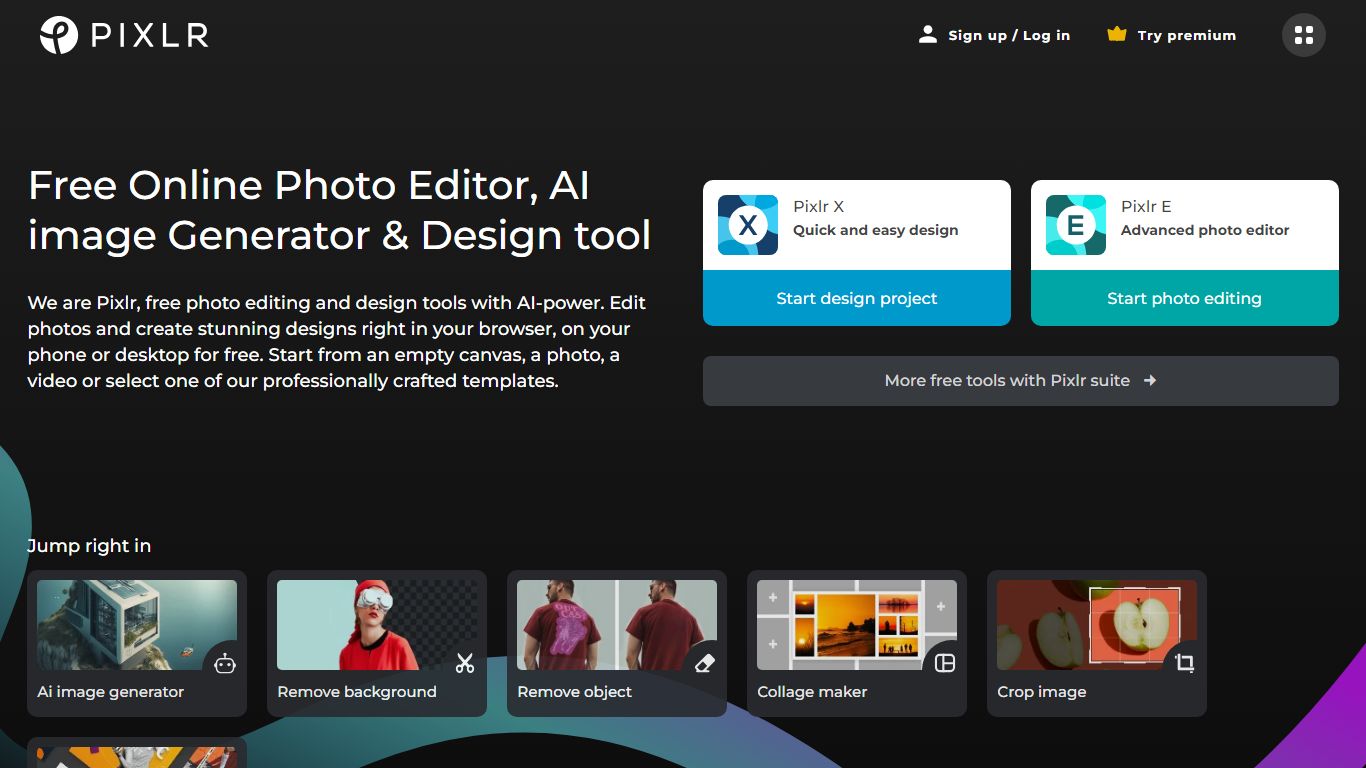
What is Pixlr?
Free Online Photo Editor, AI image Generator & Design tool
We are Pixlr, free photo editing and design tools with AI-power. Edit photos and create stunning designs right in your browser, on your phone or desktop for free. Start from an empty canvas, a photo, a video or select one of our professionally crafted templates.
Photomash Studio by Pixlr:Create high quality visual assets with just one click, for free! The one-click visual creator Photomash Studio instantly removes backgrounds from your photos to create amazing profile pictures, product images, Youtube thumbnails and more..
Design templates:Start designing from professionally crafted templates! Create a YouTube banner, Instagram story, resume, brochure, business card, presentation or the perfect sales pitch with a growing library of thousands of stunning and free templates.
Animations:Animate any design in just a few clicks with Pixlr. Use professional-looking animation presets or get into the gritty timeline details and capture your audience in way that simple images just can't.
Remove background:Erase backgrounds in your photos with ease! Instant AI-powered background removal in a single click! So fast, too easy. Now you can remove backgrounds from portraits, selfies, profile pictures and more in mere seconds.
Collage maker:Need to assemble photos on the fly? Create photo collages free online with our built-in pre-made collage templates. Just select a layout, upload images and start editing.
Filters & Effects:Transform your photos into artistic visuals with a variety of creative photo filters. Achieve the desired photo effects effortlessly in easy clicks!
Dreamwave AI Headshots Upvotes
Pixlr Upvotes
Dreamwave AI Headshots Top Features
Headshots provided in under an hour
Only 5-8 sample photos needed
Pixlr Top Features
No top features listedDreamwave AI Headshots Category
- Image Generation
Pixlr Category
- Image Generation
Dreamwave AI Headshots Pricing Type
- Paid
Pixlr Pricing Type
- Freemium