dypt vs NocoAI
When comparing dypt vs NocoAI, which AI Web Apps tool shines brighter? We look at pricing, alternatives, upvotes, features, reviews, and more.
In a comparison between dypt and NocoAI, which one comes out on top?
When we put dypt and NocoAI side by side, both being AI-powered web apps tools, The upvote count is neck and neck for both dypt and NocoAI. Be a part of the decision-making process. Your vote could determine the winner.
Don't agree with the result? Cast your vote and be a part of the decision-making process!
dypt

What is dypt?
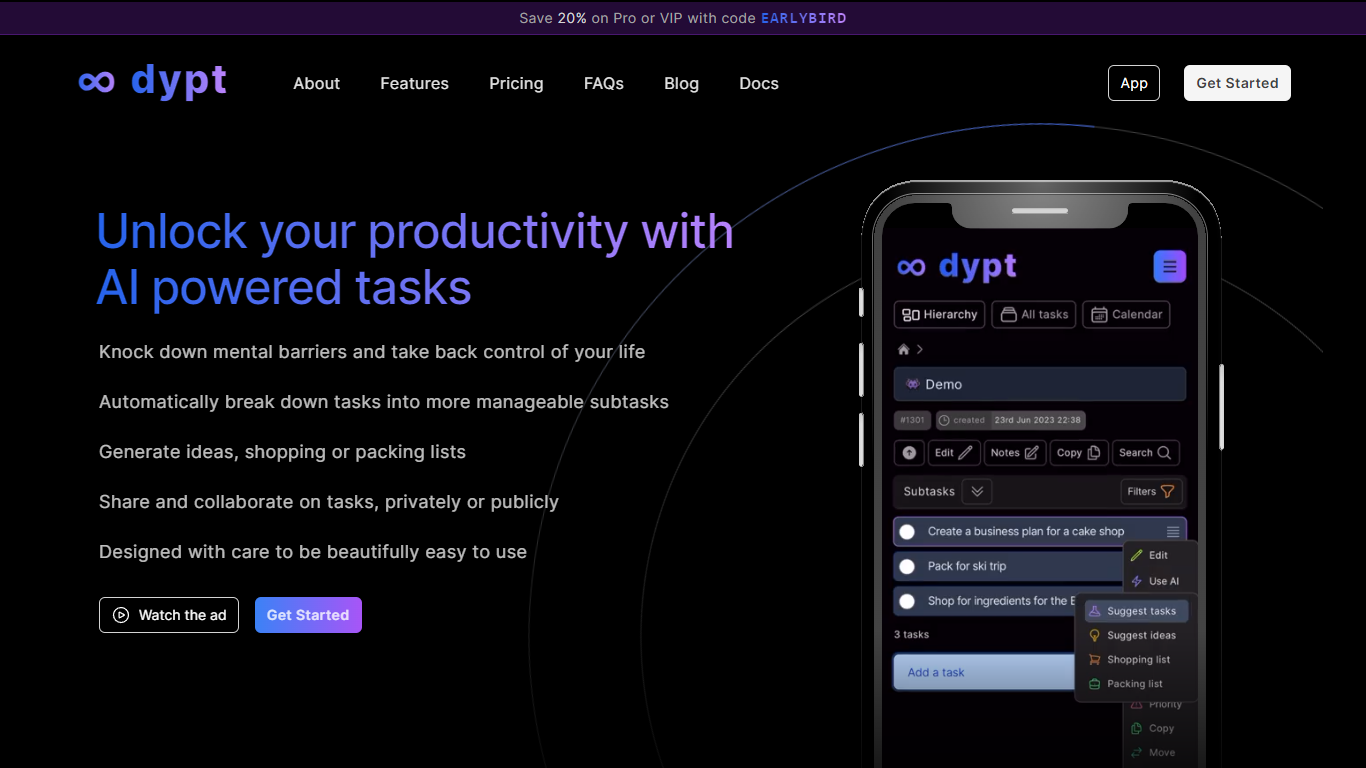
dypt is a task manager built around infinitely nested tasks and AI-assisted planning. Instead of flat to-do lists, you organize work into hierarchies as deep as you need, breaking large projects into smaller steps until each item feels manageable.
The product is built by Dane Poyzer, a UK-based developer who started dypt after struggling with task management as a startup founder and parent. It is operated by Poyzer Tech Limited and targets people who want structure without heavyweight project management software.
AI features are woven into everyday task workflows: automatic breakdowns, time estimates, image-to-task capture, note cleanup, and extraction of action items from notes. You can choose Fast or Deep mode depending on how thorough you want the output.
dypt runs in the browser on any device and also offers a published CLI (@dypt/cli) for terminal-based task management with JSON output for scripts and coding agents. Tasks can be shared publicly or collaborated on privately depending on your plan.
NocoAI
What is NocoAI?
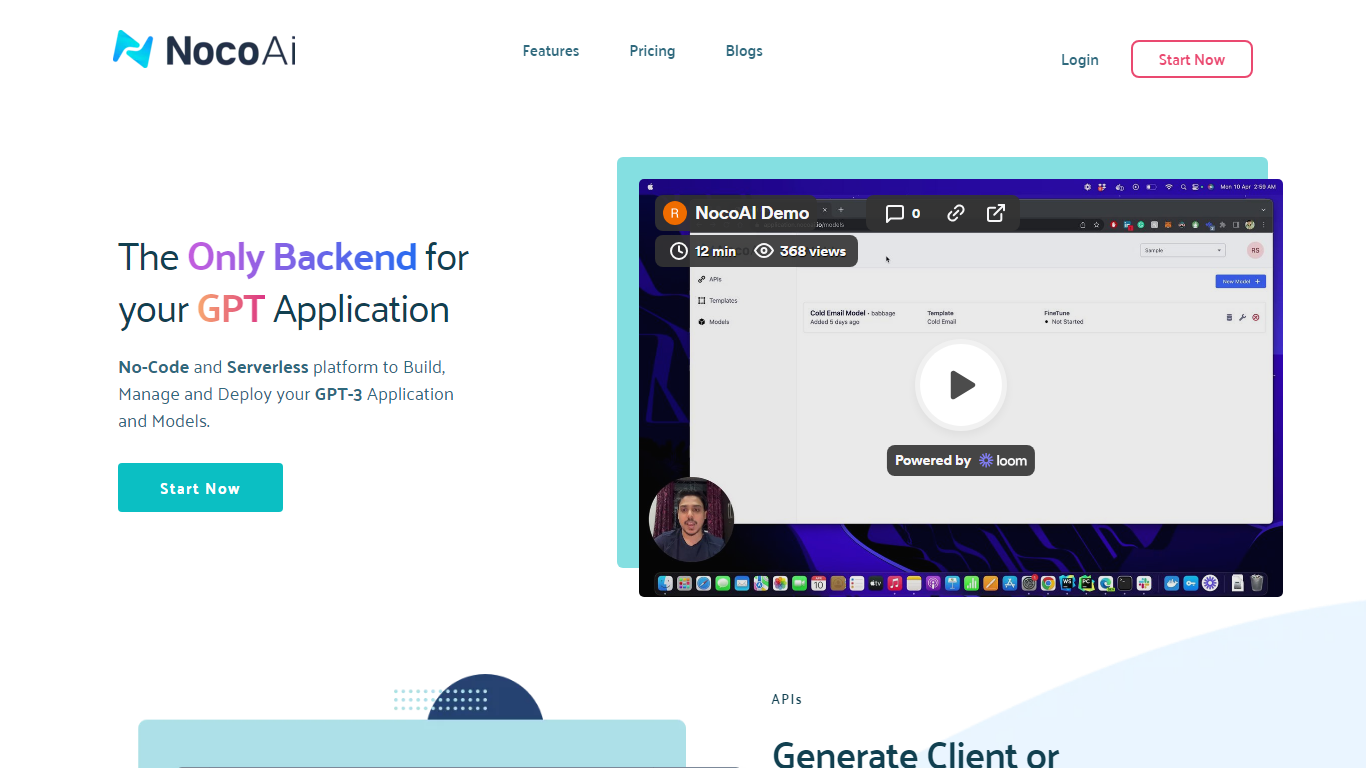
NocoAI revolutionizes the deployment of GPT-based applications with its no-code, serverless platform, designed for simplicity and effectiveness. It empowers businesses to create custom models and API endpoints that cater to the client or backend needs. With NocoAI, you gain the ability to define prompt templates using the Mustache template engine, leading to highly personalized input for fine-tuning applications. The platform offers a unique feature enabling you to control OpenAI costs with request and user limits on your APIs, while the upcoming feature to analyze API usage promises an even more refined custom model optimization. Moreover, the NocoAI team stands ready to assist non-developers in adding datasets for further model fine-tuning via a user-friendly interface.
dypt Upvotes
NocoAI Upvotes
dypt Top Features
Split tasks into nested subtasks at any depth until work feels manageable
AI breaks big tasks into subtasks, generates idea lists, and builds shopping or packing lists
Snap a photo of a whiteboard or handwritten notes and turn it into trackable tasks
Set deadlines, up to three reminders per task, and view everything on a calendar
Share tasks publicly or collaborate privately with teammates, family, or friends
Install the @dypt/cli npm package to manage tasks from the terminal with JSON output
NocoAI Top Features
No-Code Platform: Utilize a serverless environment to build and deploy GPT applications without coding.
API Generation: Easily generate client or backend APIs with custom or inbuilt models.
Template Customization: Define prompt templates and variables with the Mustache template engine for personalized API inputs.
Cost Control: Implement request and user limits to manage OpenAI costs effectively.
Non-Developer Friendly: Engage the NocoAI team for assistance in dataset addition and model fine-tuning.
dypt Category
- Web Apps
NocoAI Category
- Web Apps
dypt Pricing Type
- Freemium
NocoAI Pricing Type
- Freemium