Excelly-AI vs AskCSV
In the face-off between Excelly-AI vs AskCSV, which AI Excel tool takes the crown? We scrutinize features, alternatives, upvotes, reviews, pricing, and more.
In a face-off between Excelly-AI and AskCSV, which one takes the crown?
If we were to analyze Excelly-AI and AskCSV, both of which are AI-powered excel tools, what would we find? The upvote count favors AskCSV, making it the clear winner. AskCSV has received 8 upvotes from aitools.fyi users, while Excelly-AI has received 6 upvotes.
Think we got it wrong? Cast your vote and show us who's boss!
Excelly-AI
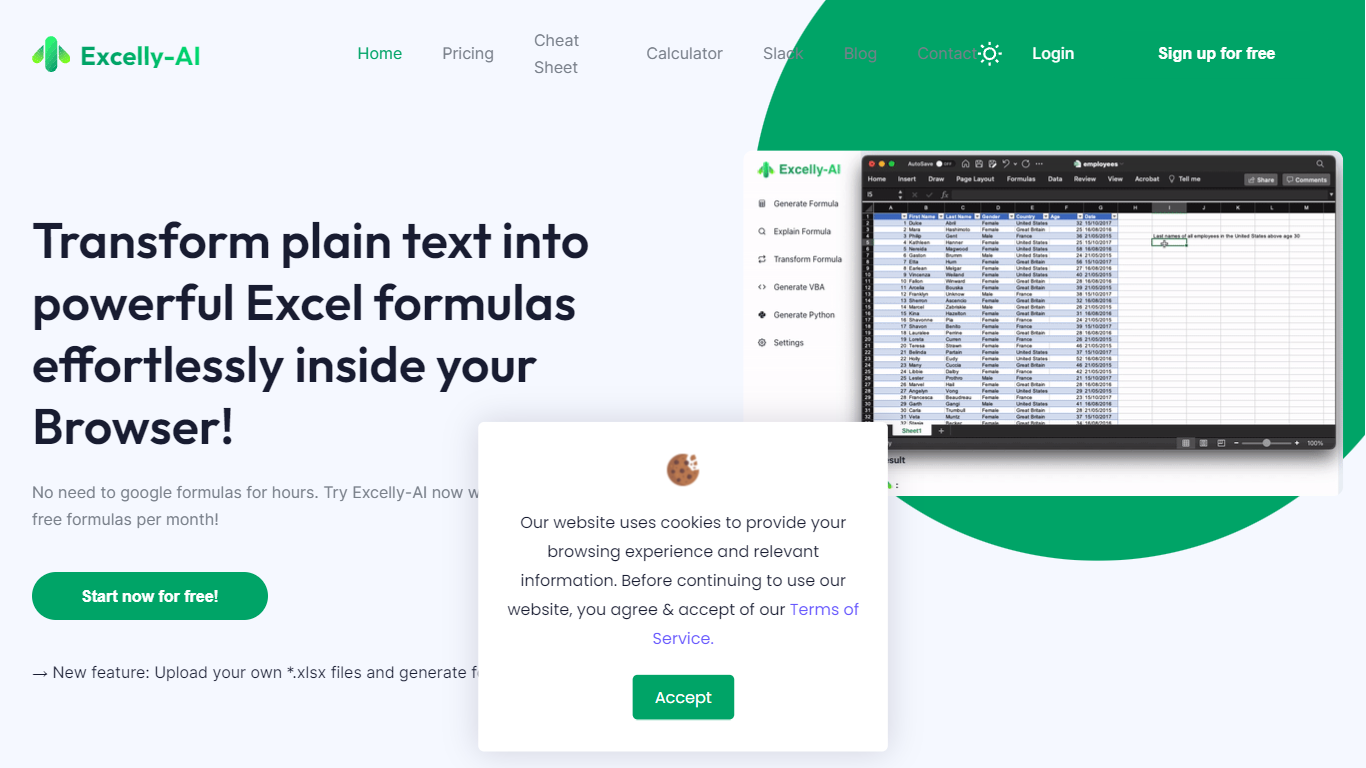

What is Excelly-AI?
Excelly-AI is the premier tool for transforming plain text into powerful Excel and Google Sheets formulas right within your browser or via Slack. Our cutting-edge technology allows users to generate or explain complex formulas effortlessly, catering both to Excel and VBA as well as Google Sheets users. With the unique *.xlsx file upload feature, Excelly-AI elevates your productivity by allowing you to craft customized prompts based on your spreadsheet's column schema, providing precise and context-aware formula generation. Excel enthusiasts can also convert formulas between Excel and Google Sheets instantly. Additionally, Excelly-AI integrates seamlessly with Slack, empowering teams of any size to streamline their spreadsheet-related tasks company-wide. Whether a beginner or a power user, start with 5 free formulas per month and witness the transformation of text to formulas without endlessly Googling.
AskCSV
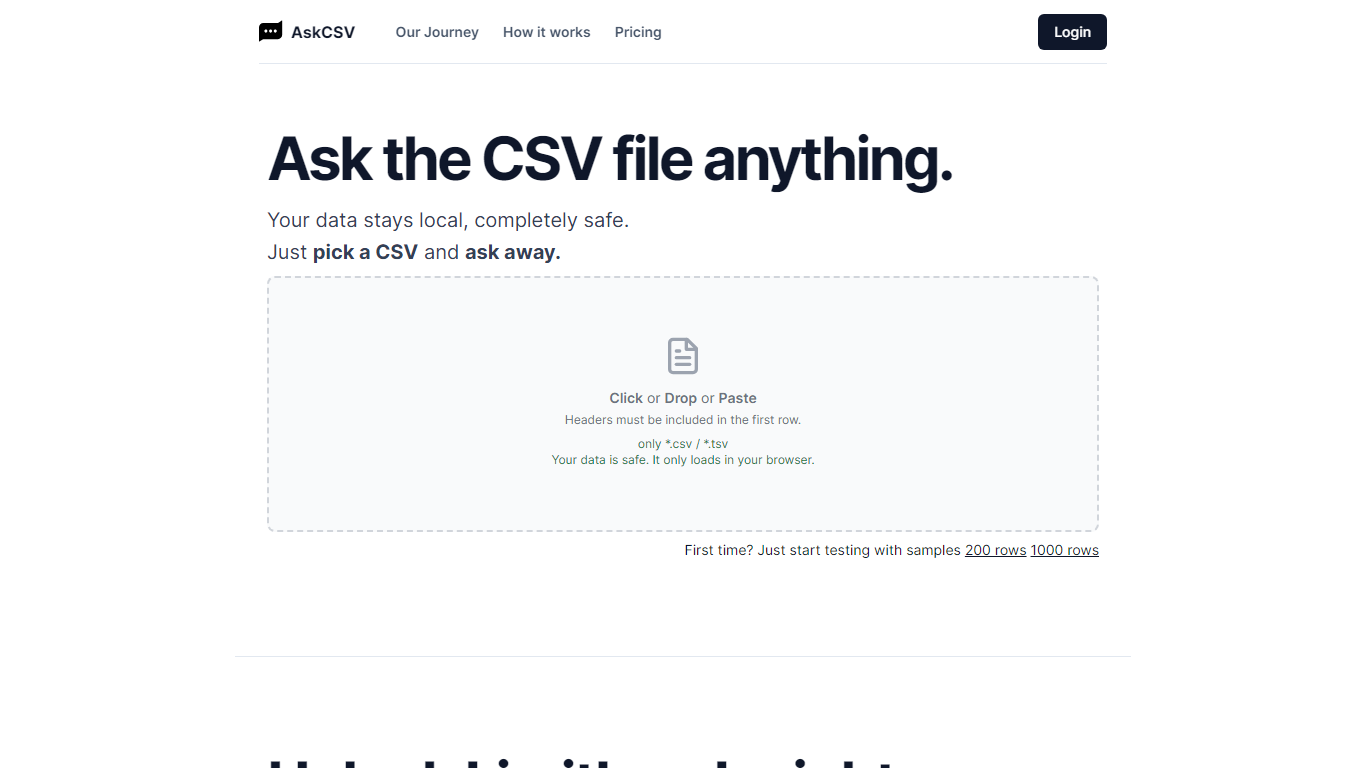
What is AskCSV?
AskCSV is a browser-based tool for analyzing CSV and TSV files with plain-language questions. You upload a file by click, drop, or paste, then ask about sales trends, customer behavior, product pairings, or marketing ROI. The tool responds with charts and tables tailored to your question.
Your file loads only in your browser and is not sent to a server. AskCSV builds a virtual dataset from your data and runs analysis using OpenAI GPT models locally, which keeps sensitive spreadsheets on your device.
The service targets anyone working with tabular data who wants quick insights without uploading files online. A free tier covers light daily use, and a 1-Day Pass adds higher row and ask limits with no subscription required.
Excelly-AI Upvotes
AskCSV Upvotes
Excelly-AI Top Features
Generate Formulas: Support for both Excel and Google Sheets with explanations for every generated formula.
Upload .xlsx Files: Generate formulas based on your own spreadsheets with meaningful prompts.
Explain Formulas: Excelly-AI can simplify and explain complex formulas for easy understanding.
Generate VBA: Instantly create any VBA formula you need.
Transform Formulas: Easily convert formulas between Excel and Google Sheets formats.
AskCSV Top Features
Upload CSV or TSV files by click, drop, or paste with headers in the first row
Ask data questions in plain language and get charts plus tables in response
Processes files locally in your browser so data never uploads to a server
Free tier includes 5 asks per day on files up to 1,000 rows
1-Day Pass unlocks 200 asks per day on files up to 1 million rows with ZIP export
Excelly-AI Category
- Excel
AskCSV Category
- Excel
Excelly-AI Pricing Type
- Freemium
AskCSV Pricing Type
- Freemium