ExcelMaster vs AI Excel Bot
Explore the showdown between ExcelMaster vs AI Excel Bot and find out which AI Excel tool wins. We analyze upvotes, features, reviews, pricing, alternatives, and more.
When comparing ExcelMaster and AI Excel Bot, which one rises above the other?
When we contrast ExcelMaster with AI Excel Bot, both of which are exceptional AI-operated excel tools, and place them side by side, we can spot several crucial similarities and divergences. AI Excel Bot is the clear winner in terms of upvotes. The upvote count for AI Excel Bot is 6, and for ExcelMaster it's 1.
Want to flip the script? Upvote your favorite tool and change the game!
ExcelMaster

What is ExcelMaster?
Windows desktop Excel can run an autonomous agent add-in that plans multi-step spreadsheet work from plain-language prompts. ExcelMaster reads workbook structure across sheets, writes formulas or VBA/Python, executes changes inside Excel, and shows each step in a live sidebar. Finance teams, analysts, and operations staff use it for month-end close, variance reports, data cleanup, and macro automation without leaving the file.
Where Copilot and ChatGPT stop at suggested snippets, ExcelMaster closes the loop inside the workbook. It maps real sheet names, merged cells, and cross-sheet references before generating code, runs VBA or Python locally, verifies output, and retries on errors with automatic rollback. The product site cites internal benchmarks where template-style chat code needed far more edit rounds than agent execution on real user cases.
Dedicated Formula Assistant, VBA Assistant, and Cell AI modules cover formula dialogue, macro automation, and per-cell tasks like classification, keyword extraction, format conversion, sentiment scoring, and translation. Files stay on your machine; only relevant cell content goes to AI models when analysis is needed.
ExcelMaster requires Excel 2016 or later on Windows 10/11 (desktop, not Excel Online). Subscription plans start at $9.99 per month with a 3-day trial, and one-time credit packs are sold separately. The site also hosts free browser utilities for Excel, PDF, and Word conversions.
AI Excel Bot
What is AI Excel Bot?
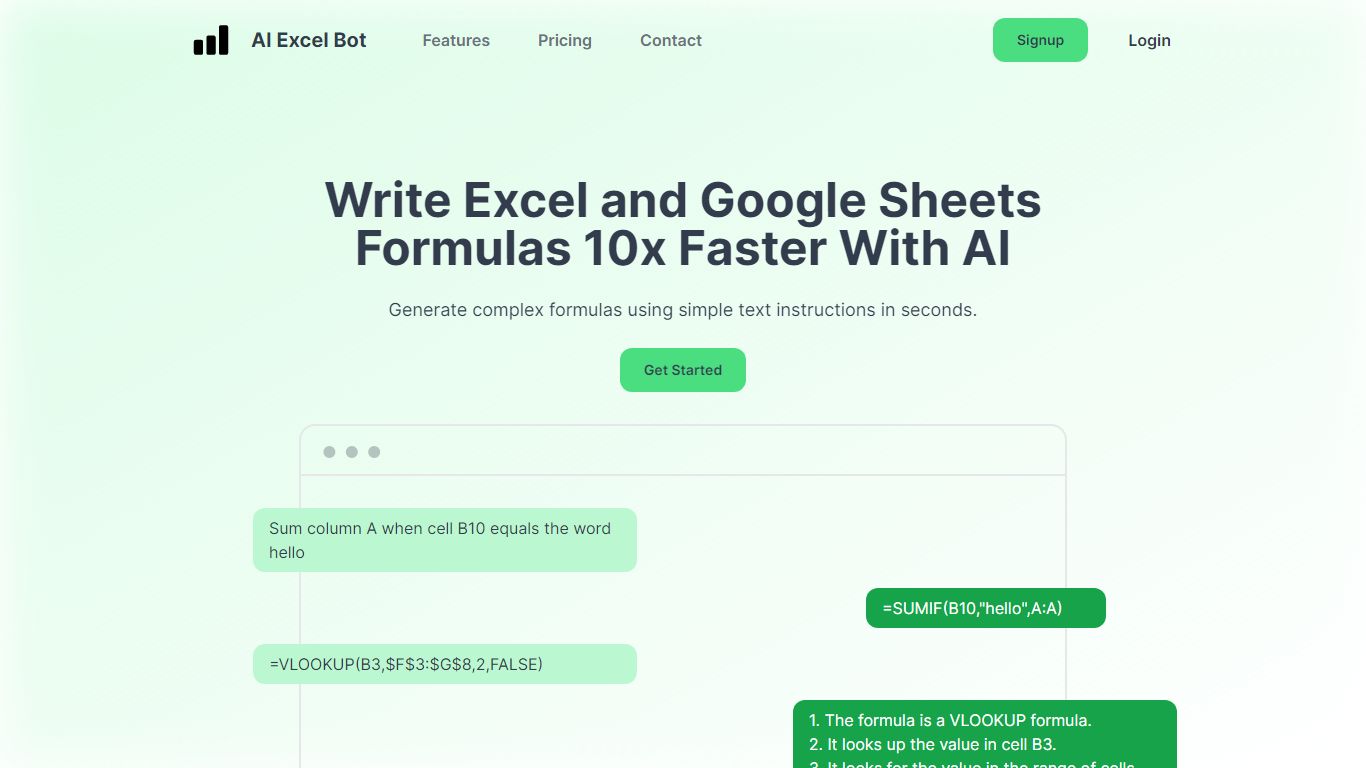
AI Excel Bot turns plain-English instructions into Excel and Google Sheets formulas in seconds. It is built for spreadsheet users who know the outcome they want but do not want to hunt through function syntax to get there.
Unlike general chat assistants, it stays focused on spreadsheet work: generating formulas, explaining nested functions line by line, and writing or decoding VBA. Pro plans add in-spreadsheet access through a Chrome extension for Google Sheets and an Excel add-in, so you rarely need to copy results from a separate tab. The site says formula output runs on a GPT-3 model.
Query Labs operates the service from India. You can work from the web app or install the Chrome extension to stay inside Google Sheets. The formulas page documents support across array, database, date, financial, lookup, logical, math, statistical, text, and other formula families.
ExcelMaster Upvotes
AI Excel Bot Upvotes
ExcelMaster Top Features
Starter includes 600 agent credits per month; Pro includes 1,800 credits on monthly billing
Uses GPT 5.4, Claude Sonnet 4.6, Claude Opus 4.6, and ExcelMaster Operator models
Reads multi-sheet workbook structure before writing formulas, VBA, or Python
Auto-backup and one-click rollback before every operation on live workbooks
Cell AI handles classification, keyword extraction, format conversion, sentiment analysis, and translation per cell
Supports Excel 2016+ on Windows 10/11 desktop; Excel Online is not supported
AI Excel Bot Top Features
Free plan includes 5 formula, code, or task generations and explanations per month
Pro is $2.99 per month with unlimited formula, VBA, and task generations
Pro Annual costs $24.99 per year and is labeled Best Value on the pricing page
Chrome extension brings formula help into Google Sheets; Pro adds an Excel add-in
Formulas page documents array, database, date, financial, lookup, logical, math, statistical, and text families
ExcelMaster Category
- Excel
AI Excel Bot Category
- Excel
ExcelMaster Pricing Type
- Freemium
AI Excel Bot Pricing Type
- Freemium