ExcelMaster vs Arcwise AI
In the contest of ExcelMaster vs Arcwise AI, which AI Excel tool is the champion? We evaluate pricing, alternatives, upvotes, features, reviews, and more.
If you had to choose between ExcelMaster and Arcwise AI, which one would you go for?
When we examine ExcelMaster and Arcwise AI, both of which are AI-enabled excel tools, what unique characteristics do we discover? The upvote count shows a clear preference for Arcwise AI. Arcwise AI has received 6 upvotes from aitools.fyi users, while ExcelMaster has received 1 upvotes.
Think we got it wrong? Cast your vote and show us who's boss!
ExcelMaster
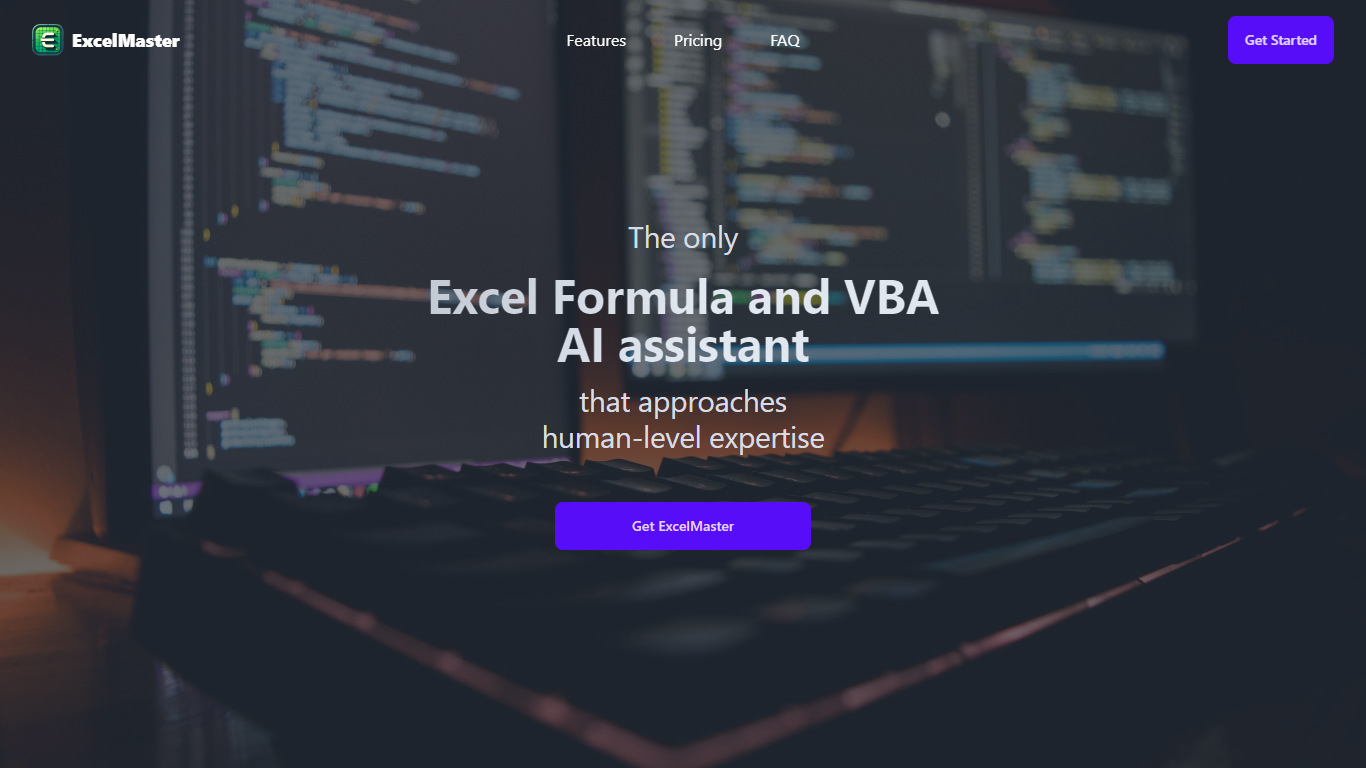

What is ExcelMaster?
Windows desktop Excel can run an autonomous agent add-in that plans multi-step spreadsheet work from plain-language prompts. ExcelMaster reads workbook structure across sheets, writes formulas or VBA/Python, executes changes inside Excel, and shows each step in a live sidebar. Finance teams, analysts, and operations staff use it for month-end close, variance reports, data cleanup, and macro automation without leaving the file.
Where Copilot and ChatGPT stop at suggested snippets, ExcelMaster closes the loop inside the workbook. It maps real sheet names, merged cells, and cross-sheet references before generating code, runs VBA or Python locally, verifies output, and retries on errors with automatic rollback. The product site cites internal benchmarks where template-style chat code needed far more edit rounds than agent execution on real user cases.
Dedicated Formula Assistant, VBA Assistant, and Cell AI modules cover formula dialogue, macro automation, and per-cell tasks like classification, keyword extraction, format conversion, sentiment scoring, and translation. Files stay on your machine; only relevant cell content goes to AI models when analysis is needed.
ExcelMaster requires Excel 2016 or later on Windows 10/11 (desktop, not Excel Online). Subscription plans start at $9.99 per month with a 3-day trial, and one-time credit packs are sold separately. The site also hosts free browser utilities for Excel, PDF, and Word conversions.
Arcwise AI
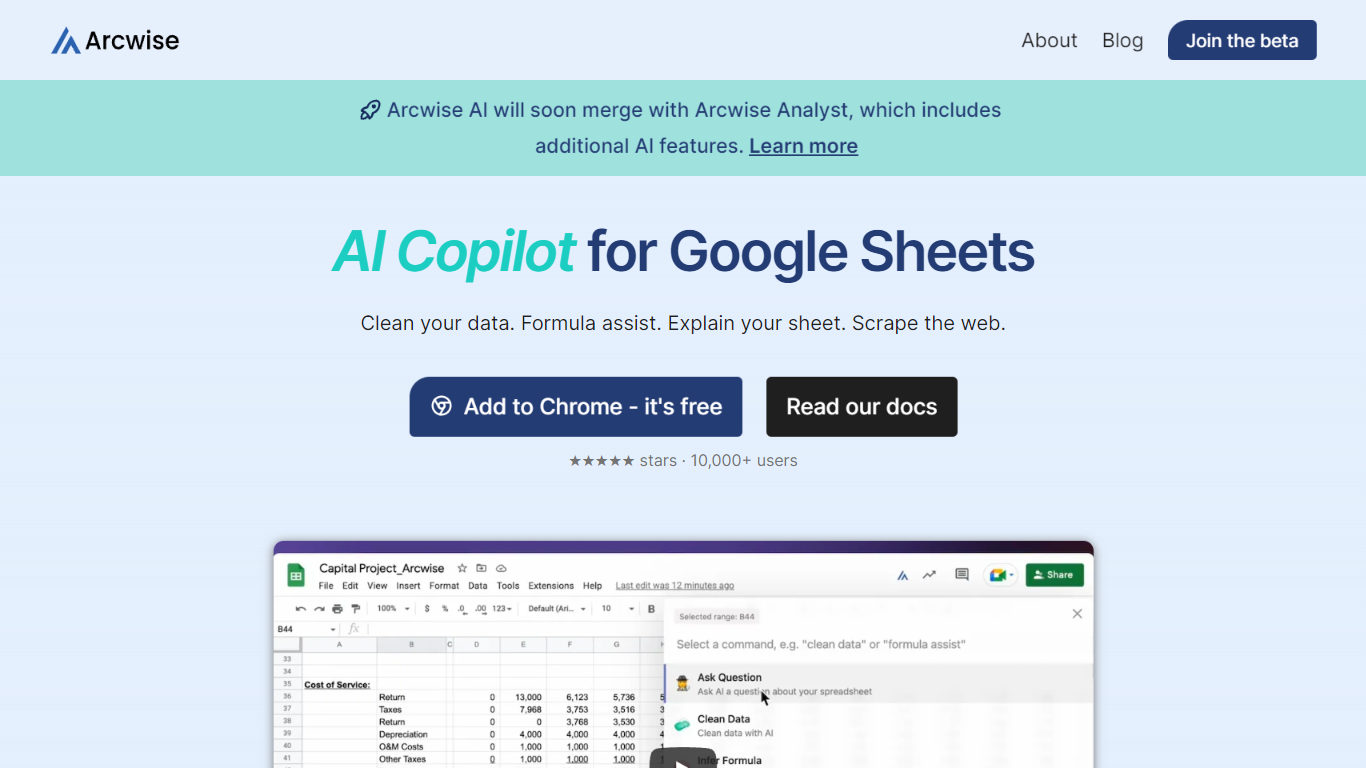
What is Arcwise AI?
Arcwise AI is a spreadsheet analytics copilot and decision platform for teams that live in Google Sheets and warehouse data. It began as a Chrome extension for ChatGPT-powered formulas and data cleanup, and now also sells traceable metric explanations tied to Snowflake, BigQuery, Databricks, and internal documentation.
The Sheets extension still ships as a free Chrome add-on with keyboard shortcuts, $AI.TRANSFORM and $AI.CLASSIFY functions, and PDF table extraction. That side competes with formula copilots, while the platform side targets analysts who need audited answers instead of generic chatbot guesses.
Arcwise backs explanations with source tracing rather than open-ended model text, which matters when finance or ops teams need to defend a number in a review. The stored listing URL at /old-ai now returns 404, so the live product homepage is arcwise.app.
ExcelMaster Upvotes
Arcwise AI Upvotes
ExcelMaster Top Features
Starter includes 600 agent credits per month; Pro includes 1,800 credits on monthly billing
Uses GPT 5.4, Claude Sonnet 4.6, Claude Opus 4.6, and ExcelMaster Operator models
Reads multi-sheet workbook structure before writing formulas, VBA, or Python
Auto-backup and one-click rollback before every operation on live workbooks
Cell AI handles classification, keyword extraction, format conversion, sentiment analysis, and translation per cell
Supports Excel 2016+ on Windows 10/11 desktop; Excel Online is not supported
Arcwise AI Top Features
Free Chrome extension for Google Sheets with Cmd+Shift+1 shortcut
$AI.TRANSFORM, $AI.CLASSIFY, and $AI.EXTRACT functions inside Sheets
Connects to Snowflake, BigQuery, and Databricks warehouses
Metric shift detection with explanations traced to source data
PDF upload extracts tables directly into spreadsheet cells
Chrome Web Store lists 10,000+ users and a 4.5 star rating
ExcelMaster Category
- Excel
Arcwise AI Category
- Excel
ExcelMaster Pricing Type
- Freemium
Arcwise AI Pricing Type
- Freemium