ExcelMaster vs Excelly-AI
Dive into the comparison of ExcelMaster vs Excelly-AI and discover which AI Excel tool stands out. We examine alternatives, upvotes, features, reviews, pricing, and beyond.
When comparing ExcelMaster and Excelly-AI, which one rises above the other?
When we compare ExcelMaster and Excelly-AI, two exceptional excel tools powered by artificial intelligence, and place them side by side, several key similarities and differences come to light. The upvote count shows a clear preference for Excelly-AI. The number of upvotes for Excelly-AI stands at 6, and for ExcelMaster it's 1.
Disagree with the result? Upvote your favorite tool and help it win!
ExcelMaster

What is ExcelMaster?
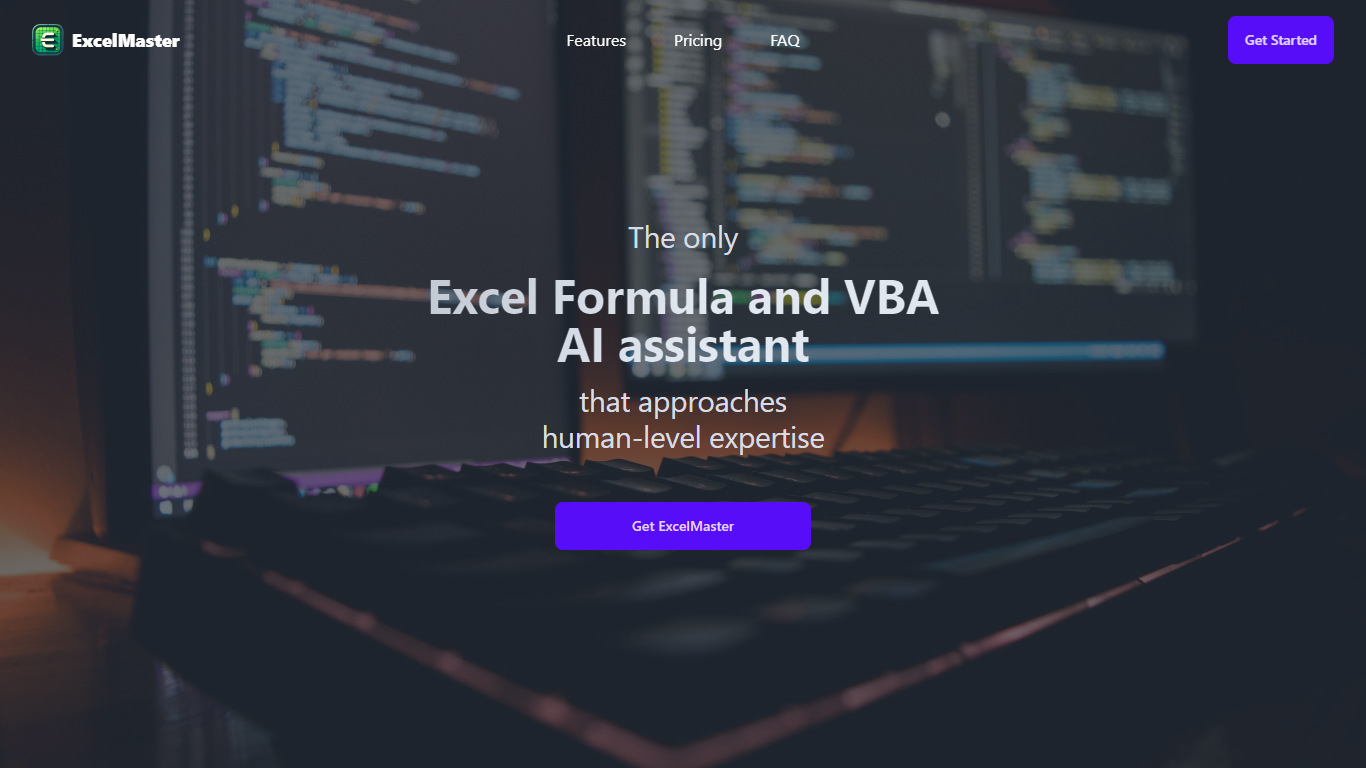
ExcelMaster is an AI assistant designed to simplify complex Excel tasks by understanding real-world spreadsheet structures. It generates accurate formulas, VBA scripts, and Python code based on natural language input, making it ideal for professionals handling financial reports, academic data, or large datasets. Unlike basic formula bots, ExcelMaster can analyze multiple sheets and complex relationships, providing tailored solutions quickly and accurately.
The tool supports both coders and non-coders by offering a virtual VBA assistant that automates tasks with auto-debugging and refinement based on user feedback. It also includes a unique Cell AI feature with classification, keyword extraction, format conversion, sentiment analysis, and real-time translation to enhance data handling.
ExcelMaster continuously improves its formula accuracy through interactive dialogue, solving over 90% of real-world formula challenges in four rounds or less. It offers extensive Excel template libraries and supports advanced problem-solving with multi-sheet structure understanding, outperforming competitors like Microsoft Copilot and ChatGPT in precision and scope.
Security is a priority: ExcelMaster never stores user data and uses encrypted communications with AWS and Azure infrastructure. It complies with strict privacy standards and employs multi-factor authentication and strong internal controls to protect sensitive information.
This tool is suitable for Excel users at all skill levels who want to save time, reduce errors, and automate repetitive tasks without sacrificing data privacy. Its combination of AI-powered formula assistance, VBA automation, and Python integration makes it a comprehensive solution for boosting Excel productivity.
Excelly-AI
What is Excelly-AI?
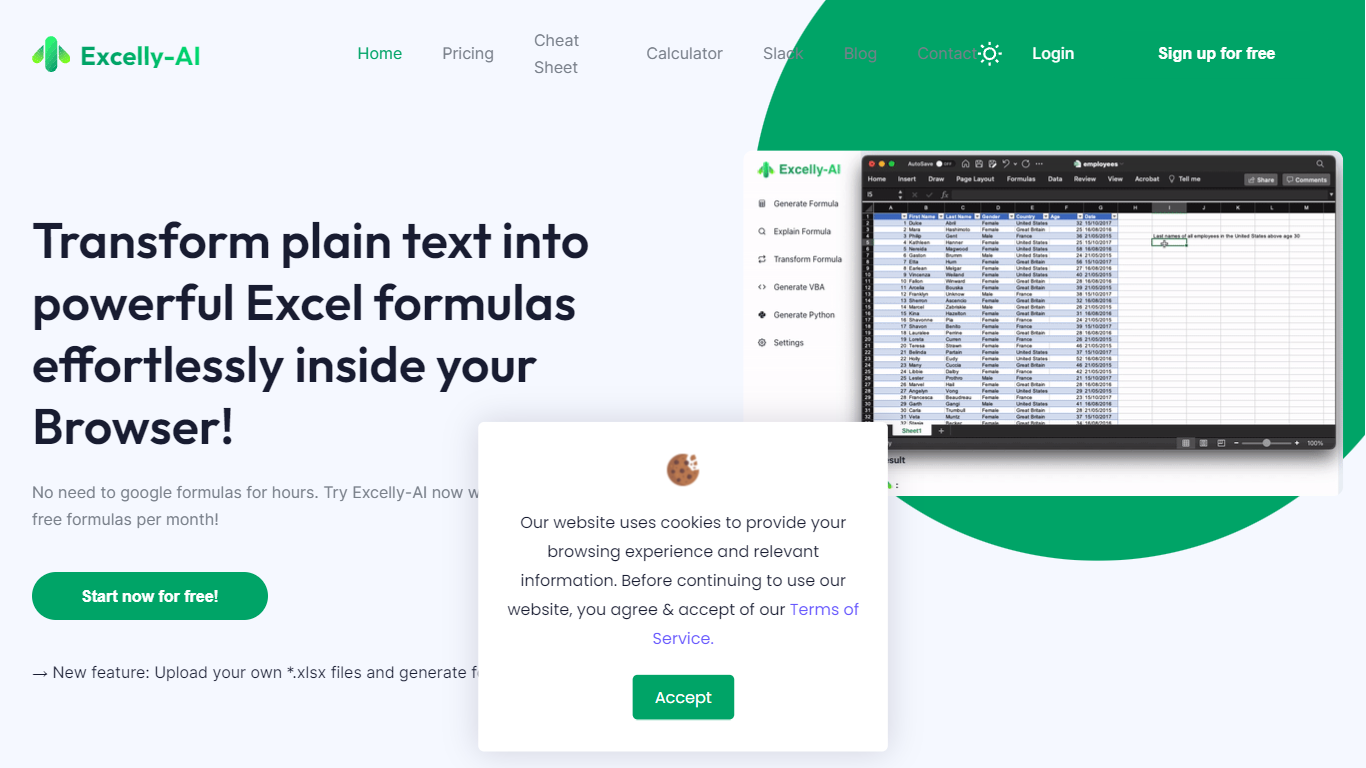
Excelly-AI is the premier tool for transforming plain text into powerful Excel and Google Sheets formulas right within your browser or via Slack. Our cutting-edge technology allows users to generate or explain complex formulas effortlessly, catering both to Excel and VBA as well as Google Sheets users. With the unique *.xlsx file upload feature, Excelly-AI elevates your productivity by allowing you to craft customized prompts based on your spreadsheet's column schema, providing precise and context-aware formula generation. Excel enthusiasts can also convert formulas between Excel and Google Sheets instantly. Additionally, Excelly-AI integrates seamlessly with Slack, empowering teams of any size to streamline their spreadsheet-related tasks company-wide. Whether a beginner or a power user, start with 5 free formulas per month and witness the transformation of text to formulas without endlessly Googling.
ExcelMaster Upvotes
Excelly-AI Upvotes
ExcelMaster Top Features
🧠 Understands complex Excel structures across multiple sheets for precise formulas
⚙️ Automates VBA tasks with one-click execution and auto-debugging
🐍 Integrates Python scripting directly within Excel for advanced automation
🧹 Cleans and transforms data quickly without coding, saving prep time
🌍 Offers Cell AI powers like classification, keyword extraction, and translation
Excelly-AI Top Features
Generate Formulas: Support for both Excel and Google Sheets with explanations for every generated formula.
Upload .xlsx Files: Generate formulas based on your own spreadsheets with meaningful prompts.
Explain Formulas: Excelly-AI can simplify and explain complex formulas for easy understanding.
Generate VBA: Instantly create any VBA formula you need.
Transform Formulas: Easily convert formulas between Excel and Google Sheets formats.
ExcelMaster Category
- Excel
Excelly-AI Category
- Excel
ExcelMaster Pricing Type
- Freemium
Excelly-AI Pricing Type
- Freemium