ExcelMaster vs Neptyne
In the battle of ExcelMaster vs Neptyne, which AI Excel tool comes out on top? We compare reviews, pricing, alternatives, upvotes, features, and more.
Between ExcelMaster and Neptyne, which one is superior?
Upon comparing ExcelMaster with Neptyne, which are both AI-powered excel tools, In the race for upvotes, Neptyne takes the trophy. Neptyne has attracted 6 upvotes from aitools.fyi users, and ExcelMaster has attracted 1 upvotes.
Think we got it wrong? Cast your vote and show us who's boss!
ExcelMaster

What is ExcelMaster?
ExcelMaster is an AI assistant designed to simplify complex Excel tasks by understanding real-world spreadsheet structures. It generates accurate formulas, VBA scripts, and Python code based on natural language input, making it ideal for professionals handling financial reports, academic data, or large datasets. Unlike basic formula bots, ExcelMaster can analyze multiple sheets and complex relationships, providing tailored solutions quickly and accurately.
The tool supports both coders and non-coders by offering a virtual VBA assistant that automates tasks with auto-debugging and refinement based on user feedback. It also includes a unique Cell AI feature with classification, keyword extraction, format conversion, sentiment analysis, and real-time translation to enhance data handling.
ExcelMaster continuously improves its formula accuracy through interactive dialogue, solving over 90% of real-world formula challenges in four rounds or less. It offers extensive Excel template libraries and supports advanced problem-solving with multi-sheet structure understanding, outperforming competitors like Microsoft Copilot and ChatGPT in precision and scope.
Security is a priority: ExcelMaster never stores user data and uses encrypted communications with AWS and Azure infrastructure. It complies with strict privacy standards and employs multi-factor authentication and strong internal controls to protect sensitive information.
This tool is suitable for Excel users at all skill levels who want to save time, reduce errors, and automate repetitive tasks without sacrificing data privacy. Its combination of AI-powered formula assistance, VBA automation, and Python integration makes it a comprehensive solution for boosting Excel productivity.
Neptyne
What is Neptyne?
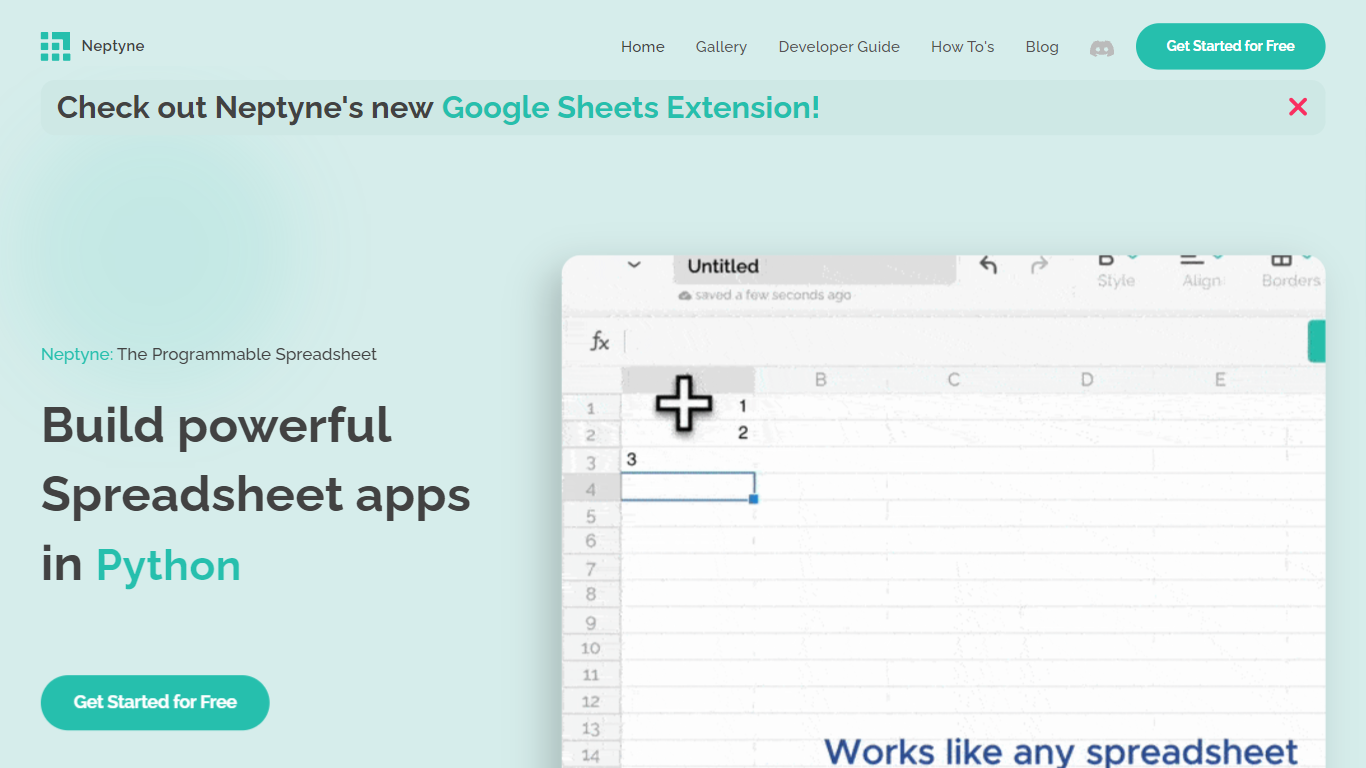
Discover the future of spreadsheet applications with Neptyne: The Programmable Spreadsheet. Neptyne transforms traditional spreadsheets into dynamic and powerful app development platforms by integrating the full capabilities of Python and artificial intelligence. This unique offering is especially advantageous for those who find themselves constrained by the limitations of typical spreadsheet manipulations. With Neptyne, you can easily import data, perform complex statistical analysis, and enjoy extensive visualization options like those available in Jupyter notebooks. Neptyne's AI assistance ensures even beginners can confidently auto-complete data entries, create intricate formulas, and generate code for comprehensive data handling. Additionally, Neptyne operates in the cloud, allowing for seamless collaboration and continuous data processing, giving you the ability to monitor and respond to data in real time. Embrace the power to create productionized data applications with Neptyne's Python ecosystem, and explore their flexible pricing plans that cater to individuals, power users, and teams.
ExcelMaster Upvotes
Neptyne Upvotes
ExcelMaster Top Features
🧠 Understands complex Excel structures across multiple sheets for precise formulas
⚙️ Automates VBA tasks with one-click execution and auto-debugging
🐍 Integrates Python scripting directly within Excel for advanced automation
🧹 Cleans and transforms data quickly without coding, saving prep time
🌍 Offers Cell AI powers like classification, keyword extraction, and translation
Neptyne Top Features
Python Powered: Access a powerful Python-based computation engine and the full Python ecosystem within your spreadsheets.
AI Assist: Leverage AI to auto-complete data create complex calculations and generate import process and visualize data code—even if you're new to Python.
Cloud Based: Work on code and spreadsheets in real-time with your coworkers in the cloud and publish apps simply by sharing a link.
Spreadsheet Apps - Productionized: Convert your traditional spreadsheets into sophisticated data applications using Python's extensive ecosystem.
Flexible Pricing: Choose from pricing plans designed for different needs: Free for individuals Professional for power users and Team for organizations requiring collaboration with fine control.
ExcelMaster Category
- Excel
Neptyne Category
- Excel
ExcelMaster Pricing Type
- Freemium
Neptyne Pricing Type
- Freemium