extracto.bot vs ScrapeStorm
Compare extracto.bot vs ScrapeStorm and see which AI Web Scraping tool is better when we compare features, reviews, pricing, alternatives, upvotes, etc.
Which one is better? extracto.bot or ScrapeStorm?
When we compare extracto.bot with ScrapeStorm, which are both AI-powered web scraping tools, The community has spoken, extracto.bot leads with more upvotes. The upvote count for extracto.bot is 10, and for ScrapeStorm it's 6.
Not your cup of tea? Upvote your preferred tool and stir things up!
extracto.bot

What is extracto.bot?
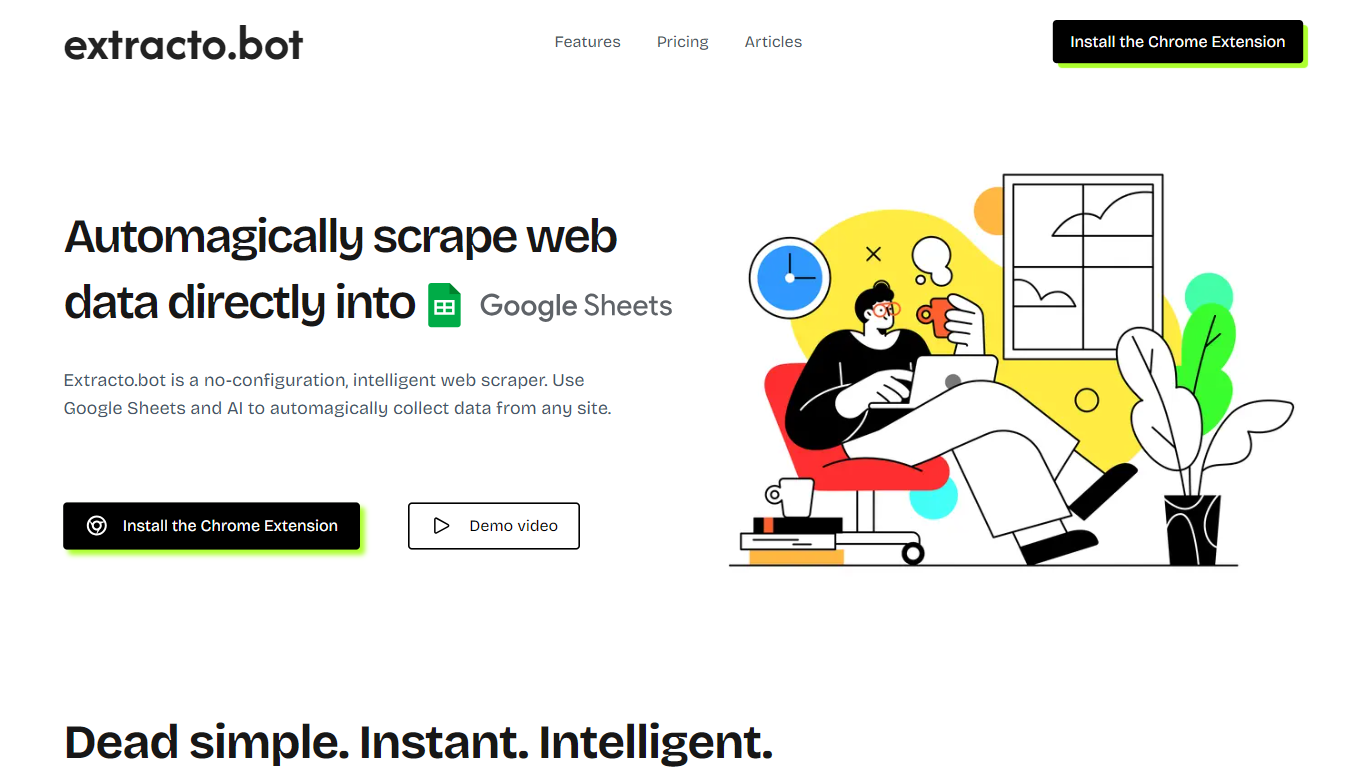
Extracto.bot is a Chrome extension for web scraping that drops structured data straight into Google Sheets. You define the fields you want as sheet columns, open any site, and click extract to pull matching values without writing selectors or scripts. It targets people who already live in Sheets and want a lighter alternative to full scraper builders.
Most web scraping tools ask you to configure CSS selectors, APIs, or workflow nodes before the first row appears. Extracto.bot skips that setup and leans on AI to map page content to the columns you named in Sheets. The trade-off is less control over extraction logic, but faster starts for one-off prospect lists, price tables, or listing details.
Sales teams use it on LinkedIn, Facebook, and company sites for prospecting. Shoppers and home buyers collect product or listing fields from multiple stores into one sheet for side-by-side comparison. Billing runs through Stripe, and paid tiers add page quotas, multi-user seats, and email support.
ScrapeStorm
What is ScrapeStorm?
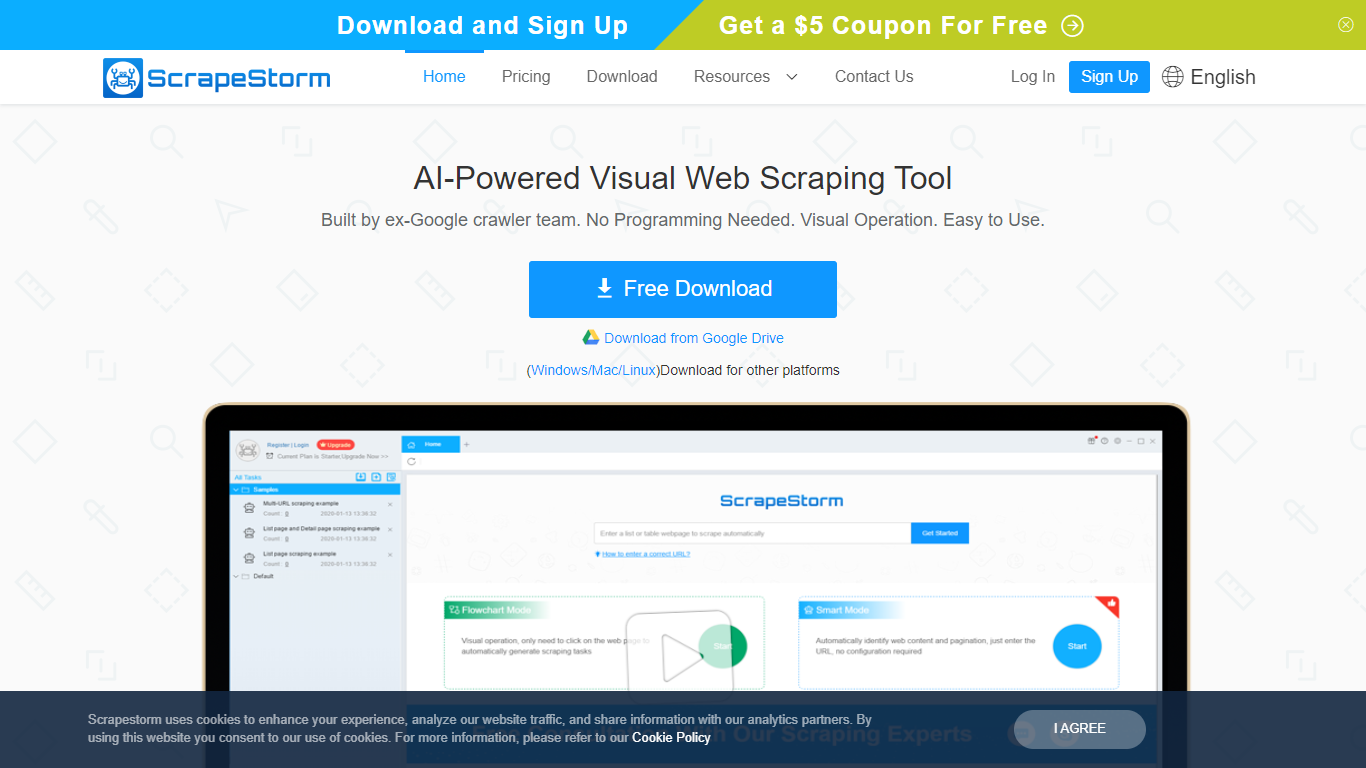
ScrapeStorm is a visual web scraping desktop app that pulls structured data from websites without writing code. You paste a URL, the tool reads the page layout, and you export lists, emails, phone numbers, and tables to Excel, CSV, TXT, or a database. It runs on Windows, Mac, and Linux.
Where many scrapers force you into XPath rules or Python scripts, ScrapeStorm offers Smart Mode that auto-detects list and table patterns from a URL alone, plus a Flowchart Mode when you need custom click-and-select workflows. The team behind it includes former Google crawler engineers, which shows in how aggressively it handles pagination and multi-page extraction.
Operations teams, e-commerce analysts, researchers, and marketers use it to replace manual copy-paste from competitor sites, directories, and public listings. Non-programmers at government agencies and academic labs also pick it because the visual interface skips the scripting step entirely.
extracto.bot Upvotes
ScrapeStorm Upvotes
extracto.bot Top Features
Define scrape fields as Google Sheets column headers, then click extract on any page
CMD+SHIFT+E keyboard shortcut triggers extraction without leaving the active tab
Starter plan includes 50 page scrapes per month on up to 5 Google Sheets
Personal plan costs $8 per month for 1,000 pages and unlimited Google Sheets
Professional plan at $39 per month removes page limits and supports 5 users
Chrome Web Store listing shows version 0.0.16 with a 4.2 average rating
ScrapeStorm Top Features
Smart Mode identifies list and table data from a URL without writing extraction rules
Flowchart Mode builds custom click-and-select scraping workflows visually
Runs natively on Windows, Mac, and Linux with a single desktop installer
Exports scraped data to Excel, CSV, TXT, and databases automatically
Premium plan includes 3 speed boost engines that run scraping 3 to 10 times faster
Cloud task management lets you monitor scraping jobs from any device
extracto.bot Category
- Web Scraping
ScrapeStorm Category
- Web Scraping
extracto.bot Pricing Type
- Freemium
ScrapeStorm Pricing Type
- Freemium