Face Distortion vs Kidgeni
In the battle of Face Distortion vs Kidgeni, which AI Fun tool comes out on top? We compare reviews, pricing, alternatives, upvotes, features, and more.
Between Face Distortion and Kidgeni, which one is superior?
Upon comparing Face Distortion with Kidgeni, which are both AI-powered fun tools, In the race for upvotes, Kidgeni takes the trophy. The number of upvotes for Kidgeni stands at 10, and for Face Distortion it's 6.
Does the result make you go "hmm"? Cast your vote and turn that frown upside down!
Face Distortion

What is Face Distortion?
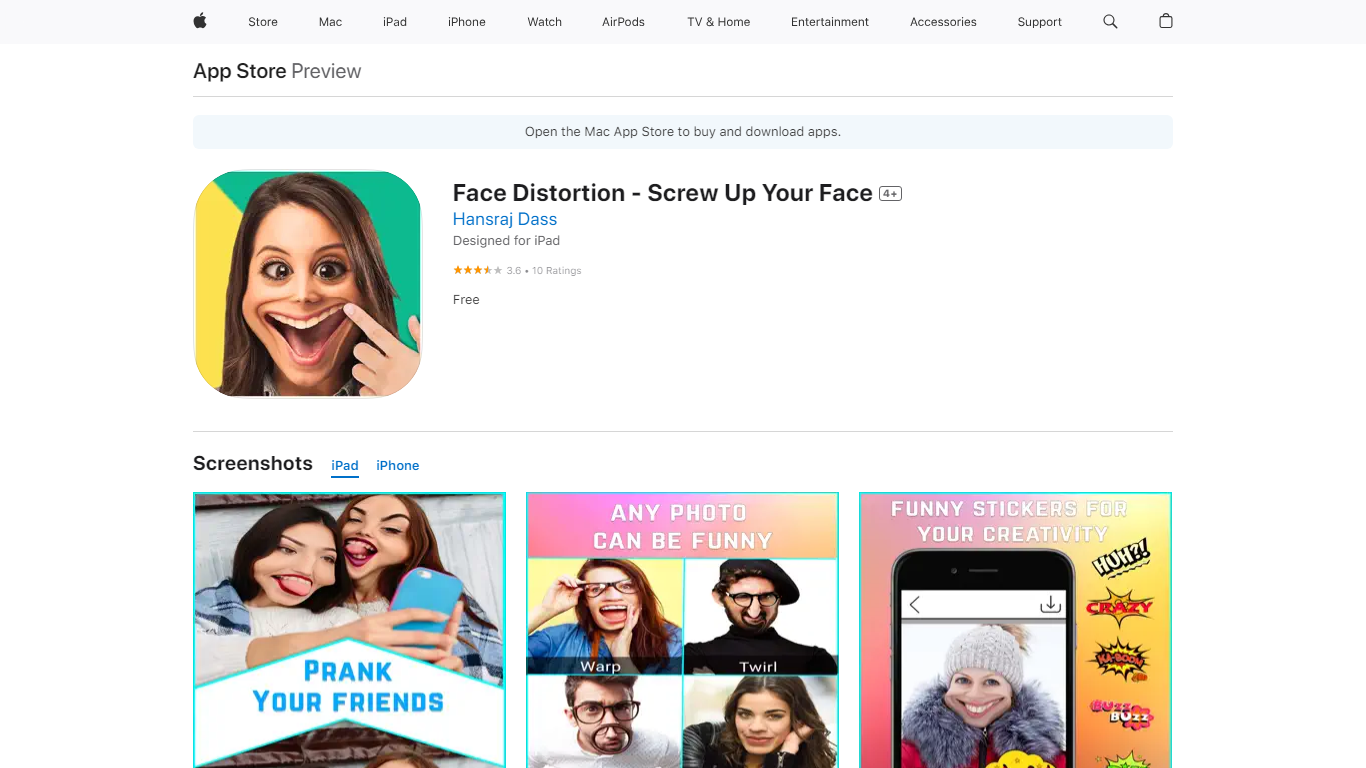
Face Distortion is a fun iOS photo warping app that bends selfies and portraits with finger-touch controls on iPhone and iPad. You pinch, bump, twirl, or glitch any part of a photo to build exaggerated faces, swap features, or morph body shapes for jokes you can share right away.
Most face filters apply preset stickers. Face Distortion gives you eight manual warp modes, including pinch, bump, linear distortion, hole distortion, glitch, and twirl, so you control exactly how far a nose stretches or a smile puckers. That makes it closer to a pocket caricature tool than a one-tap beauty filter.
Party hosts, meme makers, and anyone who pranks friends on iMessage use it to warp group photos, add funny stickers, and post results to Facebook, email, or MMS. The base app is free on the App Store with optional Pro subscriptions for premium features.
Kidgeni
What is Kidgeni?
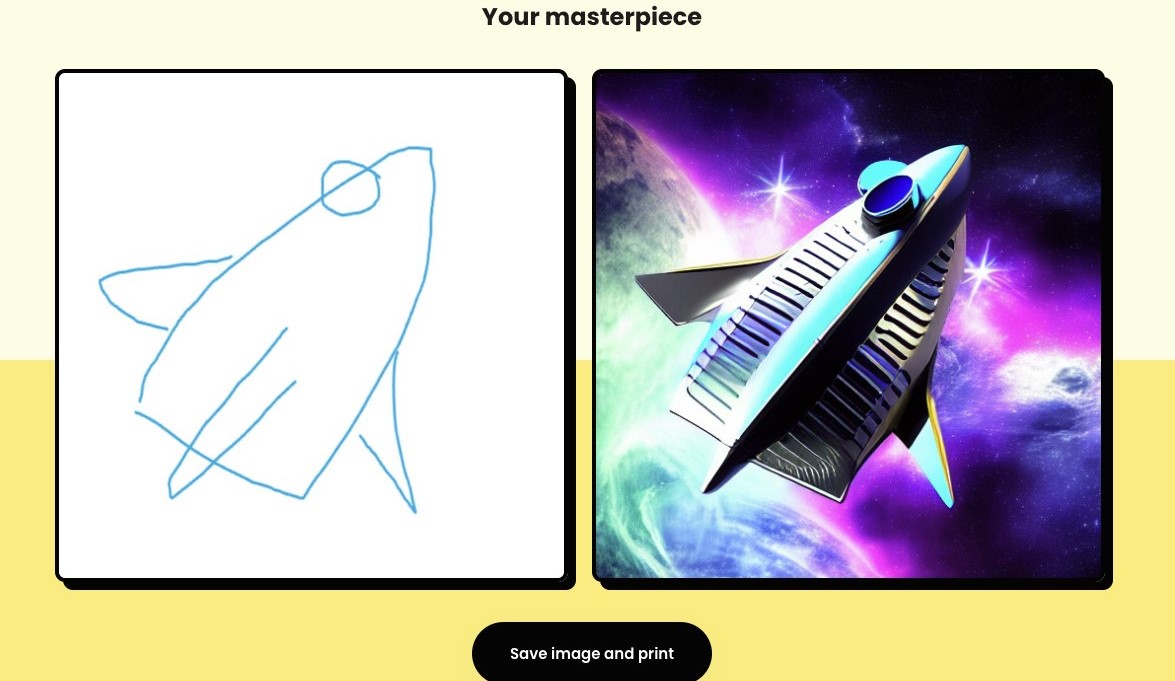
Kidgeni is a fun AI playground where kids turn ideas into art, animated doodles, bedtime stories, and printable books. The homepage splits the product into Create, Doodle, and Stories modes, plus coloring pages and merch printing on shirts, hoodies, and long sleeves. New accounts get 15 free credits to start generating before choosing a paid plan.
Most kid-facing AI tools focus on chat or homework help. Kidgeni leans into hands-on creation: sketch a doodle and watch it transform, write a short prompt and get a story you can publish, or send a design to print on wearable merch. The Education plan even bundles classroom access for up to 30 students, which sets it apart from single-family art apps.
Parents, teachers, and young creators who want a guided space to experiment with art and storytelling without opening a general-purpose chatbot will find Kidgeni built for that job. It is less about coding lessons and more about letting kids make things they can hold, wear, or read aloud.
Face Distortion Upvotes
Kidgeni Upvotes
Face Distortion Top Features
Eight distortion modes: pinch, bump, linear distortion, hole distortion, glitch, and twirl face effects
Finger-touch warping lets you bend any part of a photo in real time on iPhone or iPad
Funny sticker pack included for extra caricature effects beyond manual warps
Share warped images to Facebook, email, or MMS directly from the app
Requires iOS 15.0 or iPadOS 15.0 or later; app size is 32 MB
Face Distortion Pro Annual in-app purchase listed at $34.99 on the App Store
Developer Pankaj Kumar; App Store rating 3.8 out of 5 from 9 ratings
Kidgeni Top Features
Sign up and receive 15 free credits to start creating art and stories
Turn hand-drawn doodles into finished artwork with the Doodle mode
Generate kid-friendly stories and publish them as real books
Print AI designs on t-shirts, hoodies, and long sleeves from the platform
Experiment plan includes 250 credits per month; Engage and Education plans offer unlimited monthly credits
Education license covers up to 30 students for classroom use
Face Distortion Category
- Fun
Kidgeni Category
- Fun
Face Distortion Pricing Type
- Freemium
Kidgeni Pricing Type
- Freemium