Factful vs ScreenApp
In the clash of Factful vs ScreenApp, which AI Education tool emerges victorious? We assess reviews, pricing, alternatives, features, upvotes, and more.
If you had to choose between Factful and ScreenApp, which one would you go for?
Let's take a closer look at Factful and ScreenApp, both of which are AI-driven education tools, and see what sets them apart. The upvote count shows a clear preference for ScreenApp. ScreenApp has 7 upvotes, and Factful has 6 upvotes.
Not your cup of tea? Upvote your preferred tool and stir things up!
Factful
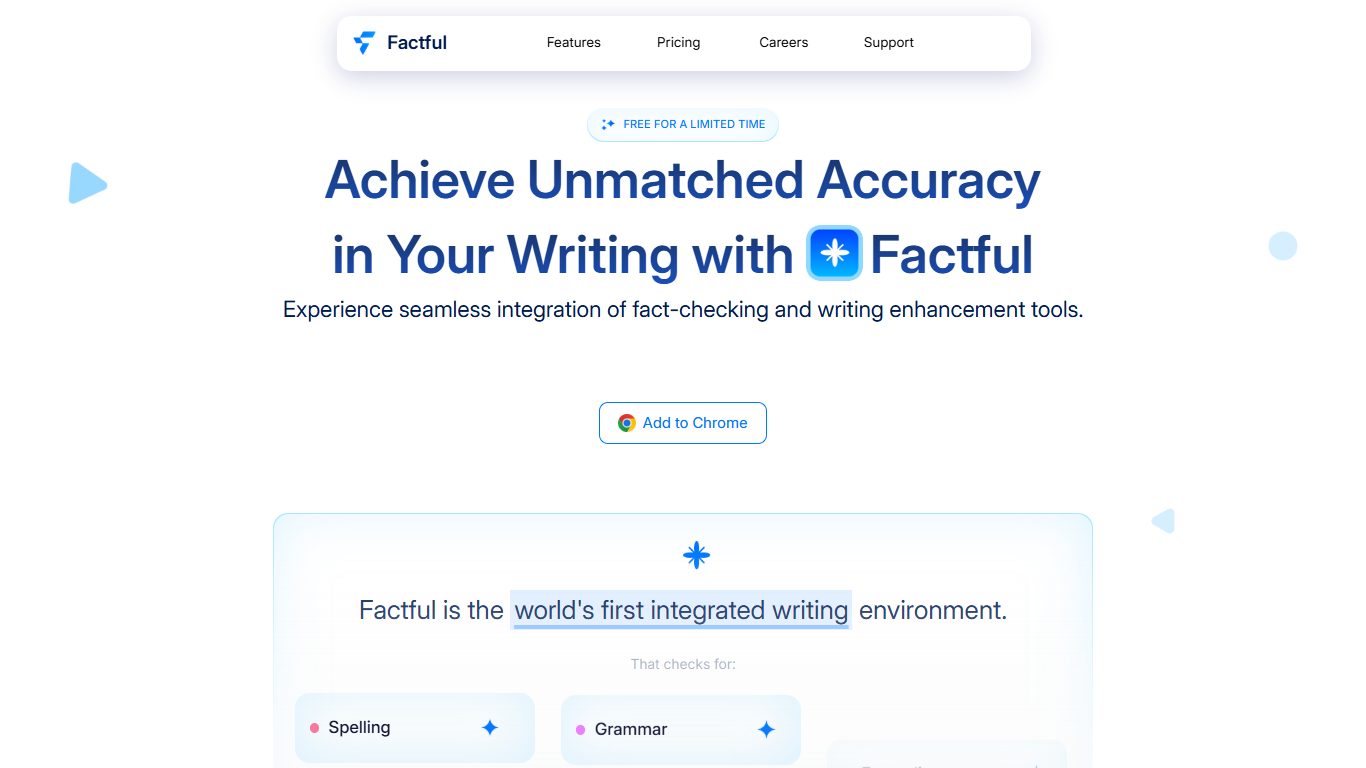

What is Factful?
Factful is an integrated writing environment that checks spelling, grammar, and factual accuracy while you write. It targets writers, researchers, and students who want proofreading and fact verification in one place instead of juggling separate tools.
The product uses retrieval augmented generation to search the web in real time and return citations with fact checks. It filters results toward credible news and reference sources rather than surfacing every match blindly.
Writers can trigger inline slash commands for synonyms, antonyms, translation, paraphrasing, and search without leaving the editor. A Chrome extension brings the same workflow into the browser.
Factful Analytics tracks corrections over time and highlights recurring error patterns across subjects. The changelog notes support for 100+ languages and optional model fine-tuning on paid features.
ScreenApp
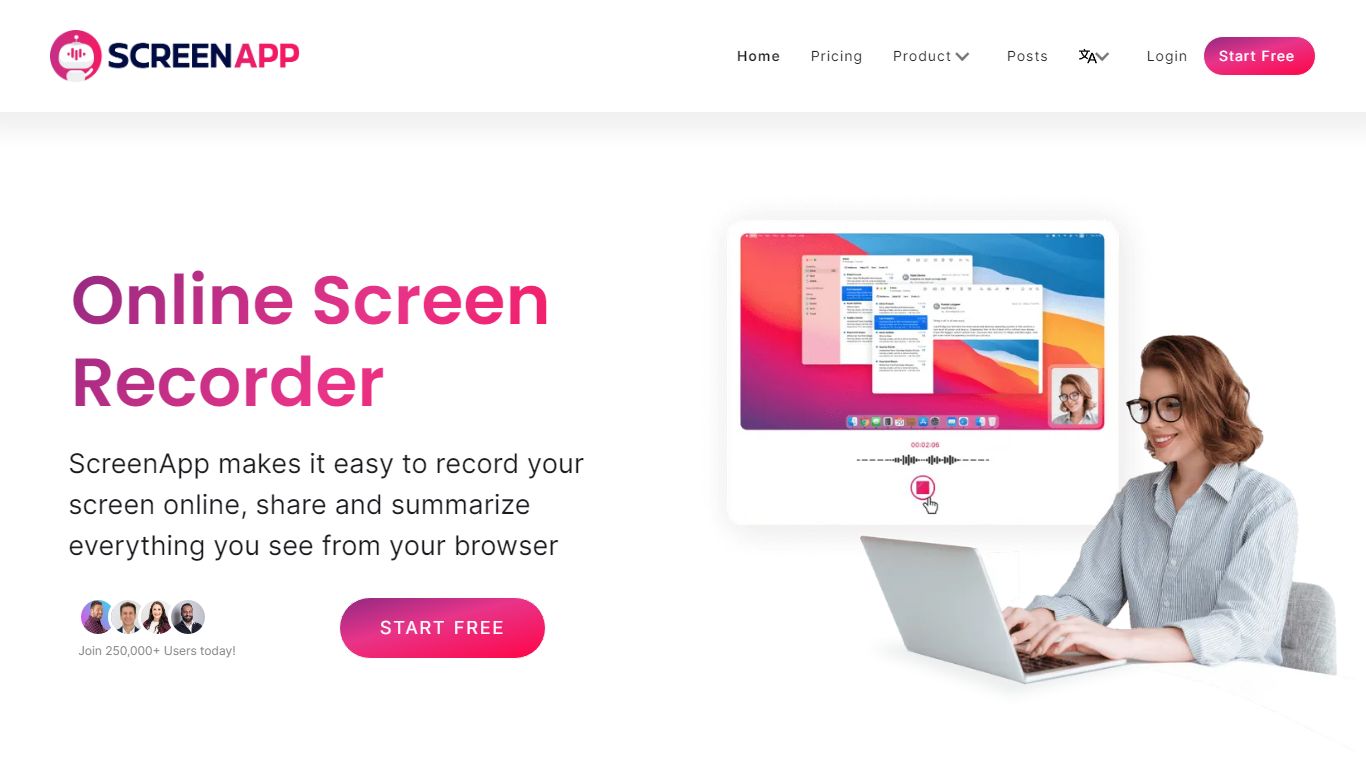
What is ScreenApp?
ScreenApp records your screen, webcam, or in-person audio in the browser and turns those captures into searchable transcripts, summaries, and notes. Teachers, trainers, and students use it as an education-focused recorder when they need lecture clips, meeting walkthroughs, or tutorial videos without installing desktop software first. The free tier includes 3 recordings with AI summaries and a full transcript on each file.
Compared with basic screen recorders that stop at MP4 exports, ScreenApp layers AI chat, templates, and cross-file search on top of every recording. Growth and Business plans add a meeting bot, video frame analysis, and API access, while the site advertises 351 feature-specific tools from lecture note taking to SOP generation. That breadth makes it closer to an AI video workspace than a single-purpose capture button.
ScreenApp runs on the web plus Chrome, Mac, Windows, iOS, and Android apps, so teams can record a class session on a laptop and review AI notes on a phone. It fits educators recording lessons, sales teams sharing async demos, and anyone who wants spoken content turned into text they can skim later.
Factful Upvotes
ScreenApp Upvotes
Factful Top Features
Beta changelog lists support for 100+ languages across grammar and fact checking
Promotional plan runs at $0 per month versus the listed $9.99 monthly price
Slash commands cover synonym, antonym, translate, paraphrase, and search per the changelog
Real-time fact checking uses a custom RAG model with citations on every verification
Chrome extension on the Chrome Web Store extends the editor workflow to the browser
ScreenApp Top Features
Free plan with 3 recordings, full transcripts, and 3 AI generations per month
Growth plan at $19 per month (billed annually) with 600 AI credits per year and unlimited recordings
Meeting bot on paid plans that joins calls and produces summaries without a visible bot avatar on some flows
Video analysis on Business plans with up to 120 analyses per year and unlimited on Enterprise
351 listed AI feature pages covering transcription, lecture notes, SOP generation, and converters
Apps for Web, Chrome extension, Mac, Windows, iOS, and Android with SOC 2 Type II certification
Factful Category
- Education
ScreenApp Category
- Education
Factful Pricing Type
- Freemium
ScreenApp Pricing Type
- Freemium