Figflow vs QR Code AI Art Generator - Hugging Face
In the contest of Figflow vs QR Code AI Art Generator - Hugging Face, which AI Design tool is the champion? We evaluate pricing, alternatives, upvotes, features, reviews, and more.
If you had to choose between Figflow and QR Code AI Art Generator - Hugging Face, which one would you go for?
When we examine Figflow and QR Code AI Art Generator - Hugging Face, both of which are AI-enabled design tools, what unique characteristics do we discover? Neither tool takes the lead, as they both have the same upvote count. You can help us determine the winner by casting your vote and tipping the scales in favor of one of the tools.
Does the result make you go "hmm"? Cast your vote and turn that frown upside down!
Figflow

What is Figflow ?
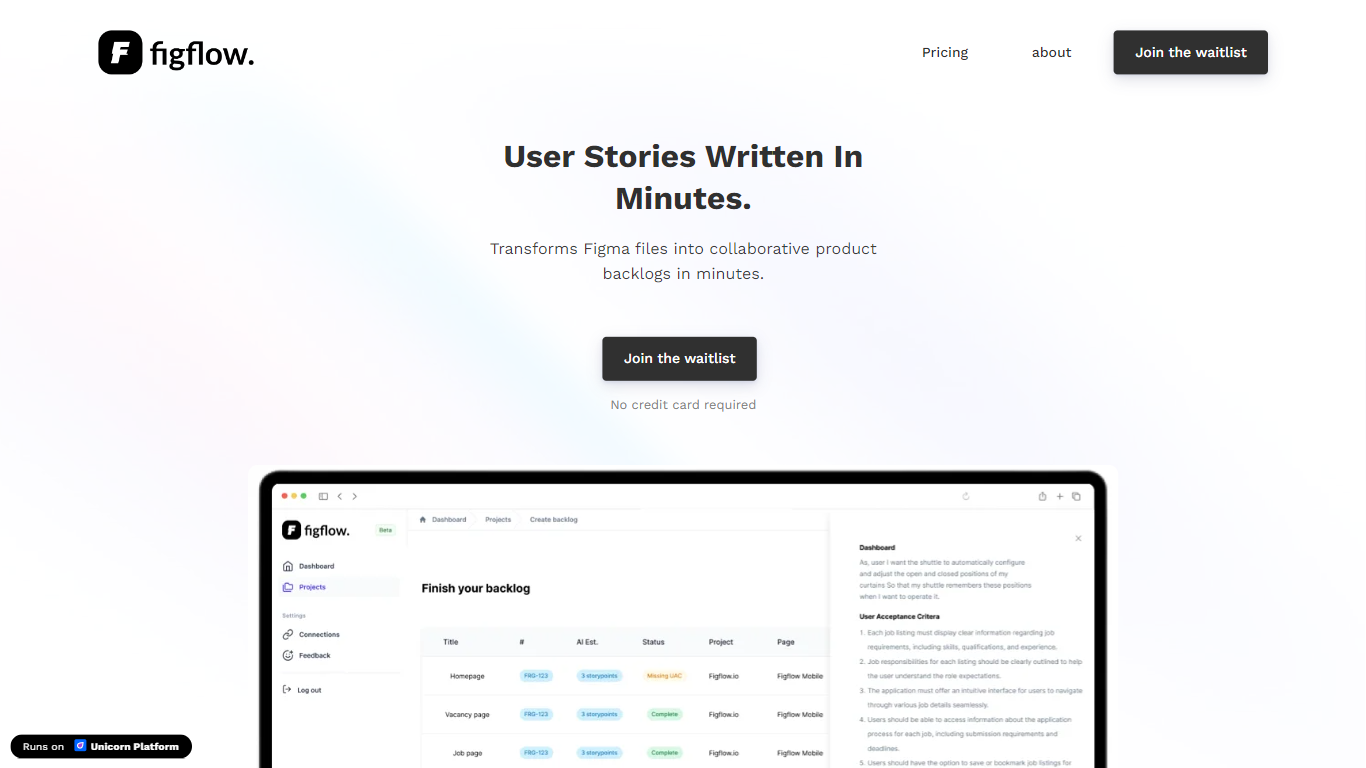
Figflow turns Figma files into structured product backlogs with user stories, acceptance criteria, and story point estimates. You connect Figma through OAuth, upload frames, and Figflow drafts tickets from what is already on the canvas. It targets the handoff gap between design files and sprint-ready work.
Most backlog tools expect you to write stories from scratch. Figflow starts from your Figma screens, embeds design screenshots inside each story, and uses its AI assistant to shape voice and tone. The Professional plan at $9 per month removes the 250-interaction cap on the free Personal tier, which is the main reason teams outgrow the starter plan.
Product owners, product managers, and product designers use Figflow to cut manual story writing before refinement sessions. It fits teams that live in Figma and want a single workspace for multiple projects without exporting screens into a separate doc for every ticket.
QR Code AI Art Generator - Hugging Face
What is QR Code AI Art Generator - Hugging Face?
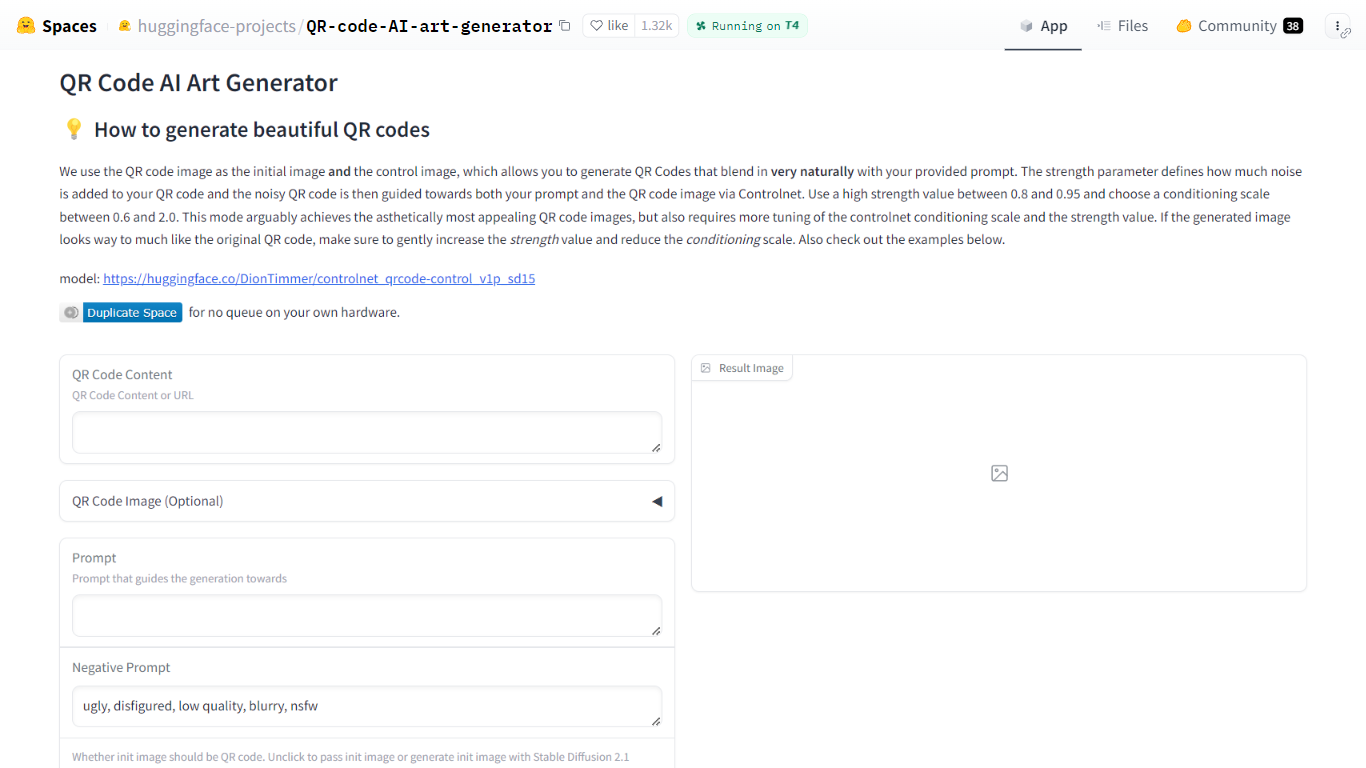
QR Code AI Art Generator is a free Hugging Face Space that turns scannable QR codes into styled artwork. You enter a URL or other QR payload, add a text prompt, and the Gradio app returns an image that still scans while matching your visual theme. It sits in the design and image generation category for anyone who needs branded codes rather than plain black-and-white squares.
Most QR stylizers treat the code as a loose overlay. This Space feeds the QR image as both the starting canvas and the ControlNet control image, so structure and style are guided together. Hugging Face recommends strength between 0.8 and 0.95 and a ControlNet conditioning scale between 0.6 and 2.0, which is more tuning than one-click generators but usually yields codes that blend into photos, illustrations, or posters.
It fits marketers, event teams, and designers who want campaign-ready QR art without running Stable Diffusion locally. The interface also accepts an uploaded QR image, optional init images, negative prompts, sampler choice, and seed control, with example presets on the page for quick starting points.
Figflow Upvotes
QR Code AI Art Generator - Hugging Face Upvotes
Figflow Top Features
OAuth Figma integration pulls projects without manual file exports
Personal plan includes 250 free AI interactions before paid upgrade
Professional plan at $9 per month unlocks unlimited AI interactions and projects
AI assistant drafts acceptance criteria from design frames and user stories
Design screenshots attach directly to user stories instead of separate exports
Supports 10 languages including English, Dutch, French, German, Spanish, and Japanese
QR Code AI Art Generator - Hugging Face Top Features
Uses DionTimmer/controlnet_qrcode-control_v1p_sd15 ControlNet model for SD 1.5
QR image serves as both init image and ControlNet control for tighter structure
Recommended strength range 0.8 to 0.95 with conditioning scale 0.6 to 2.0
Accepts URL or text payload, or upload your own QR code image
Built-in example table with guidance scale, strength, seed, and sampler presets
Duplicate the Space to run without the public queue on your own hardware
Figflow Category
- Design
QR Code AI Art Generator - Hugging Face Category
- Design
Figflow Pricing Type
- Freemium
QR Code AI Art Generator - Hugging Face Pricing Type
- Free