FireCut vs Riverside
Dive into the comparison of FireCut vs Riverside and discover which AI Video Editing tool stands out. We examine alternatives, upvotes, features, reviews, pricing, and beyond.
In a comparison between FireCut and Riverside, which one comes out on top?
When we compare FireCut and Riverside, two exceptional video editing tools powered by artificial intelligence, and place them side by side, several key similarities and differences come to light. Riverside stands out as the clear frontrunner in terms of upvotes. The number of upvotes for Riverside stands at 25, and for FireCut it's 6.
Want to flip the script? Upvote your favorite tool and change the game!
FireCut

What is FireCut ?
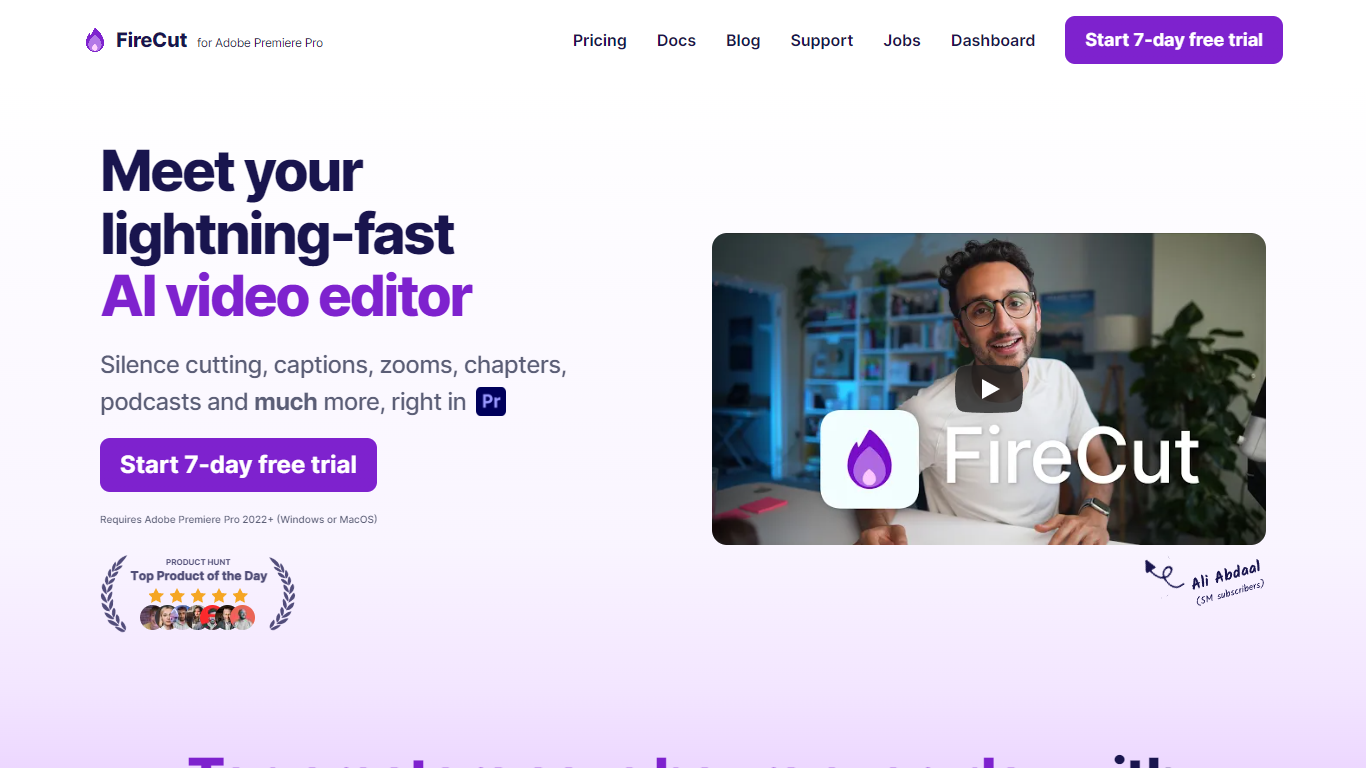
FireCut is a plugin and browser suite that automates repetitive video editing inside Adobe Premiere Pro and DaVinci Resolve. It handles silence removal, captions, zoom cuts, chapters, B-roll, music, podcast camera switching, and short-form clip generation from long recordings.
The product splits into three surfaces: FireCut for Premiere Pro, FireCut for DaVinci Resolve, and FireCut Shorts, a browser editor for vertical clips without installing NLE software. Each surface shares the same goal of cutting manual timeline work so editors can finish projects faster.
It fits YouTube creators, podcast producers, agencies, and social teams who edit talking-head or interview footage weekly and want one-click cleanup instead of hand-trimming every pause.
Riverside

What is Riverside?
Riverside is a video editing and recording platform built for remote podcasts, interviews, and webinars. It records up to 4K video and uncompressed audio locally on each participant's device, so spotty internet does not tank quality. After recording, you edit in a text-based timeline, generate Magic Clips, captions, and show notes, then publish to YouTube, Spotify, and Apple Podcasts from the same workflow.
Zoom and Google Meet optimize for live calls, not post-production. Riverside records separate tracks locally, then layers AI cleanup, filler-word removal, and clip generation on top. The trade-off is that it is built for creators who publish regularly, not for one-off internal meetings that never leave the call app.
Podcasters, marketers, and producers at companies like Spotify and The New York Times use Riverside for studio-style remote recordings. Founded in 2020 by brothers Gideon and Nadav, the product now lives at riverside.com while riverside.fm redirects to the same experience.
FireCut Upvotes
Riverside Upvotes
FireCut Top Features
One-click silence cutting with basic or advanced waveform controls and J-cuts
Captions in 50 to 90+ languages with styled animations, emojis, and SRT export
Auto zoom cuts triggered by key phrases, alternating cuts, or face detection
Chapter detection that writes YouTube titles, descriptions, and timestamp markers
Premium Storyblocks B-roll, SFX, and mood-matched music inserted from transcript context
Podcast multi-track editing with automatic camera switching and filler word removal
FireCut Shorts builds 9:16 highlight reels in the browser with transitions and hooks
Riverside Top Features
Local recording up to 4K video with separate WAV and MP4 tracks per speaker
Free plan includes 2 hours of multi-track recordings and unlimited single-track editing
Pro plan at $24 per month (billed annually) adds 15 hours of separate track downloads and 4K output
AI Co-Creator generates clips, show notes, captions, and filler-word removal from recordings
Built-in podcast hosting publishes to Spotify, Apple Podcasts, and YouTube
Grow and Webinar tiers add multistream live streaming and webinar registration for up to 100 attendees
FireCut Category
- Video Editing
Riverside Category
- Video Editing
FireCut Pricing Type
- Freemium
Riverside Pricing Type
- Freemium