FireCut vs Timebolt
Explore the showdown between FireCut vs Timebolt and find out which AI Video Editing tool wins. We analyze upvotes, features, reviews, pricing, alternatives, and more.
When comparing FireCut and Timebolt, which one rises above the other?
When we contrast FireCut with Timebolt, both of which are exceptional AI-operated video editing tools, and place them side by side, we can spot several crucial similarities and divergences. With more upvotes, Timebolt is the preferred choice. The upvote count for Timebolt is 18, and for FireCut it's 6.
You don't agree with the result? Cast your vote to help us decide!
FireCut
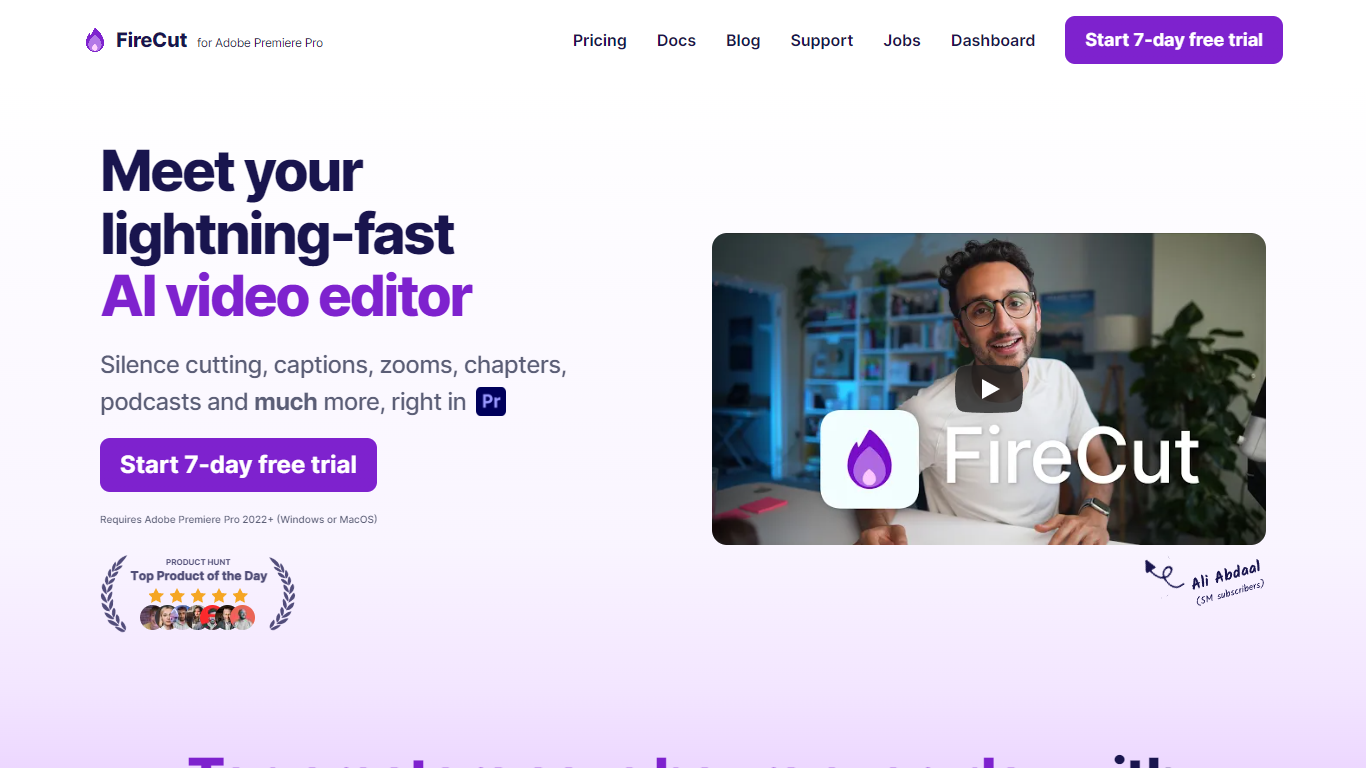

What is FireCut ?
FireCut is a plugin and browser suite that automates repetitive video editing inside Adobe Premiere Pro and DaVinci Resolve. It handles silence removal, captions, zoom cuts, chapters, B-roll, music, podcast camera switching, and short-form clip generation from long recordings.
The product splits into three surfaces: FireCut for Premiere Pro, FireCut for DaVinci Resolve, and FireCut Shorts, a browser editor for vertical clips without installing NLE software. Each surface shares the same goal of cutting manual timeline work so editors can finish projects faster.
It fits YouTube creators, podcast producers, agencies, and social teams who edit talking-head or interview footage weekly and want one-click cleanup instead of hand-trimming every pause.
Timebolt

What is Timebolt?
Timebolt is a desktop video editor built around waveform-first jump cuts for podcasts, interviews, and screen recordings. It strips silence, filler words, and bad takes with 0.01 second cut control, then exports timelines to Premiere Pro, Final Cut Pro, DaVinci Resolve, or Camtasia without re-cutting by hand.
Most text-based AI editors guess where pauses live and leave hundreds of missed cuts per hour. Timebolt measures the audio waveform first, which is why its benchmark claims zero mistakes left per hour while rivals like Descript and Gling still need manual cleanup. That trade-off favors editors who want frame-tight cuts over a chat-style transcript workflow.
Podcasters, YouTubers, and course creators use Timebolt to shrink raw talking-head footage before publishing. Post-production teams also route Riverside multicam sessions through Timebolt XML exports so senior editors finish polish work in their preferred NLE.
FireCut Upvotes
Timebolt Upvotes
FireCut Top Features
One-click silence cutting with basic or advanced waveform controls and J-cuts
Captions in 50 to 90+ languages with styled animations, emojis, and SRT export
Auto zoom cuts triggered by key phrases, alternating cuts, or face detection
Chapter detection that writes YouTube titles, descriptions, and timestamp markers
Premium Storyblocks B-roll, SFX, and mood-matched music inserted from transcript context
Podcast multi-track editing with automatic camera switching and filler word removal
FireCut Shorts builds 9:16 highlight reels in the browser with transitions and hooks
Timebolt Top Features
0.01 second cut control on waveform-based silence removal
Processes an hour of footage in about 13 seconds for jump cuts
Exports XML timelines to Premiere Pro, Final Cut Pro, and DaVinci Resolve
UMCHECK removes filler words automatically from recorded speech
Free 4K screen capture tool for Mac and Windows
Benchmark reports zero missed cuts per hour versus hundreds on rival AI editors
FireCut Category
- Video Editing
Timebolt Category
- Video Editing
FireCut Pricing Type
- Freemium
Timebolt Pricing Type
- Freemium