
Last updated 07-23-2026
Category:
Reviews:
Join thousands of AI enthusiasts in the World of AI!
FireCut
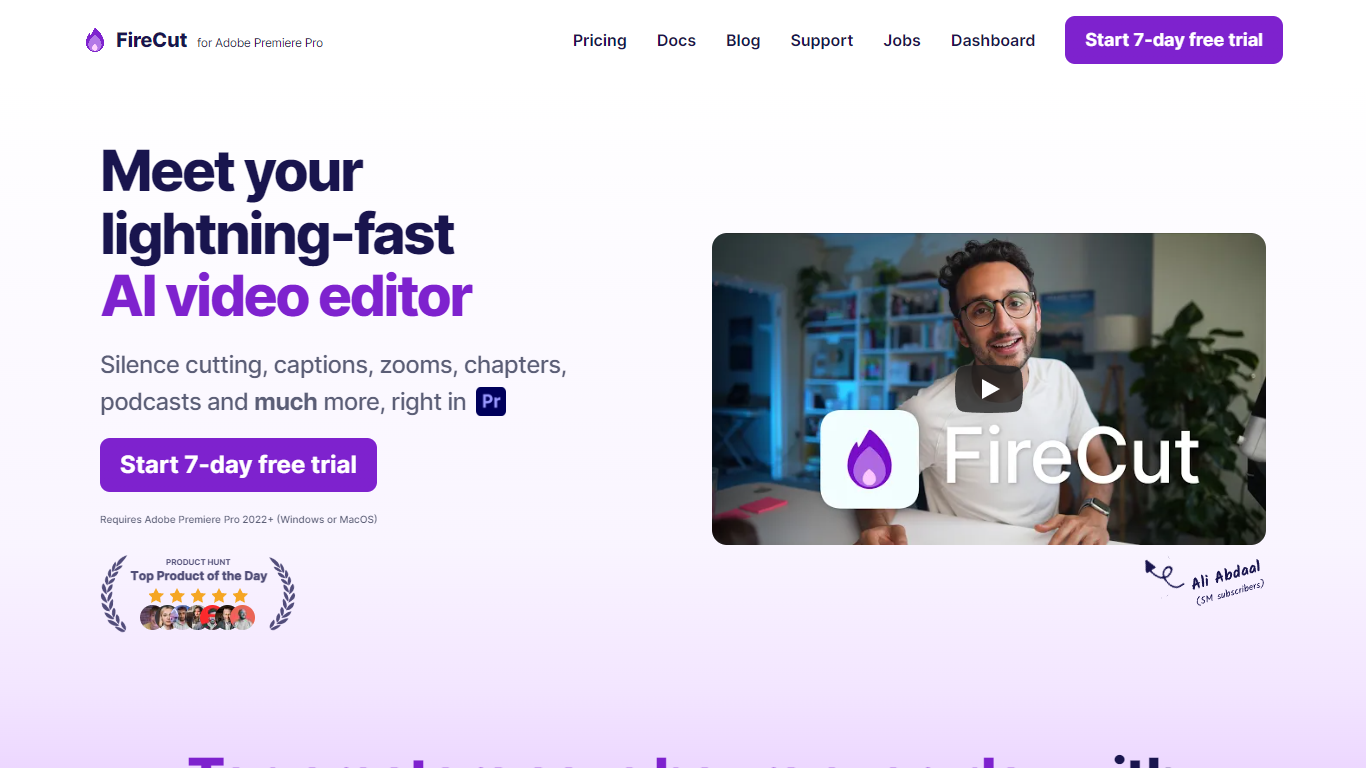
FireCut is a plugin and browser suite that automates repetitive video editing inside Adobe Premiere Pro and DaVinci Resolve. It handles silence removal, captions, zoom cuts, chapters, B-roll, music, podcast camera switching, and short-form clip generation from long recordings.
The product splits into three surfaces: FireCut for Premiere Pro, FireCut for DaVinci Resolve, and FireCut Shorts, a browser editor for vertical clips without installing NLE software. Each surface shares the same goal of cutting manual timeline work so editors can finish projects faster.
It fits YouTube creators, podcast producers, agencies, and social teams who edit talking-head or interview footage weekly and want one-click cleanup instead of hand-trimming every pause.
One-click silence cutting with basic or advanced waveform controls and J-cuts
Captions in 50 to 90+ languages with styled animations, emojis, and SRT export
Auto zoom cuts triggered by key phrases, alternating cuts, or face detection
Chapter detection that writes YouTube titles, descriptions, and timestamp markers
Premium Storyblocks B-roll, SFX, and mood-matched music inserted from transcript context
Podcast multi-track editing with automatic camera switching and filler word removal
FireCut Shorts builds 9:16 highlight reels in the browser with transitions and hooks
Covers both Premiere Pro and DaVinci Resolve with a separate browser Shorts product.
Free DaVinci Resolve tier includes unlimited silence removal with no subscription.
Storyblocks B-roll, SFX, and music are bundled on Pro tiers instead of requiring separate stock subscriptions.
Premiere Pro and DaVinci Resolve require separate paid plans unless you buy Team billing.
Many transcription and caption languages are marked experimental outside English.
Internet connection is required at time of use for cloud transcription features.
Which video editors does FireCut support?
FireCut offers plugins for Adobe Premiere Pro and DaVinci Resolve, plus FireCut Shorts, a standalone browser editor. Premiere Pro and Resolve plans are sold separately, while Team plans bundle both plugins.
Does FireCut offer a free trial?
Yes. FireCut advertises a 7-day free trial on paid Premiere Pro, DaVinci Resolve, and Shorts plans. DaVinci Resolve also has a free tier with unlimited silence removal and multichannel audio splitting.
How much does FireCut cost for Premiere Pro?
Premiere Pro plans start at $19 per month for Starter, $34 per month for Pro, and $34 per month per user for Team billing. Yearly billing lowers Starter to $10 per month and Pro to $20 per month.
Can FireCut generate captions in multiple languages?
Yes. FireCut transcribes speech in 50+ languages on Premiere Pro plans and lists 90+ supported languages on DaVinci Resolve caption and Pro tiers, with English fully supported and many others marked experimental or near-perfect.
What is FireCut Shorts?
FireCut Shorts is a browser-based editor for vertical clips. Paid plans start at $14.50 per month during launch discount, include 25 videos per month up to 5 minutes each, and add captions, B-roll, music, zoom cuts, and intro hooks without installing Premiere or Resolve.
Does FireCut include stock media?
Pro and higher tiers include premium Storyblocks B-roll, sound effects, and background music matched to transcript context. Max plans add 4K B-roll access and higher transcription quotas.