TubeMagic vs FireCut
In the battle of TubeMagic vs FireCut , which AI Video Editing tool comes out on top? We compare reviews, pricing, alternatives, upvotes, features, and more.
Between TubeMagic and FireCut , which one is superior?
Upon comparing TubeMagic with FireCut , which are both AI-powered video editing tools, The upvote count reveals a draw, with both tools earning the same number of upvotes. Join the aitools.fyi users in deciding the winner by casting your vote.
Disagree with the result? Upvote your favorite tool and help it win!
TubeMagic
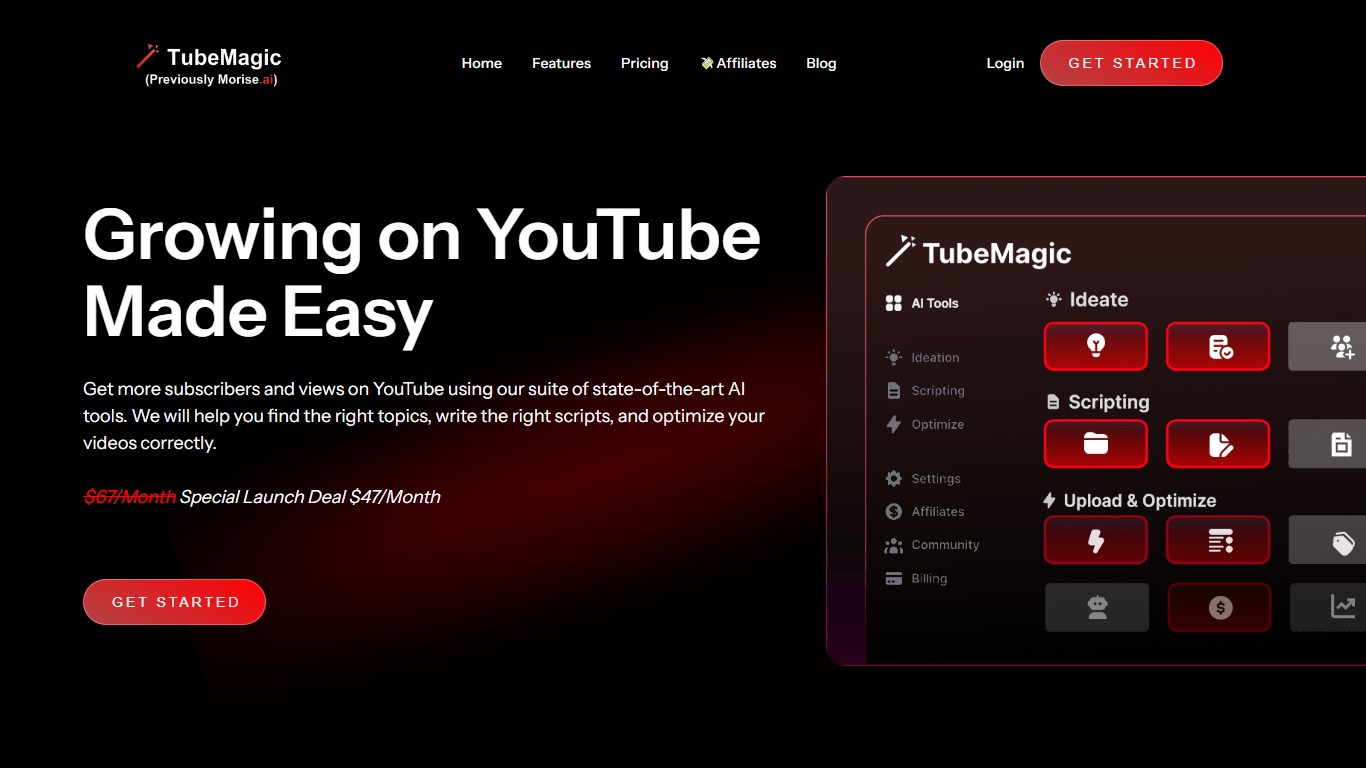

What is TubeMagic?
TubeMagic helps YouTube creators script, research, and optimize videos from one dashboard instead of juggling separate apps. Its script writer generates retention-focused drafts in seconds, and the same subscription covers titles, tags, descriptions, thumbnails, keyword research, and upload prep.
Where VidIQ and TubeBuddy lean on analytics and browser-side optimization, TubeMagic puts script drafting first. You paste a channel link to mirror your tone, pick models like Claude 4.0 or GPT-4o, set length from one to twenty minutes, and feed in top-performing videos as inspiration. The site reports over 200K scripts generated and lists creators with large followings as users.
TubeMagic started as Morise.AI in 2023, was acquired by YouTuber Matt Par in January 2024, and by mid-2025 the team narrowed focus to the script writer while keeping the rest of the toolkit available. It suits solo creators, agencies, and channel managers who publish regularly and need faster scripting plus SEO-minded metadata.
FireCut
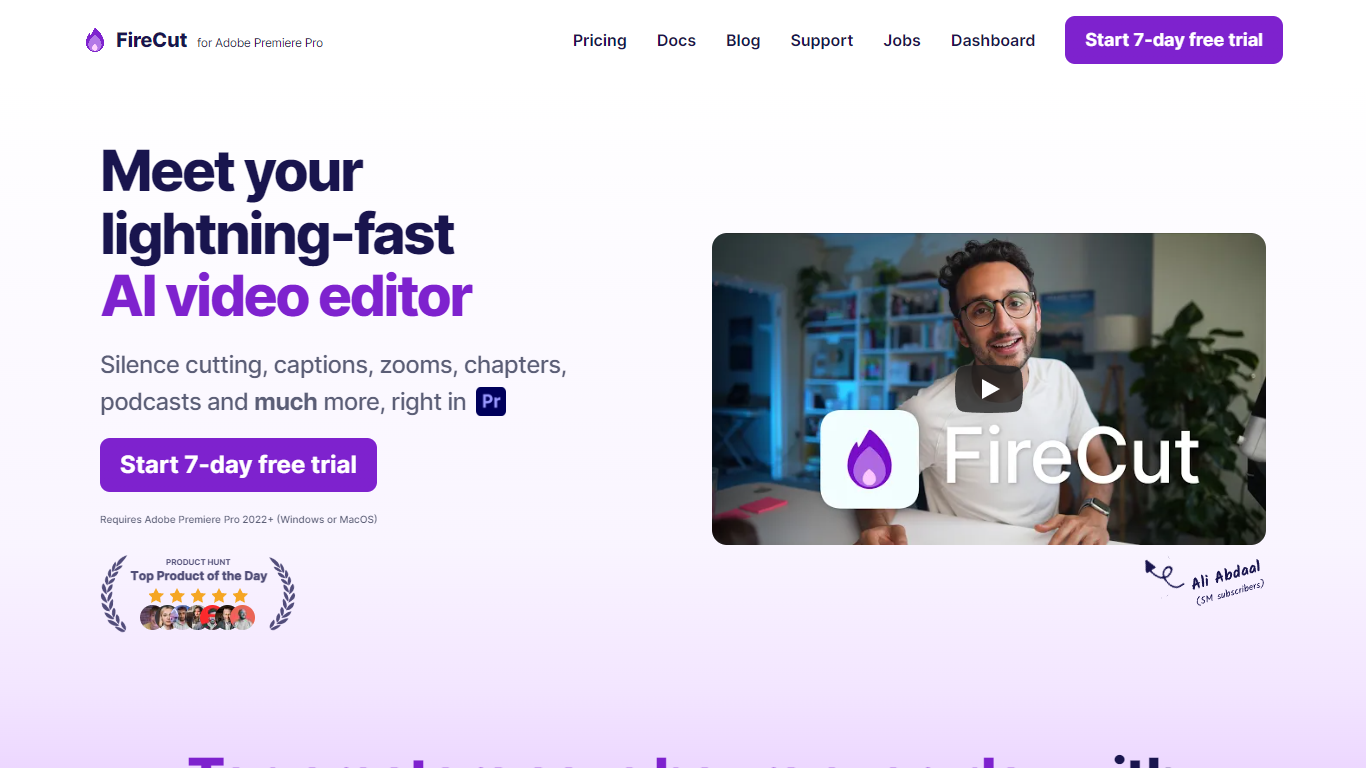
What is FireCut ?
FireCut is a plugin and browser suite that automates repetitive video editing inside Adobe Premiere Pro and DaVinci Resolve. It handles silence removal, captions, zoom cuts, chapters, B-roll, music, podcast camera switching, and short-form clip generation from long recordings.
The product splits into three surfaces: FireCut for Premiere Pro, FireCut for DaVinci Resolve, and FireCut Shorts, a browser editor for vertical clips without installing NLE software. Each surface shares the same goal of cutting manual timeline work so editors can finish projects faster.
It fits YouTube creators, podcast producers, agencies, and social teams who edit talking-head or interview footage weekly and want one-click cleanup instead of hand-trimming every pause.
TubeMagic Upvotes
FireCut Upvotes
TubeMagic Top Features
Paste your channel link and TubeMagic mirrors your tone and structure
Choose Claude 4.0, GPT-4o, or other models when drafting scripts
Match script length to video time with word targets from 100 words for 1 minute up to 3000 words for 20 minutes
Add inspiration videos and it merges their patterns into your draft
Warp Upload Optimizer suggests titles, tags, and descriptions before publish
Keyword research shows volume, competition, and a Magic Score per topic
Supports 95+ languages for titles, descriptions, tags, and video ideas
FireCut Top Features
One-click silence cutting with basic or advanced waveform controls and J-cuts
Captions in 50 to 90+ languages with styled animations, emojis, and SRT export
Auto zoom cuts triggered by key phrases, alternating cuts, or face detection
Chapter detection that writes YouTube titles, descriptions, and timestamp markers
Premium Storyblocks B-roll, SFX, and mood-matched music inserted from transcript context
Podcast multi-track editing with automatic camera switching and filler word removal
FireCut Shorts builds 9:16 highlight reels in the browser with transitions and hooks
TubeMagic Category
- Video Editing
FireCut Category
- Video Editing
TubeMagic Pricing Type
- Paid
FireCut Pricing Type
- Freemium