FlashcardX vs RTutor
Compare FlashcardX vs RTutor and see which AI Education tool is better when we compare features, reviews, pricing, alternatives, upvotes, etc.
Which one is better? FlashcardX or RTutor?
When we compare FlashcardX with RTutor, which are both AI-powered education tools, In the race for upvotes, FlashcardX takes the trophy. The number of upvotes for FlashcardX stands at 7, and for RTutor it's 6.
Not your cup of tea? Upvote your preferred tool and stir things up!
FlashcardX

What is FlashcardX?
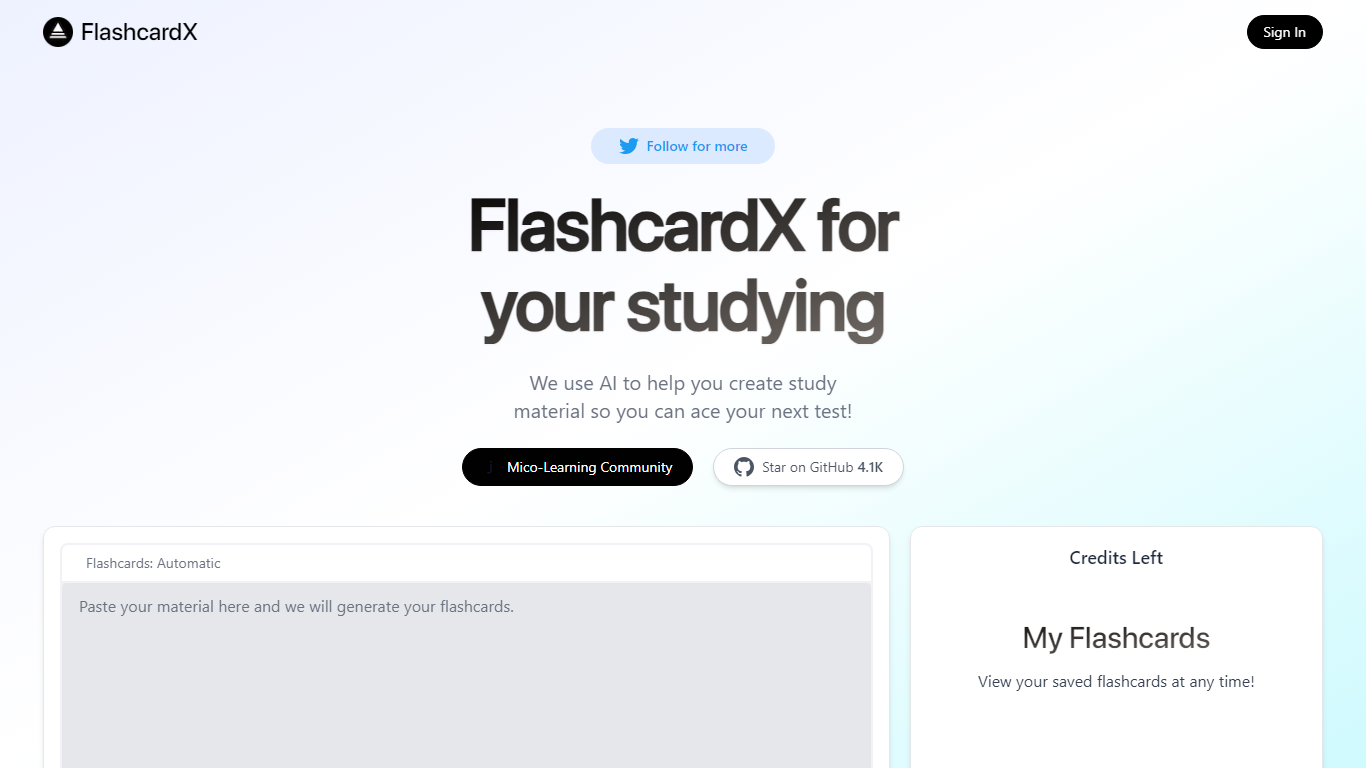
FlashcardX is a study app that turns pasted text or web links into vocabulary flashcards you can review before a test. You drop in a short excerpt from an article, textbook, or URL, and the site generates words to memorize instead of making cards by hand.
The workflow centers on a single generator on the homepage: enter your source material, create a deck, and come back to it later under My Flashcards after signing in. A credits counter on the page shows how many generations you have left.
It is built for students who need quick vocab prep and do not want to spend time formatting cards. The project is open source on GitHub and tied to Talbert Herndon's Mico-Learning Community on Jotted.
RTutor
What is RTutor?
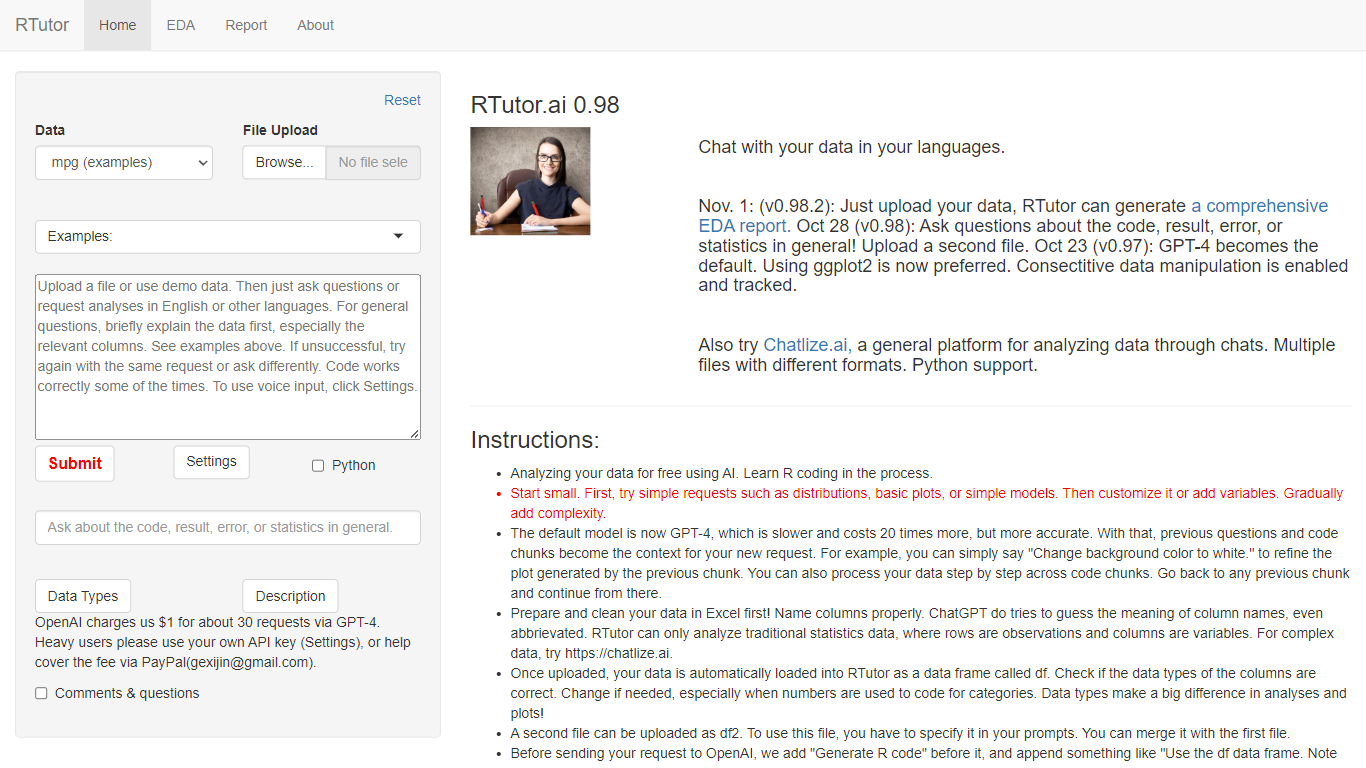
RTutor lets you analyze spreadsheet data by typing questions in plain English and getting executed R code back in seconds. Upload a CSV, TSV, or Excel file, describe the analysis you want, and RTutor uses OpenAI models (GPT-4o by default) to generate and run R scripts in the browser. Orditus LLC maintains the web app and the open-source R package on GitHub.
Unlike general chatbots that only suggest code, RTutor executes the generated R on your uploaded data and returns plots, tables, and EDA reports you can download as HTML. It includes built-in exploratory data analysis tabs, an Ask RTutor Q&A box for follow-up questions, and session memory so you can refine plots with prompts like change background color to white.
RTutor targets students, researchers, and analysts who know their data but not R syntax. The website is free for non-profit organizations; commercial use requires a license from Orditus.
FlashcardX Upvotes
RTutor Upvotes
FlashcardX Top Features
Paste a short article or textbook excerpt and get vocabulary flashcards back
Submit a web link as source material alongside pasted text prompts
Sign in to save decks and reopen them anytime under My Flashcards
Credits counter on the page tracks how many generations you have left
Open source on GitHub with 5.1K stars for community contributions
Built by Talbert Herndon and linked to the Mico-Learning Community on Jotted
RTutor Top Features
Upload CSV, TSV, tab-delimited text, or Excel files and analyze them in plain English prompts
Uses GPT-4o by default with session context so follow-up prompts refine prior code chunks
Built-in EDA tabs for basic stats, correlations, GGpairs plots, and DataExplorer reports
Generates and executes R code in the browser, with optional Python support noted on the site
Download results as HTML reports and ask follow-up questions via the Ask RTutor Q&A box
Open-source R package available on GitHub (gexijin/RTutor) for local installation
FlashcardX Category
- Education
RTutor Category
- Education
FlashcardX Pricing Type
- Freemium
RTutor Pricing Type
- Freemium