Flux vs MeetGeek
In the face-off between Flux vs MeetGeek, which AI tool takes the crown? We scrutinize features, alternatives, upvotes, reviews, pricing, and more.
In a face-off between Flux and MeetGeek, which one takes the crown?
If we were to analyze Flux and MeetGeek, both of which are AI-powered tools, what would we find? In the race for upvotes, MeetGeek takes the trophy. MeetGeek has 17 upvotes, and Flux has 11 upvotes.
Don't agree with the result? Cast your vote and be a part of the decision-making process!
Flux


What is Flux?
Flux runs ECAD in the browser so hardware engineers design printed circuit boards from idea through manufacturing without desktop installs. You describe what you want to build, and Flux Copilot plans the work, generates schematics and layouts, and checks in before key steps so you stay in control.
Compared with traditional desktop ECAD suites, Flux combines collaborative schematic and layout editing with live component data, supply chain pricing, and explainable automation in one workspace. Copilot handles planning, part research, BoM generation, placement, routing, and design reviews while you approve key steps instead of clicking through every net manually.
Flux supports multi-layer PCBs up to eight layers for IoT devices, wearables, robotics, and production-bound hardware. You can import from Altium, Cadence, KiCad, Eagle, and EasyEDA, then export Gerbers, drill files, BoMs, pick-and-place files, and standard netlists for fabrication.
MeetGeek
What is MeetGeek?
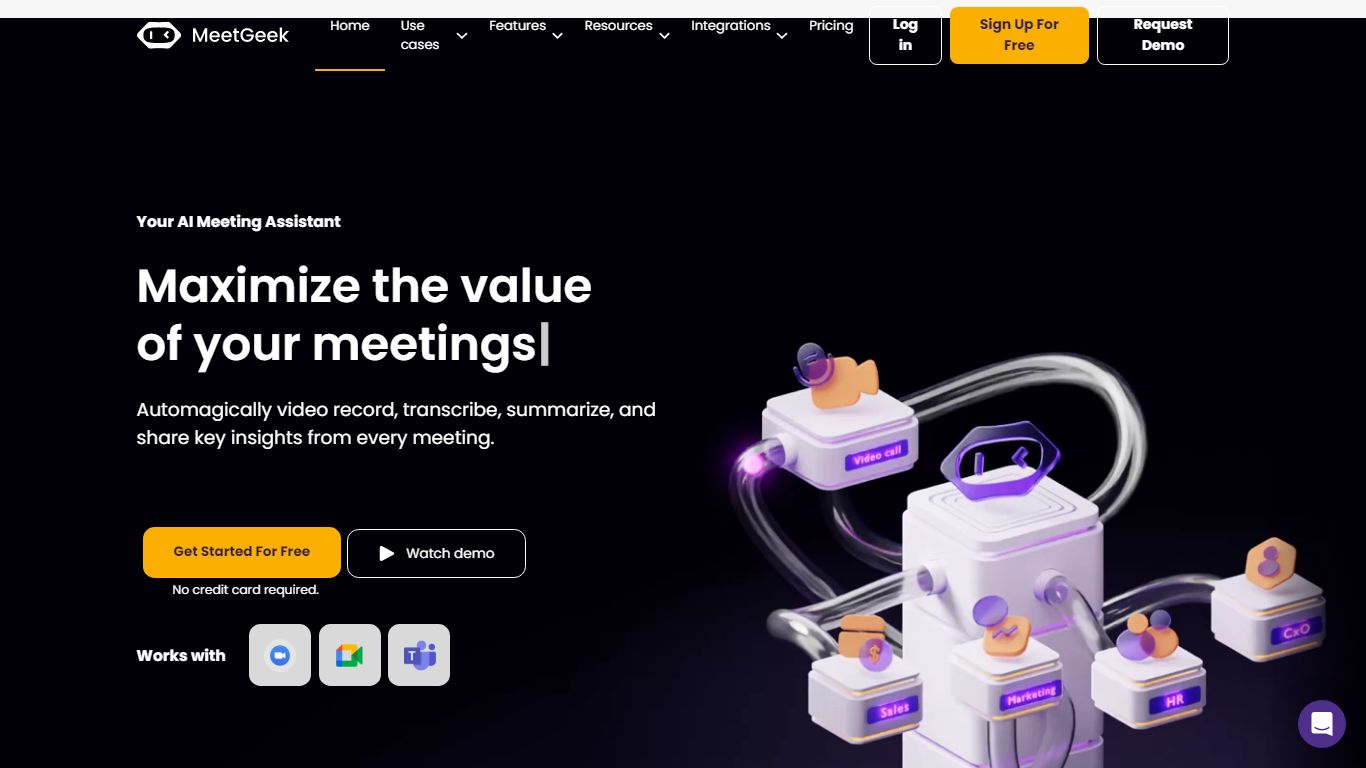
MeetGeek is a meeting assistant that records, transcribes, and summarizes calls across Zoom, Google Meet, Microsoft Teams, and other conferencing tools. It stores searchable transcripts, AI chat over past meetings, and workflow automations so teams can share notes without rewatching every recording.
Unlike lightweight note bots that only dump a summary, MeetGeek layers meeting templates, CRM integrations, and no-bot browser recording on top of transcription. That stack targets teams that need governance, analytics, and Zapier-style automation rather than a single post-call email.
Sales, customer success, and product teams use MeetGeek for customer calls, interviews, and internal standups. Educators and agencies also adopt it for online classes and client meetings where shared folders and role-based access matter.
Flux Upvotes
MeetGeek Upvotes
Flux Top Features
Describe a board in plain language and Copilot maps a plan for approval
Generates schematics, BoMs, and layouts with placement and routing
Runs design reviews for unconnected pins, missing caps, and tolerance issues
Multi-layer PCBs up to eight layers, from prototype to production
Imports Altium, Cadence, KiCad, Eagle, and EasyEDA projects
Exports Gerbers, drill files, BoM, pick-and-place, and netlists
14-day free trial covers all features before Explore, Build, or Pro billing starts
MeetGeek Top Features
Auto-detects 100+ languages with speaker identification
Records Zoom, Google Meet, Microsoft Teams, and Webex calls
30+ meeting summary templates with meeting type auto-detection
No-bot recording via browser extension and desktop app
CRM sync to HubSpot, Salesforce, Pipedrive, and Zoho
API and MCP access for custom meeting workflows
Flux Category
- Design
MeetGeek Category
- Meeting Assistant
Flux Pricing Type
- Freemium
MeetGeek Pricing Type
- Freemium