folk vs Cogram
When comparing folk vs Cogram, which AI All In One tool shines brighter? We look at pricing, alternatives, upvotes, features, reviews, and more.
In a comparison between folk and Cogram, which one comes out on top?
When we put folk and Cogram side by side, both being AI-powered all in one tools, In the race for upvotes, folk takes the trophy. folk has garnered 7 upvotes, and Cogram has garnered 6 upvotes.
You don't agree with the result? Cast your vote to help us decide!
folk

What is folk?
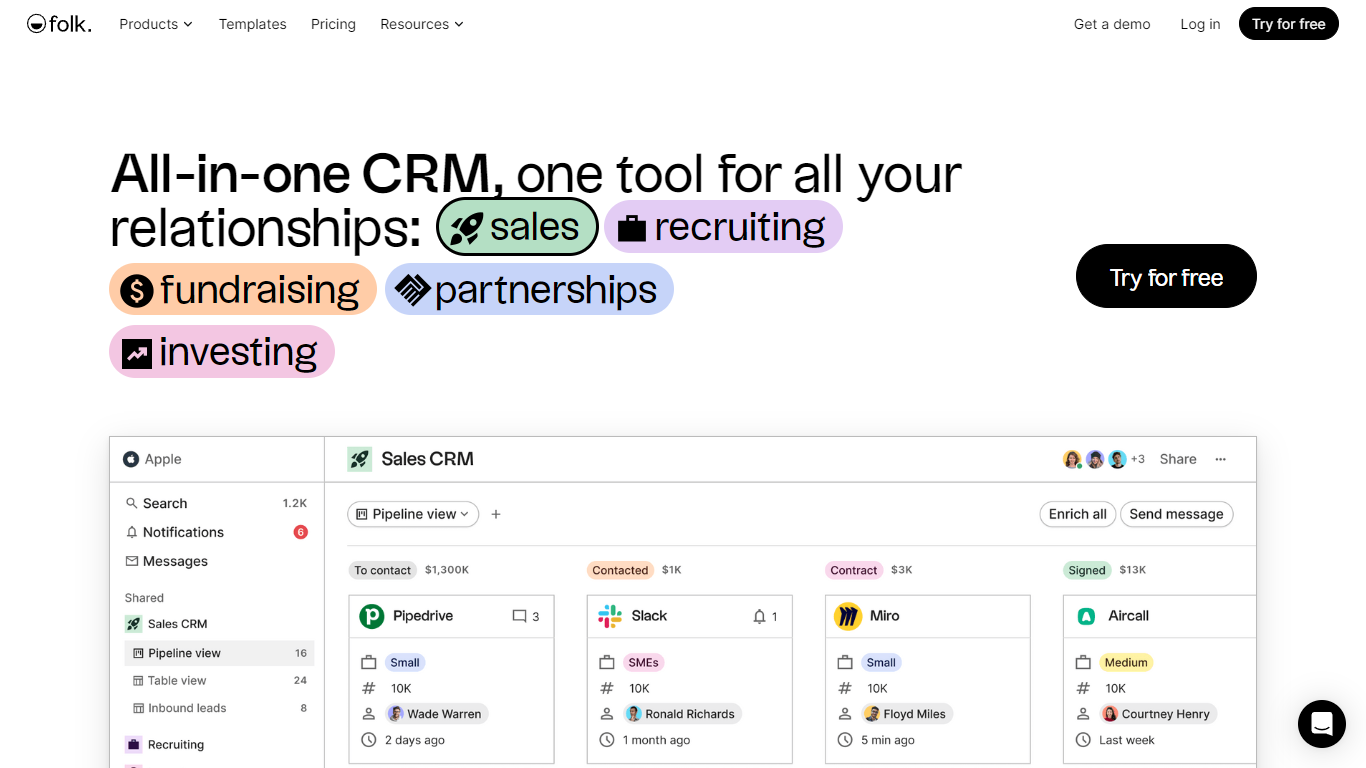
folk is a team CRM that pulls contact and conversation data from email, calendar, LinkedIn, WhatsApp, and thousands of integrations into one workspace. It is built for sales, agency, startup, and partnership teams that need shared context without heavy setup.
AI Sales Assistants handle follow-ups, recap notes, company research, and workflow emails in the background. The folkX Chrome extension captures leads from LinkedIn, one-click enrichment fills missing emails and phone numbers, and pipeline views keep deals visible to the whole team.
folk offers Standard, Premium, and Enterprise plans with per-member pricing, a 14-day free trial on Premium features, and no credit card required to start.
Cogram
What is Cogram?
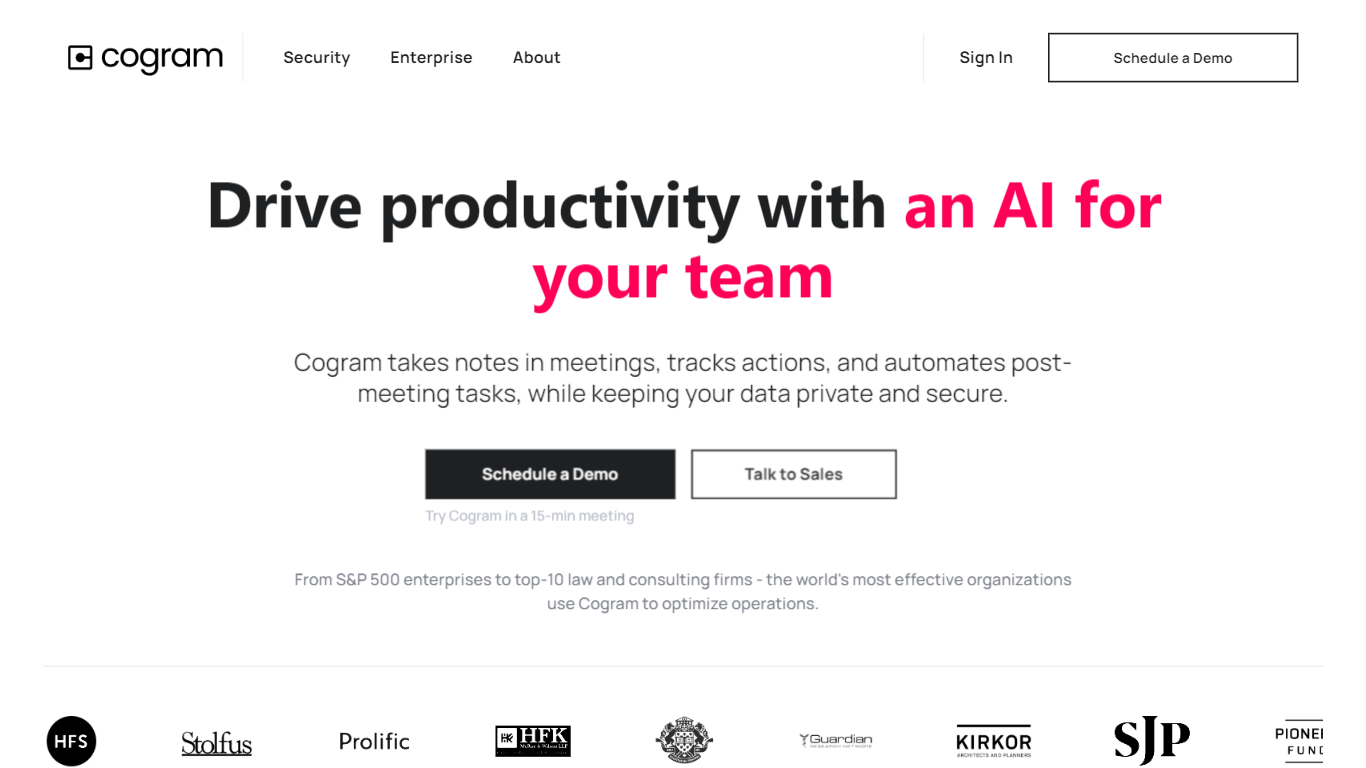
Cogram gives architects and engineers one workspace for project documentation, from meeting minutes and field reports to RFIs, submittals, and project email. The platform connects to Procore, Deltek, Unanet, Microsoft Teams, Outlook, Autodesk, Zoom, and Google Meet, then outputs drafts in your firm's templates instead of generic summaries.
Generic meeting assistants capture call notes. Cogram is built around AEC workflows: RFIs and submittals sync with Procore, field reports come from voice and photos on site, and the project Agent answers questions against drawings and correspondence. Modular pricing lets firms buy only the modules they need, and external collaborator accounts are free.
Project managers, design leads, and construction administrators use Cogram to cut repetitive admin work the homepage estimates can save several hours per week. Individuals can start a 14-day trial; team pricing is quoted per seat after a demo.
folk Upvotes
Cogram Upvotes
folk Top Features
AI Sales Assistants draft follow-ups, recap interactions, research companies, and run workflow emails
folkX Chrome extension imports LinkedIn leads and enriches contact details without leaving the page
One-click enrichment finds emails, phone numbers, and company data from multiple sources
Messages and Sequences send bulk campaigns and automated email sequences from CRM data
Collaborative pipeline management with dashboards, roles, and 5,000+ integrations
Cogram Top Features
Project Agent answers questions and analyzes AEC documents with project context
Meeting minutes and field reports generated in your firm's templates from calls or site visits
RFI and submittal logging integrated with Procore for faster review cycles
Email filing and search across all project correspondence
Integrations with Procore, Deltek, Unanet, Microsoft Teams, Outlook, Autodesk, Zoom, and Google Meet
SOC 2 Type II certified with SAML SSO, MFA, and no training on customer data
14-day free trial for individuals; external collaborator accounts are free on team plans
folk Category
- All In One
Cogram Category
- All In One
folk Pricing Type
- Freemium
Cogram Pricing Type
- Freemium