Formula Dog vs Columns AI (formerly Columns)
Compare Formula Dog vs Columns AI (formerly Columns) and see which AI Excel tool is better when we compare features, reviews, pricing, alternatives, upvotes, etc.
Which one is better? Formula Dog or Columns AI (formerly Columns)?
When we compare Formula Dog with Columns AI (formerly Columns), which are both AI-powered excel tools, Both tools have received the same number of upvotes from aitools.fyi users. Your vote matters! Help us decide the winner among aitools.fyi users by casting your vote.
Want to flip the script? Upvote your favorite tool and change the game!
Formula Dog

What is Formula Dog?
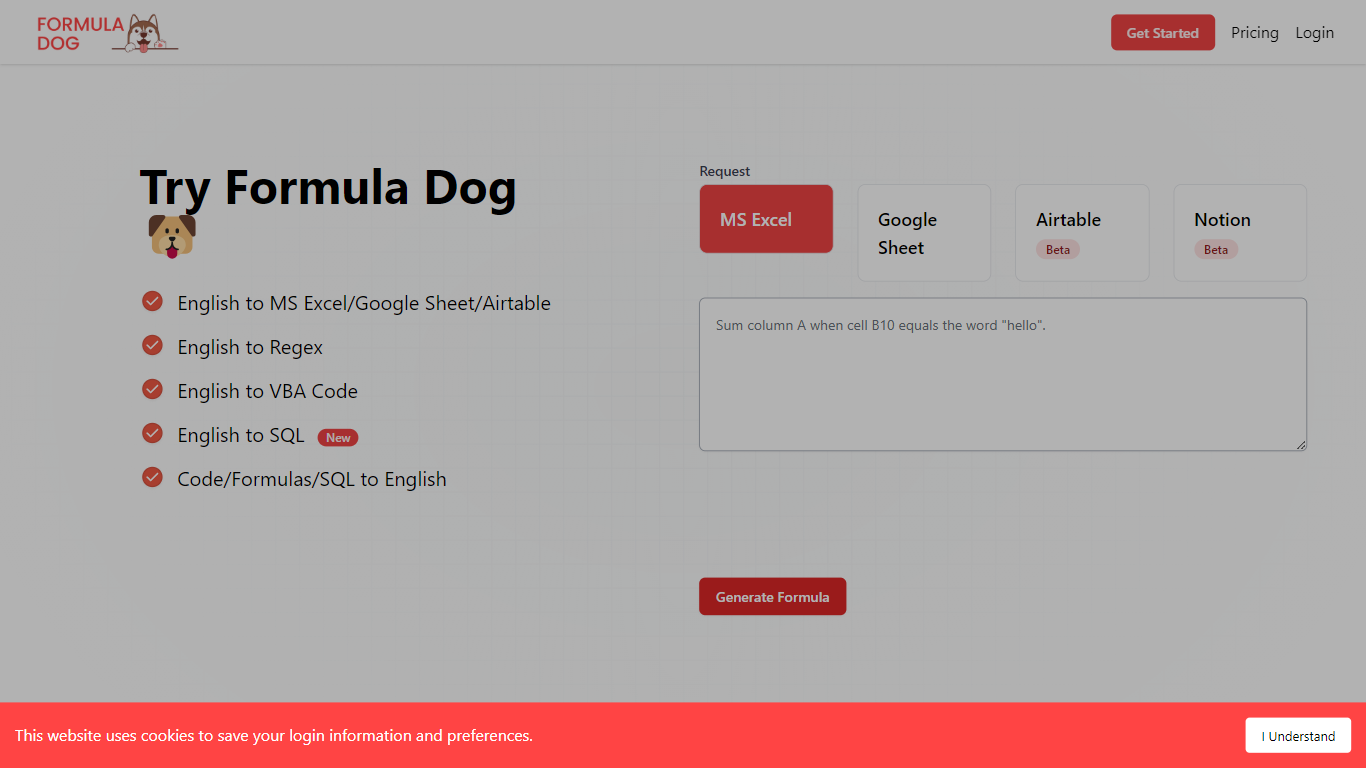
Formula Dog turns spreadsheet problems written in plain English into working Excel or Google Sheets formulas. You describe what you need, and the tool returns a paste-ready formula, often with a short explanation of how it works. The first five requests each day are free with no account required.
The product centers on a fine-tuned model trained on real spreadsheet formulas paired with human-written descriptions. That focus shows up in the output: fewer invented function names and syntax tuned for Excel, Google Sheets, VBA, regex helpers, and basic Airtable or Notion formulas.
It fits analysts, ops teams, and anyone who lives in spreadsheets but does not want to memorize every function variant. The site also ships a searchable cheat sheet, a playground with worked examples, and support for 12 interface languages.
Columns AI (formerly Columns)
What is Columns AI (formerly Columns)?
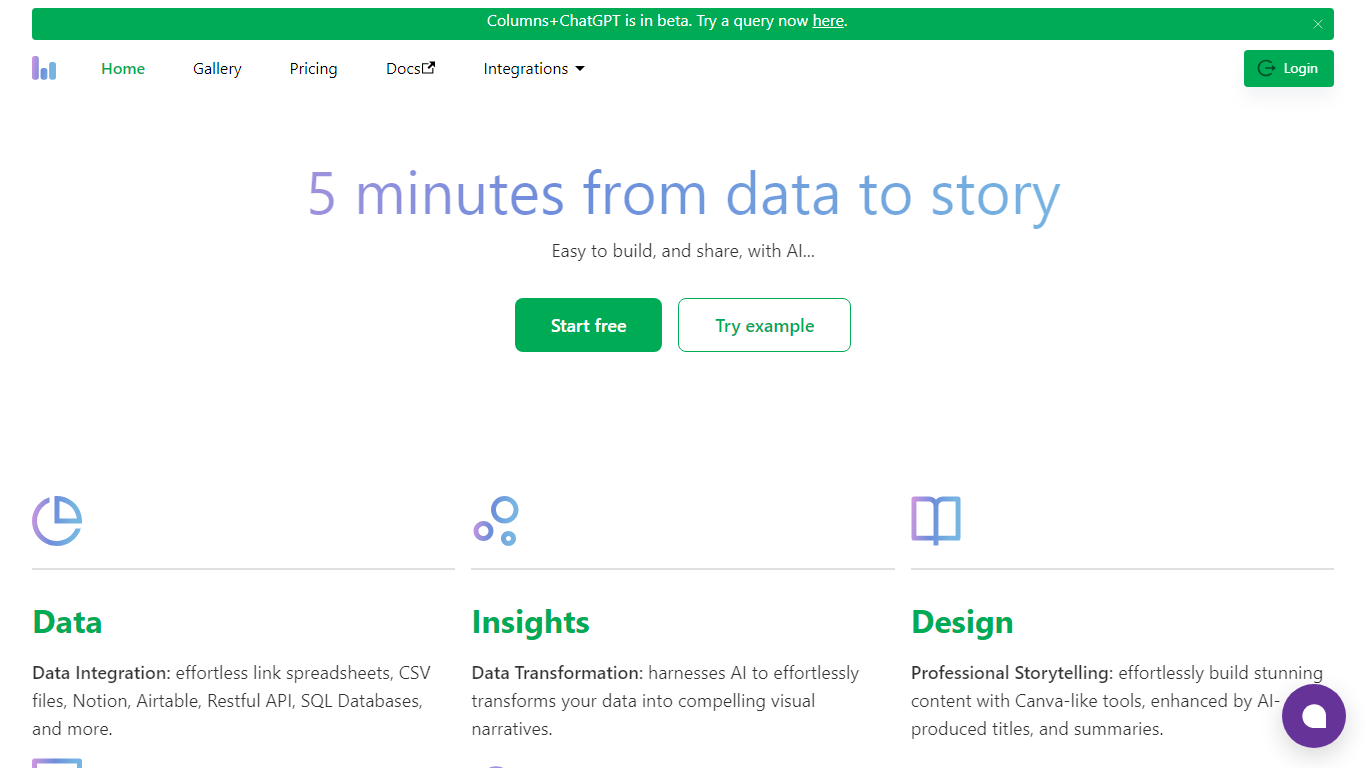
Columns AI takes messy files and live data sources through ingestion, automation, and chart publishing without making you stitch together separate tools. Drive ingests CSV, Excel, PDF, and images with OCR, Flow connects warehouses and apps with plain-language transformations, and Graph publishes brand-matched visuals you can embed or export.
Most BI tools assume your data is already clean and your team knows SQL. Columns splits the problem into three steps on purpose: structure files in Drive, automate sync and transforms in Flow, then ship client-ready charts from Graph without opening a separate design tool. You pay per row processed, and the Basic plan has no monthly base fee.
The site lists 12,000+ users across business operators, consultants, marketing and RevOps teams, analysts, and freelancers. Founder Shawn Cao previously built data infrastructure at Microsoft, Facebook, and Pinterest.
Formula Dog Upvotes
Columns AI (formerly Columns) Upvotes
Formula Dog Top Features
Describe a spreadsheet task in plain English and get a paste-ready formula back
Covers Excel, Google Sheets, VBA macros, regex helpers, and basic Airtable or Notion syntax
Five free formula generations per day with no signup required
Built-in playground with six worked examples from COUNTIF to conditional VBA
Searchable cheat sheet for common sums, lookups, dates, arrays, and VBA snippets
Interface available in 12 languages including English, French, German, Spanish, and Japanese
Columns AI (formerly Columns) Top Features
Columns Drive accepts CSV, Excel, PDF, PNG, and JPG and runs OCR plus auto-cleaning before data reaches Flow
Columns Flow connects Google Sheets, Airtable, Notion, Postgres, Snowflake, HubSpot, QuickBooks, and Gusto
Basic plan charges $0 per month plus $0.05 per 1,000 rows across Drive, Flow, and Graph
Columns Graph exports live links, iframe embeds, PNG, SVG, CSV, and presentation decks from one chart
Columns Drive has a Gmail add-on in Google Workspace Marketplace for turning email attachments into spreadsheet rows
Scheduled Flow runs keep downstream Graph visuals synced without manual refreshes
Formula Dog Category
- Excel
Columns AI (formerly Columns) Category
- Excel
Formula Dog Pricing Type
- Freemium
Columns AI (formerly Columns) Pricing Type
- Freemium