Formula God vs kasipa (formerly deepsheet)
When comparing Formula God vs kasipa (formerly deepsheet), which AI Excel tool shines brighter? We look at pricing, alternatives, upvotes, features, reviews, and more.
In a comparison between Formula God and kasipa (formerly deepsheet), which one comes out on top?
When we put Formula God and kasipa (formerly deepsheet) side by side, both being AI-powered excel tools, The upvote count reveals a draw, with both tools earning the same number of upvotes. Be a part of the decision-making process. Your vote could determine the winner.
Want to flip the script? Upvote your favorite tool and change the game!
Formula God
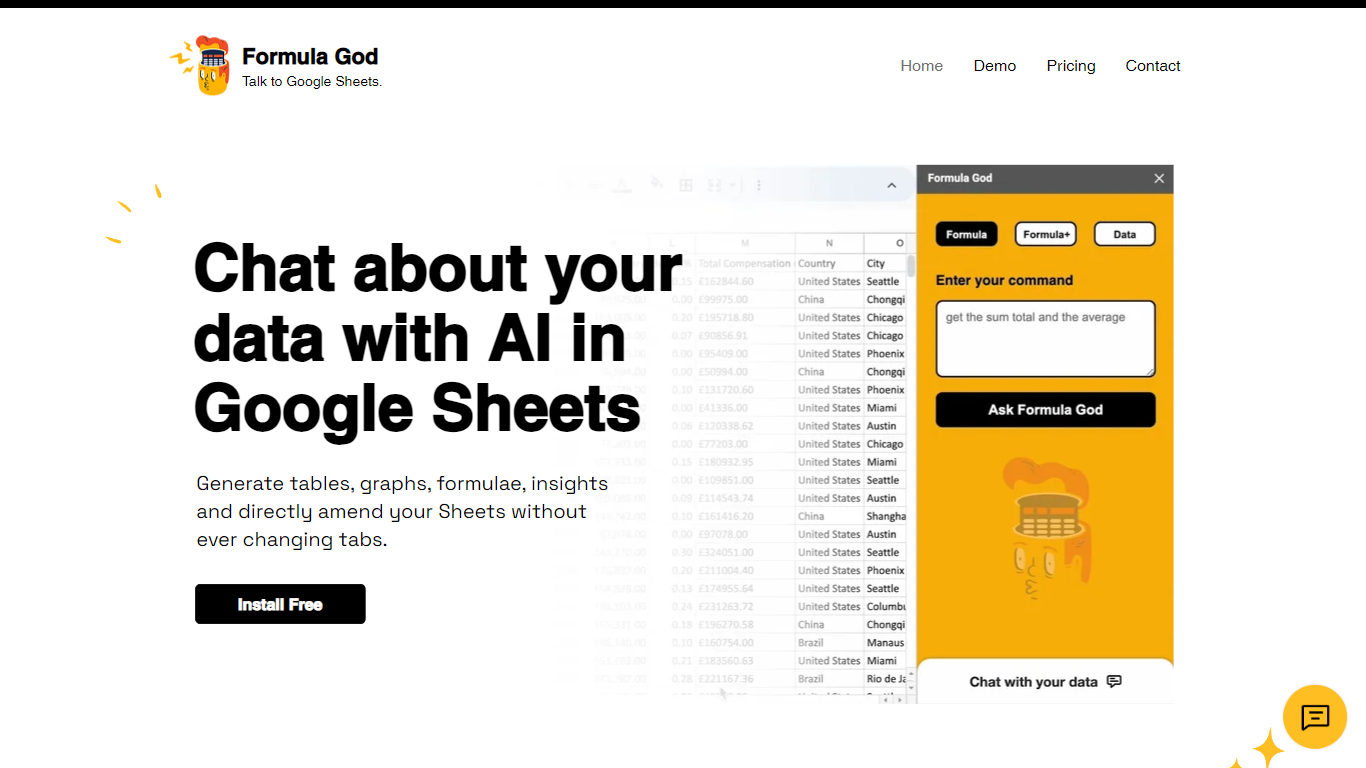

What is Formula God?
Formula God is an innovative add-on for Google Sheets that seamlessly integrates AI capabilities into your spreadsheet environment. It's designed to enhance productivity by providing real-time data assistance through a side panel within Google Sheets itself. This AI-powered tool allows users to generate tables, graphs, and formulas, gain insights, and even make direct amendments to their Sheets without switching tabs. It simplifies the creation of complex formulas by understanding natural language commands and automating the process, effectively serving as a personal data assistant that responds to queries with actionable outputs. Users can also engage in AI chat for deeper insights on applying formulas, making it an essential tool for anyone looking to harness the power of AI in their data analysis workflows.
kasipa (formerly deepsheet)
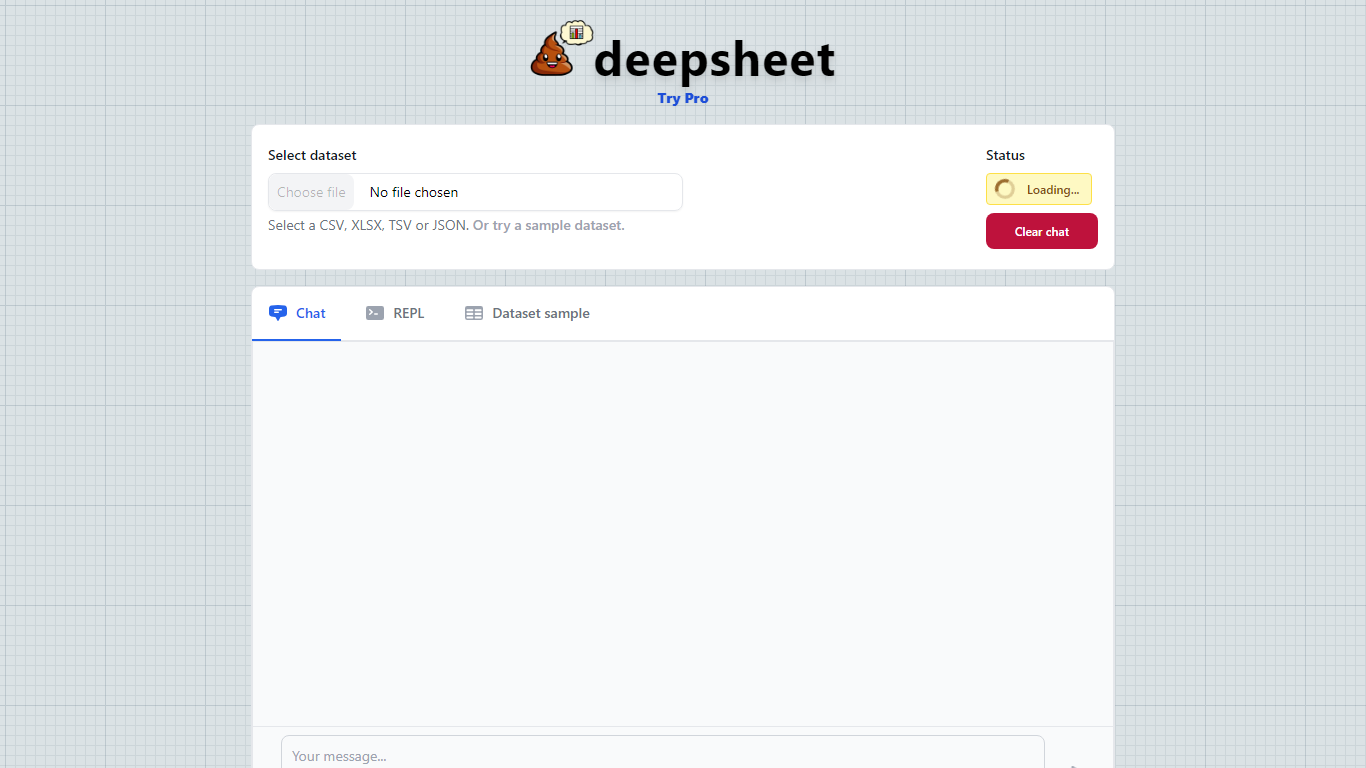
What is kasipa (formerly deepsheet)?
kasipa (formerly deepsheet) is a browser-based data visualization tool that turns spreadsheets into charts and analysis through plain-language questions. Upload a CSV, Excel file, or connect a Google Sheet, describe what you want to see, and get interactive Plotly charts without installing desktop software.
The product runs analysis locally in your browser using WebAssembly, so your spreadsheet data stays on your device during chart generation. You can start from the homepage without creating an account, then refine results with follow-up messages until the chart matches what you need.
Beyond one-off charts, kasipa includes a community showcase where users publish visualizations built from public-interest datasets. The tool also supports multi-sheet Excel workbooks, Google Sheets links, and dedicated CSV and Excel to chart landing pages for quick uploads.
Creator Dylan Castillo built kasipa for analysts, researchers, and business users who want spreadsheet insights without writing code or switching between multiple tools.
Formula God Upvotes
kasipa (formerly deepsheet) Upvotes
Formula God Top Features
AI Integration: Engage with Google Sheets using natural language to generate formulas and insights.
Real-Time Assistance: Create tables graphs and query data without leaving the Sheets tab.
Formula Generator: Receive AI-generated formulas based on your data and implement them directly into Sheets.
User-Friendly: Tailored for ease of use making complex data manipulation accessible to all users.
Efficiency Boost: Speed up your workflow with instant graph creation and formula calculation.
kasipa (formerly deepsheet) Top Features
Upload CSV, Excel (.xlsx/.xls), or paste a Google Sheets link to start charting
Ask questions in plain English and get Plotly charts you can refine with follow-ups
Spreadsheet parsing and chart generation run locally in the browser via WebAssembly
No sign-up required to upload data and build your first visualization
Multi-sheet Excel workbooks let you pick which tab to visualize
Community showcase for browsing and sharing public data visualizations
Bar, line, pie, scatter, histogram, heatmap, and box plot chart types supported
Formula God Category
- Excel
kasipa (formerly deepsheet) Category
- Excel
Formula God Pricing Type
- Freemium
kasipa (formerly deepsheet) Pricing Type
- Freemium