Formulas HQ vs Arcwise AI
Compare Formulas HQ vs Arcwise AI and see which AI Excel tool is better when we compare features, reviews, pricing, alternatives, upvotes, etc.
Which one is better? Formulas HQ or Arcwise AI?
When we compare Formulas HQ with Arcwise AI, which are both AI-powered excel tools, Interestingly, both tools have managed to secure the same number of upvotes. Your vote matters! Help us decide the winner among aitools.fyi users by casting your vote.
Want to flip the script? Upvote your favorite tool and change the game!
Formulas HQ
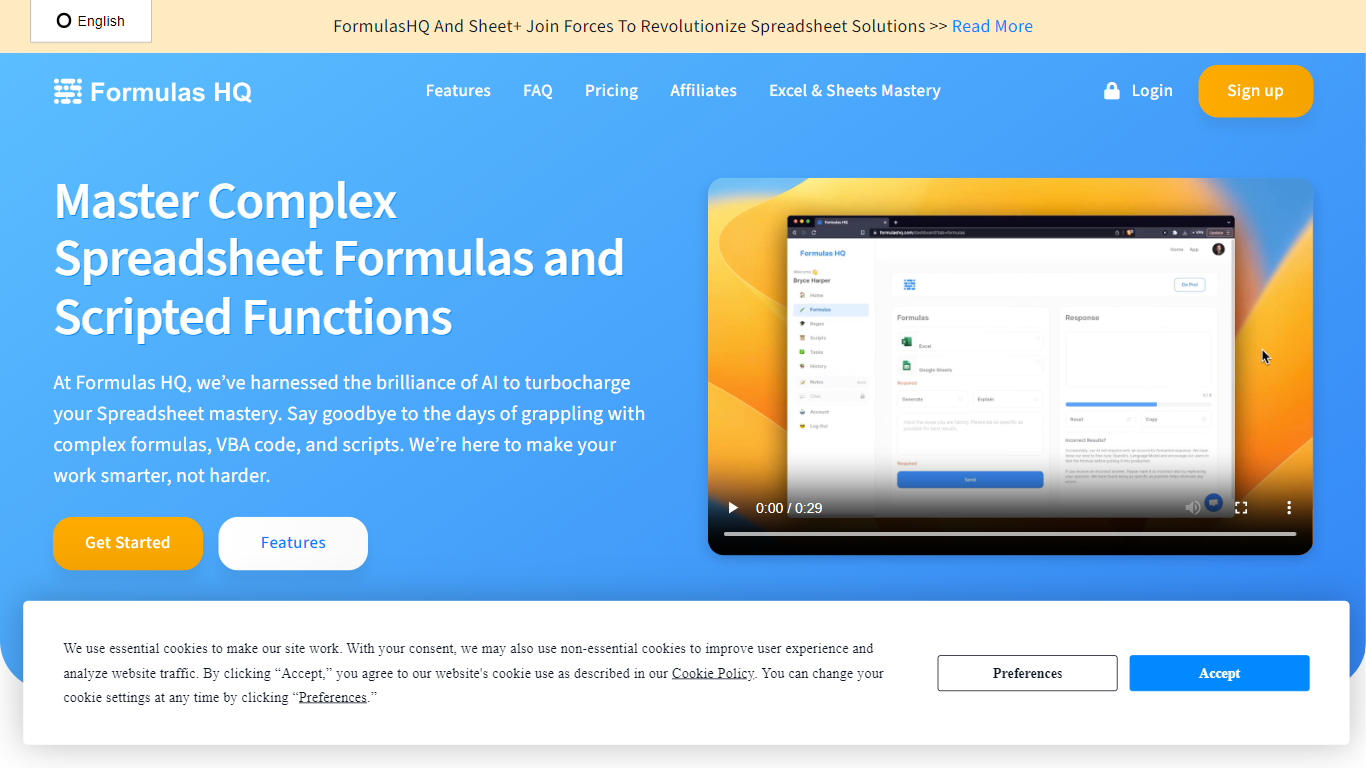

What is Formulas HQ?
Formulas HQ is a web workspace for spreadsheet work when you know the outcome you want but not the exact function syntax. You type a plain-language prompt and get back Excel or Google Sheets formulas with explanations, so you can paste them into your workbook and move on.
The app combines several generators in one place: spreadsheet formulas, regular expressions, VBA, Google Apps Script, a Python code generator in beta, and a chat interface with reusable system prompts. Formulas HQ also hosts free standalone generators on its marketing site for Excel, regex, and Salesforce formulas, each allowing a few tries before signup.
Output is available in English, Spanish, French, Turkish, and Hindi. The site reports more than 82,000 users and offers paid chat access positioned below typical standalone ChatGPT subscription pricing.
It fits analysts, finance teams, operations staff, and anyone who spends daily hours cleaning, modeling, or reporting in Excel or Google Sheets.
Arcwise AI
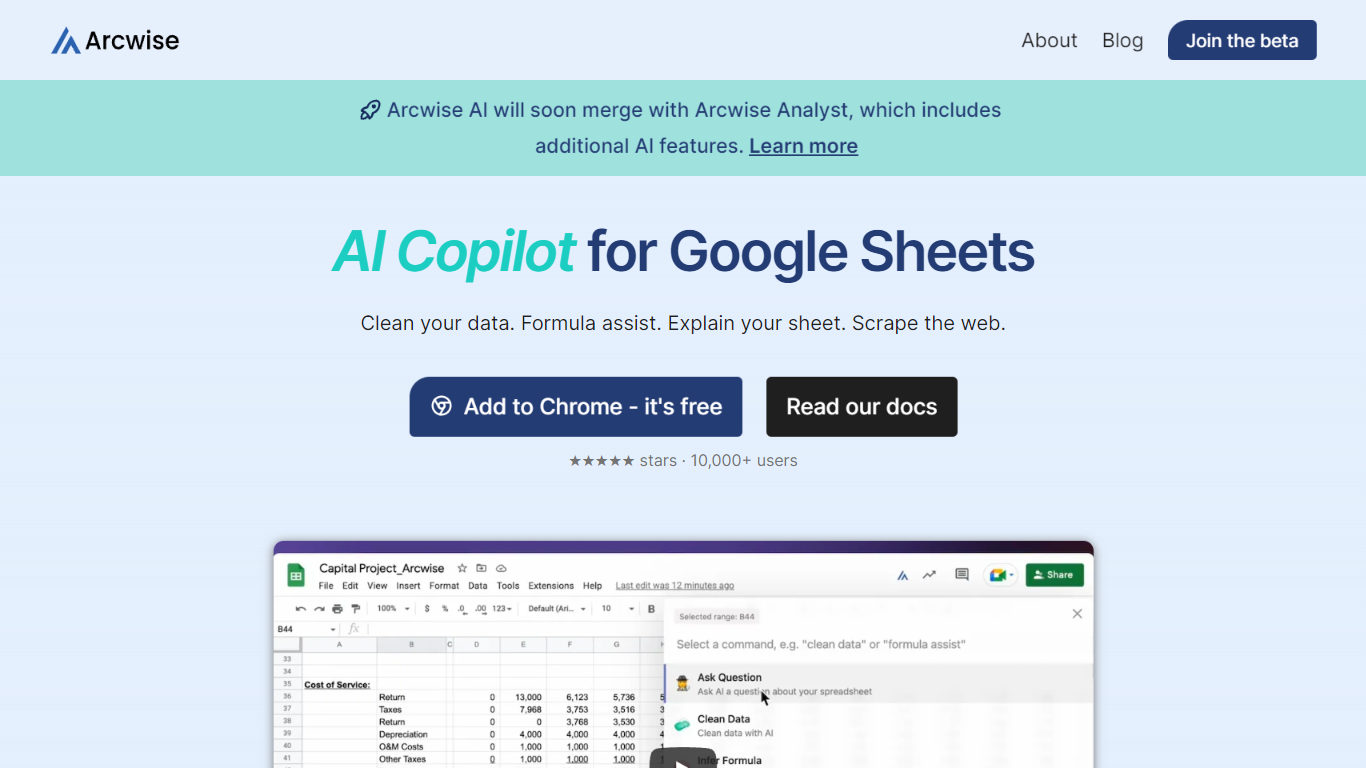
What is Arcwise AI?
Arcwise AI is a spreadsheet analytics copilot and decision platform for teams that live in Google Sheets and warehouse data. It began as a Chrome extension for ChatGPT-powered formulas and data cleanup, and now also sells traceable metric explanations tied to Snowflake, BigQuery, Databricks, and internal documentation.
The Sheets extension still ships as a free Chrome add-on with keyboard shortcuts, $AI.TRANSFORM and $AI.CLASSIFY functions, and PDF table extraction. That side competes with formula copilots, while the platform side targets analysts who need audited answers instead of generic chatbot guesses.
Arcwise backs explanations with source tracing rather than open-ended model text, which matters when finance or ops teams need to defend a number in a review. The stored listing URL at /old-ai now returns 404, so the live product homepage is arcwise.app.
Formulas HQ Upvotes
Arcwise AI Upvotes
Formulas HQ Top Features
Describe what you need in plain English and get Excel or Google Sheets formulas with explanations
Build and decode regular expressions for validation, cleaning, and pattern matching
Generate VBA or Google Apps Script to automate repetitive spreadsheet tasks without coding experience
Python beta covers data analysis with pandas, NumPy, scikit-learn, matplotlib, and related libraries
Chat workspace includes 20+ system prompts you can customize for repeatable writing and analysis tasks
Free site tools give five Excel, regex, or Salesforce formula generations before you create an account
Formula output supports English, Spanish, French, Turkish, and Hindi
Arcwise AI Top Features
Free Chrome extension for Google Sheets with Cmd+Shift+1 shortcut
$AI.TRANSFORM, $AI.CLASSIFY, and $AI.EXTRACT functions inside Sheets
Connects to Snowflake, BigQuery, and Databricks warehouses
Metric shift detection with explanations traced to source data
PDF upload extracts tables directly into spreadsheet cells
Chrome Web Store lists 10,000+ users and a 4.5 star rating
Formulas HQ Category
- Excel
Arcwise AI Category
- Excel
Formulas HQ Pricing Type
- Freemium
Arcwise AI Pricing Type
- Freemium