Fotor Ai vs RemoveBG
Dive into the comparison of Fotor Ai vs RemoveBG and discover which AI Photo Editing tool stands out. We examine alternatives, upvotes, features, reviews, pricing, and beyond.
In a comparison between Fotor Ai and RemoveBG, which one comes out on top?
When we compare Fotor Ai and RemoveBG, two exceptional photo editing tools powered by artificial intelligence, and place them side by side, several key similarities and differences come to light. RemoveBG is the clear winner in terms of upvotes. RemoveBG has 11 upvotes, and Fotor Ai has 7 upvotes.
You don't agree with the result? Cast your vote to help us decide!
Fotor Ai

What is Fotor Ai?
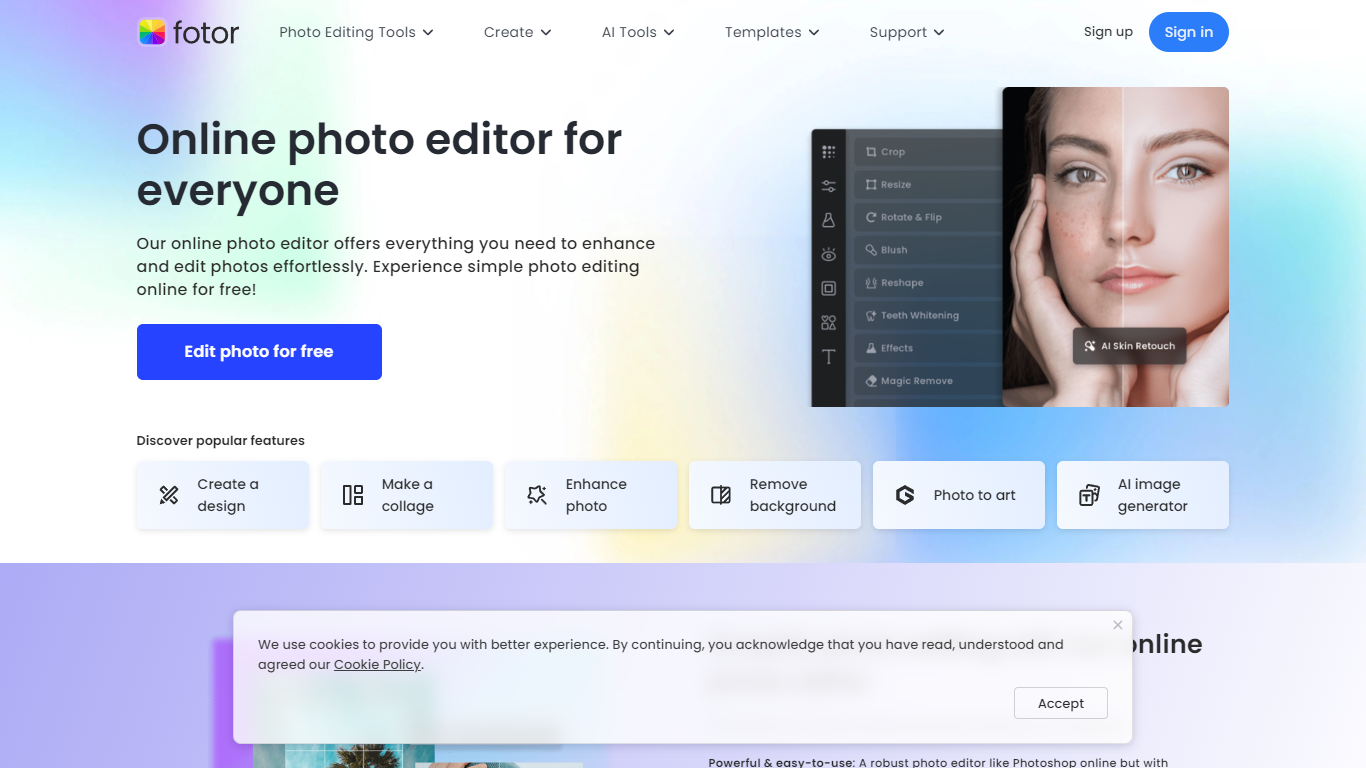
Fotor Ai is an online photo editor that bundles classic adjustments with AI tools for enhancement, background removal, object cleanup, and generative edits in one browser workspace. You can crop, retouch portraits, upscale to 4K, extend image borders, and run batch edits without opening separate apps. Mobile and desktop clients sync projects through a single account.
Generalist editors often split AI tricks into add-ons. Fotor folds photo, design, and newer video generators into one subscription with shared credits across Flux, GPT Image, Gemini, Kling, and Veo models. That matters if you edit product shots, social posts, and short clips in the same week and do not want three different SaaS bills.
Bloggers, ecommerce sellers, and casual photographers use Fotor for quick fixes on phone or desktop. The site reports 800 million customers and highlights AI enhancer, background remover, and collage tools as the most popular entry points.
RemoveBG
What is RemoveBG?
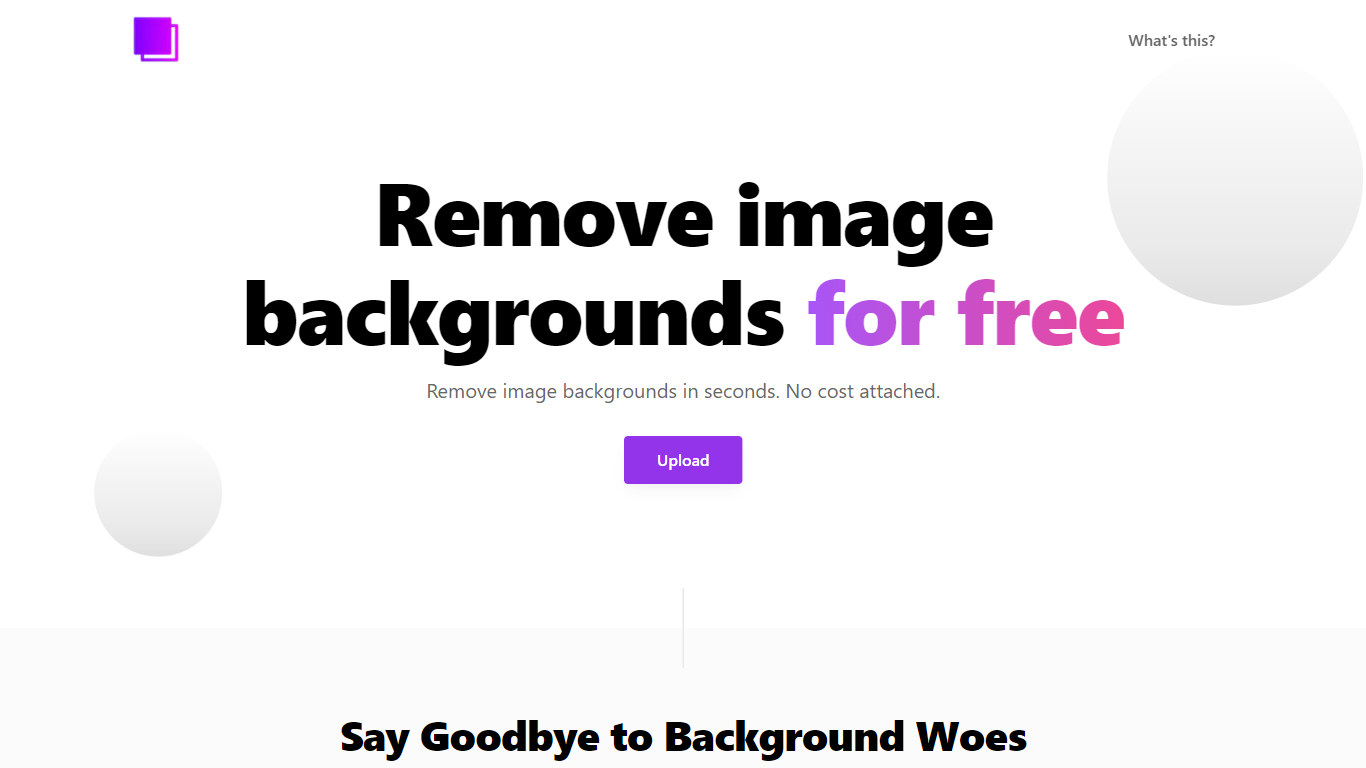
RemoveBG is a powerful and user-friendly online tool that allows you to remove image backgrounds in seconds, and the best part is, it's completely free! With advanced AI technology, RemoveBG makes background removal a breeze, saving you time and effort. Whether you need to edit images for creative projects, marketing materials, or personal use, RemoveBG has got you covered.
With RemoveBG, the process of removing image backgrounds is as easy as 1-2-3. First, choose the image you want to edit and upload it into the tool. Second, let the advanced AI technology analyze your image and automatically remove the background. Finally, download the new image and use it for any purpose you desire. Say goodbye to background woes and hello to hassle-free image editing with RemoveBG.
Fotor Ai Upvotes
RemoveBG Upvotes
Fotor Ai Top Features
AI background remover clears backgrounds in about 3 seconds
Image upscaler expands photos up to 4x resolution online
Batch photo editor processes many images in one session
Fotor Pro includes 10 concurrent AI generations and 2 GB cloud storage
Fotor Pro+ raises limits to 30 concurrent generations and 100 GB storage
Access image models such as Flux AI, GPT Image 2, and Nano Banana Pro
Free Basic tier exports with watermarks on JPG, PNG, and PDF files
RemoveBG Top Features
Quick and Easy Background Removal: RemoveBG makes it incredibly simple to remove image backgrounds with just a few clicks. No need for complex editing software or extensive manual work.
Free of Cost: RemoveBG offers its background removal services completely free of charge. Say goodbye to expensive editing tools and hello to cost-effective image editing.
Advanced AI Technology: Powered by advanced AI technology RemoveBG analyzes your images and accurately detects and removes the background ensuring clean and professional results.
Versatile Usage: The images edited with RemoveBG can be used for a wide range of purposes including creative projects marketing materials or personal use. The possibilities are endless.
User-Friendly Interface: RemoveBG's user-friendly interface makes it easy for anyone to use regardless of their level of expertise in image editing. No technical skills required.
Fotor Ai Category
- Photo Editing
RemoveBG Category
- Photo Editing
Fotor Ai Pricing Type
- Freemium
RemoveBG Pricing Type
- Free