Free Headshot AI Generator vs Figflow
In the battle of Free Headshot AI Generator vs Figflow , which AI Design tool comes out on top? We compare reviews, pricing, alternatives, upvotes, features, and more.
Between Free Headshot AI Generator and Figflow , which one is superior?
Upon comparing Free Headshot AI Generator with Figflow , which are both AI-powered design tools, The upvote count is neck and neck for both Free Headshot AI Generator and Figflow . You can help us determine the winner by casting your vote and tipping the scales in favor of one of the tools.
Don't agree with the result? Cast your vote and be a part of the decision-making process!
Free Headshot AI Generator
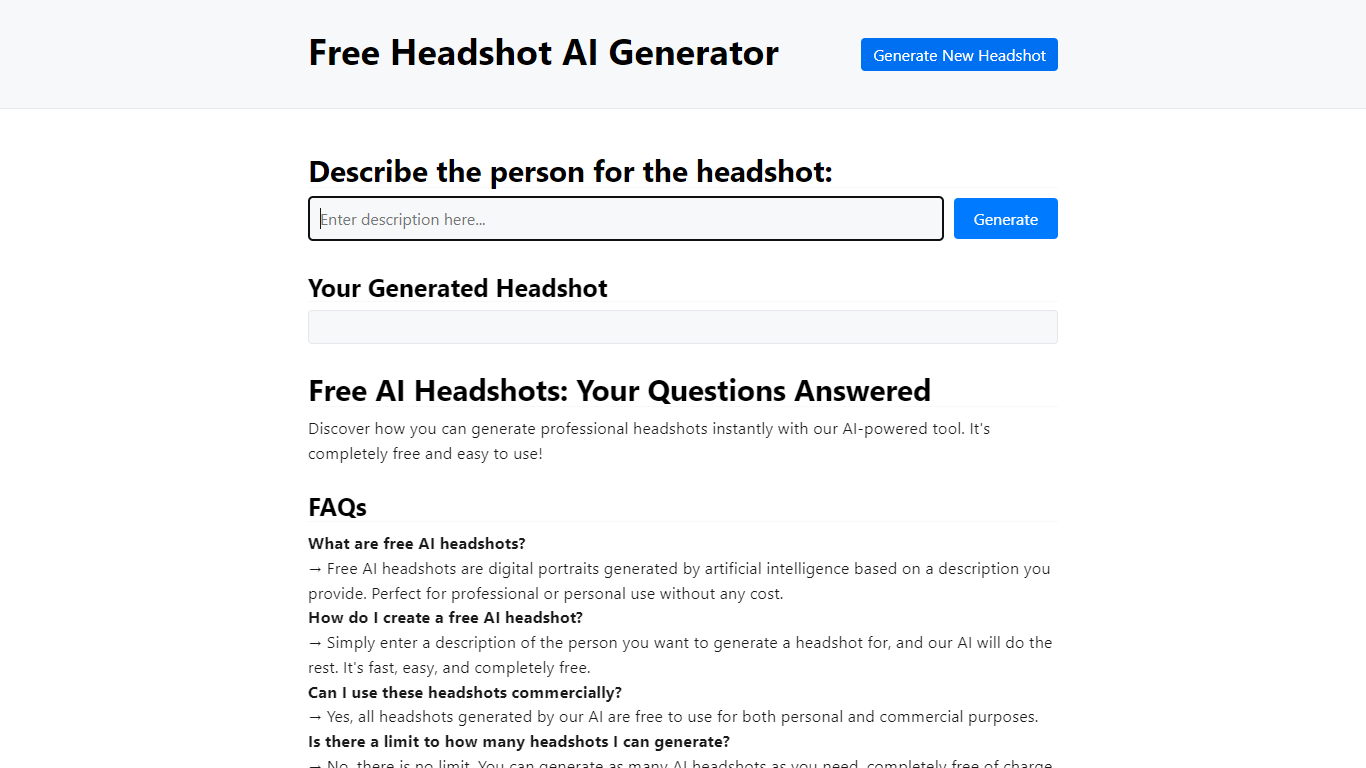

What is Free Headshot AI Generator?
Free Headshot AI Generator is a design-focused portrait studio that builds professional headshot photos from a text description on headshotaigenerator.com. You pick a style preset (Corporate, Business Casual, Creative, or Medical), choose an aspect ratio, set a creativity level, and download a high-resolution result in seconds.
Traditional headshot services charge $150 to $500 per session and need scheduling. This tool sells credit packs instead: $9.99 for 50 headshots, $29.99 for 220 credits, or $59.99 for 575 credits with no subscription and commercial use included. The site uses the Krea v2 model and advertises photorealistic output for LinkedIn, resumes, and team pages.
Job seekers, freelancers, and remote teams who need a polished profile photo without a studio visit are the target users. You control clothing, background, and lighting through the prompt, and can regenerate until the portrait matches your professional brand.
Figflow
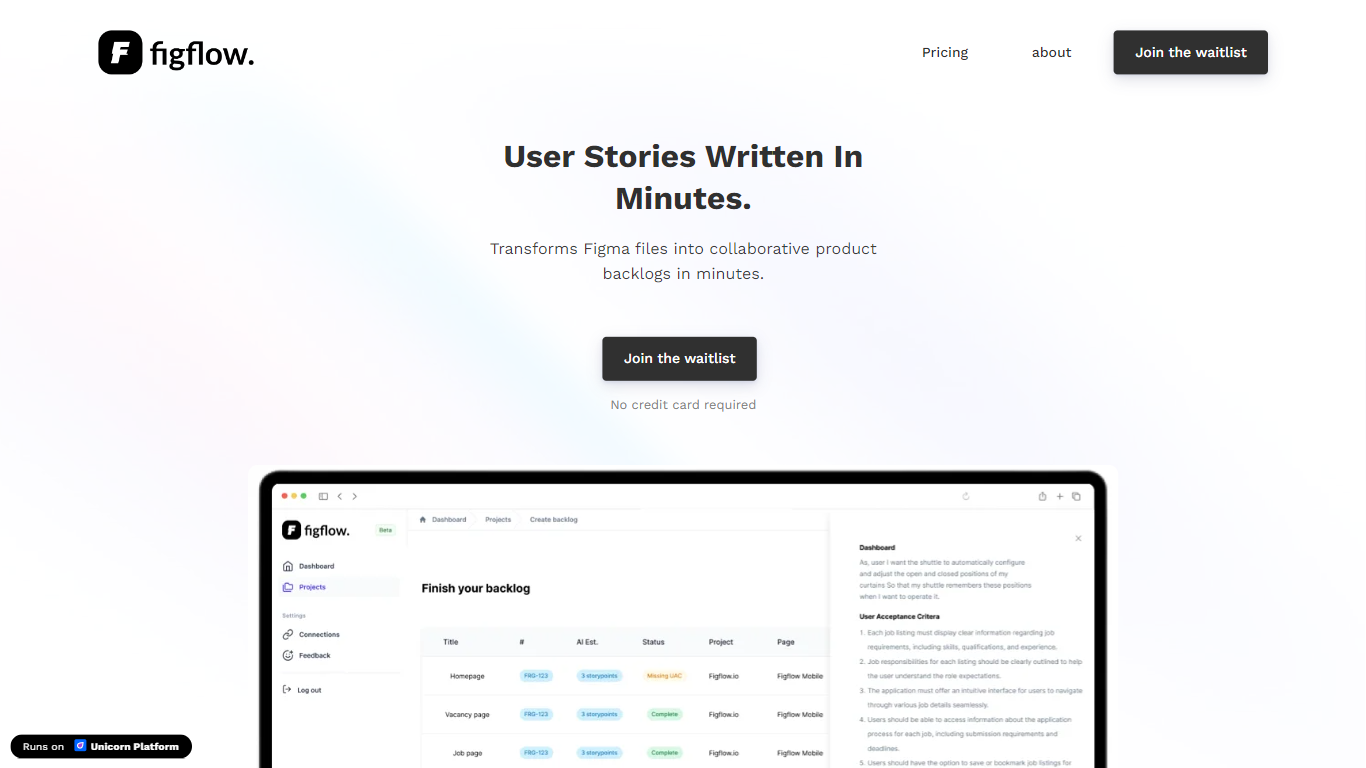
What is Figflow ?
Figflow turns Figma files into structured product backlogs with user stories, acceptance criteria, and story point estimates. You connect Figma through OAuth, upload frames, and Figflow drafts tickets from what is already on the canvas. It targets the handoff gap between design files and sprint-ready work.
Most backlog tools expect you to write stories from scratch. Figflow starts from your Figma screens, embeds design screenshots inside each story, and uses its AI assistant to shape voice and tone. The Professional plan at $9 per month removes the 250-interaction cap on the free Personal tier, which is the main reason teams outgrow the starter plan.
Product owners, product managers, and product designers use Figflow to cut manual story writing before refinement sessions. It fits teams that live in Figma and want a single workspace for multiple projects without exporting screens into a separate doc for every ticket.
Free Headshot AI Generator Upvotes
Figflow Upvotes
Free Headshot AI Generator Top Features
Starter pack is $9.99 for 50 headshot generations with commercial use rights
Popular pack is $29.99 for 220 credits across every style preset
Pro pack is $59.99 for 575 credits for team profile batches
Four quick styles: Corporate, Business Casual, Creative, and Medical
Three output formats: Square 1:1, Portrait 3:4, and Landscape 4:3
Creativity slider with Raw, Low, Balanced, and High settings
Uses Krea v2 model for photorealistic portrait generation
Figflow Top Features
OAuth Figma integration pulls projects without manual file exports
Personal plan includes 250 free AI interactions before paid upgrade
Professional plan at $9 per month unlocks unlimited AI interactions and projects
AI assistant drafts acceptance criteria from design frames and user stories
Design screenshots attach directly to user stories instead of separate exports
Supports 10 languages including English, Dutch, French, German, Spanish, and Japanese
Free Headshot AI Generator Category
- Design
Figflow Category
- Design
Free Headshot AI Generator Pricing Type
- Paid
Figflow Pricing Type
- Freemium