FreeParser vs Excelly-AI
In the clash of FreeParser vs Excelly-AI, which AI Excel tool emerges victorious? We assess reviews, pricing, alternatives, features, upvotes, and more.
When we put FreeParser and Excelly-AI head to head, which one emerges as the victor?
Let's take a closer look at FreeParser and Excelly-AI, both of which are AI-driven excel tools, and see what sets them apart. There's no clear winner in terms of upvotes, as both tools have received the same number. Every vote counts! Cast yours and contribute to the decision of the winner.
Feeling rebellious? Cast your vote and shake things up!
FreeParser
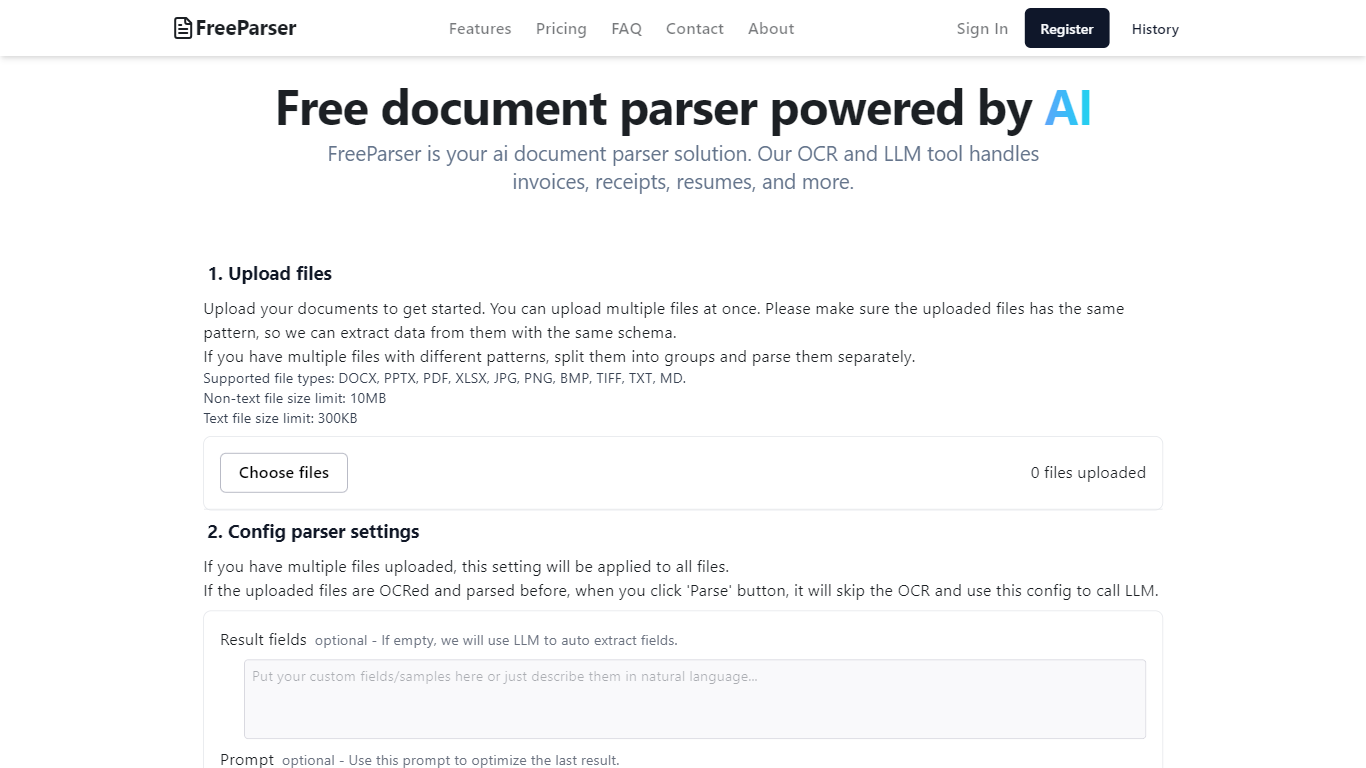

What is FreeParser?
FreeParser is an AI-powered document parser that allows users to extract data from various document types such as invoices, receipts, resumes, and more. It supports multiple file formats and utilizes advanced OCR and LLM technologies for accurate data extraction.
Excelly-AI
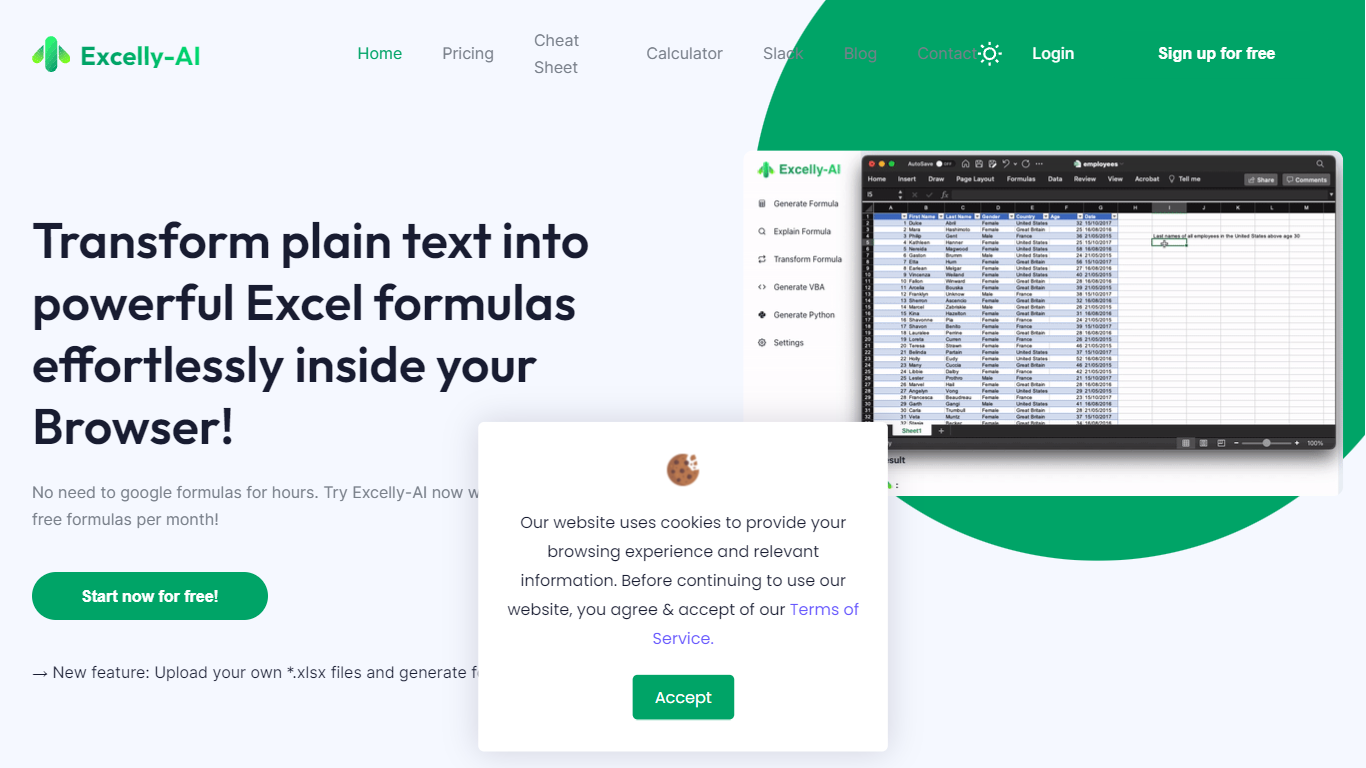
What is Excelly-AI?
Excelly-AI is the premier tool for transforming plain text into powerful Excel and Google Sheets formulas right within your browser or via Slack. Our cutting-edge technology allows users to generate or explain complex formulas effortlessly, catering both to Excel and VBA as well as Google Sheets users. With the unique *.xlsx file upload feature, Excelly-AI elevates your productivity by allowing you to craft customized prompts based on your spreadsheet's column schema, providing precise and context-aware formula generation. Excel enthusiasts can also convert formulas between Excel and Google Sheets instantly. Additionally, Excelly-AI integrates seamlessly with Slack, empowering teams of any size to streamline their spreadsheet-related tasks company-wide. Whether a beginner or a power user, start with 5 free formulas per month and witness the transformation of text to formulas without endlessly Googling.
FreeParser Upvotes
Excelly-AI Upvotes
FreeParser Top Features
Upload files: Users can upload multiple documents at once, ensuring they follow the same pattern for effective data extraction. Supported file types include DOCX, PDF, JPG, and more.
Config parser settings: Users can configure settings for parsing, including optional result fields and prompts to optimize data extraction.
Review result and export: The tool provides results in three formats: Raw, JSON, and CSV, allowing users to choose how they want to view and export their data.
Comprehensive Document Support: FreeParser supports a wide range of document types, including invoices, receipts, resumes, CVs, and more, making it versatile for various use cases.
User-Friendly Interface: The platform is designed to be intuitive, making document parsing and data extraction accessible to everyone.
Excelly-AI Top Features
Generate Formulas: Support for both Excel and Google Sheets with explanations for every generated formula.
Upload .xlsx Files: Generate formulas based on your own spreadsheets with meaningful prompts.
Explain Formulas: Excelly-AI can simplify and explain complex formulas for easy understanding.
Generate VBA: Instantly create any VBA formula you need.
Transform Formulas: Easily convert formulas between Excel and Google Sheets formats.
FreeParser Category
- Excel
Excelly-AI Category
- Excel
FreeParser Pricing Type
- Freemium
Excelly-AI Pricing Type
- Freemium