fwd2cal vs MeetGeek
In the battle of fwd2cal vs MeetGeek, which AI Meeting Assistant tool comes out on top? We compare reviews, pricing, alternatives, upvotes, features, and more.
Between fwd2cal and MeetGeek, which one is superior?
Upon comparing fwd2cal with MeetGeek, which are both AI-powered meeting assistant tools, The upvote count favors MeetGeek, making it the clear winner. MeetGeek has been upvoted 17 times by aitools.fyi users, and fwd2cal has been upvoted 6 times.
Want to flip the script? Upvote your favorite tool and change the game!
fwd2cal
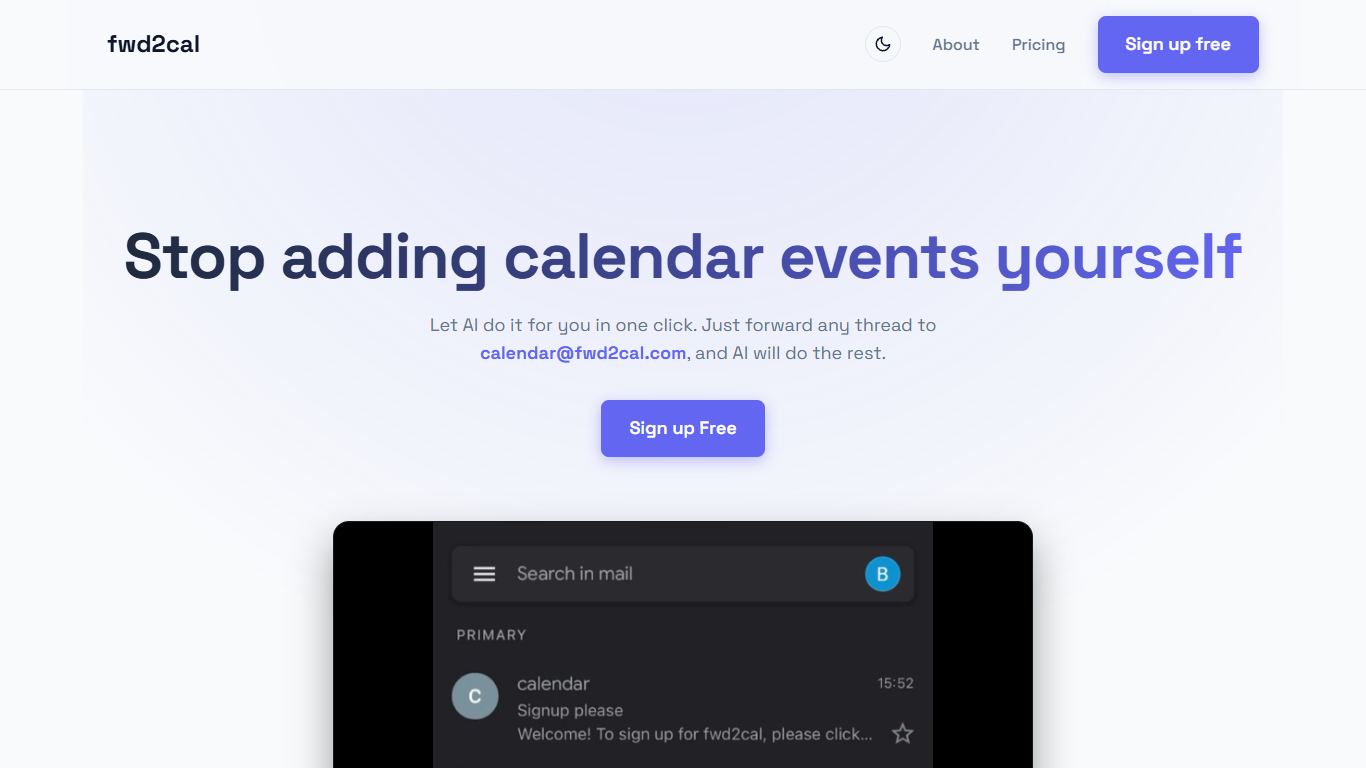

What is fwd2cal?
fwd2cal is a meeting assistant that turns forwarded email threads into Google Calendar events. Send any message to [email protected] and the service reads the thread, then creates a calendar invite with date, time, location, and attendee details filled in. There is no booking page to share and no separate app to manage. Sign up happens by emailing [email protected] with the subject Signup, then authorizing Google Calendar through OAuth.
Most scheduling tools want you inside their product or sending a Calendly link. fwd2cal stays in your inbox instead: you keep coordinating over email and let the service parse what you already received. The pricing section lists a free tier today and a placeholder paid plan that may appear if running costs grow.
It fits people who juggle work, personal, and volunteer inboxes and want one calendar without retyping every invite. Register extra sender addresses by emailing add [email protected] to [email protected]. The privacy policy names Google Cloud, OpenAI, and Resend as subprocessors while stating forwarded emails are processed but not stored.
Source code is on GitHub under Apache 2.0 for anyone who wants to inspect the stack or self-host. Visibl Holdings Limited, a Cayman Islands company, operates the hosted service.
MeetGeek
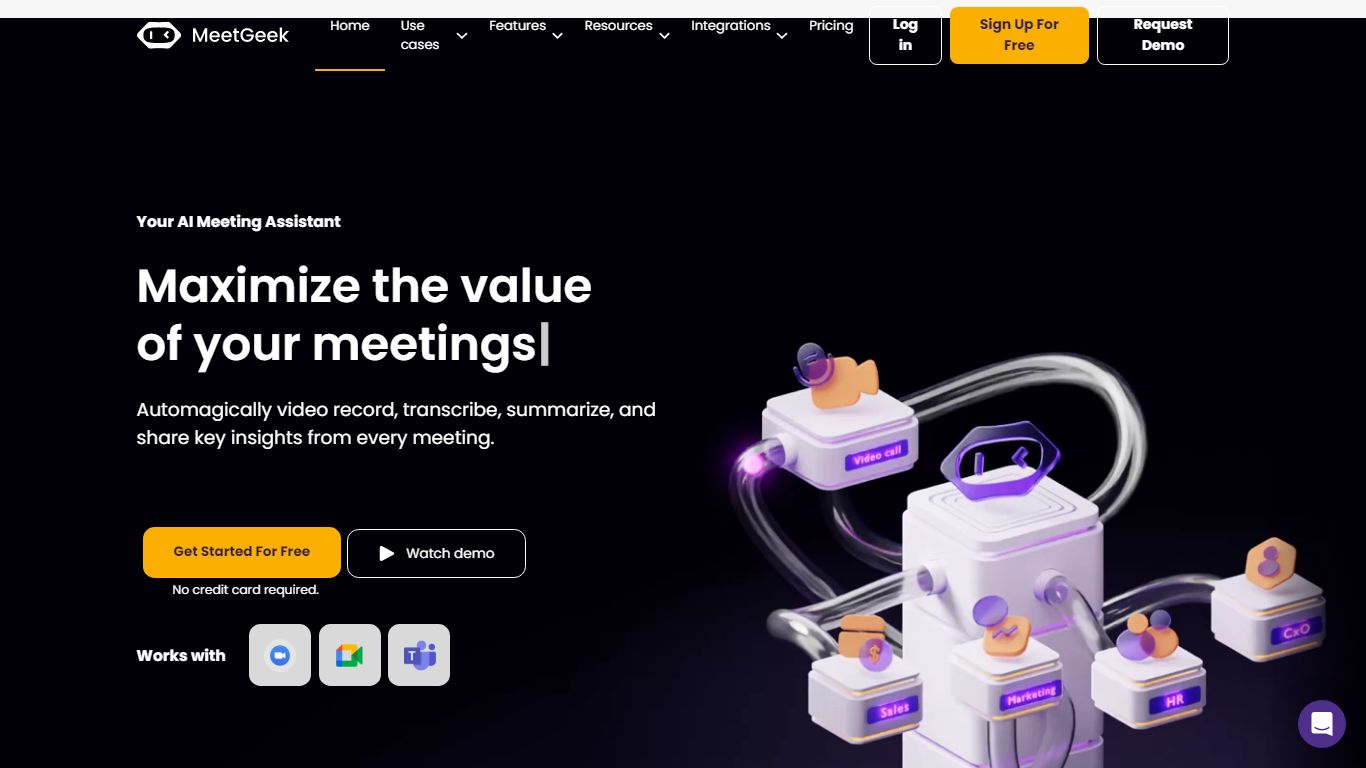
What is MeetGeek?
MeetGeek is a meeting assistant that records, transcribes, and summarizes calls across Zoom, Google Meet, Microsoft Teams, and other conferencing tools. It stores searchable transcripts, AI chat over past meetings, and workflow automations so teams can share notes without rewatching every recording.
Unlike lightweight note bots that only dump a summary, MeetGeek layers meeting templates, CRM integrations, and no-bot browser recording on top of transcription. That stack targets teams that need governance, analytics, and Zapier-style automation rather than a single post-call email.
Sales, customer success, and product teams use MeetGeek for customer calls, interviews, and internal standups. Educators and agencies also adopt it for online classes and client meetings where shared folders and role-based access matter.
fwd2cal Upvotes
MeetGeek Upvotes
fwd2cal Top Features
Forward threads to [email protected] and receive Google Calendar events with extracted date, time, location, and attendees
Register multiple sender addresses by emailing add [email protected] to [email protected]
Sign up by emailing [email protected] with subject Signup, then authorize Google Calendar via OAuth
Free plan lists Google Calendar support and multiple email addresses; pricing page shows a future $?/year tier if costs rise
Apache 2.0 open source code on GitHub at github.com/moeadham/fwd2cal/
Privacy policy names Google Cloud, OpenAI, and Resend as subprocessors; forwarded emails are not stored
MeetGeek Top Features
Auto-detects 100+ languages with speaker identification
Records Zoom, Google Meet, Microsoft Teams, and Webex calls
30+ meeting summary templates with meeting type auto-detection
No-bot recording via browser extension and desktop app
CRM sync to HubSpot, Salesforce, Pipedrive, and Zoho
API and MCP access for custom meeting workflows
fwd2cal Category
- Meeting Assistant
MeetGeek Category
- Meeting Assistant
fwd2cal Pricing Type
- Free
MeetGeek Pricing Type
- Freemium