Gempix 2 vs AI Background Remover on AI Image Enlarger
In the clash of Gempix 2 vs AI Background Remover on AI Image Enlarger, which AI Photo Editing tool emerges victorious? We assess reviews, pricing, alternatives, features, upvotes, and more.
When we put Gempix 2 and AI Background Remover on AI Image Enlarger head to head, which one emerges as the victor?
Let's take a closer look at Gempix 2 and AI Background Remover on AI Image Enlarger, both of which are AI-driven photo editing tools, and see what sets them apart. In the race for upvotes, Gempix 2 takes the trophy. Gempix 2 has attracted 7 upvotes from aitools.fyi users, and AI Background Remover on AI Image Enlarger has attracted 6 upvotes.
Don't agree with the result? Cast your vote and be a part of the decision-making process!
Gempix 2


What is Gempix 2?
Gempix 2 runs a browser-based photo editing workspace where you upload an image, write a prompt up to 2,000 characters, and spend credits on AI edits or generations. The homepage lists Image Edit, Text to Image, Text to Video, Image to Video, Video Edit, and Wan Animate tabs powered by NanoBanana 2 and SeeDream V4.
Most online editors charge flat subscriptions before you test output quality. Gempix 2 starts with free credits, then sells monthly credit buckets on plans that include commercial licensing, 1080p output, batch generation, and no watermarks when you upgrade.
It targets creators who want quick prompt-driven retouching without installing desktop software. The site advertises no registration required on the homepage and routes paid users through monthly, annual, or one-time billing options on its pricing page.
AI Background Remover on AI Image Enlarger
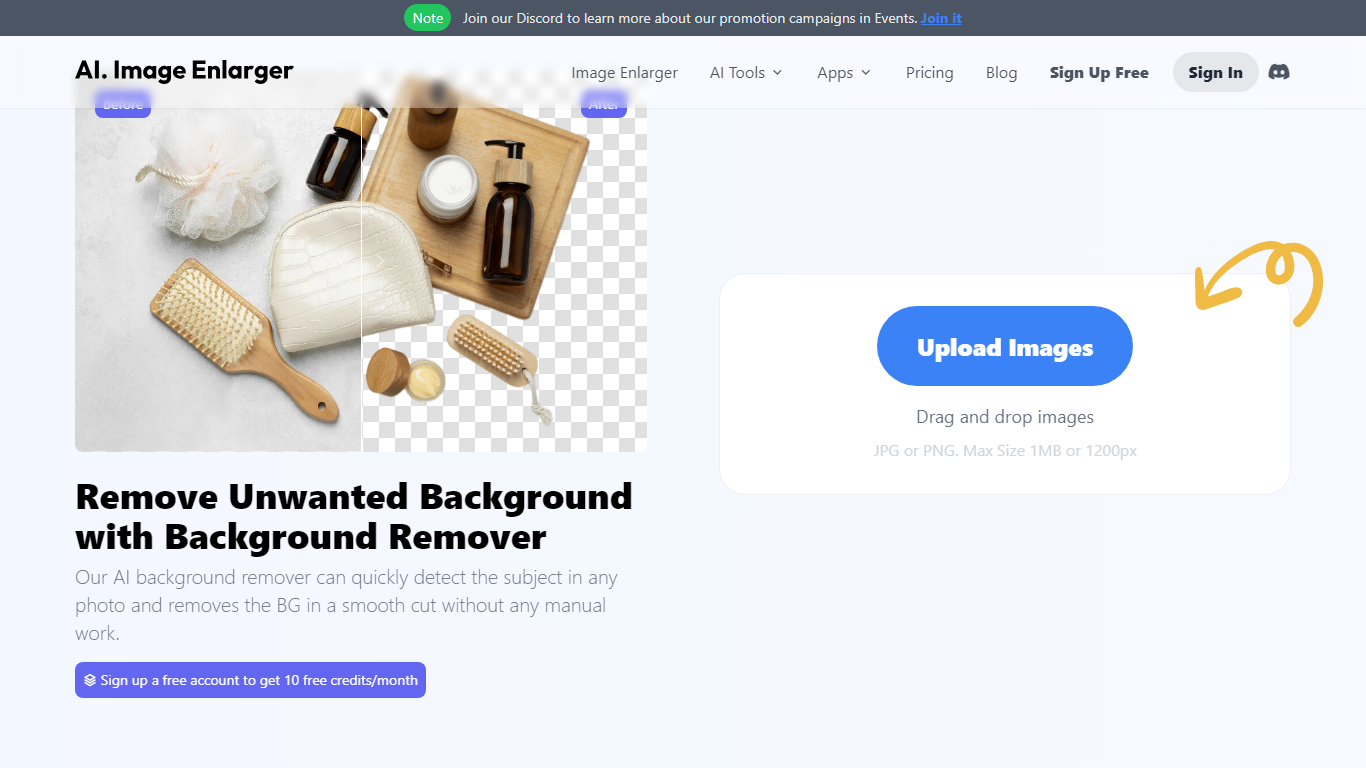
What is AI Background Remover on AI Image Enlarger?
AI Background Remover on ImgLarger strips backgrounds from photos in your browser and exports transparent PNGs without manual masking. Upload a JPG, PNG, or WebP file up to 10 MB, and the tool detects the subject and removes everything behind it for product shots, portraits, and social graphics.
Unlike standalone background removers that charge per export, this tool sits inside the ImgLarger suite alongside enlargers, denoisers, and photo repair tools on a shared credit system. Converter and editor tools on the site are free; AI processing costs 1 credit per image. Uploaded files are deleted within six hours rather than stored in a public gallery.
E-commerce sellers, designers, and social media creators use it for product cutouts, profile pictures, and presentation assets. The free plan includes 100 credits per month with a 1024px max input side; Premium at $9.99 per month raises that to 2000 credits with batch processing and up to 8X scaling on other suite tools.
Gempix 2 Upvotes
AI Background Remover on AI Image Enlarger Upvotes
Gempix 2 Top Features
Homepage image edit flow shows a Generate button costing 20 credits
Prompt field accepts up to 2,000 characters with dimension and advanced settings
Pricing Basic plan includes 1,500 credits per month and 1080p HD output
Plus plan raises the allowance to 7,500 credits per month on the pricing page
Enterprise adds API access and dedicated support with a 2 hour response target
Batch generation and commercial licensing appear on all paid pricing tiers
AI Background Remover on AI Image Enlarger Top Features
Accepts JPG, PNG, and WebP uploads up to 10 MB with a 1024px max input side on free tier
AI detects the main subject and removes backgrounds without manual tracing
Exports transparent PNGs for products, portraits, and social media graphics
Before-and-after preview lets you check edge quality before downloading
Uploaded images are automatically deleted within 6 hours for privacy
Shares ImgLarger credit system: 1 credit per AI task, converter tools are free
Gempix 2 Category
- Photo Editing
AI Background Remover on AI Image Enlarger Category
- Photo Editing
Gempix 2 Pricing Type
- Freemium
AI Background Remover on AI Image Enlarger Pricing Type
- Freemium