Gempix 2 vs AI Photo Fixer (formerly AI Color)
In the face-off between Gempix 2 vs AI Photo Fixer (formerly AI Color), which AI Photo Editing tool takes the crown? We scrutinize features, alternatives, upvotes, reviews, pricing, and more.
In a face-off between Gempix 2 and AI Photo Fixer (formerly AI Color), which one takes the crown?
If we were to analyze Gempix 2 and AI Photo Fixer (formerly AI Color), both of which are AI-powered photo editing tools, what would we find? There's no clear winner in terms of upvotes, as both tools have received the same number. Be a part of the decision-making process. Your vote could determine the winner.
Disagree with the result? Upvote your favorite tool and help it win!
Gempix 2


What is Gempix 2?
Gempix 2 runs a browser-based photo editing workspace where you upload an image, write a prompt up to 2,000 characters, and spend credits on AI edits or generations. The homepage lists Image Edit, Text to Image, Text to Video, Image to Video, Video Edit, and Wan Animate tabs powered by NanoBanana 2 and SeeDream V4.
Most online editors charge flat subscriptions before you test output quality. Gempix 2 starts with free credits, then sells monthly credit buckets on plans that include commercial licensing, 1080p output, batch generation, and no watermarks when you upgrade.
It targets creators who want quick prompt-driven retouching without installing desktop software. The site advertises no registration required on the homepage and routes paid users through monthly, annual, or one-time billing options on its pricing page.
AI Photo Fixer (formerly AI Color)
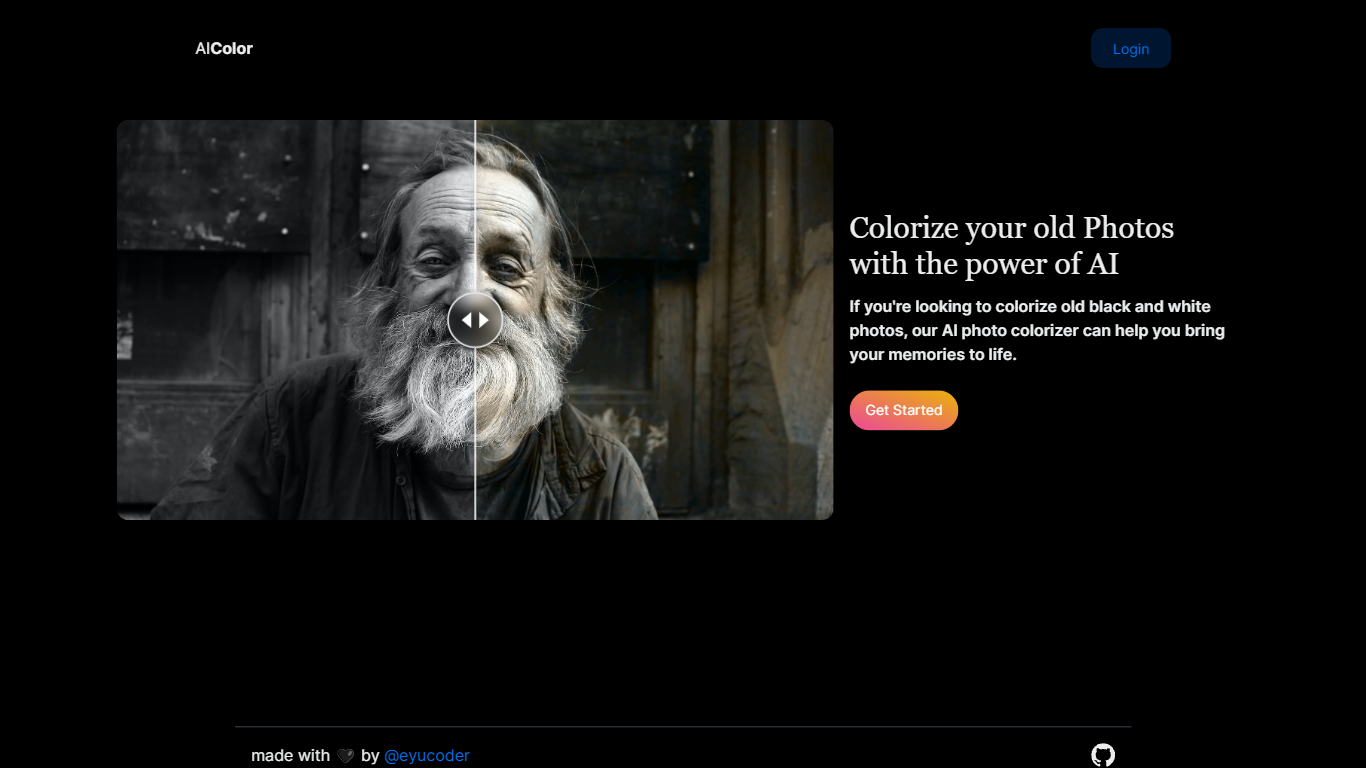
What is AI Photo Fixer (formerly AI Color)?
Upload a photo to aicolor.art, pick one of eight repair modes, and get a processed file back in the browser after you sign in. The site takes JPG, PNG, and WebP files up to 10MB and runs jobs like colorize, upscale, background removal, or short animation from the same screen.
Most photo editors spread restoration tools across separate apps or desktop installs. AI Photo Fixer keeps colorization, face cleanup, low-light correction, upscaling, background swap, and short animation on one page, with credit costs and run times listed beside each mode before you start. That makes it a narrow pick for quick one-off fixes rather than layered manual editing in Photoshop or GIMP.
Genealogy hobbyists colorizing scanned family prints, people cleaning up old phone shots, and anyone who wants a fast pass on a damaged image without learning layer masks will get the most from it. Sign-in is required, and each mode spends 1 to 3 credits depending on the job.
Gempix 2 Upvotes
AI Photo Fixer (formerly AI Color) Upvotes
Gempix 2 Top Features
Homepage image edit flow shows a Generate button costing 20 credits
Prompt field accepts up to 2,000 characters with dimension and advanced settings
Pricing Basic plan includes 1,500 credits per month and 1080p HD output
Plus plan raises the allowance to 7,500 credits per month on the pricing page
Enterprise adds API access and dedicated support with a 2 hour response target
Batch generation and commercial licensing appear on all paid pricing tiers
AI Photo Fixer (formerly AI Color) Top Features
Accepts JPG, PNG, and WebP uploads up to 10MB on the main screen
Colorize mode finishes in 5-10 seconds and costs 1 credit per run
Auto Fix takes 15-30 seconds and spends 3 credits for a full pass
Eight modes cover face restore, upscale, low-light fix, background removal, new background, and animation
Animate mode runs 30-60 seconds and costs 3 credits per clip
Each mode shows its credit cost and estimated runtime before you start
Gempix 2 Category
- Photo Editing
AI Photo Fixer (formerly AI Color) Category
- Photo Editing
Gempix 2 Pricing Type
- Freemium
AI Photo Fixer (formerly AI Color) Pricing Type
- Freemium