Gempix 2 vs BgSub
Explore the showdown between Gempix 2 vs BgSub and find out which AI Photo Editing tool wins. We analyze upvotes, features, reviews, pricing, alternatives, and more.
When comparing Gempix 2 and BgSub, which one rises above the other?
When we contrast Gempix 2 with BgSub, both of which are exceptional AI-operated photo editing tools, and place them side by side, we can spot several crucial similarities and divergences. Both tools are equally favored, as indicated by the identical upvote count. The power is in your hands! Cast your vote and have a say in deciding the winner.
You don't agree with the result? Cast your vote to help us decide!
Gempix 2


What is Gempix 2?
Gempix 2 runs a browser-based photo editing workspace where you upload an image, write a prompt up to 2,000 characters, and spend credits on AI edits or generations. The homepage lists Image Edit, Text to Image, Text to Video, Image to Video, Video Edit, and Wan Animate tabs powered by NanoBanana 2 and SeeDream V4.
Most online editors charge flat subscriptions before you test output quality. Gempix 2 starts with free credits, then sells monthly credit buckets on plans that include commercial licensing, 1080p output, batch generation, and no watermarks when you upgrade.
It targets creators who want quick prompt-driven retouching without installing desktop software. The site advertises no registration required on the homepage and routes paid users through monthly, annual, or one-time billing options on its pricing page.
BgSub
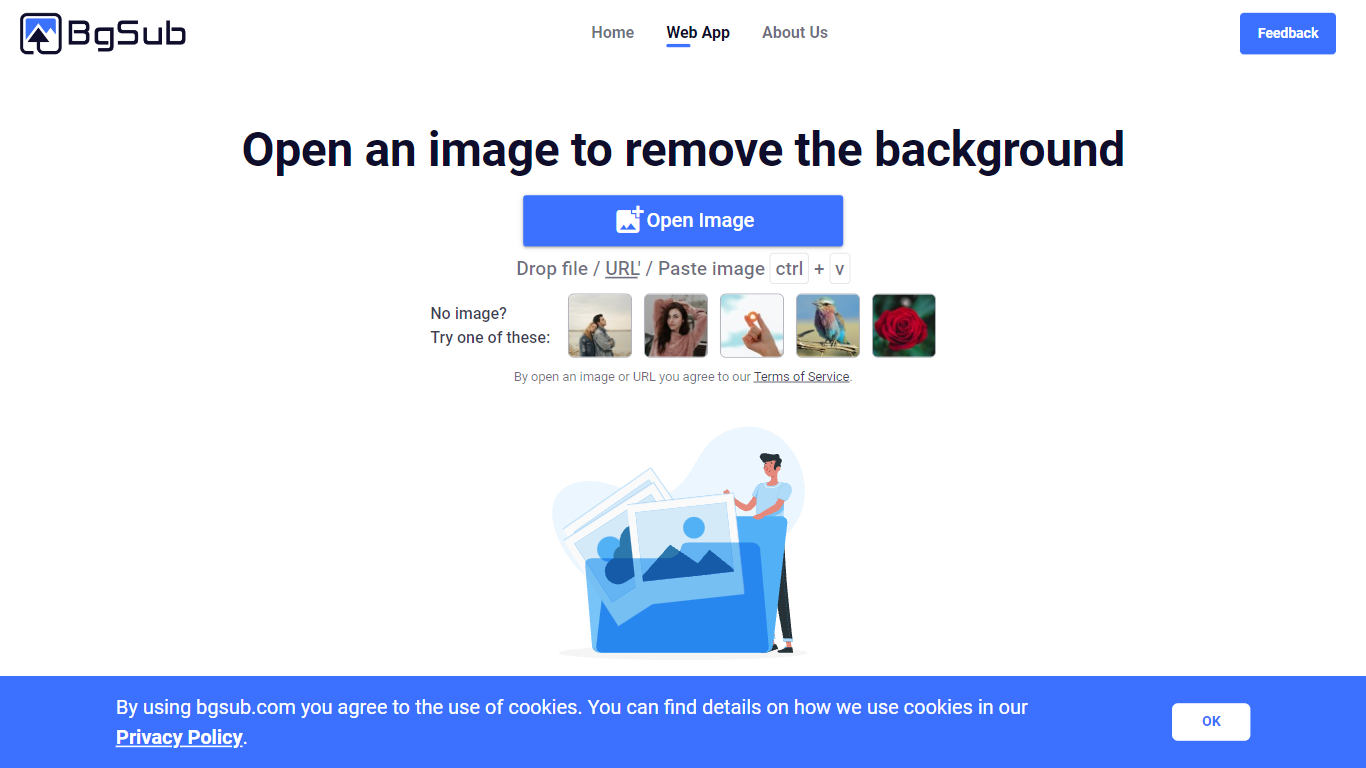
What is BgSub?
BgSub removes or replaces photo backgrounds inside your browser without uploading files to a server. The marketing site promises results in about 5 seconds, with one-click cutouts, replacement fills using color, gradients, or images, and an AI coloring pass for quick color tweaks. Processing stays local enough that BgSub highlights a no-upload privacy story on the homepage.
Most background removers send every image to the cloud by default. BgSub leans on in-browser processing and calls out that images are not uploaded during editing, which matters when you are working with client product shots or personal portraits. It also bundles artistic effects plus free adjustment controls for size, position, and mirroring instead of stopping at a plain transparent PNG.
The tool targets individuals polishing social photos, e-commerce sellers refreshing product shots, photographers swapping backgrounds without a green screen, and marketers testing ad creatives. Sample galleries on bgsub.com show people, products, animals, clothes, and plants, and the FAQ notes commercial use is allowed on processed images.
Gempix 2 Upvotes
BgSub Upvotes
Gempix 2 Top Features
Homepage image edit flow shows a Generate button costing 20 credits
Prompt field accepts up to 2,000 characters with dimension and advanced settings
Pricing Basic plan includes 1,500 credits per month and 1080p HD output
Plus plan raises the allowance to 7,500 credits per month on the pricing page
Enterprise adds API access and dedicated support with a 2 hour response target
Batch generation and commercial licensing appear on all paid pricing tiers
BgSub Top Features
Homepage meta promises background removal or replacement in about 5 seconds in the browser
Processing runs without uploading images, according to the privacy FAQ answer
Replace backgrounds with solid color, gradients, or custom image fills
AI Coloring offers one-click automatic color adjustment on cutout subjects
Free adjustment controls cover size, position, and mirroring after the cutout
Supports images up to 4096 x 4096 resolution per the FAQ
Artistic effects layer on top of the base cutout for quick creative variants
Gempix 2 Category
- Photo Editing
BgSub Category
- Photo Editing
Gempix 2 Pricing Type
- Freemium
BgSub Pricing Type
- Free