Gempix 2 vs EasifyAI
Explore the showdown between Gempix 2 vs EasifyAI and find out which AI Photo Editing tool wins. We analyze upvotes, features, reviews, pricing, alternatives, and more.
In a face-off between Gempix 2 and EasifyAI, which one takes the crown?
When we contrast Gempix 2 with EasifyAI, both of which are exceptional AI-operated photo editing tools, and place them side by side, we can spot several crucial similarities and divergences. The upvote count shows a clear preference for EasifyAI. EasifyAI has garnered 9 upvotes, and Gempix 2 has garnered 7 upvotes.
Disagree with the result? Upvote your favorite tool and help it win!
Gempix 2


What is Gempix 2?
Gempix 2 runs a browser-based photo editing workspace where you upload an image, write a prompt up to 2,000 characters, and spend credits on AI edits or generations. The homepage lists Image Edit, Text to Image, Text to Video, Image to Video, Video Edit, and Wan Animate tabs powered by NanoBanana 2 and SeeDream V4.
Most online editors charge flat subscriptions before you test output quality. Gempix 2 starts with free credits, then sells monthly credit buckets on plans that include commercial licensing, 1080p output, batch generation, and no watermarks when you upgrade.
It targets creators who want quick prompt-driven retouching without installing desktop software. The site advertises no registration required on the homepage and routes paid users through monthly, annual, or one-time billing options on its pricing page.
EasifyAI
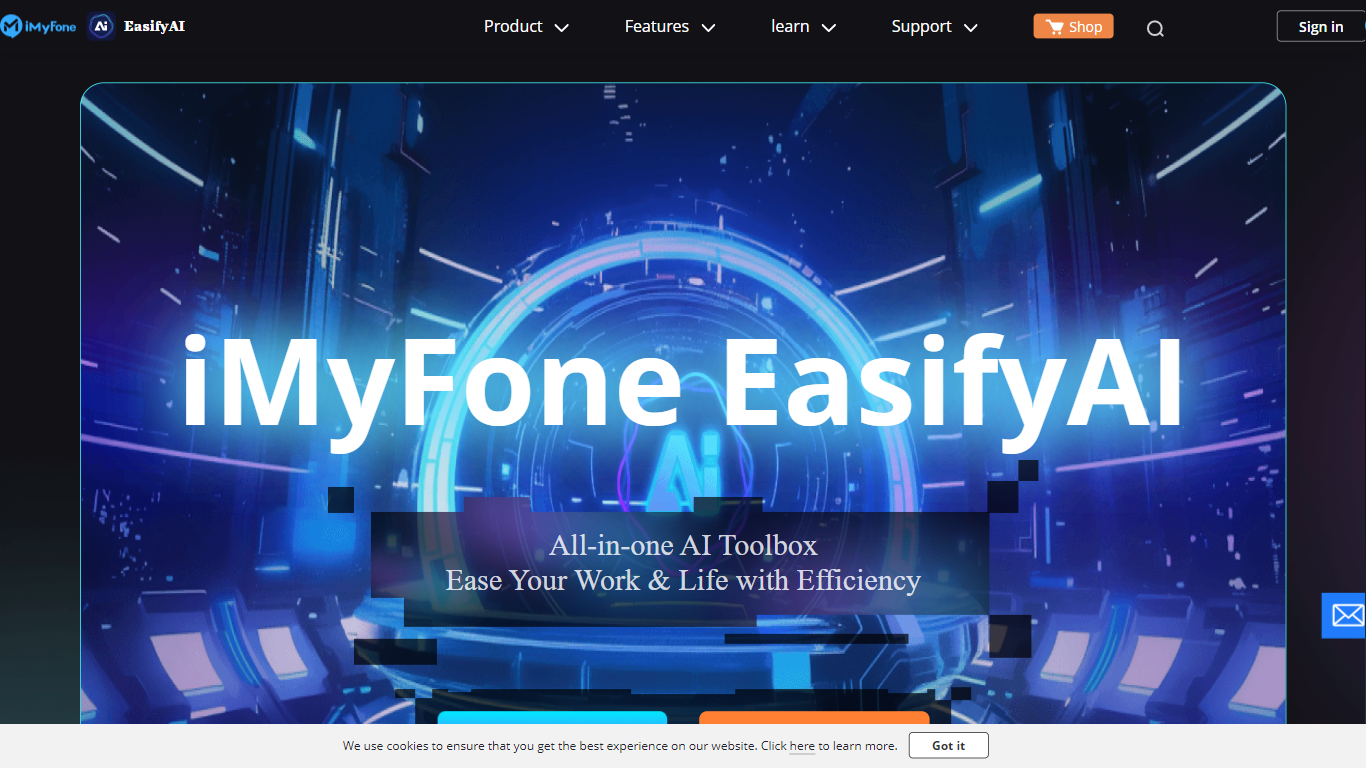
What is EasifyAI?
EasifyAI is a desktop photo editing and AI productivity toolkit from iMyFone. It bundles writing, image, and video tools into one downloadable app so you do not need separate subscriptions for each task. You pick a tool inside the app, wait for it to load on first use, and run jobs like photo enhancement, anime conversion, or story-to-video generation locally.
Where most iMyFone products focus on one job, EasifyAI targets people who want a rotating set of creative utilities in a single install. The trade-off is that each tool loads on demand rather than opening instantly, which suits occasional users more than teams running batch jobs all day.
It fits Windows users who edit photos, turn stories into short videos, rewrite text, or extract and translate text from images. Support docs list free trials for video and rewriting tools, with paid Basic and Toolkit plans for broader access.
Gempix 2 Upvotes
EasifyAI Upvotes
Gempix 2 Top Features
Homepage image edit flow shows a Generate button costing 20 credits
Prompt field accepts up to 2,000 characters with dimension and advanced settings
Pricing Basic plan includes 1,500 credits per month and 1080p HD output
Plus plan raises the allowance to 7,500 credits per month on the pricing page
Enterprise adds API access and dedicated support with a 2 hour response target
Batch generation and commercial licensing appear on all paid pricing tiers
EasifyAI Top Features
Bundles photo enhancement, anime conversion, uncropping, and colorization in one Windows app
Story-to-video and AI rewriter tools with free trial access before upgrading
Image-to-text supports 18 recognition languages plus post-extraction translation
Exports watermark-free HD images and videos for download
Basic and Toolkit subscription plans with cancel-anytime billing
Gempix 2 Category
- Photo Editing
EasifyAI Category
- Photo Editing
Gempix 2 Pricing Type
- Freemium
EasifyAI Pricing Type
- Freemium