Gempix 2 vs Img-Cut
When comparing Gempix 2 vs Img-Cut, which AI Photo Editing tool shines brighter? We look at pricing, alternatives, upvotes, features, reviews, and more.
In a comparison between Gempix 2 and Img-Cut, which one comes out on top?
When we put Gempix 2 and Img-Cut side by side, both being AI-powered photo editing tools, The users have made their preference clear, Gempix 2 leads in upvotes. Gempix 2 has received 7 upvotes from aitools.fyi users, while Img-Cut has received 6 upvotes.
Feeling rebellious? Cast your vote and shake things up!
Gempix 2


What is Gempix 2?
Gempix 2 runs a browser-based photo editing workspace where you upload an image, write a prompt up to 2,000 characters, and spend credits on AI edits or generations. The homepage lists Image Edit, Text to Image, Text to Video, Image to Video, Video Edit, and Wan Animate tabs powered by NanoBanana 2 and SeeDream V4.
Most online editors charge flat subscriptions before you test output quality. Gempix 2 starts with free credits, then sells monthly credit buckets on plans that include commercial licensing, 1080p output, batch generation, and no watermarks when you upgrade.
It targets creators who want quick prompt-driven retouching without installing desktop software. The site advertises no registration required on the homepage and routes paid users through monthly, annual, or one-time billing options on its pricing page.
Img-Cut
What is Img-Cut?
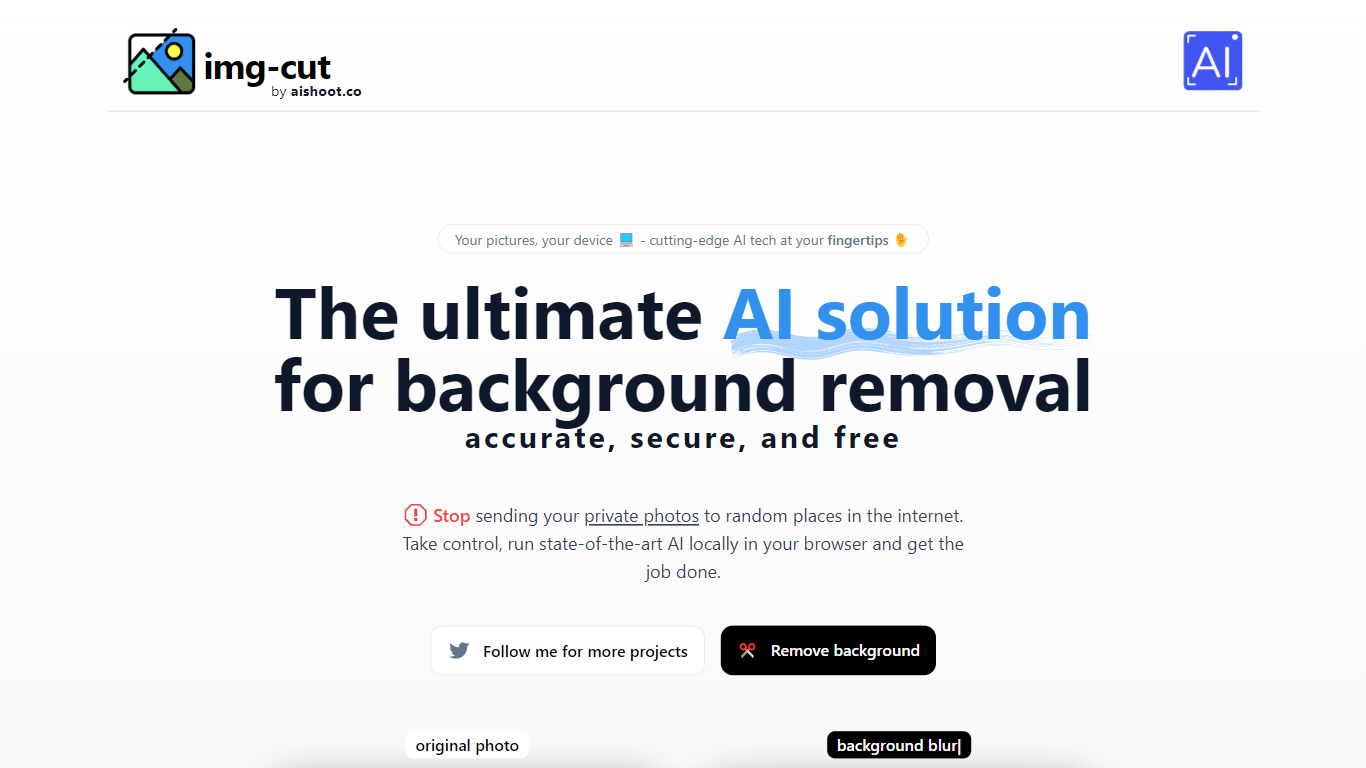
Img-Cut removes backgrounds from images using AI technology that processes photos locally on your device. This ensures your images remain private since no data is uploaded to external servers.
What sets Img-Cut apart is its commitment to privacy and ease of use. Unlike many background removal tools that require uploading images online, Img-Cut performs all processing directly in the browser without any software installation.
The tool offers a simple interface accessible to users of all skill levels, making quick and accurate background removal straightforward. It supports multiple devices and provides free access to advanced background removal features.
Img-Cut is ideal for photographers, designers, and casual users who need fast, private editing without complex software. Its local processing approach balances convenience with data security, making it a reliable choice for sensitive image editing tasks.
Gempix 2 Upvotes
Img-Cut Upvotes
Gempix 2 Top Features
Homepage image edit flow shows a Generate button costing 20 credits
Prompt field accepts up to 2,000 characters with dimension and advanced settings
Pricing Basic plan includes 1,500 credits per month and 1080p HD output
Plus plan raises the allowance to 7,500 credits per month on the pricing page
Enterprise adds API access and dedicated support with a 2 hour response target
Batch generation and commercial licensing appear on all paid pricing tiers
Img-Cut Top Features
🖼️ AI-powered precise background removal for clean images
🔒 Local image processing to ensure user privacy
⚡ Fast editing directly in the web browser with no uploads
🎨 Simple interface suitable for all skill levels
💻 No installation required, works on multiple devices
Gempix 2 Category
- Photo Editing
Img-Cut Category
- Photo Editing
Gempix 2 Pricing Type
- Freemium
Img-Cut Pricing Type
- Freemium