Gempix 2 vs NeuralPix
Dive into the comparison of Gempix 2 vs NeuralPix and discover which AI Photo Editing tool stands out. We examine alternatives, upvotes, features, reviews, pricing, and beyond.
When comparing Gempix 2 and NeuralPix , which one rises above the other?
When we compare Gempix 2 and NeuralPix , two exceptional photo editing tools powered by artificial intelligence, and place them side by side, several key similarities and differences come to light. In the race for upvotes, Gempix 2 takes the trophy. The number of upvotes for Gempix 2 stands at 7, and for NeuralPix it's 6.
Want to flip the script? Upvote your favorite tool and change the game!
Gempix 2


What is Gempix 2?
Gempix 2 runs a browser-based photo editing workspace where you upload an image, write a prompt up to 2,000 characters, and spend credits on AI edits or generations. The homepage lists Image Edit, Text to Image, Text to Video, Image to Video, Video Edit, and Wan Animate tabs powered by NanoBanana 2 and SeeDream V4.
Most online editors charge flat subscriptions before you test output quality. Gempix 2 starts with free credits, then sells monthly credit buckets on plans that include commercial licensing, 1080p output, batch generation, and no watermarks when you upgrade.
It targets creators who want quick prompt-driven retouching without installing desktop software. The site advertises no registration required on the homepage and routes paid users through monthly, annual, or one-time billing options on its pricing page.
NeuralPix
What is NeuralPix ?
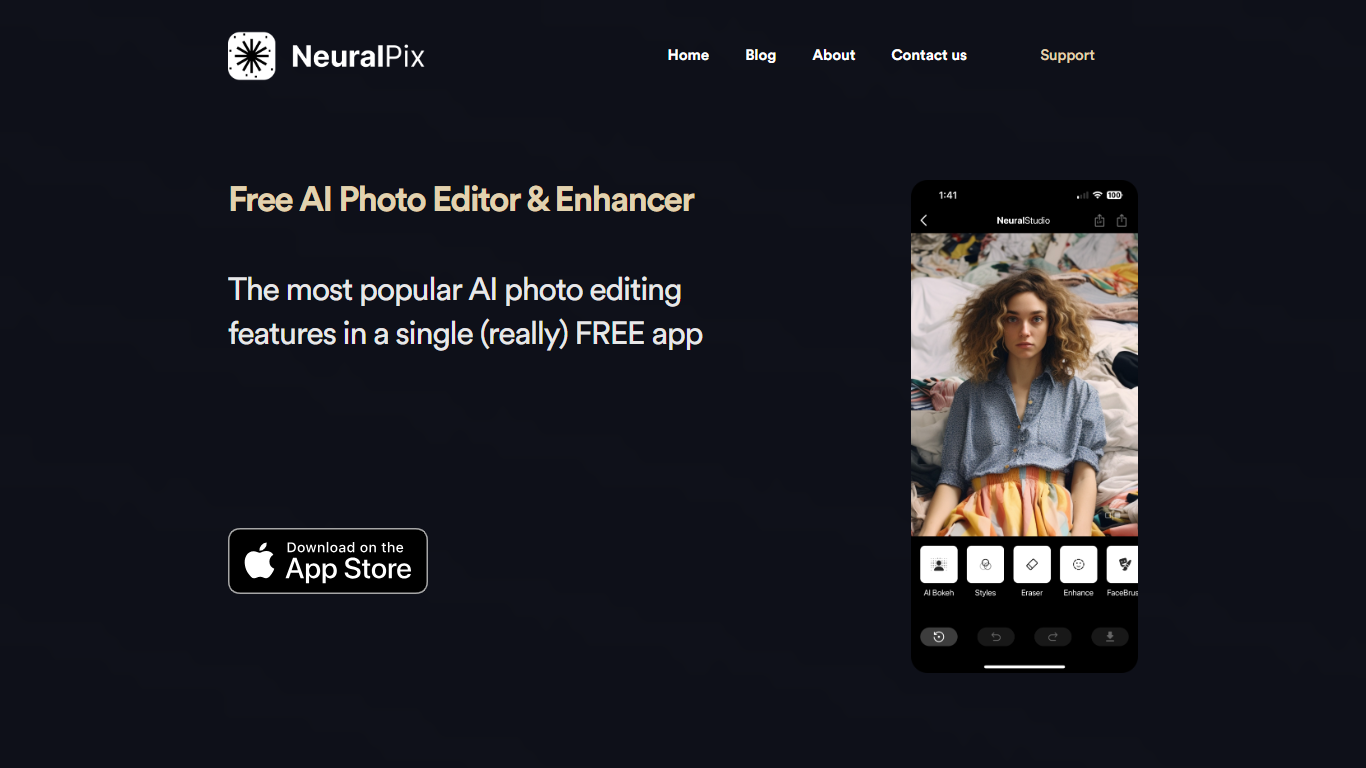
NeuralPix is a free AI photo and video editor from Neural Cam SRL for iPhone, with support on Mac with Apple silicon. You edit photos by typing what you want changed or picking from a curated prompt library, then apply the transformation with one tap. The app can also animate any edit into a short video clip sized for TikTok and Reels.
Eight core AI tools run on-device and work offline, including AI Eraser, background blur and bokeh, upscaling, styles and filters, and more. The prompt library covers pro headshots, object removal, background replacement, art styles, and selfie transformations with before-and-after previews.
The base app is free with no subscription required for the eight permanent AI tools. NeuralPix Pro unlocks advanced features and higher usage limits through an optional in-app subscription.
Gempix 2 Upvotes
NeuralPix Upvotes
Gempix 2 Top Features
Homepage image edit flow shows a Generate button costing 20 credits
Prompt field accepts up to 2,000 characters with dimension and advanced settings
Pricing Basic plan includes 1,500 credits per month and 1080p HD output
Plus plan raises the allowance to 7,500 credits per month on the pricing page
Enterprise adds API access and dedicated support with a 2 hour response target
Batch generation and commercial licensing appear on all paid pricing tiers
NeuralPix Top Features
Edit photos with text prompts or pick from a curated prompt library with one-tap apply
Animate any photo transformation into 4 to 8 second videos for TikTok and Reels
Eight on-device AI tools free forever, including AI Eraser, blur, bokeh, and upscaling
Prompt library with pro headshots, object removal, background replacement, and art styles
Works offline for core on-device editing tools without an internet connection
Gempix 2 Category
- Photo Editing
NeuralPix Category
- Photo Editing
Gempix 2 Pricing Type
- Freemium
NeuralPix Pricing Type
- Freemium