Gempix 2 vs QuickRedact
When comparing Gempix 2 vs QuickRedact, which AI Photo Editing tool shines brighter? We look at pricing, alternatives, upvotes, features, reviews, and more.
In a comparison between Gempix 2 and QuickRedact, which one comes out on top?
When we put Gempix 2 and QuickRedact side by side, both being AI-powered photo editing tools, Interestingly, both tools have managed to secure the same number of upvotes. Your vote matters! Help us decide the winner among aitools.fyi users by casting your vote.
Don't agree with the result? Cast your vote and be a part of the decision-making process!
Gempix 2


What is Gempix 2?
Gempix 2 runs a browser-based photo editing workspace where you upload an image, write a prompt up to 2,000 characters, and spend credits on AI edits or generations. The homepage lists Image Edit, Text to Image, Text to Video, Image to Video, Video Edit, and Wan Animate tabs powered by NanoBanana 2 and SeeDream V4.
Most online editors charge flat subscriptions before you test output quality. Gempix 2 starts with free credits, then sells monthly credit buckets on plans that include commercial licensing, 1080p output, batch generation, and no watermarks when you upgrade.
It targets creators who want quick prompt-driven retouching without installing desktop software. The site advertises no registration required on the homepage and routes paid users through monthly, annual, or one-time billing options on its pricing page.
QuickRedact
What is QuickRedact?
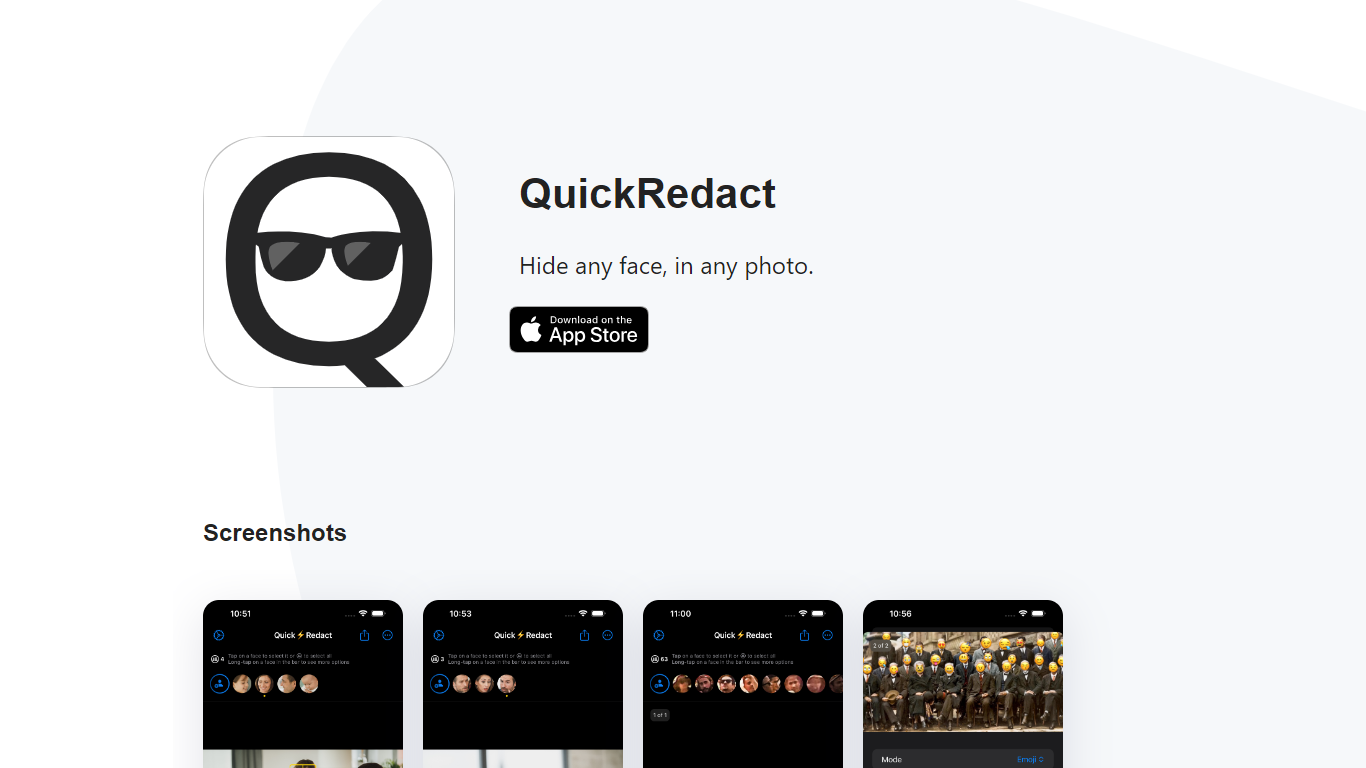
QuickRedact is an iOS photo privacy app that automatically detects and hides faces in your images. Import one photo or a whole batch, and the app finds every face on-device using local face detection, then lets you redact each one with blur, pixelation, emoji overlays, or shape masks.
All processing happens offline on your iPhone or iPad. Photos never leave your device, metadata is stripped from exports, and the developer does not use analytics or tracking services. Real-time previews use the device's GPU, Neural Engine, and Metal framework so edits render instantly.
QuickRedact is built by a solo developer and sold as a one-time App Store purchase with no subscriptions or in-app purchases. A share extension lets you send photos into the app from other iOS apps.
Gempix 2 Upvotes
QuickRedact Upvotes
Gempix 2 Top Features
Homepage image edit flow shows a Generate button costing 20 credits
Prompt field accepts up to 2,000 characters with dimension and advanced settings
Pricing Basic plan includes 1,500 credits per month and 1080p HD output
Plus plan raises the allowance to 7,500 credits per month on the pricing page
Enterprise adds API access and dedicated support with a 2 hour response target
Batch generation and commercial licensing appear on all paid pricing tiers
QuickRedact Top Features
Detects any number of faces in a photo automatically, including large group shots
Batch import and process multiple photos in one session
Per-face redaction with blur, pixelation, emoji, or shape effects
On-device processing with GPU and Neural Engine for real-time previews
Strips all photo metadata and runs with no analytics or tracking
Gempix 2 Category
- Photo Editing
QuickRedact Category
- Photo Editing
Gempix 2 Pricing Type
- Freemium
QuickRedact Pricing Type
- Paid