GitMind vs Qatalog
In the contest of GitMind vs Qatalog, which AI Project Management tool is the champion? We evaluate pricing, alternatives, upvotes, features, reviews, and more.
If you had to choose between GitMind and Qatalog, which one would you go for?
When we examine GitMind and Qatalog, both of which are AI-enabled project management tools, what unique characteristics do we discover? The community has spoken, GitMind leads with more upvotes. GitMind has 6 upvotes, and Qatalog has 4 upvotes.
Disagree with the result? Upvote your favorite tool and help it win!
GitMind
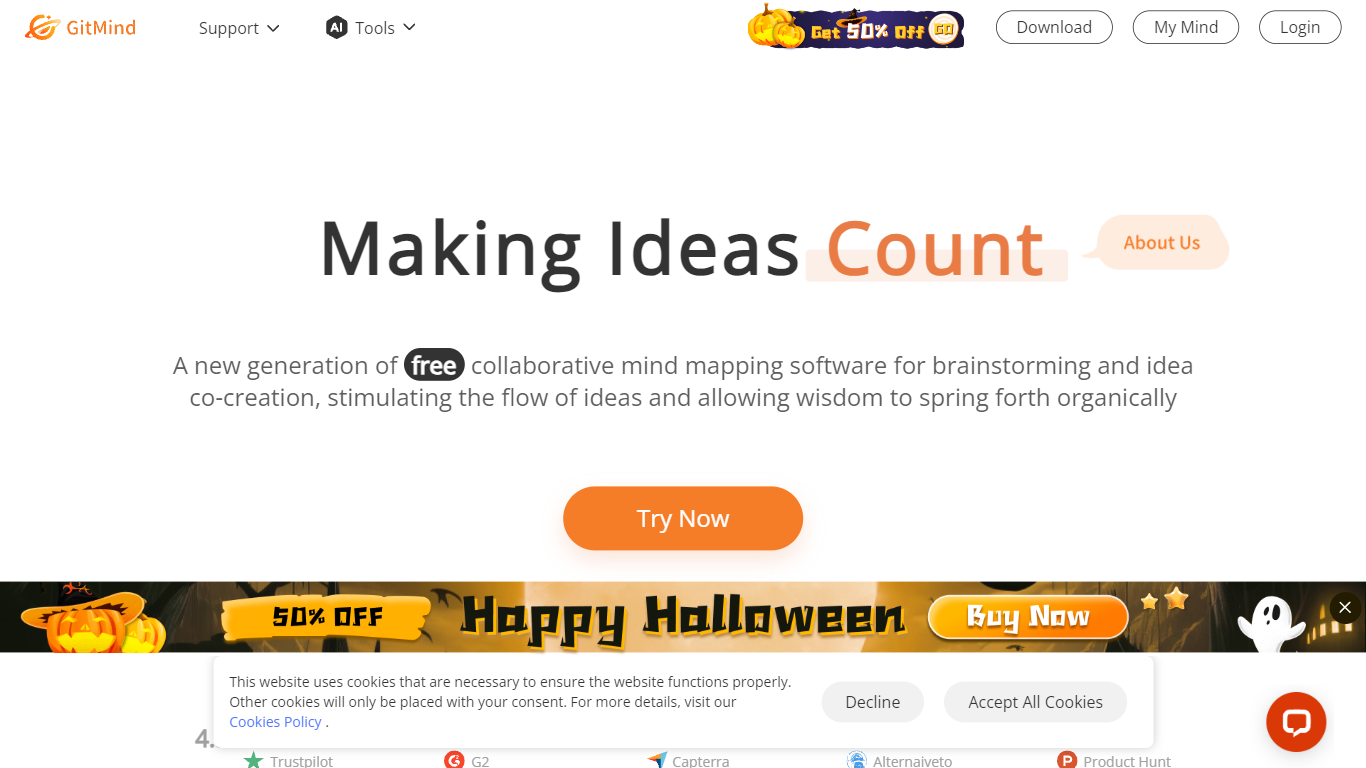

What is GitMind?
GitMind turns text, videos, audio, PDFs, websites, and images into mind maps, summaries, flowcharts, and infographics inside one visual workspace. Upload a file or paste a link, and the tool structures the content into editable diagrams you can share or present. Desktop and mobile apps sync projects across platforms for studying, research, and project planning.
Standalone mind map apps stop at diagram editing. GitMind bundles summarizers, OCR, YouTube transcript tools, and AI chat with ChatGPT, Claude, Gemini, and DeepSeek in the same canvas. That combination suits teams who want source material converted into visuals without switching between a note app, a diagram tool, and a separate AI chat tab.
Project managers, teachers, students, and researchers use GitMind to plan campaigns, summarize lectures, and generate UML or flowchart diagrams from prompts. The site reports 10 million users across 160 countries. Real-time collaboration and presentation mode support team workshops and classroom reviews.
Qatalog
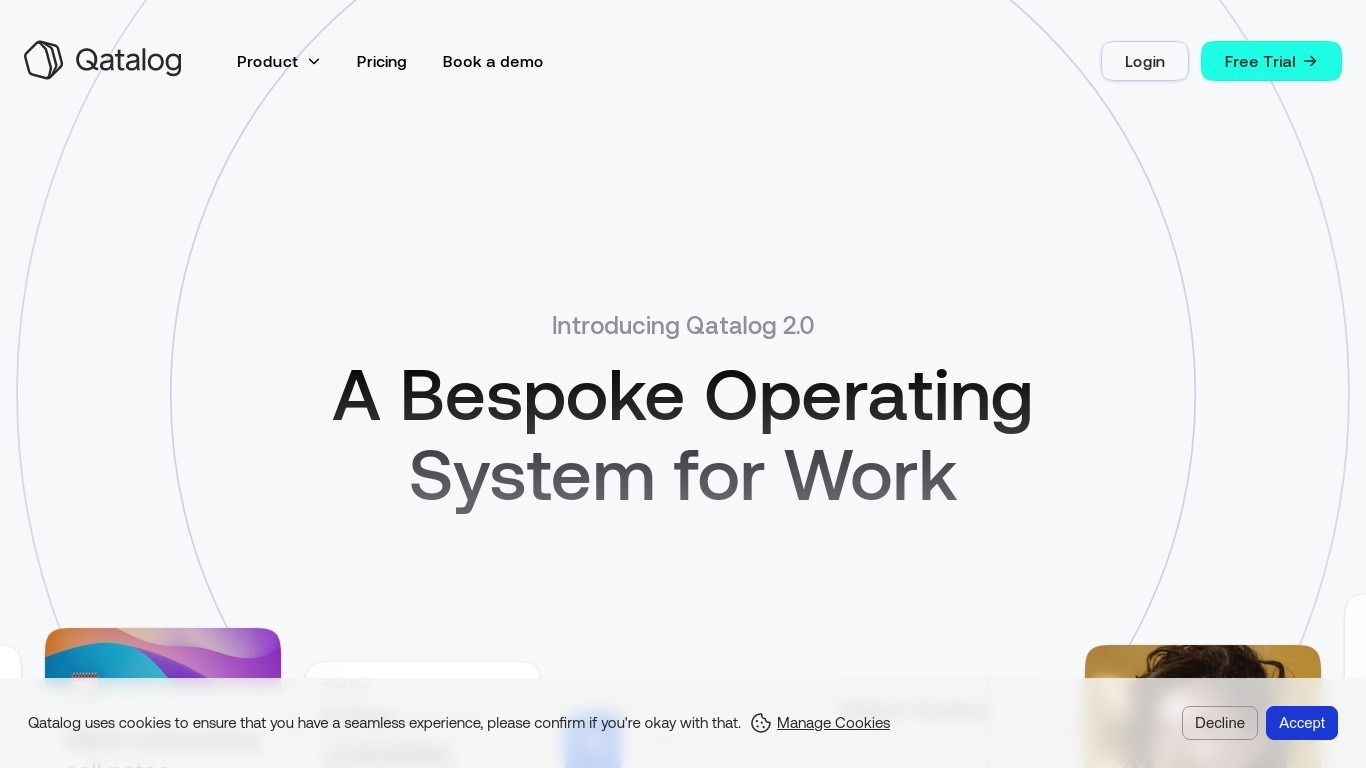
What is Qatalog?
Qatalog was a work hub for project management that combined company-wide search, ambient agents, and unified projects and docs in one workspace. ClickUp acquired Qatalog and qatalog.com now redirects to a ClickUp acquisition page announcing the integration of Qatalog technology into ClickUp Brain and the converged workspace.
The standalone Qatalog product is no longer offered as an independent service. ClickUp cites Qatalog's enterprise search and ambient agents as capabilities being folded into its platform alongside unified projects, docs, and Brain MAX cross-app search.
Teams that relied on Qatalog should evaluate ClickUp as the successor platform. The acquisition page invites users to join ClickUp for projects, documentation, and collaboration with SOC 2, ISO 27001, GDPR, and HIPAA compliance badges displayed.
GitMind Upvotes
Qatalog Upvotes
GitMind Top Features
Converts videos, PDFs, audio, websites, and images into mind maps or summaries
Free tier includes up to 10 mind maps and whiteboards
YouTube summarizer handles 20 minutes of one video per day on the free plan
Generates flowcharts, UML diagrams, ERDs, and infographics from text prompts
Integrates ChatGPT, Claude, Gemini, and DeepSeek inside the workspace
Real-time collaboration with presentation mode for team reviews
Qatalog Top Features
Company-wide search with contextual answers across connected work apps
Ambient agents designed to handle routine busywork automatically
Unified projects and docs in a single workspace before acquisition
Integration into ClickUp Brain MAX for cross-app and web search
ClickUp acquisition page cites SOC 2, ISO 27001, GDPR, and HIPAA compliance
GitMind Category
- Project Management
Qatalog Category
- Project Management
GitMind Pricing Type
- Freemium
Qatalog Pricing Type
- Paid