GoWhisper vs SpeechGPT
When comparing GoWhisper vs SpeechGPT, which AI Audio Generation tool shines brighter? We look at pricing, alternatives, upvotes, features, reviews, and more.
In a comparison between GoWhisper and SpeechGPT, which one comes out on top?
When we put GoWhisper and SpeechGPT side by side, both being AI-powered audio generation tools, Interestingly, both tools have managed to secure the same number of upvotes. Every vote counts! Cast yours and contribute to the decision of the winner.
Think we got it wrong? Cast your vote and show us who's boss!
GoWhisper

What is GoWhisper?
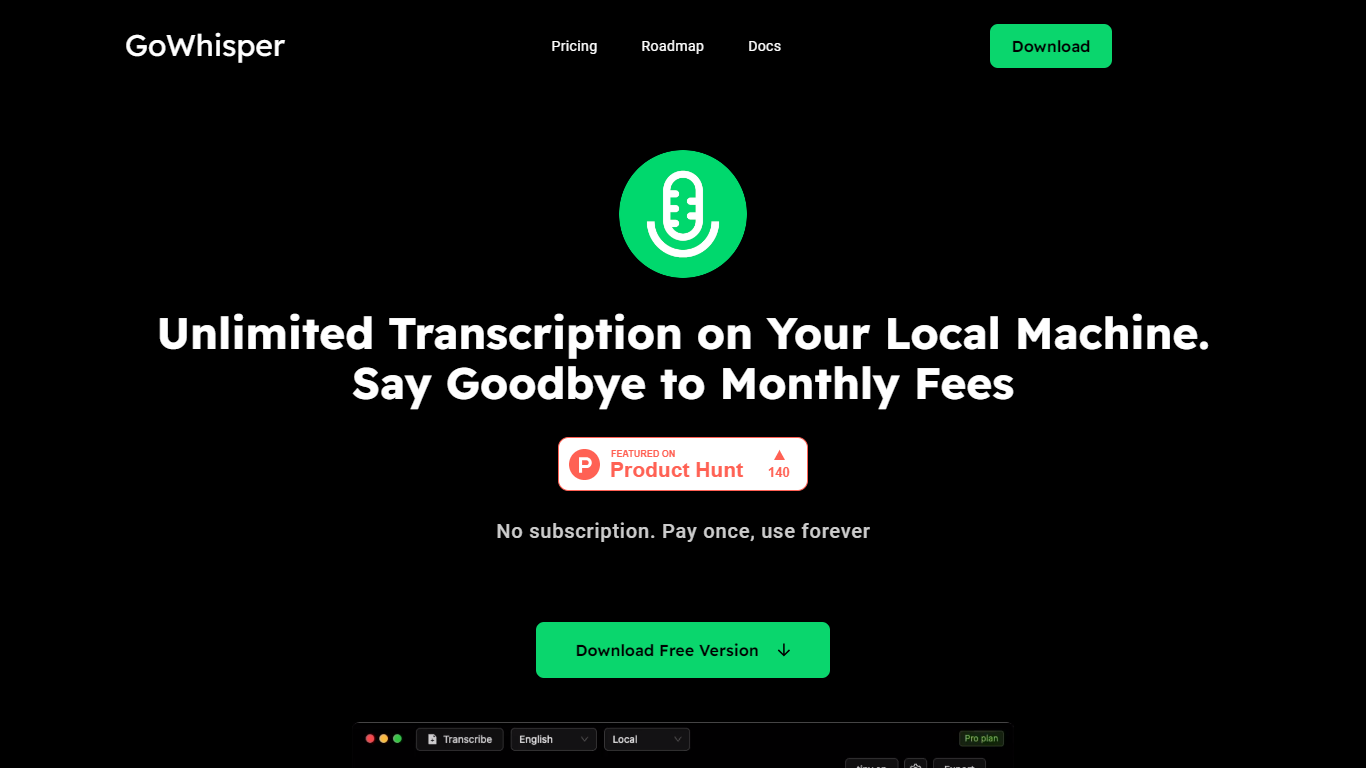
GoWhisper is a desktop transcription app for Mac and Windows that converts speech to text entirely on your own machine. You drag in audio or video files, record from your microphone, or pull from YouTube and podcasts on the Pro plan, and get transcripts without sending anything to the cloud.
It runs on Whisper models locally, so transcription stays offline and private. You pick your language from 99 supported options or let GoWhisper auto-detect, choose a model size for speed versus accuracy, and export results as SRT, TXT, VTT, or CSV.
The tool targets podcasters, journalists, researchers, students, and anyone who needs accurate transcripts without subscription fees or upload limits. Pay once for Pro or use the free tier with unlimited transcription on Tiny and Base models.
SpeechGPT

What is SpeechGPT?
SpeechGPT lets you hold voice conversations in the browser using your own OpenAI API key. You type or record messages, send them through a chat interface, and hear spoken replies without installing desktop software.
Unlike hosted TTS services that bundle model costs into a subscription, SpeechGPT runs in the browser and bills you only through the OpenAI, Azure Speech Services, or Amazon Polly accounts you connect. That makes it a lightweight option for developers and language learners who already have API access and want a simple voice chat front end.
The interface supports English, Spanish, and Chinese UI labels, includes a record button for speech input, and stores session data locally in the browser. It suits developers testing voice chat flows, language learners practicing spoken prompts, and anyone who wants a minimal ChatGPT voice client on mobile or desktop.
GoWhisper Upvotes
SpeechGPT Upvotes
GoWhisper Top Features
Transcription runs 100% on your computer with no cloud uploads
Drop in wav, mp3, m4a, mp4, mov, or mkv files, or record straight from your mic
Auto-detect or pick from 99 languages with multiple Whisper model sizes
Export transcripts as SRT, TXT, VTT, or CSV for captions and editing
Pro unlocks all Whisper models, YouTube and podcast transcription, and retranscribe
SpeechGPT Top Features
Chat interface accepts typed messages or recorded speech input with Enter to send
Requires your OpenAI API key in settings before the app will run conversations
Optional Azure Speech Services or Amazon Polly access keys for alternate text-to-speech backends
UI available in English, Spanish, and Chinese from the in-app language selector
Shift plus Enter inserts a newline without sending the message
Runs as a web app on Vercel with no separate desktop install required
GoWhisper Category
- Audio Generation
SpeechGPT Category
- Audio Generation
GoWhisper Pricing Type
- Freemium
SpeechGPT Pricing Type
- Free